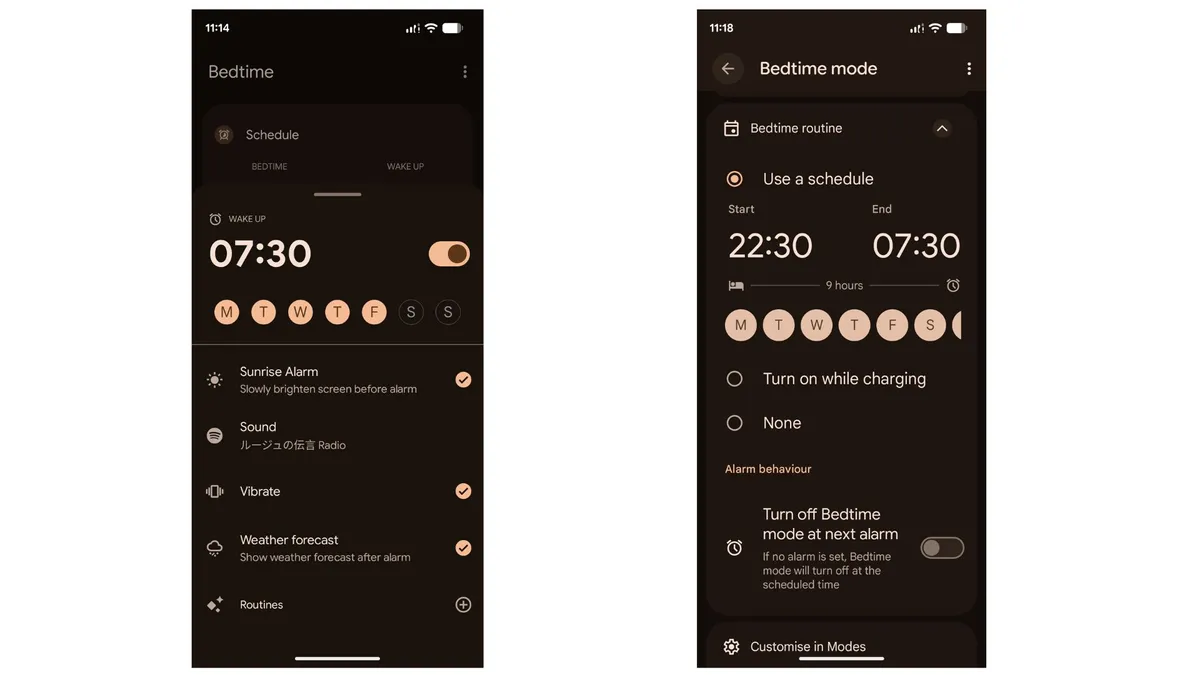
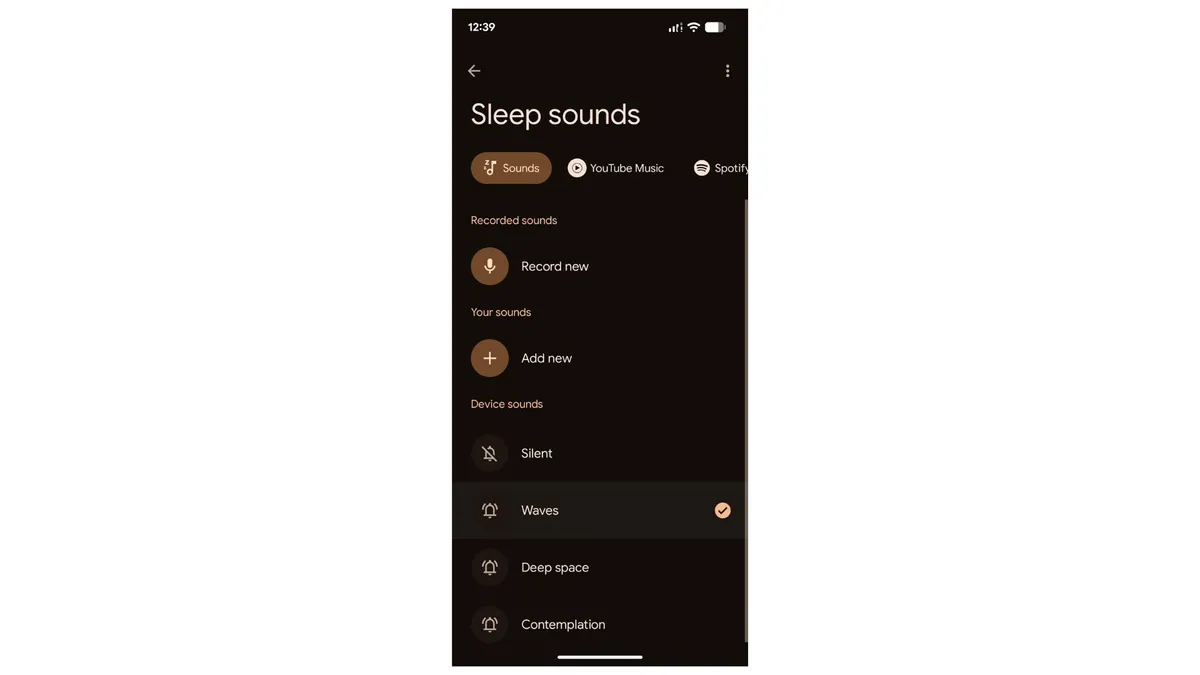
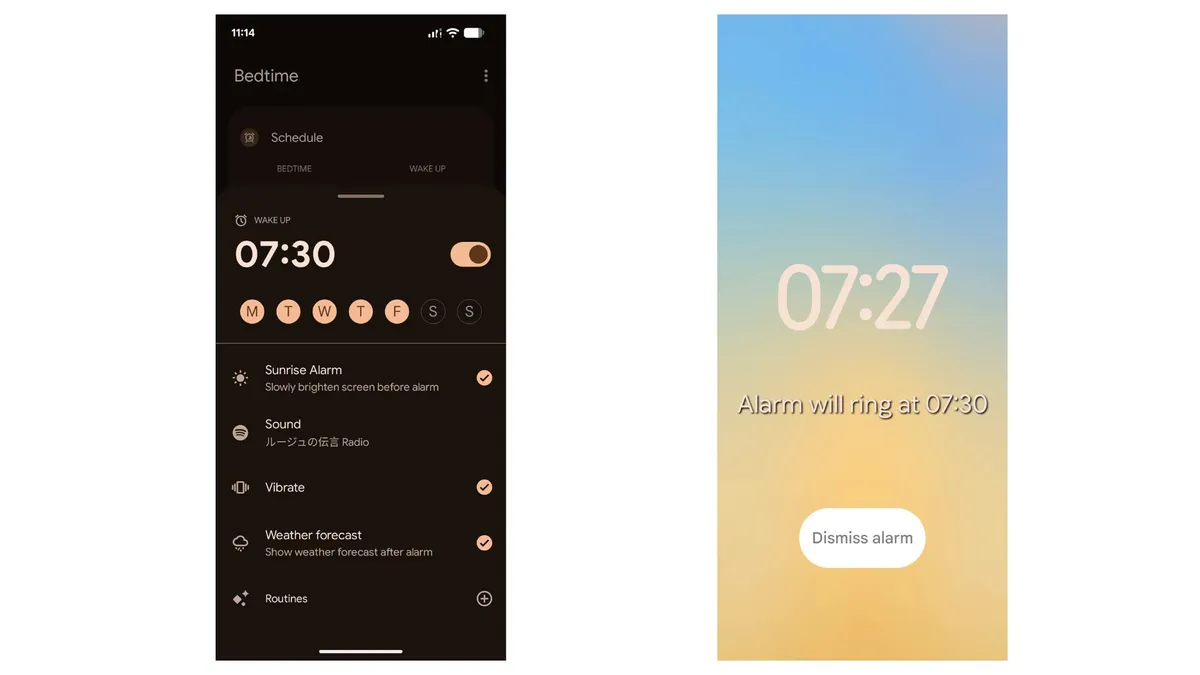
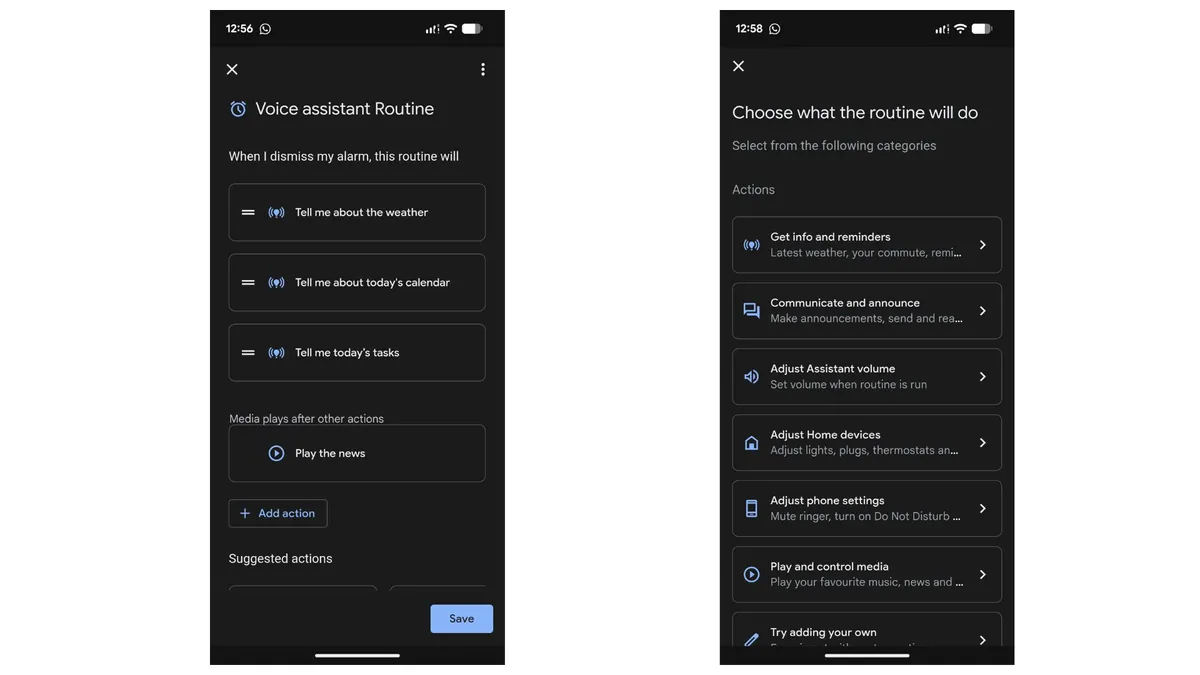
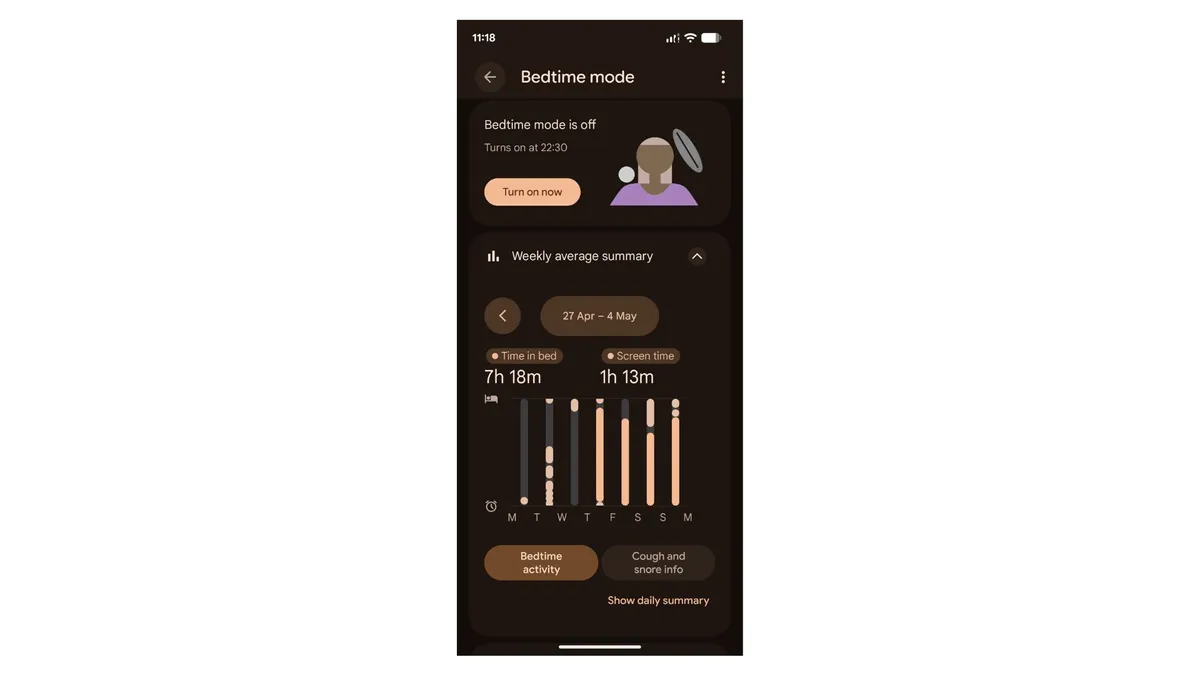
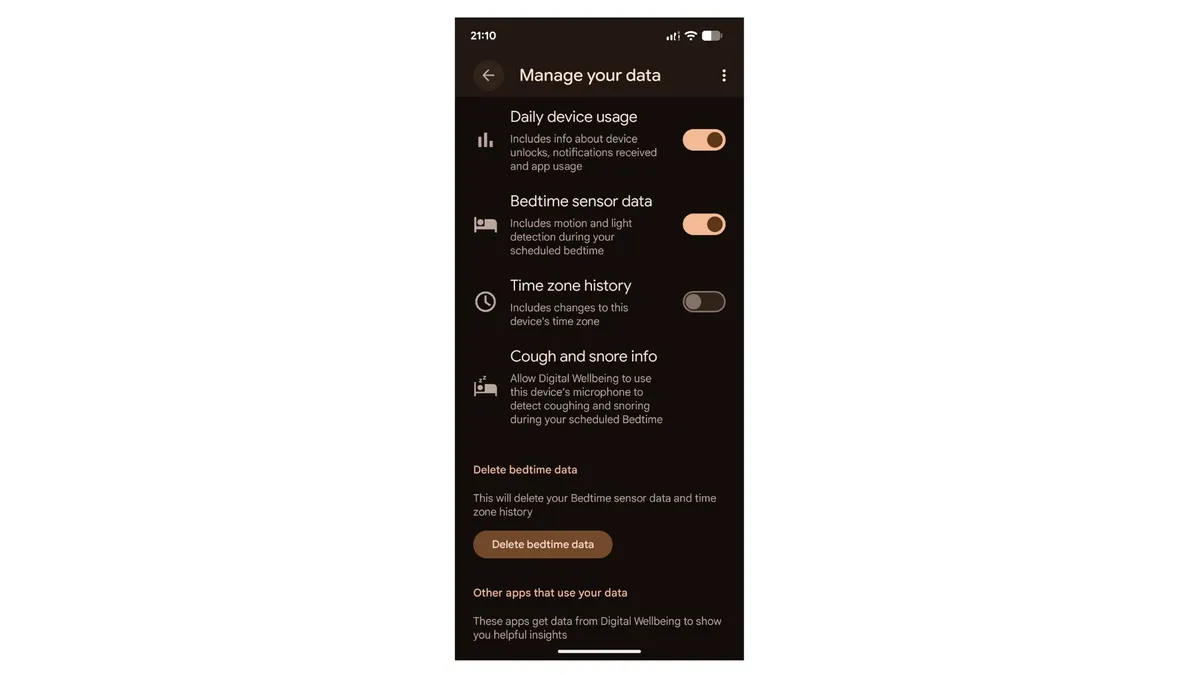
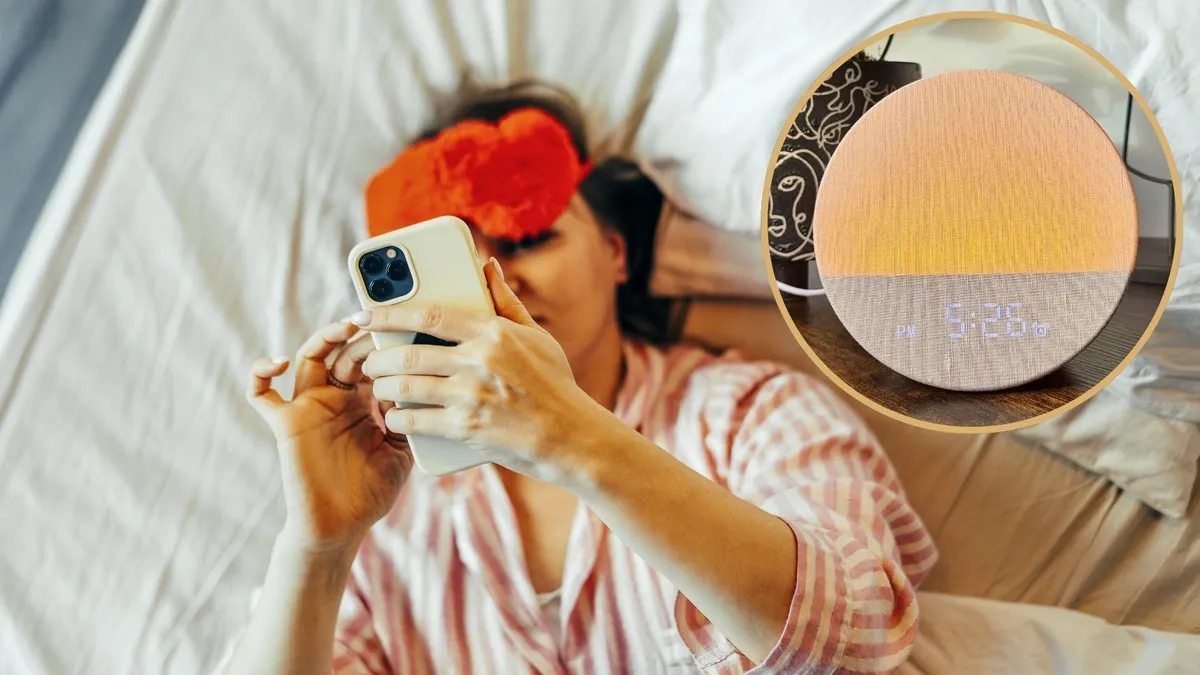
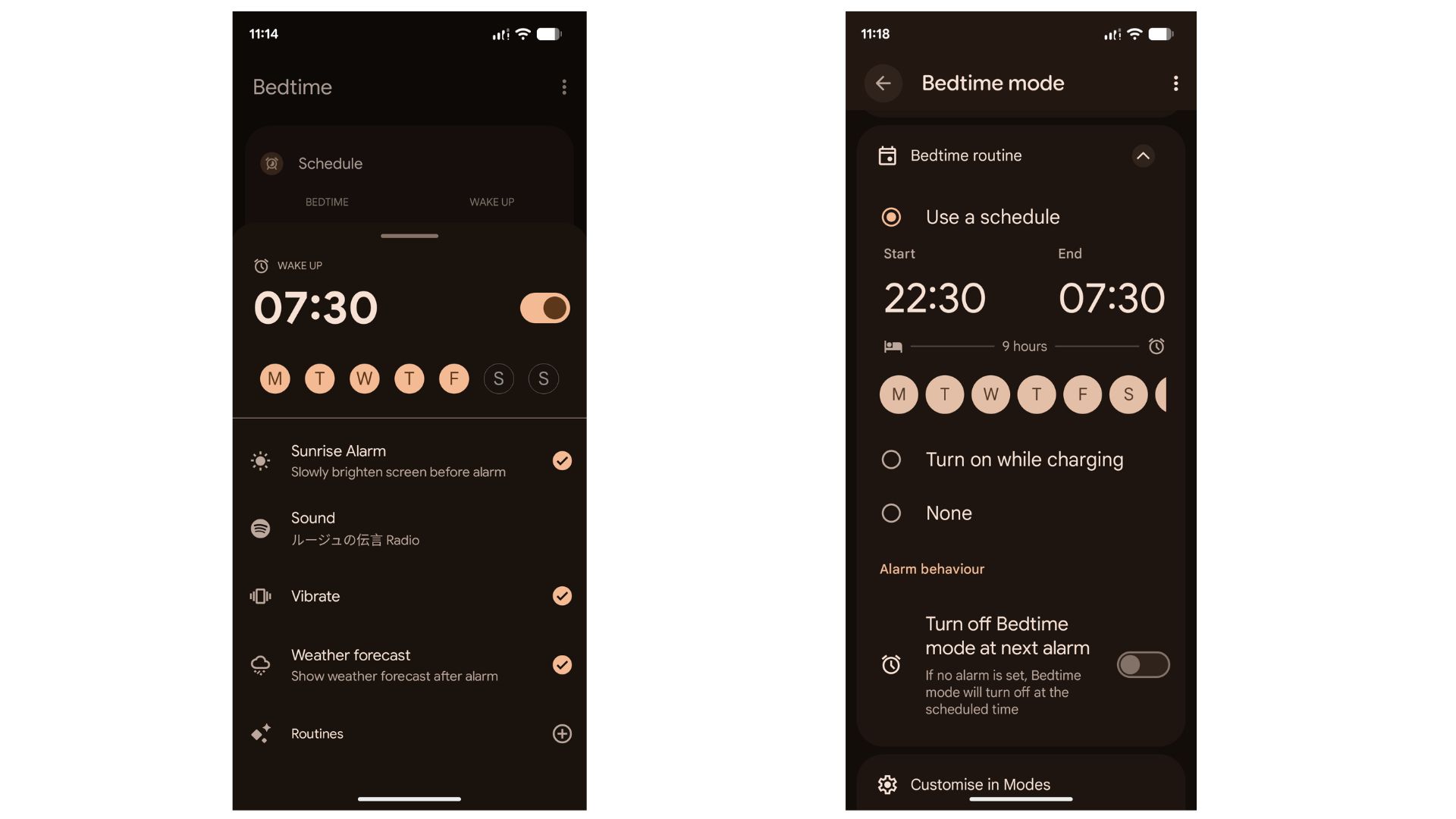
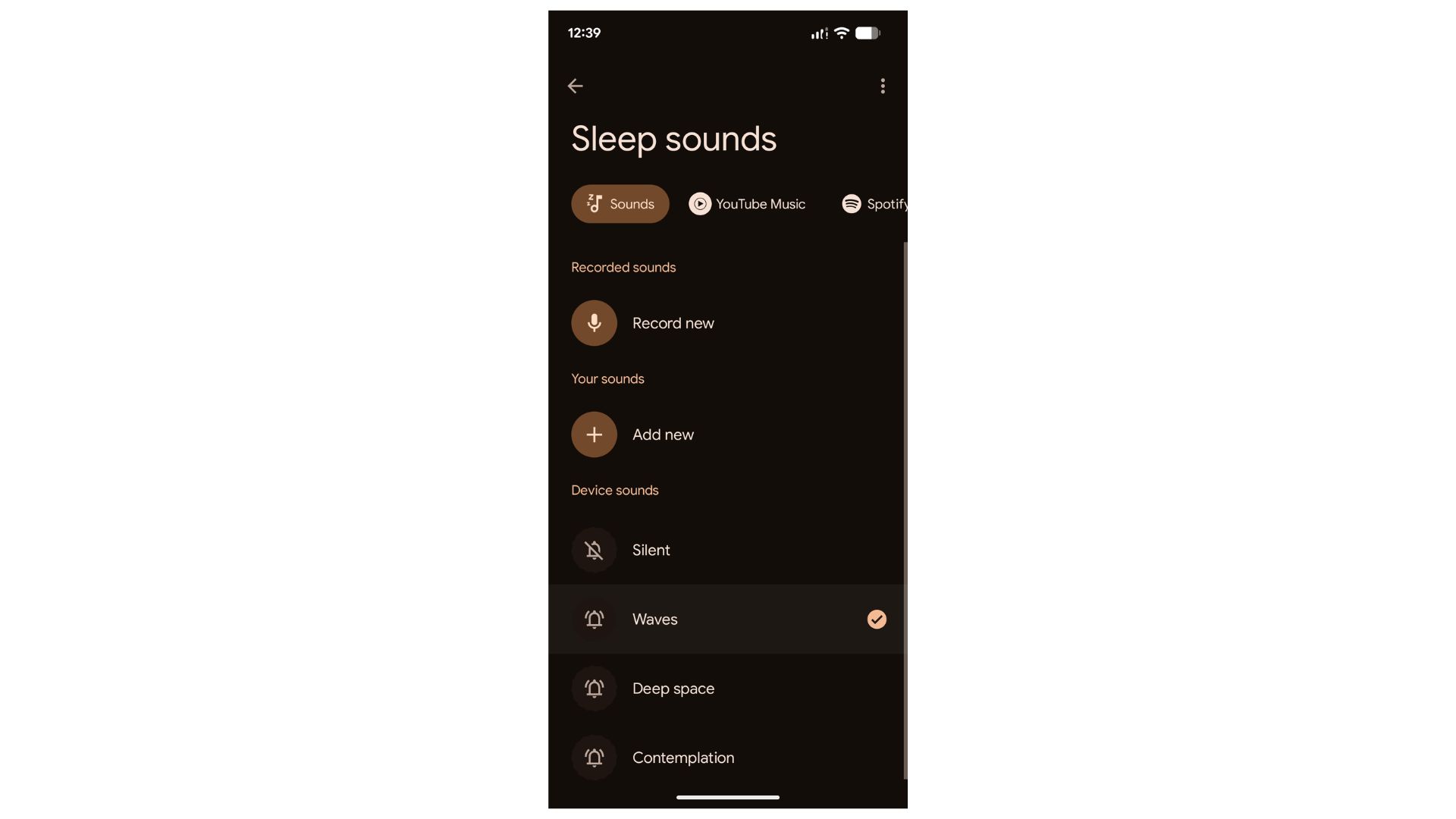
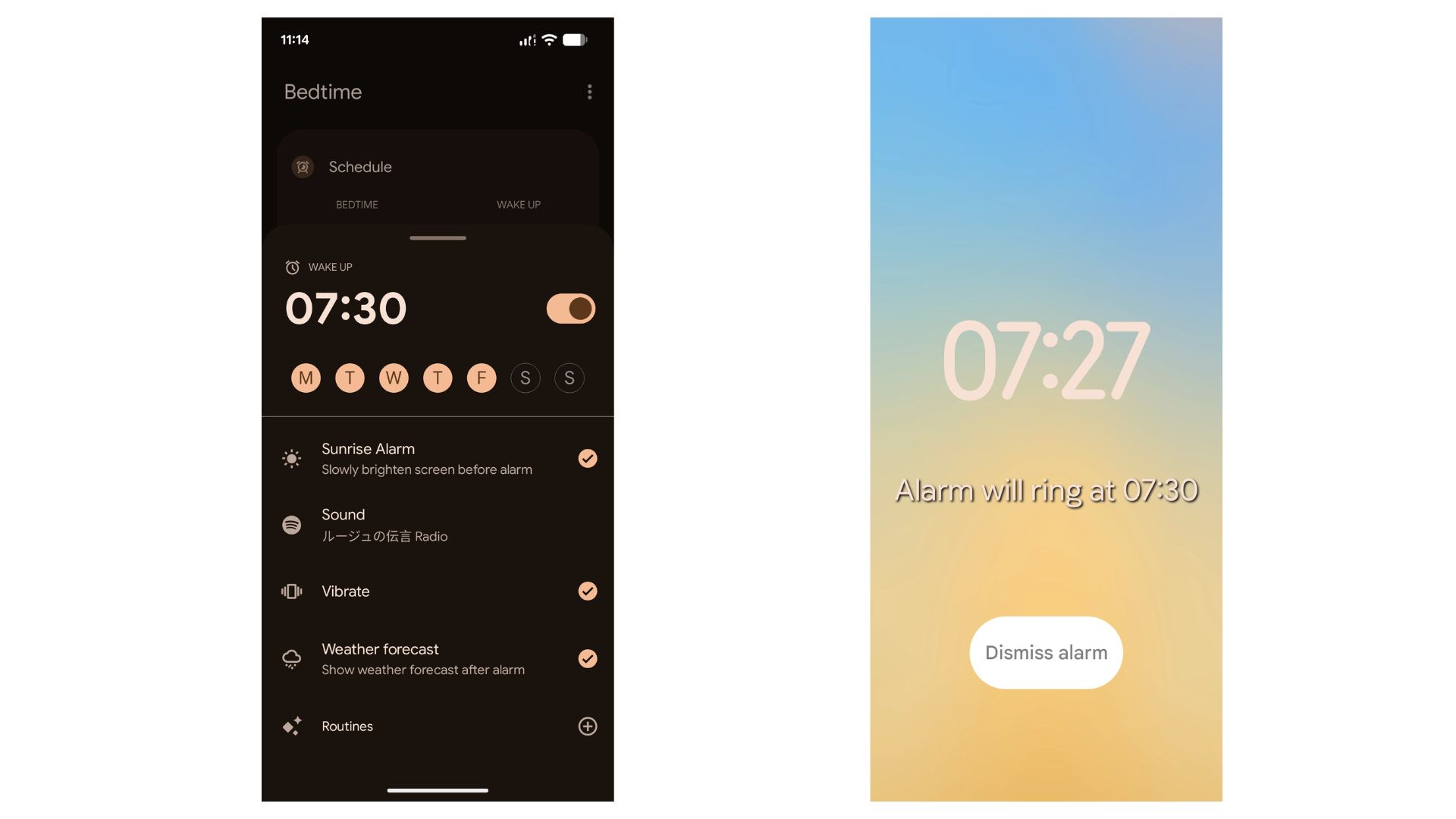
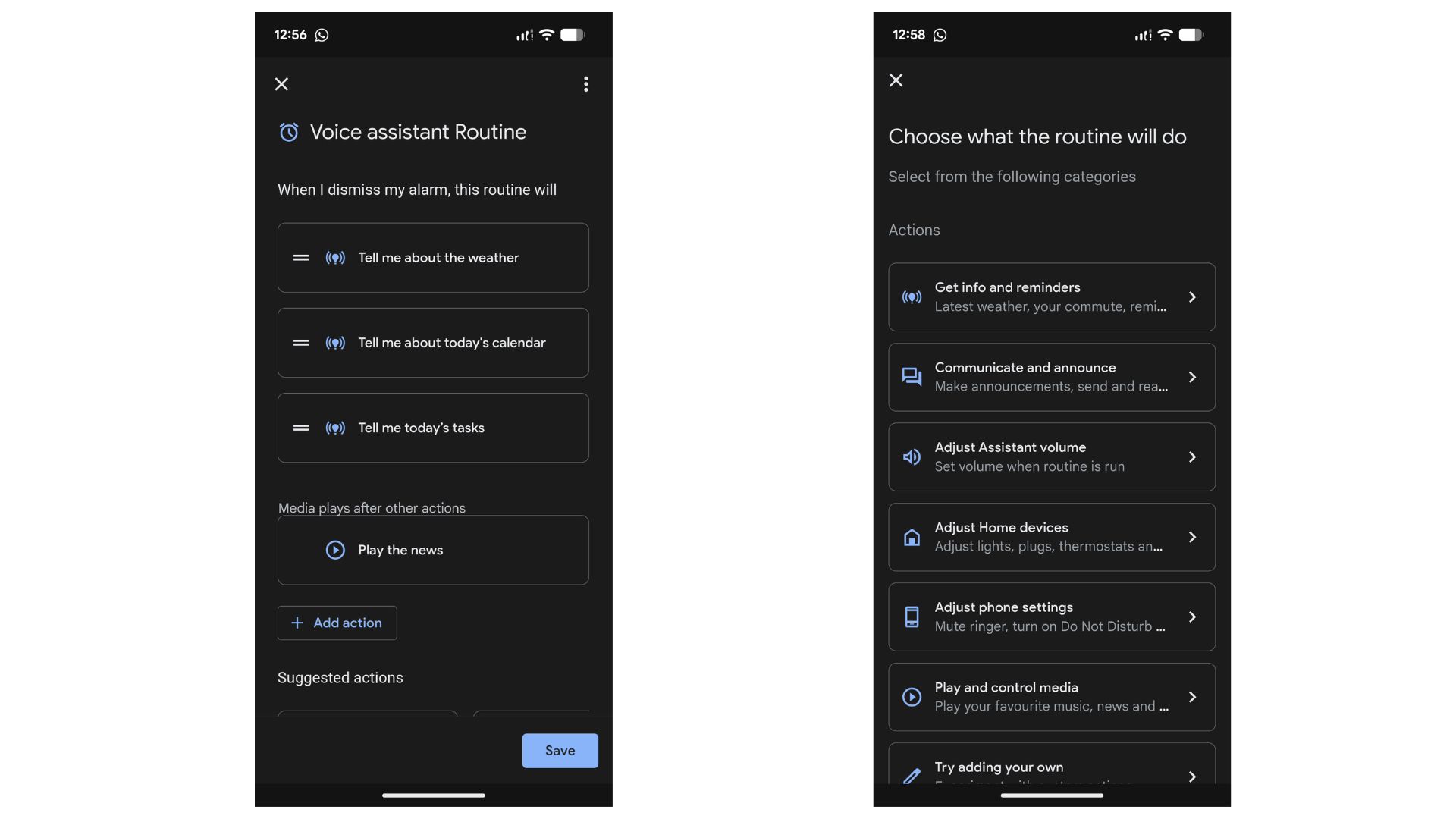
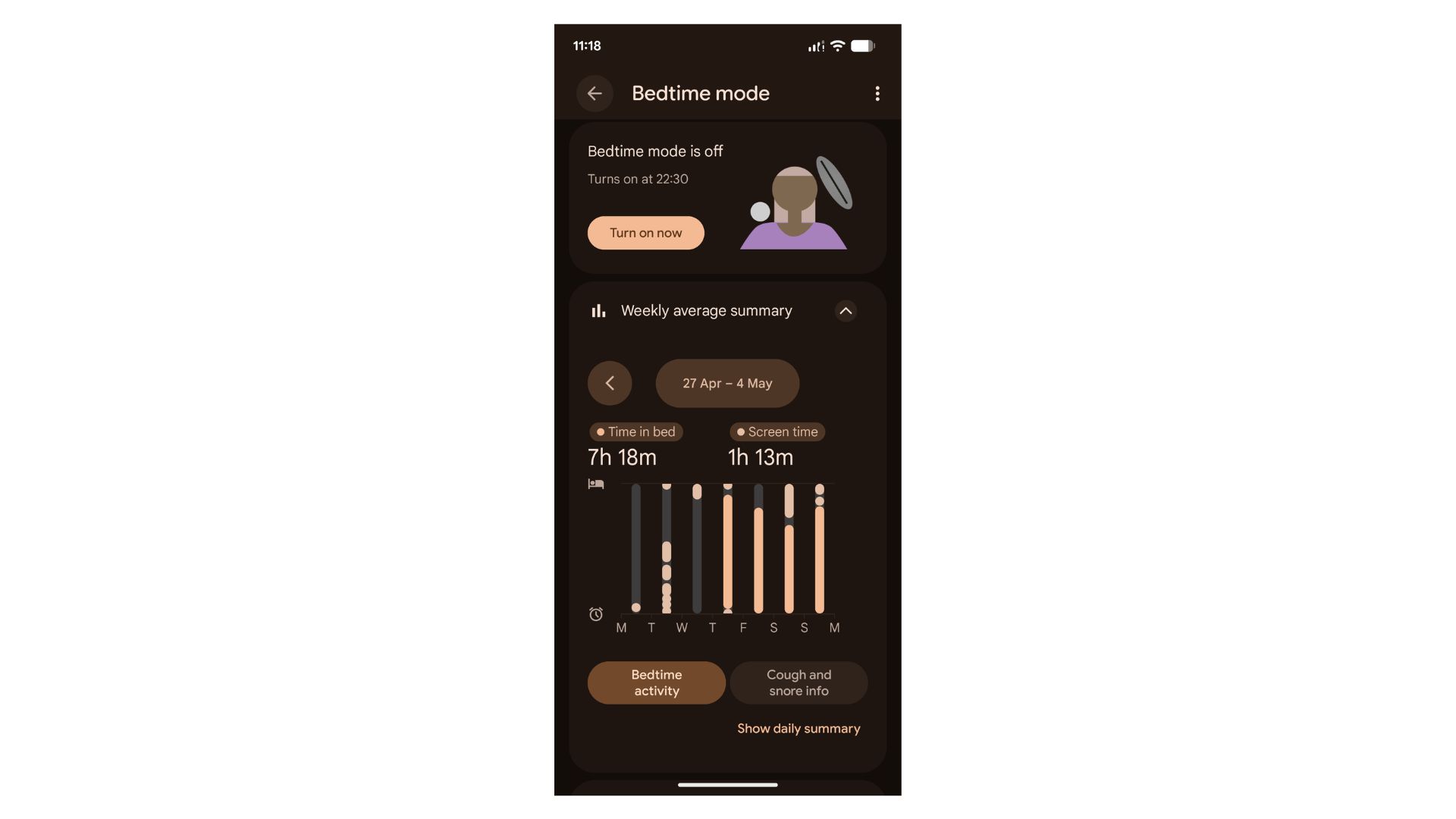
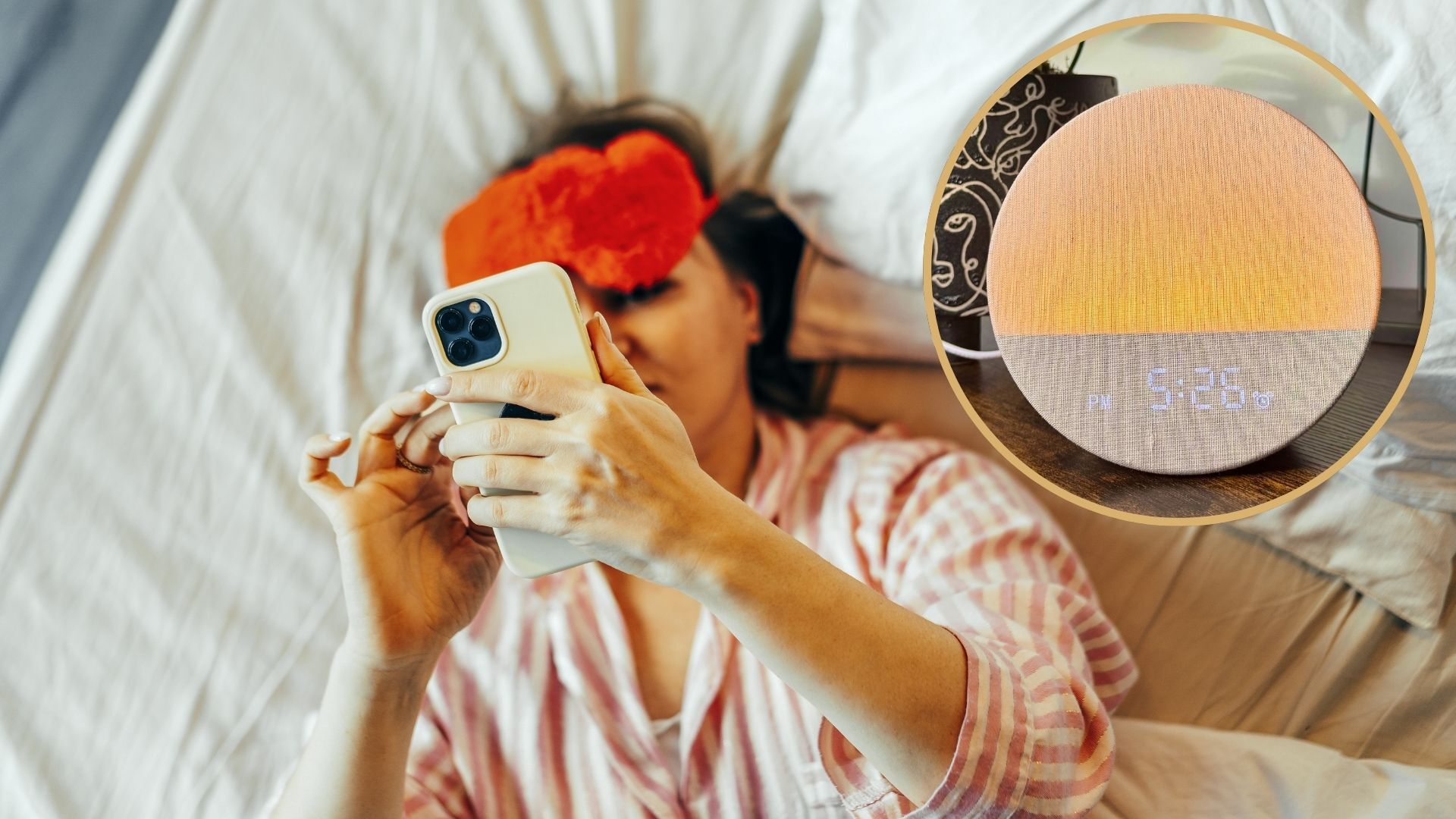
(Image credit: Getty Images) I developed a bad habit of doomscrolling in bed once the lights were out, and it's been ruining my sleep and energy levels the next day. And I'm not alone in this: over one-third of US adults doomscroll in bed , according to a recent survey by the American Academy of Sleep Medicine. Hunting for a solution to kick my bedtime doomscrolling habit, I downloaded the Google Clock app to my Pixel phone. I wasn't expecting much at first, but since using five overlooked sleep features in the app, I've finally kicked my in-bed phone use habit. The pay-off? I'm now falling asleep faster and sleeping through the night. Key takeaways: At a glance The Google Clock app acts as a hub for key features that help me fall asleep faster and sleep through the night: Bedtime Mode, Sleep Sounds, Sunrise Alarm, Google Assistant Routine, and Bedtime Activity Audit.…