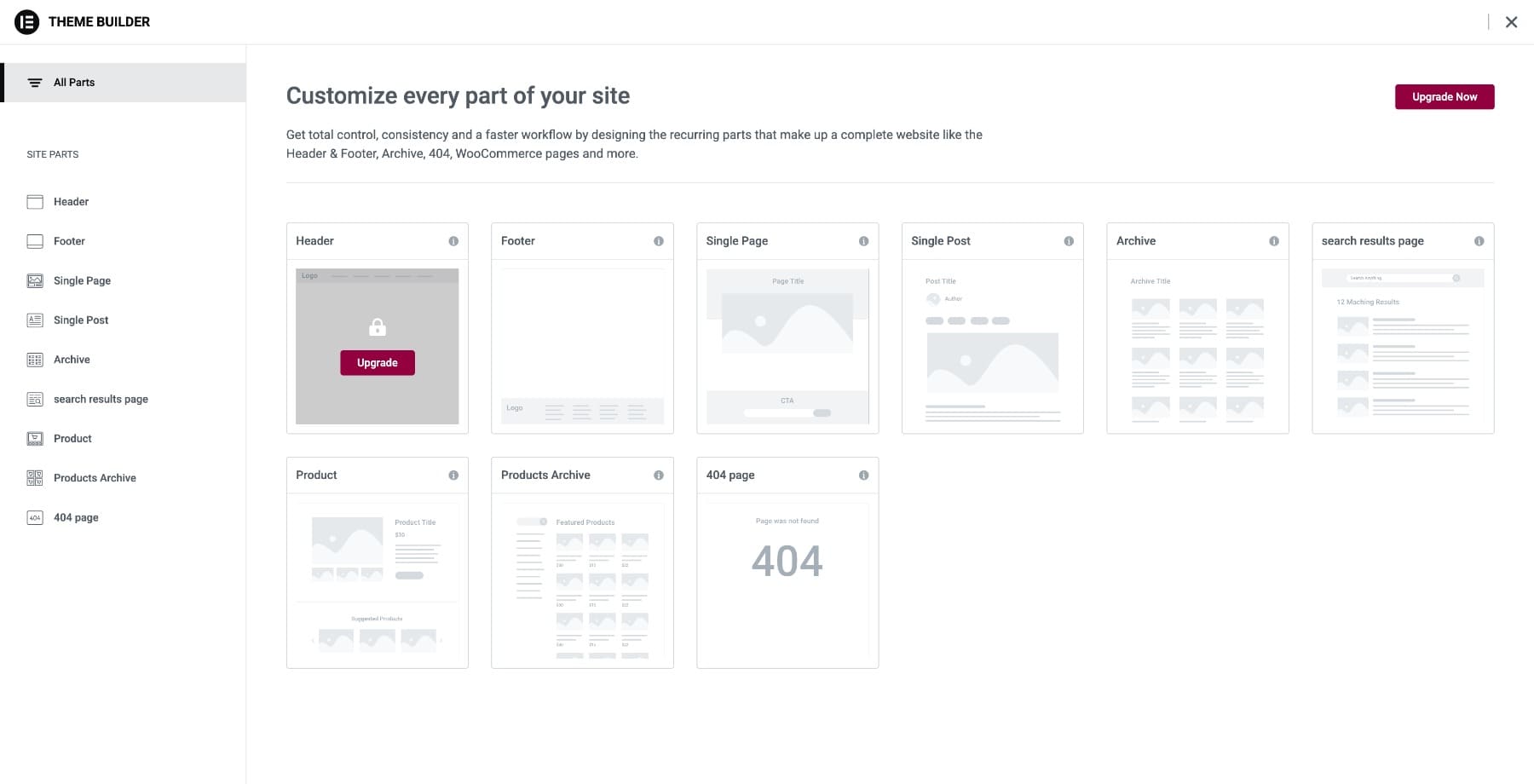
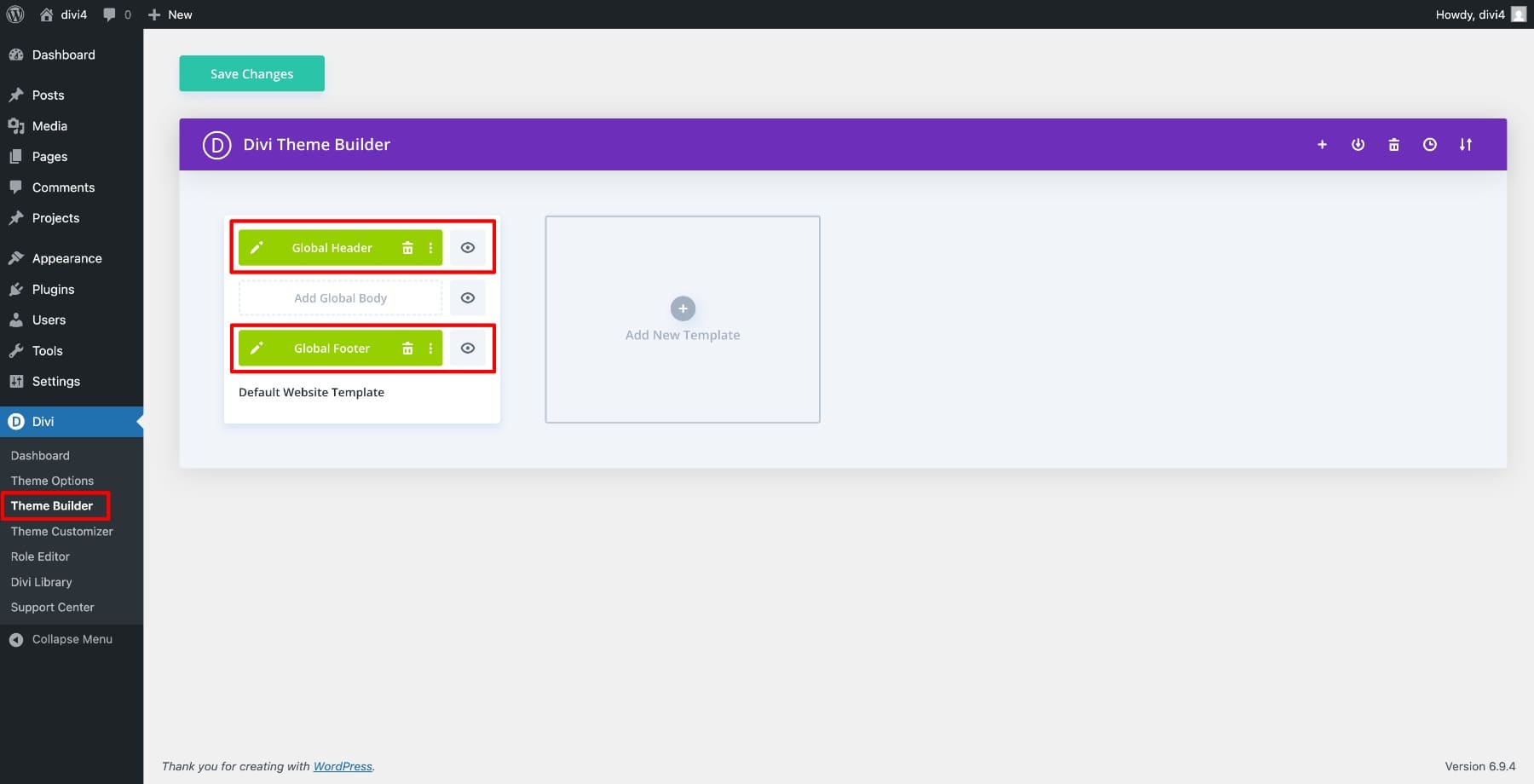
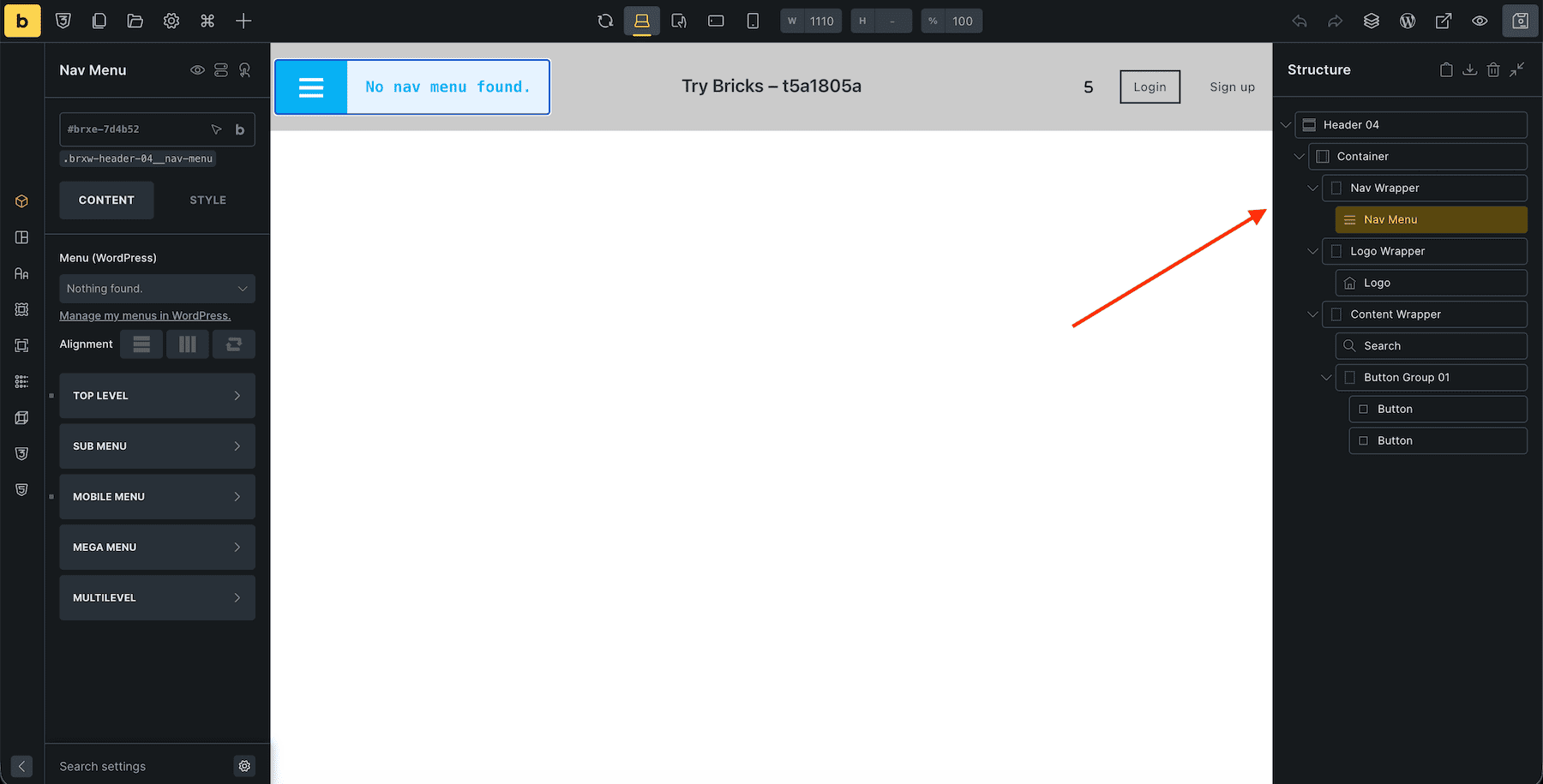
Editing a website rarely happens in one place. You build a page, notice something off in the header, then leave to adjust a template. A few minutes later, you jump again to change a footer or archive layout. That context switching adds friction, especially when you are managing a whole site instead of a single page. Different builders have tried to solve that problem in different ways. Some reduce the back-and-forth. Some still separate key parts of the site into distinct editing sessions. Divi 5 takes a more unified approach by bringing more of the site into one builder session. In this comparison, we’ll look at how Divi 5, Divi 4, Elementor, and Bricks each handle full site editing, and what those differences mean when you’re actually building. 1 What Complete Site Editing Actually Means 2 How Each Builder Approaches Site Editing 2.1 1. Elementor: Templates First, Workflow Second 2.2 2. Divi 4: Further Along, But Still Layered 2.3 3. Bricks: Built For Precision, Not Continuity 2.4 4.…