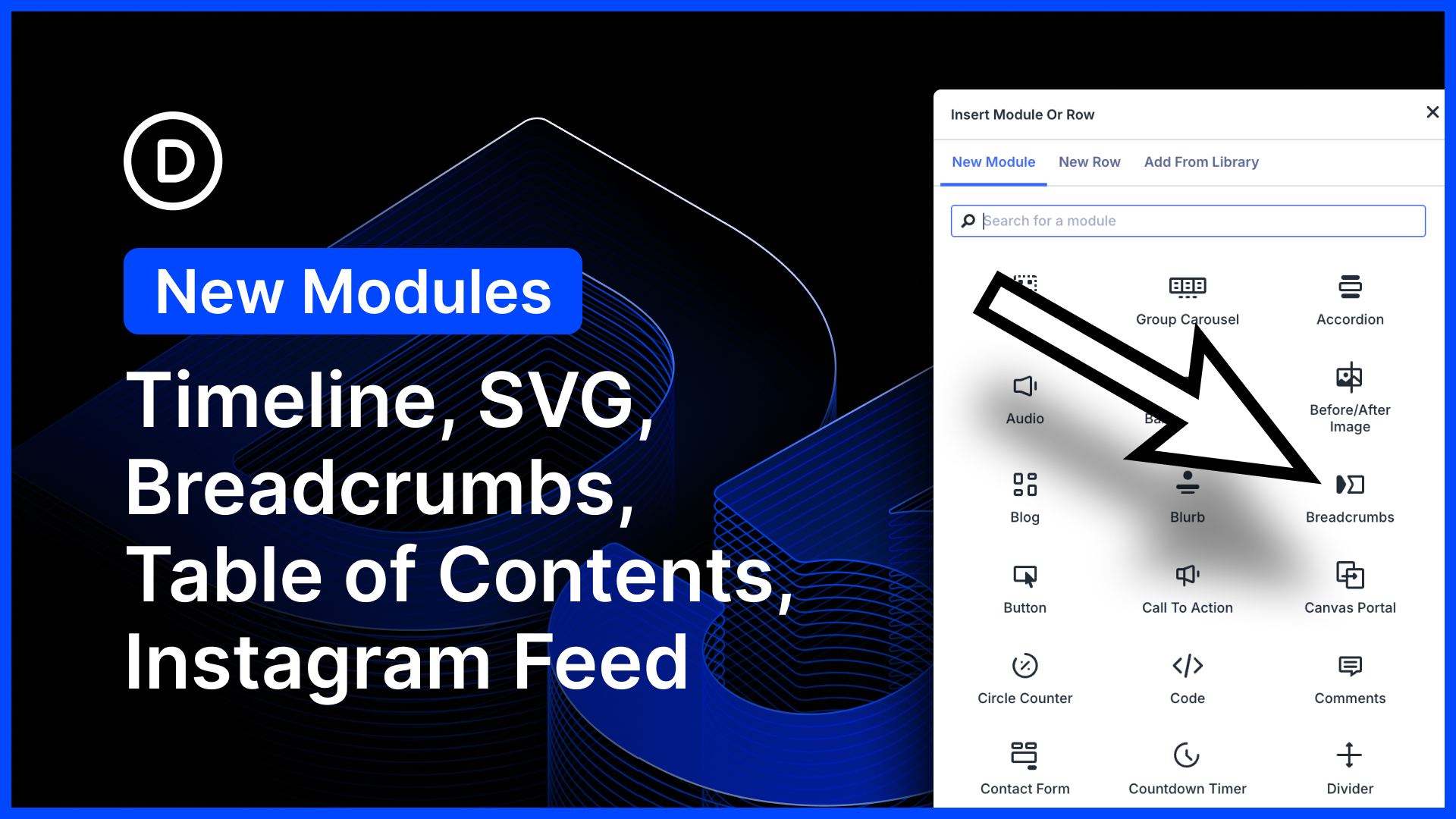
We just released five new modules for Divi 5! Create beautiful, animated timelines using the timeline module. This one works great with loops. Add breadcrumbs to any page using the new breadcrumbs module; simple, but great for Theme Builder templates!…
It’s official; the beta phases have ended, and Divi 5 has arrived! This isn’t the end; it’s a new beginning for Divi, and we are moving forward faster than ever with weekly updates. If you use Divi 5, you’ll see a version 5.6 update notification today.…
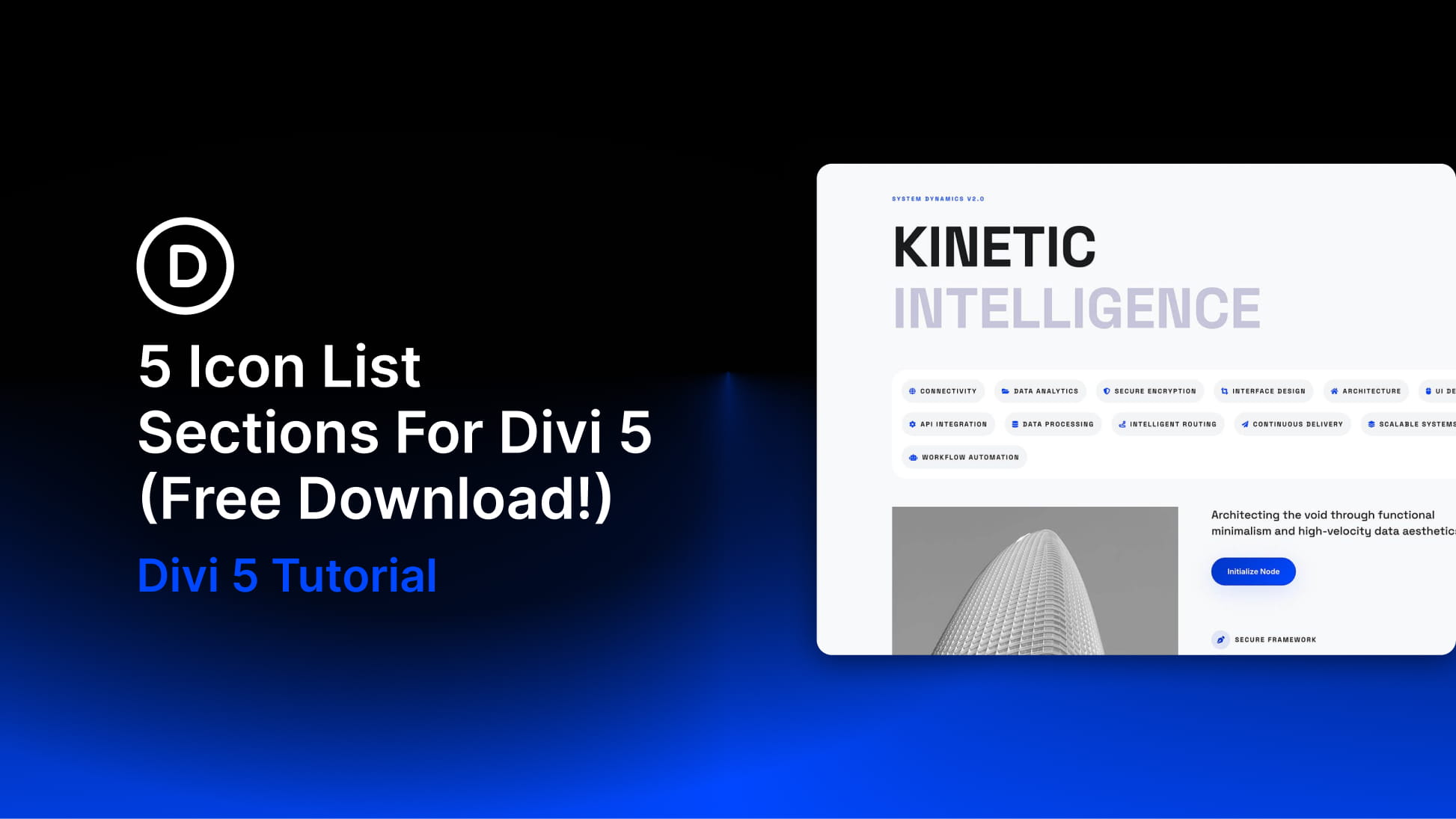
Divi 5 makes it easy to create clean, scannable layouts that help visitors understand important information quickly. In this free pack, you’ll get 5 Icon List Sections that are perfect for landing pages, service pages, pricing sections, feature…
It’s official; the beta phases have ended, and Divi 5 has arrived! This isn’t the end; it’s a new beginning for Divi, and we are moving forward faster than ever with weekly updates. If you use Divi 5, you’ll see a version 5.3 update notification today.…
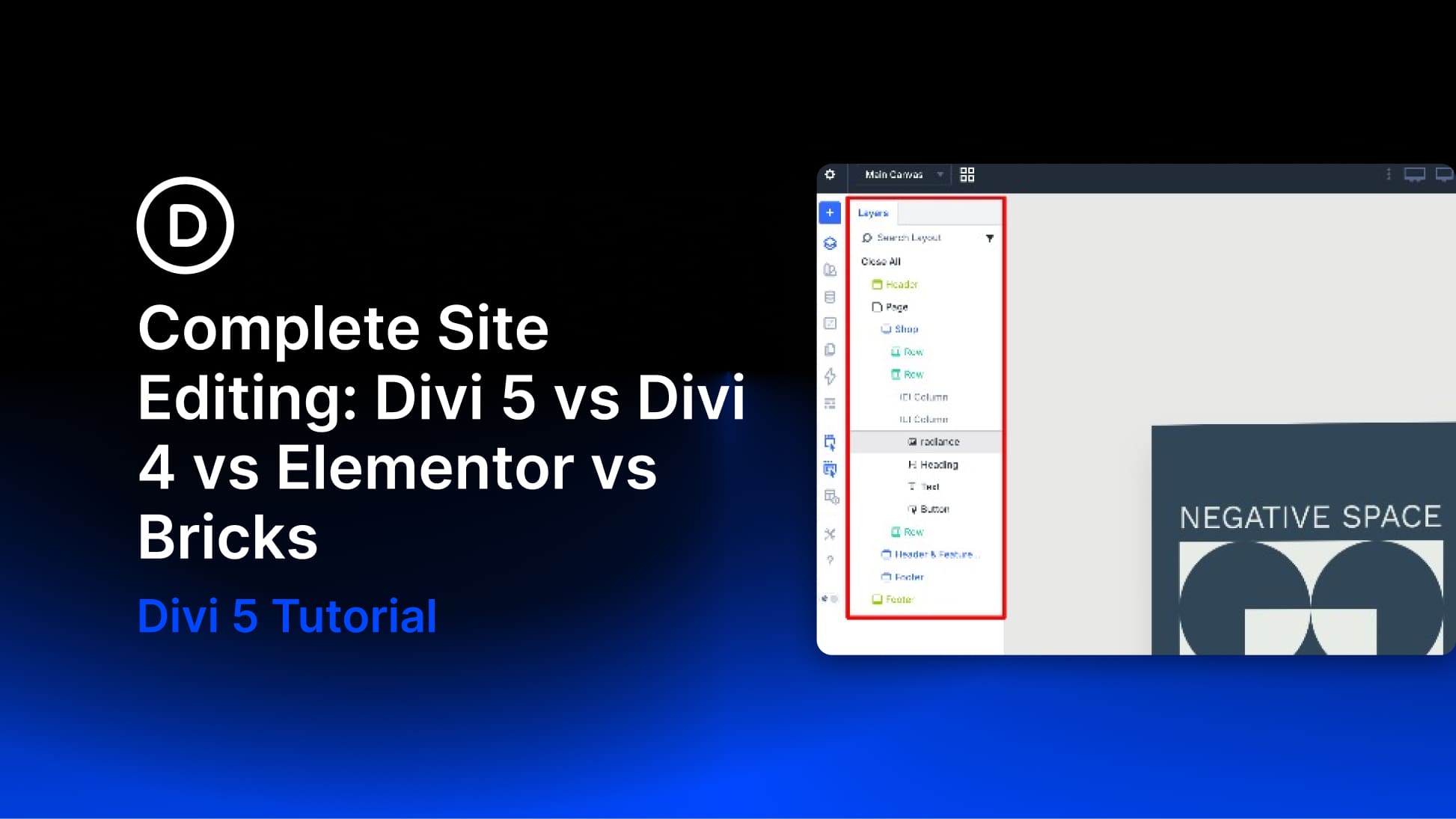
A hands-on comparison of how Elementor, Divi 4, Bricks, and Divi 5 handle full site editing, and what each approach actually feels like when you are building.
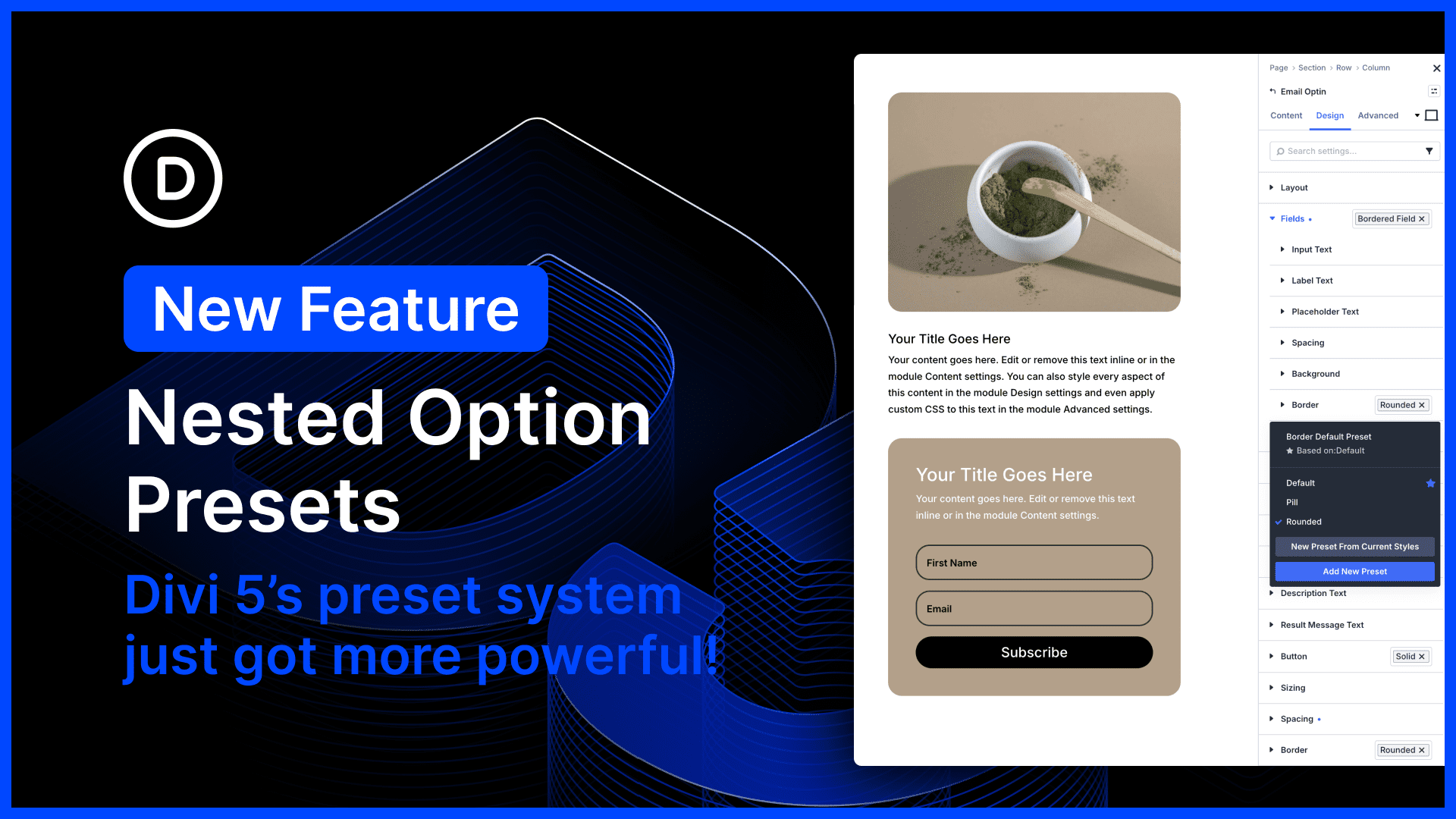
Divi 5’s preset system is the most powerful class-based design system of any WordPress page builder. In fact, Divi 5 presets encapsulate far more than just CSS; they are stackable, nestable global components.…
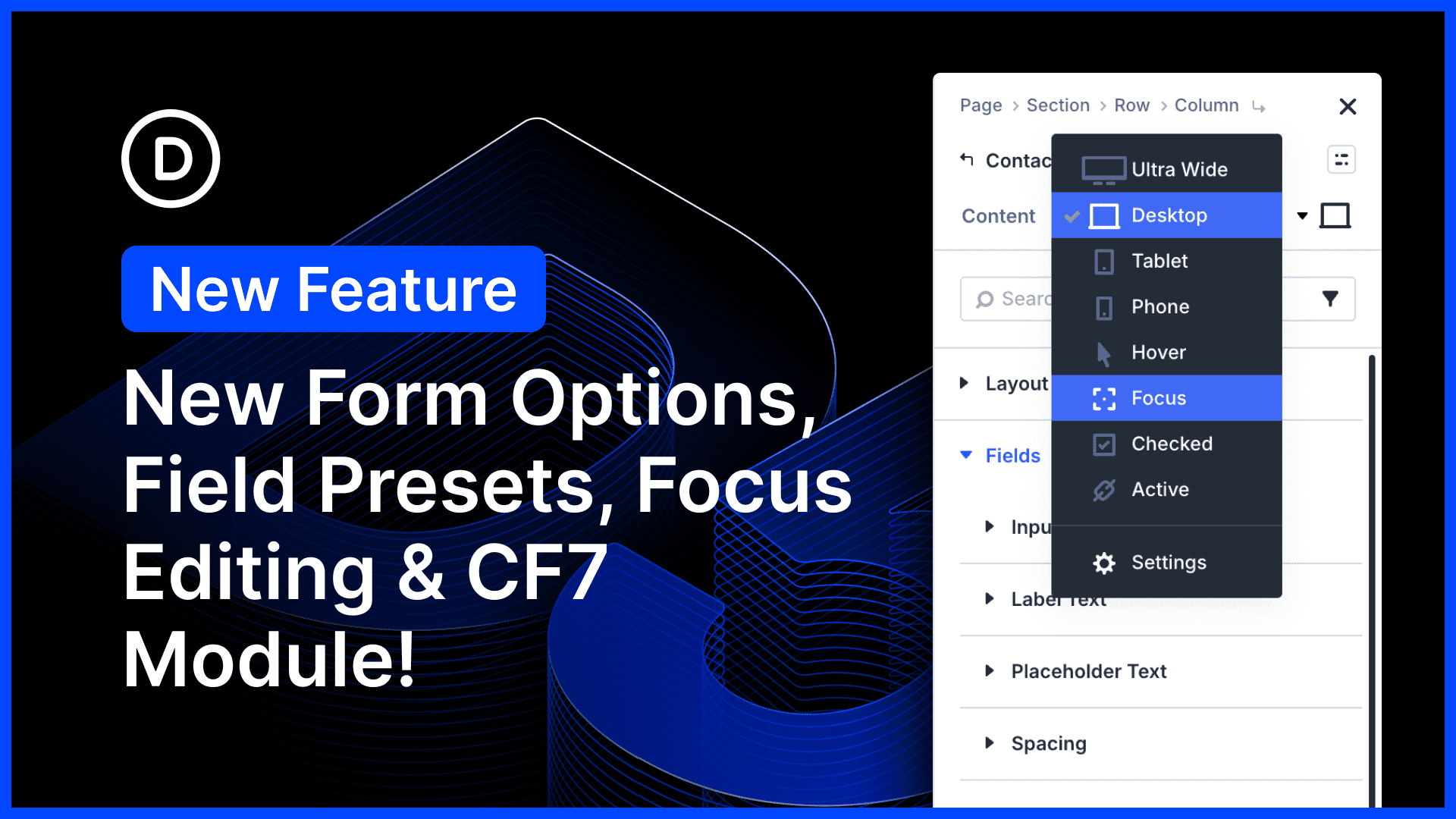
There’s so much to talk about in this Divi 5 feature update! We harmonized field options across all form-based modules, adding additional styling options for form elements such as radio buttons and checkboxes.…
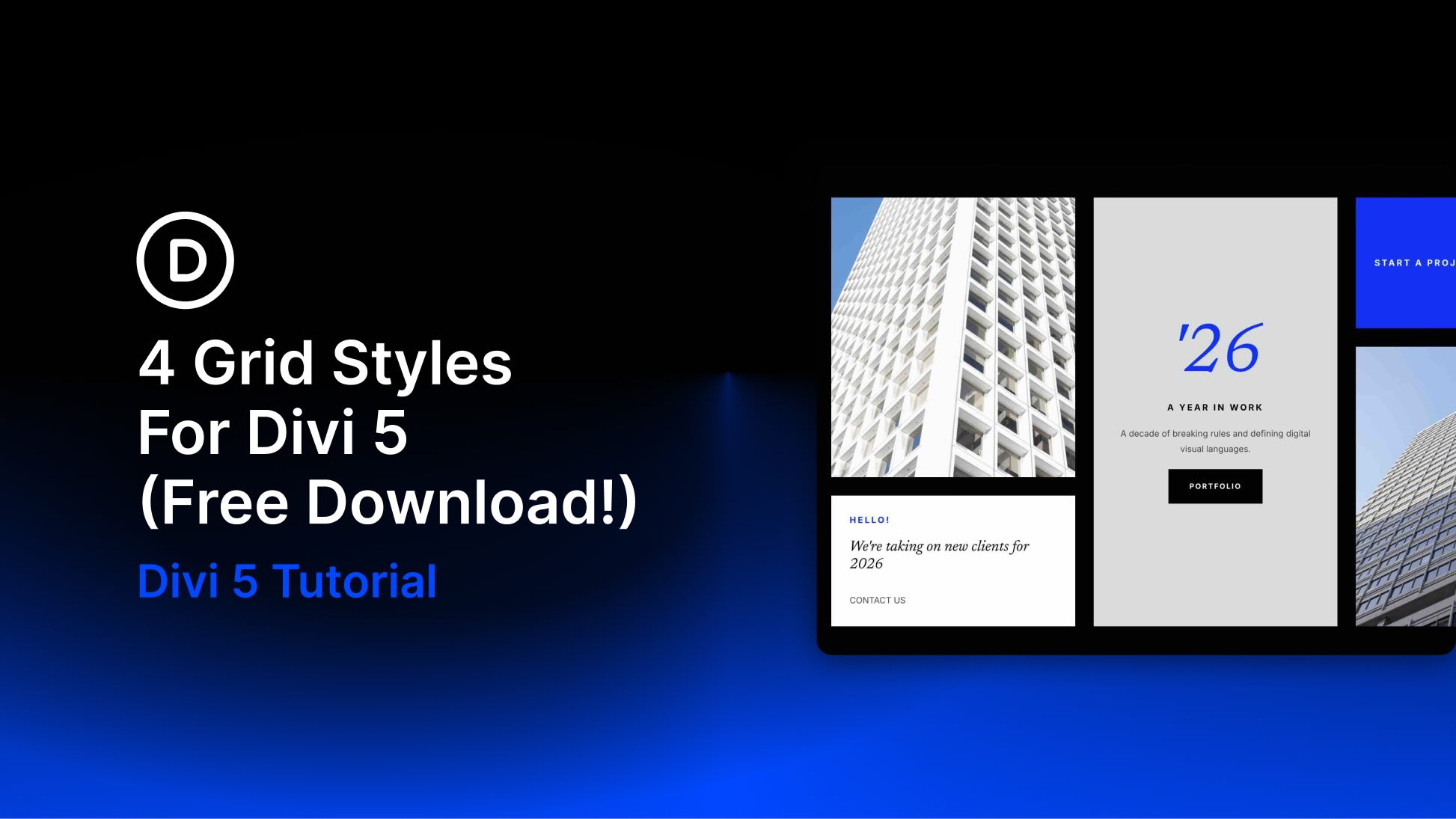
Divi 5 makes it easy to build clean, visually engaging layouts with more structure and variety. In this free pack, you’ll get 4 Styled Grid Layout Designs that are perfect for landing pages, portfolios, featured content sections, editorial layouts,…
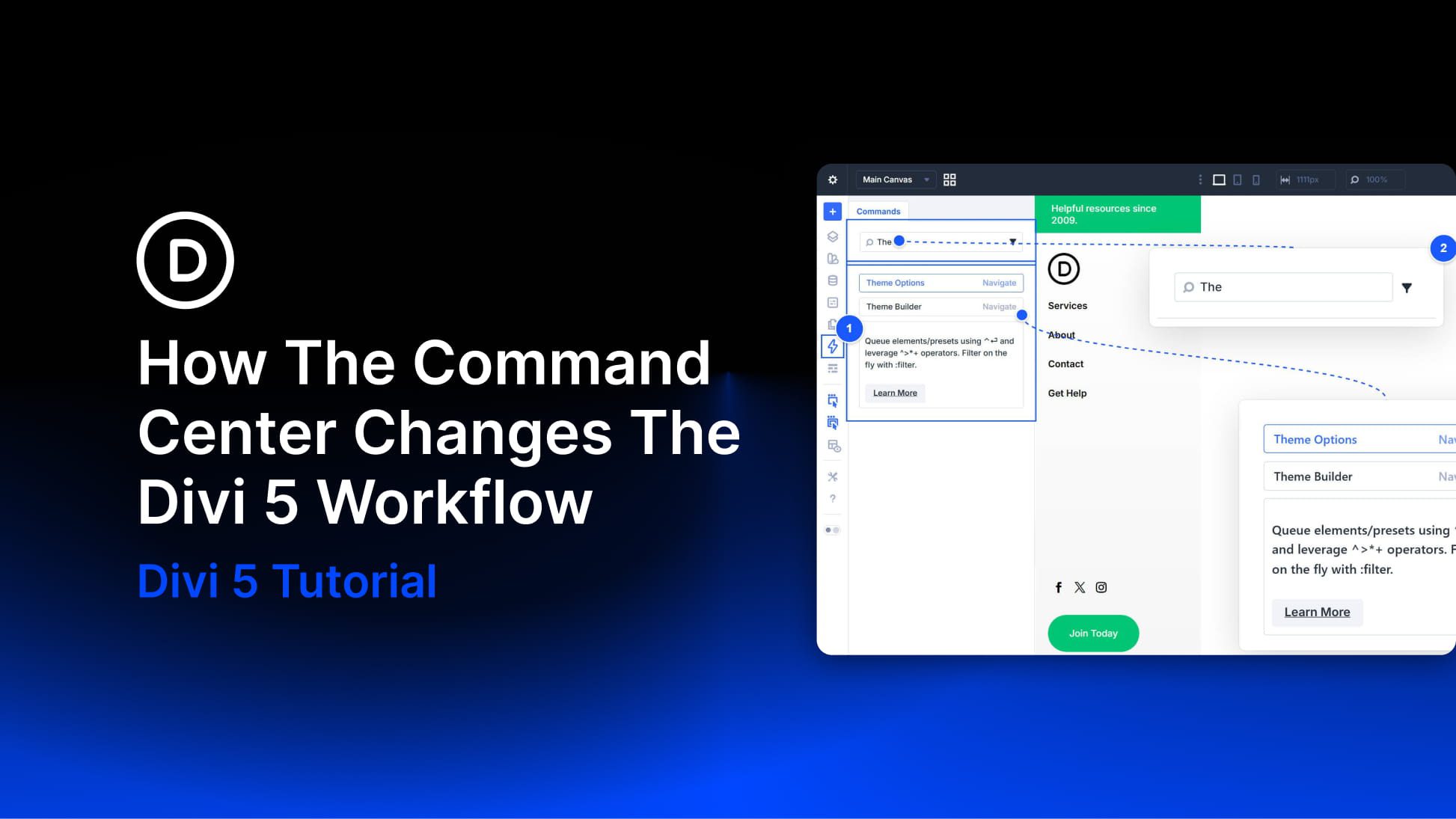
Divi 5 gives you more than one way to work. You can click through settings panels and modals when you want fine-grained control. You can use keyboard shortcuts for speed when performing smaller, repeatable actions. The Command Center adds a third option.…
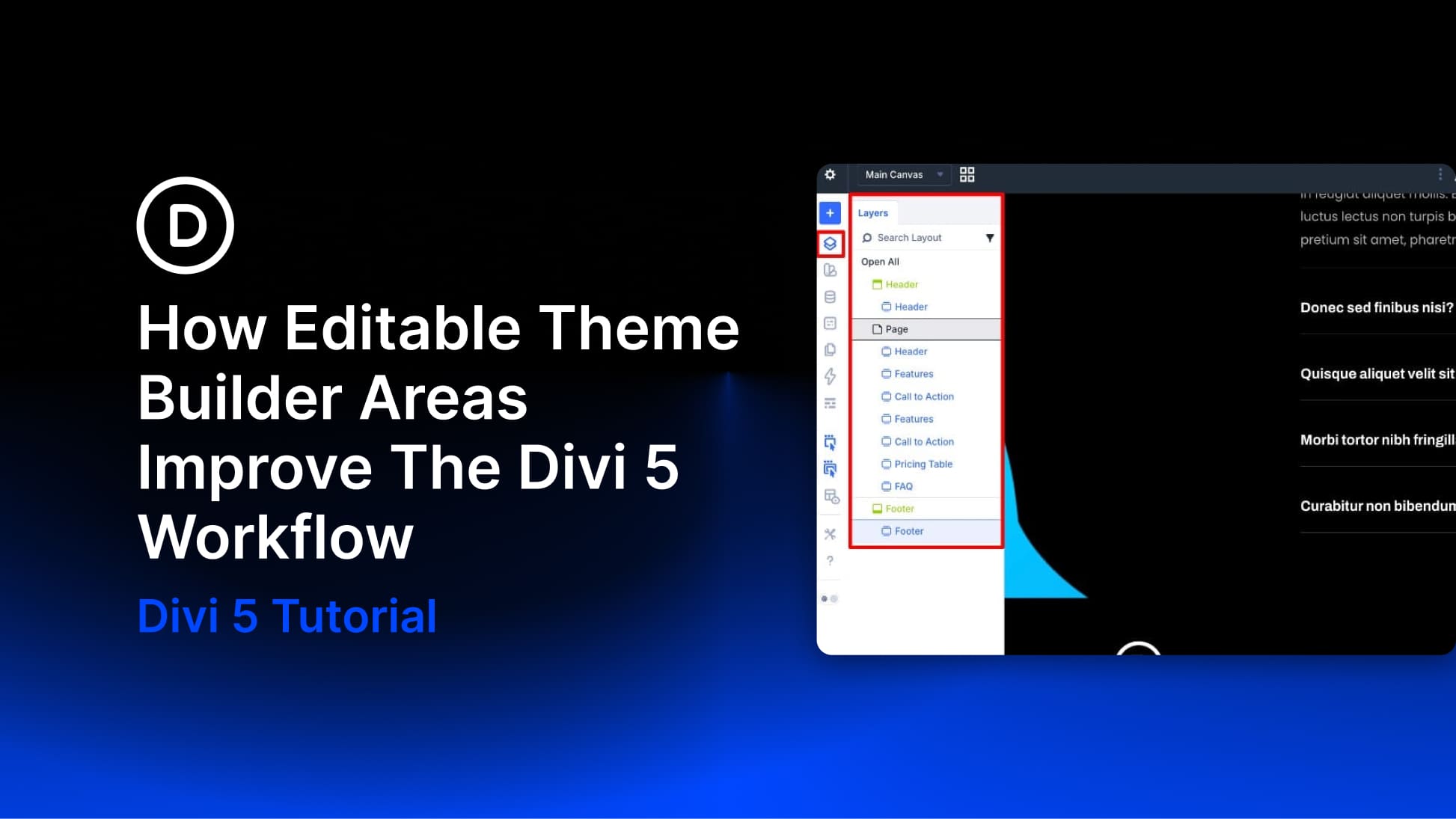
Building a complete website in Divi has traditionally involved a fair amount of back-and-forth. You’d work on a page, notice something off in the header or footer, exit the builder, open the Theme Builder, make the fix, and then return to the page you…