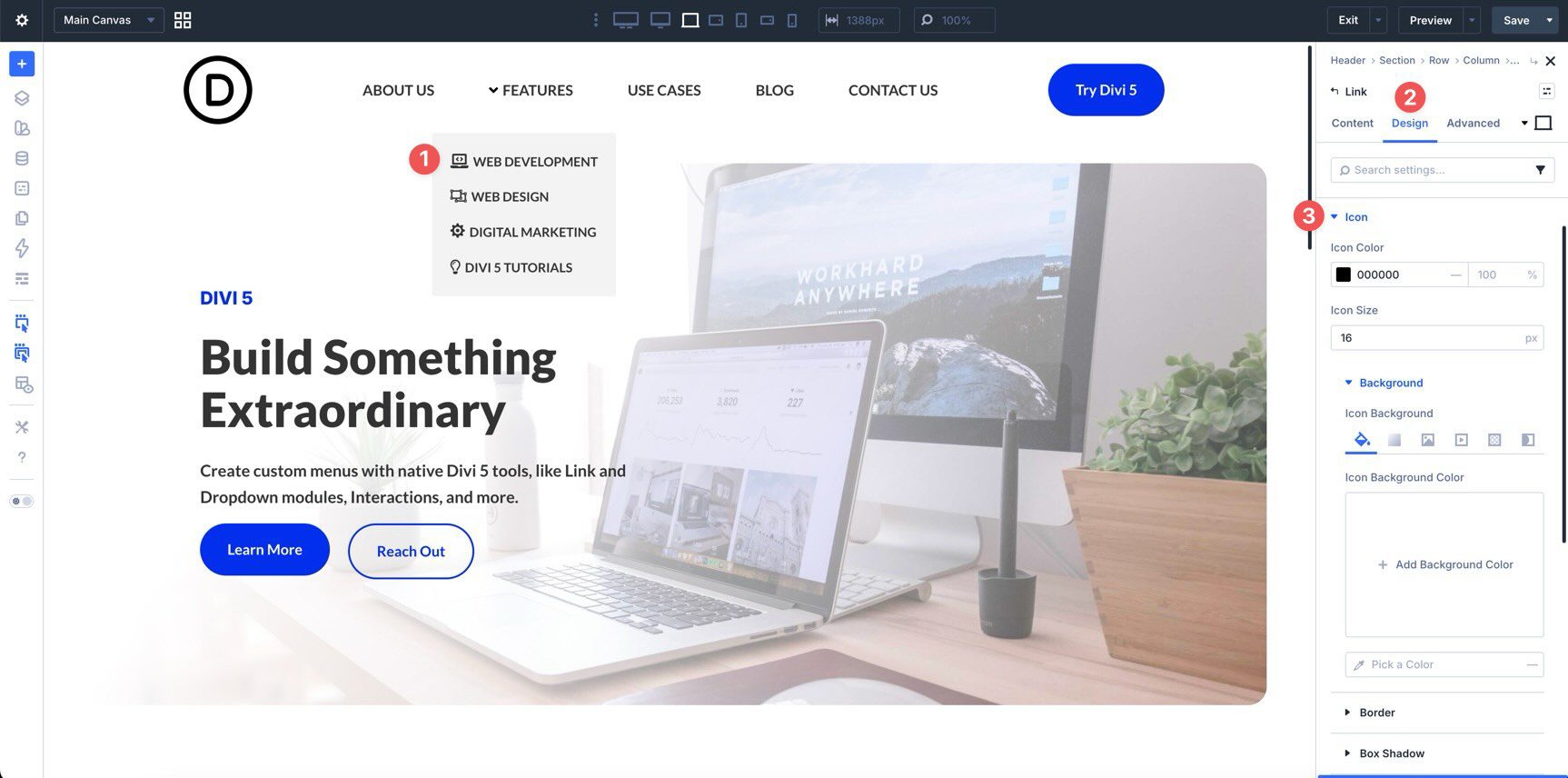
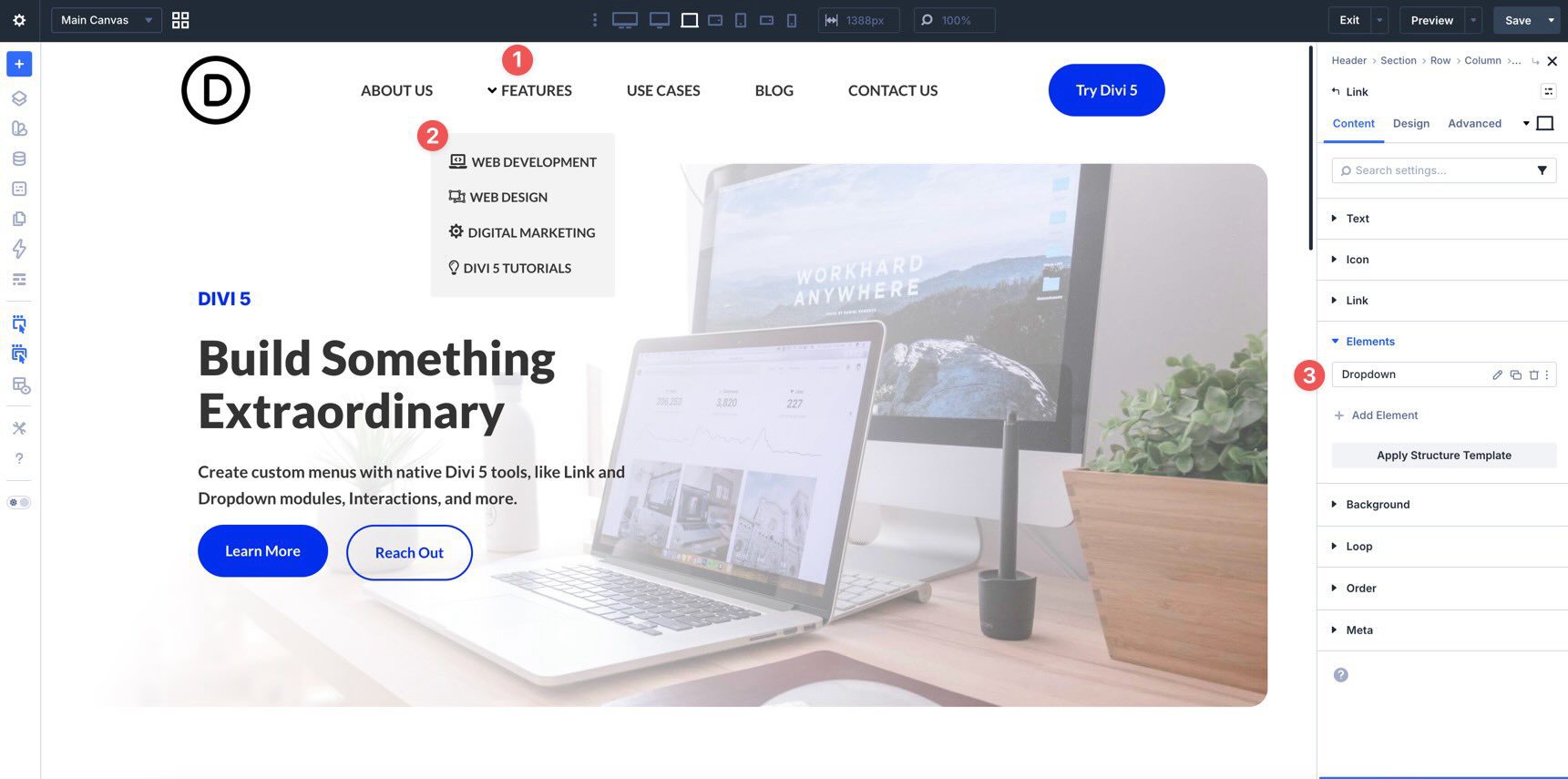
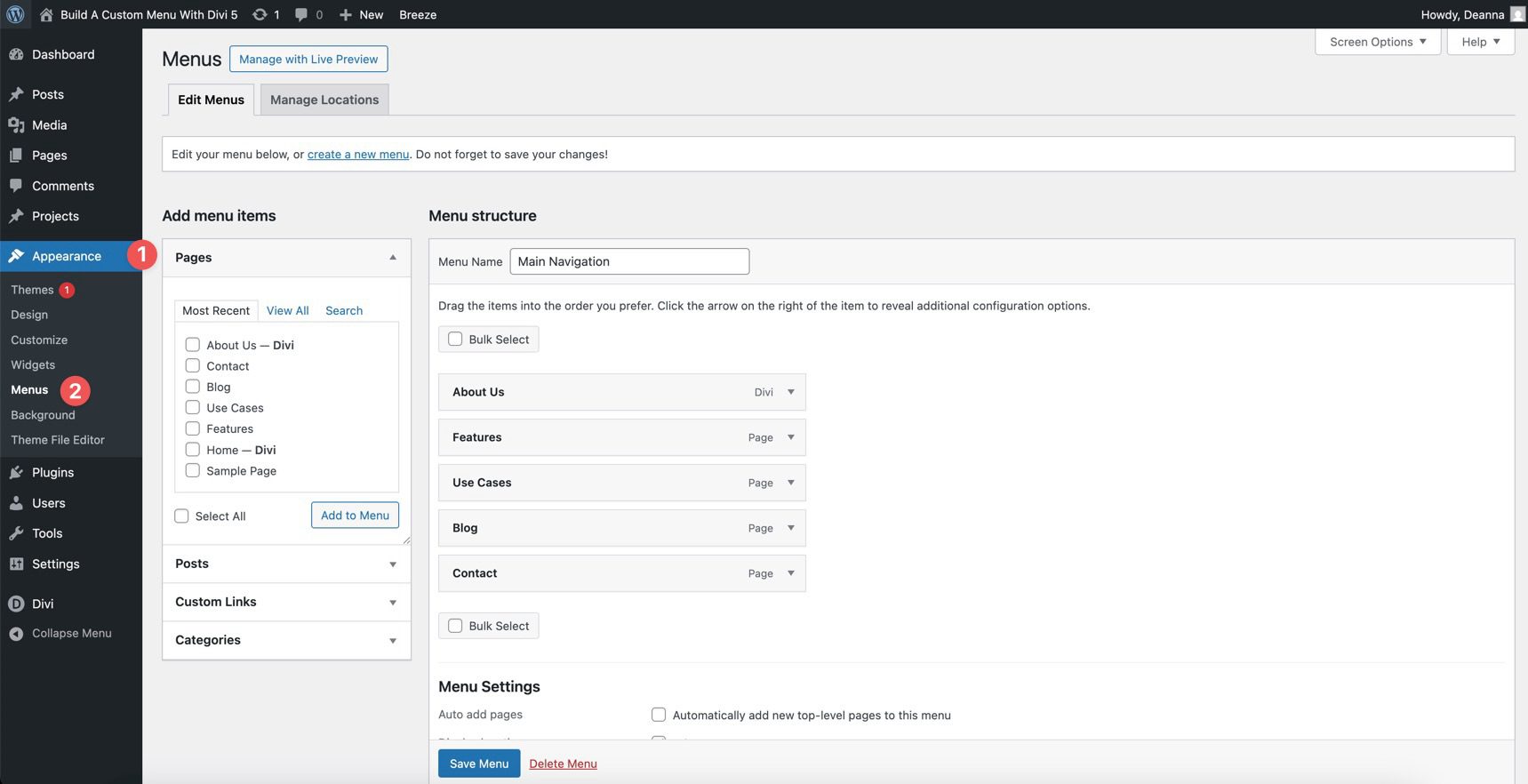
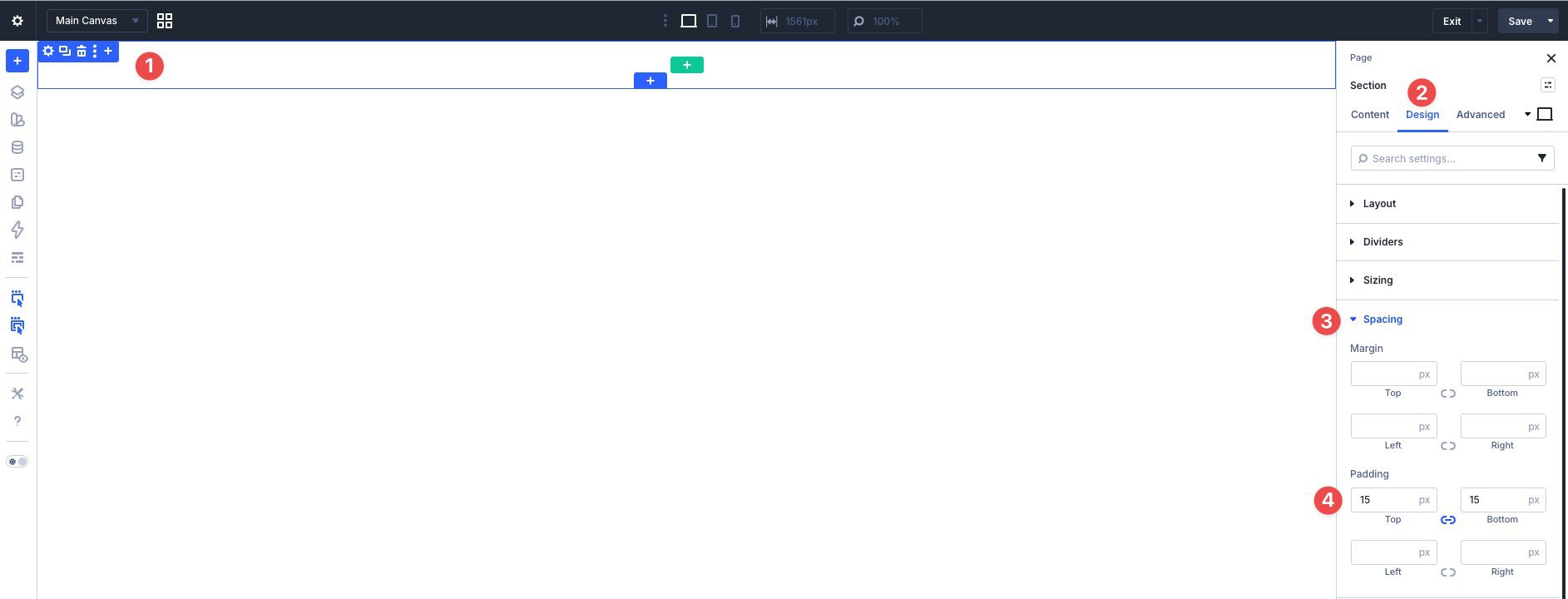
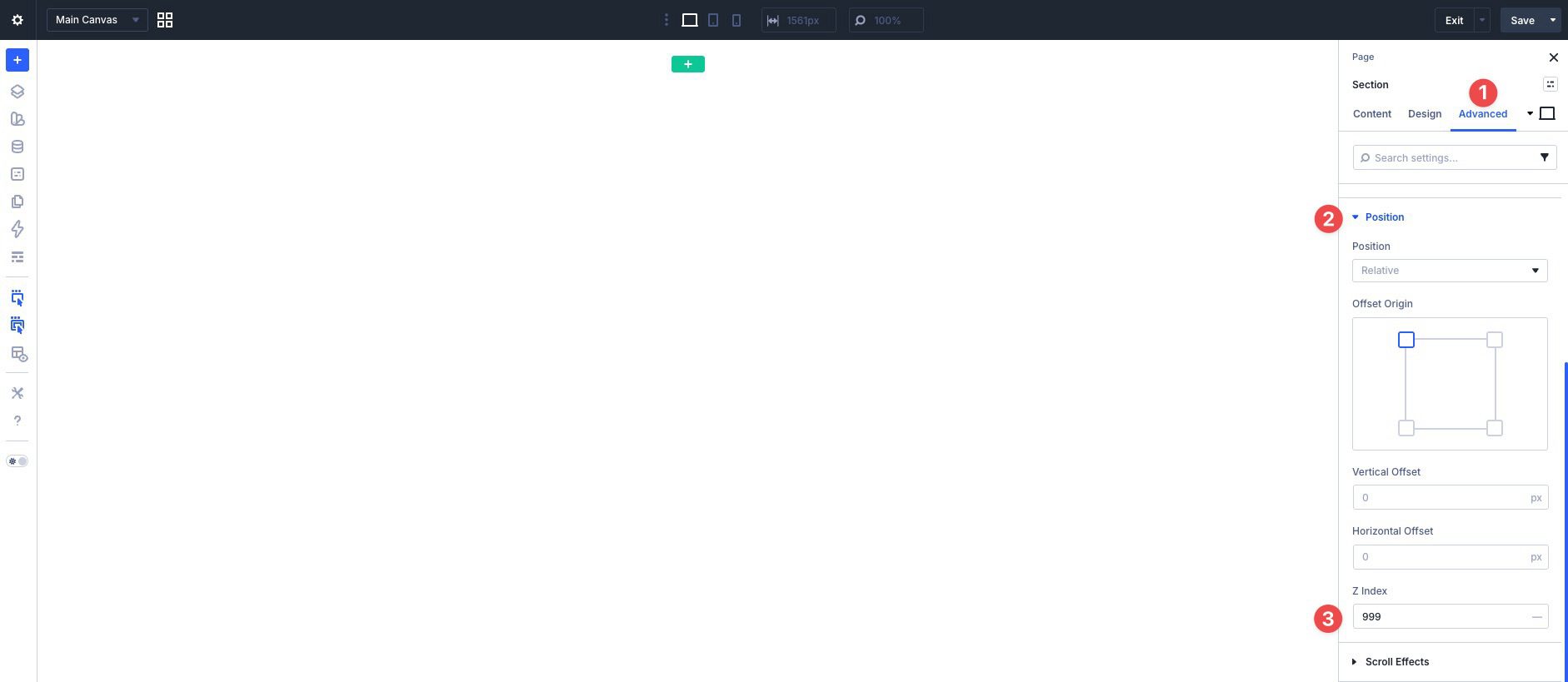
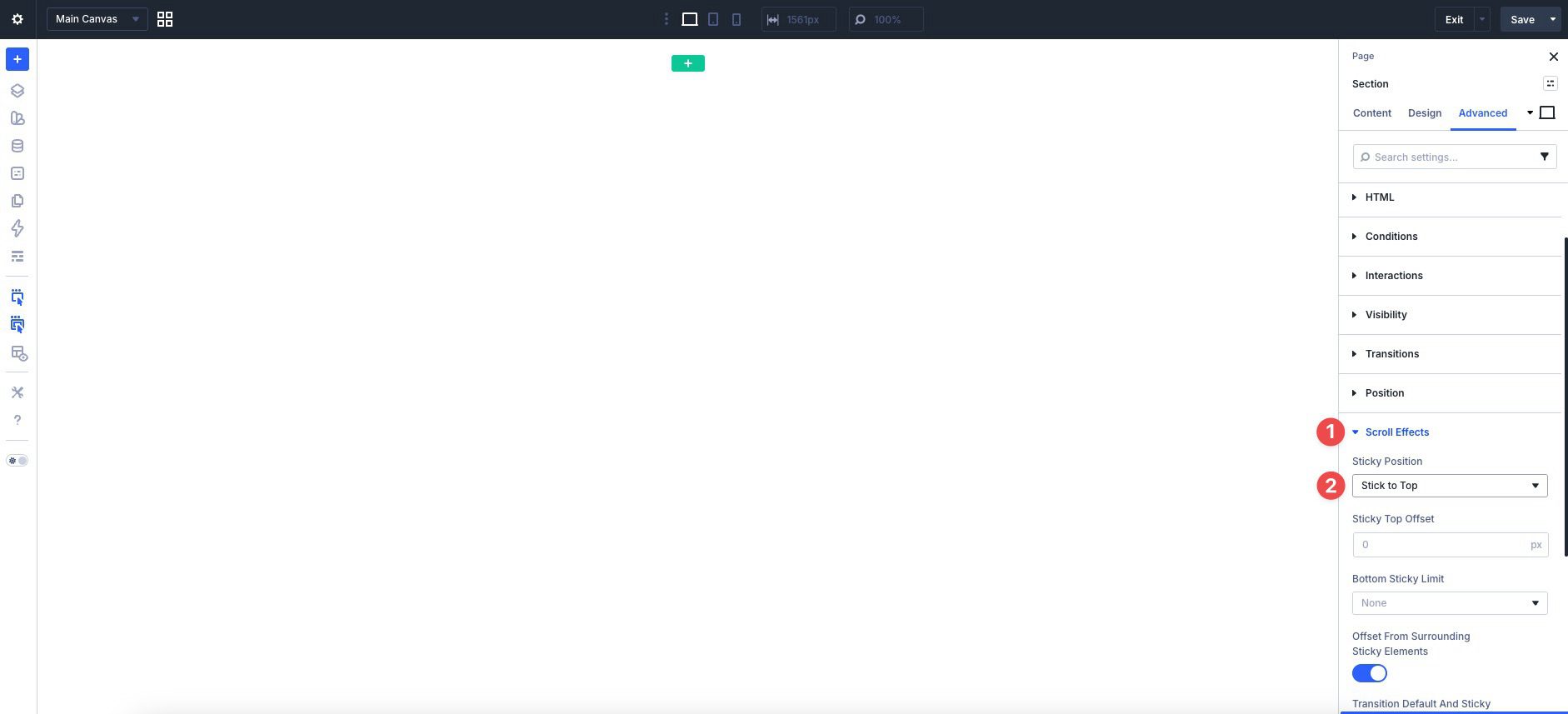
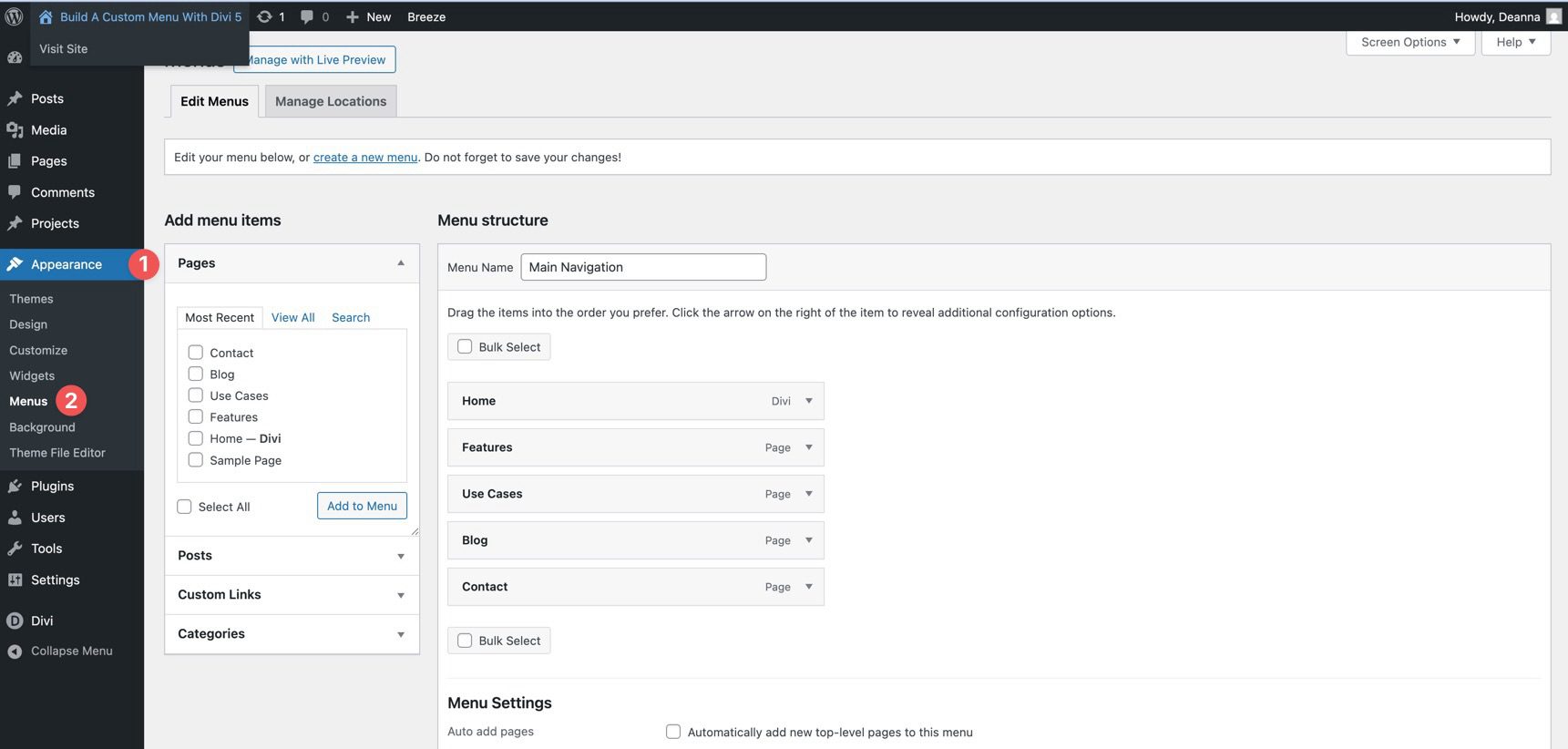
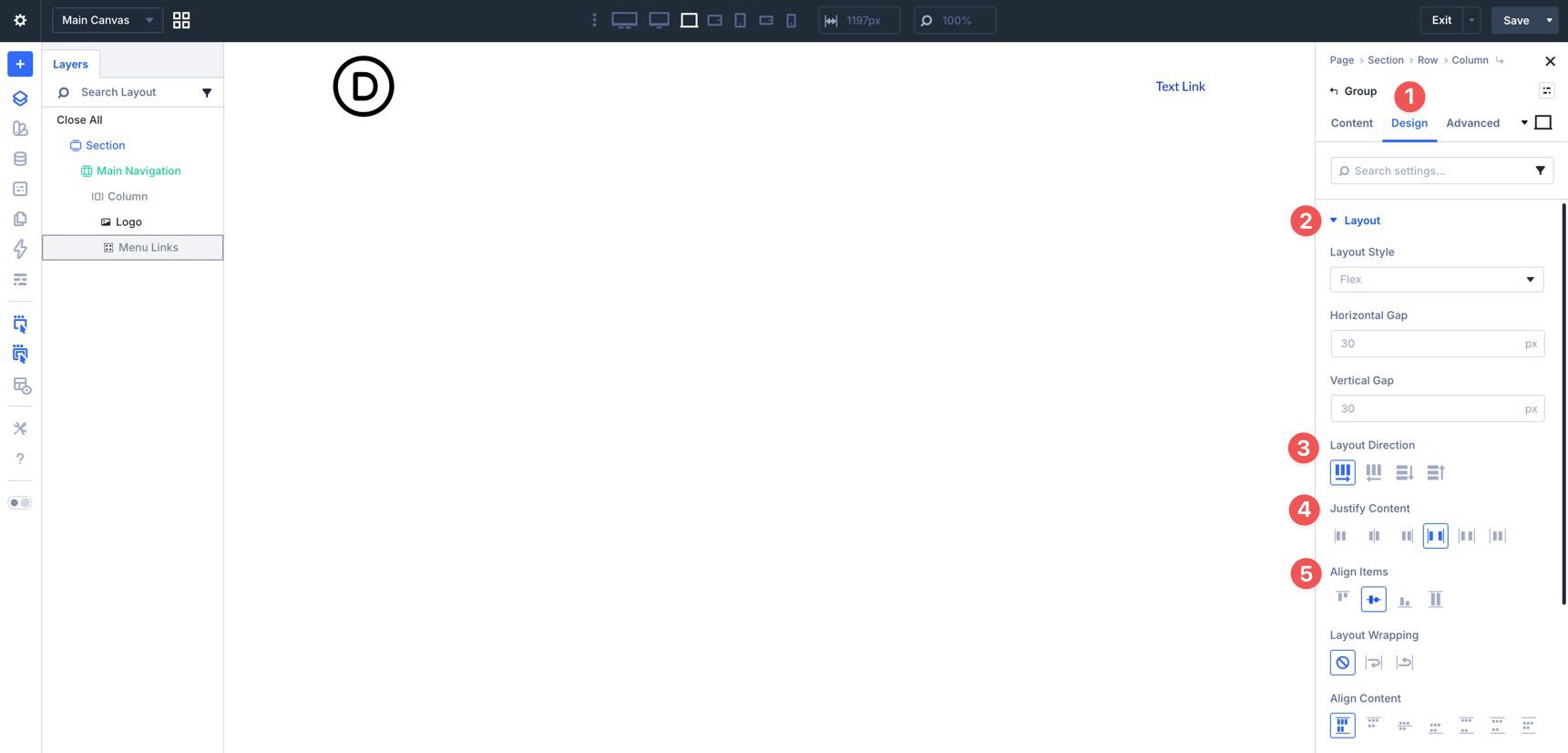
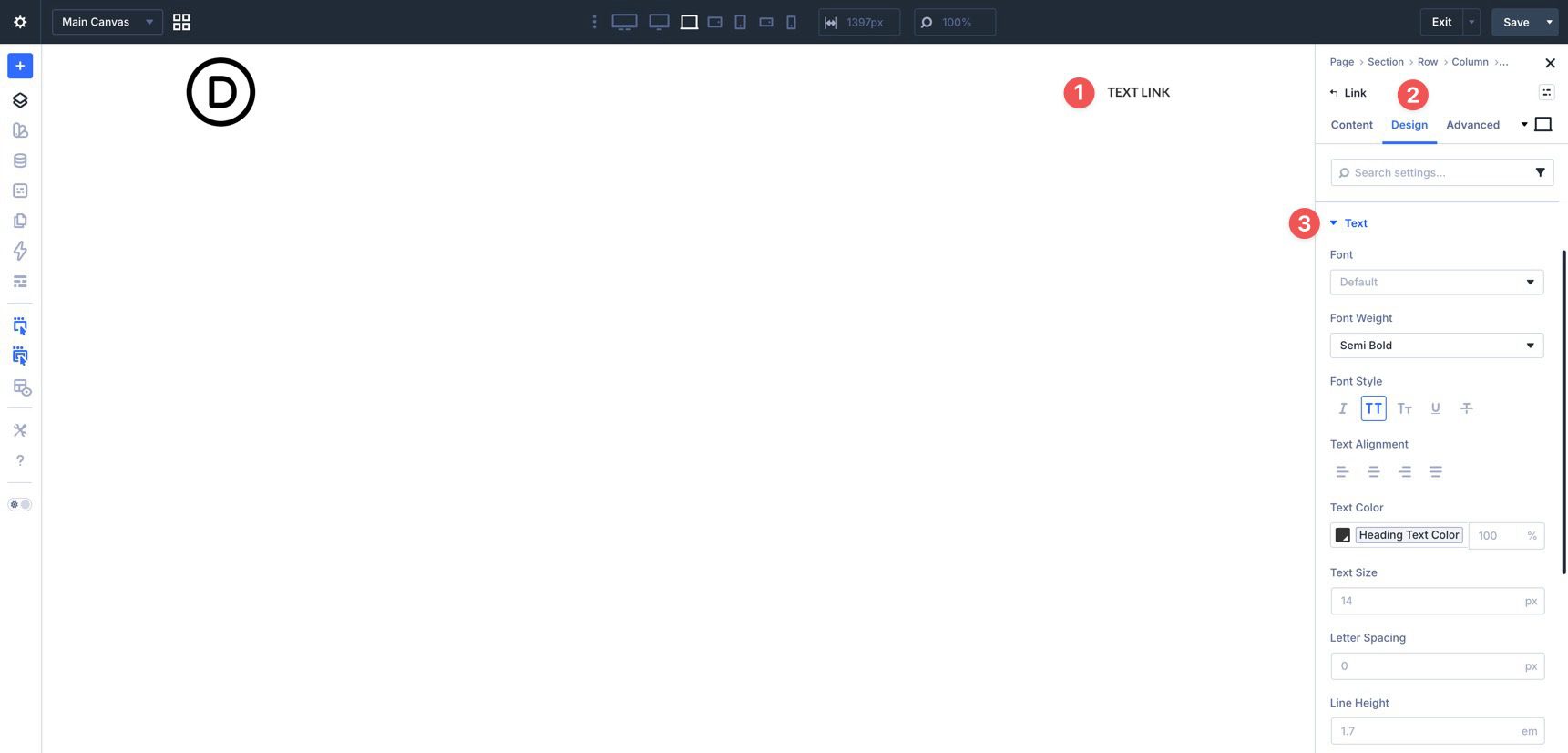
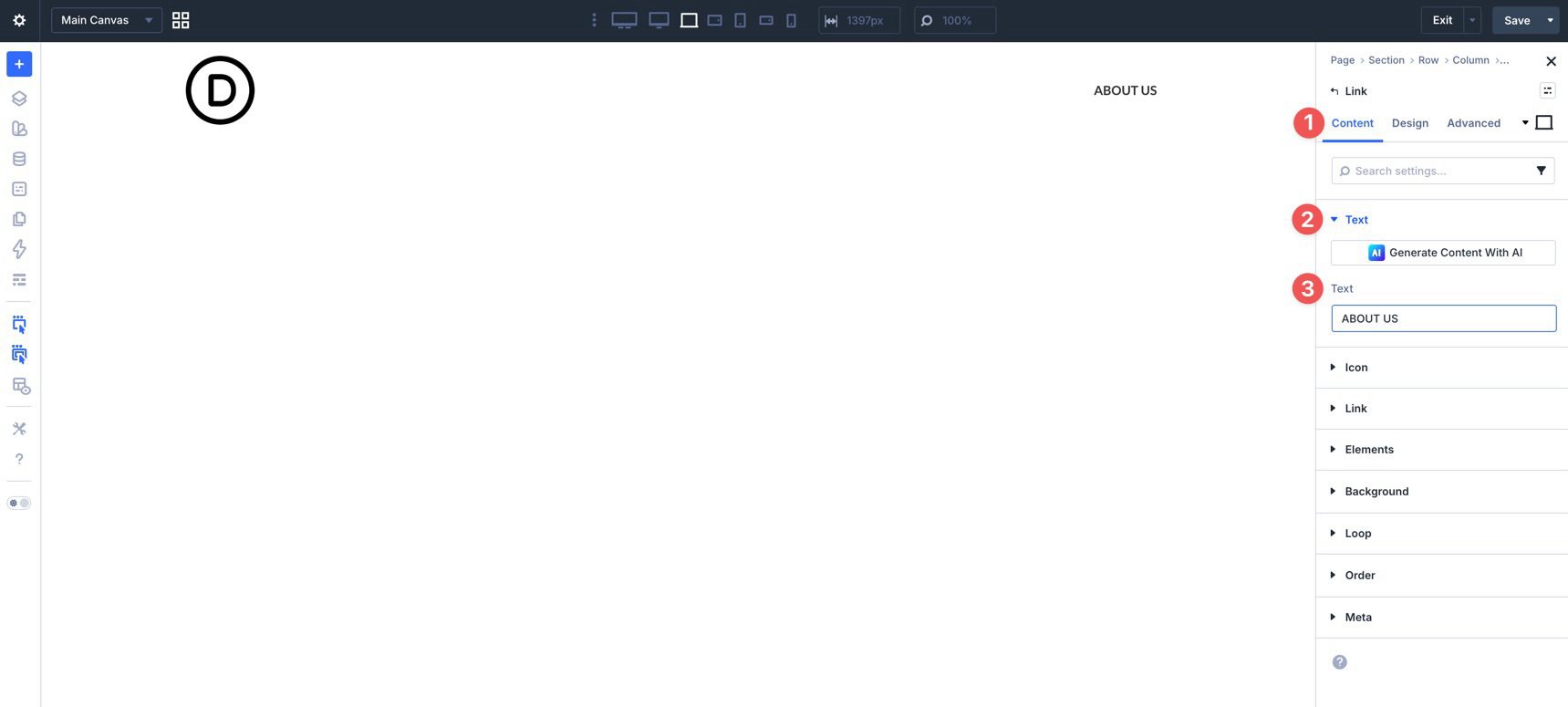
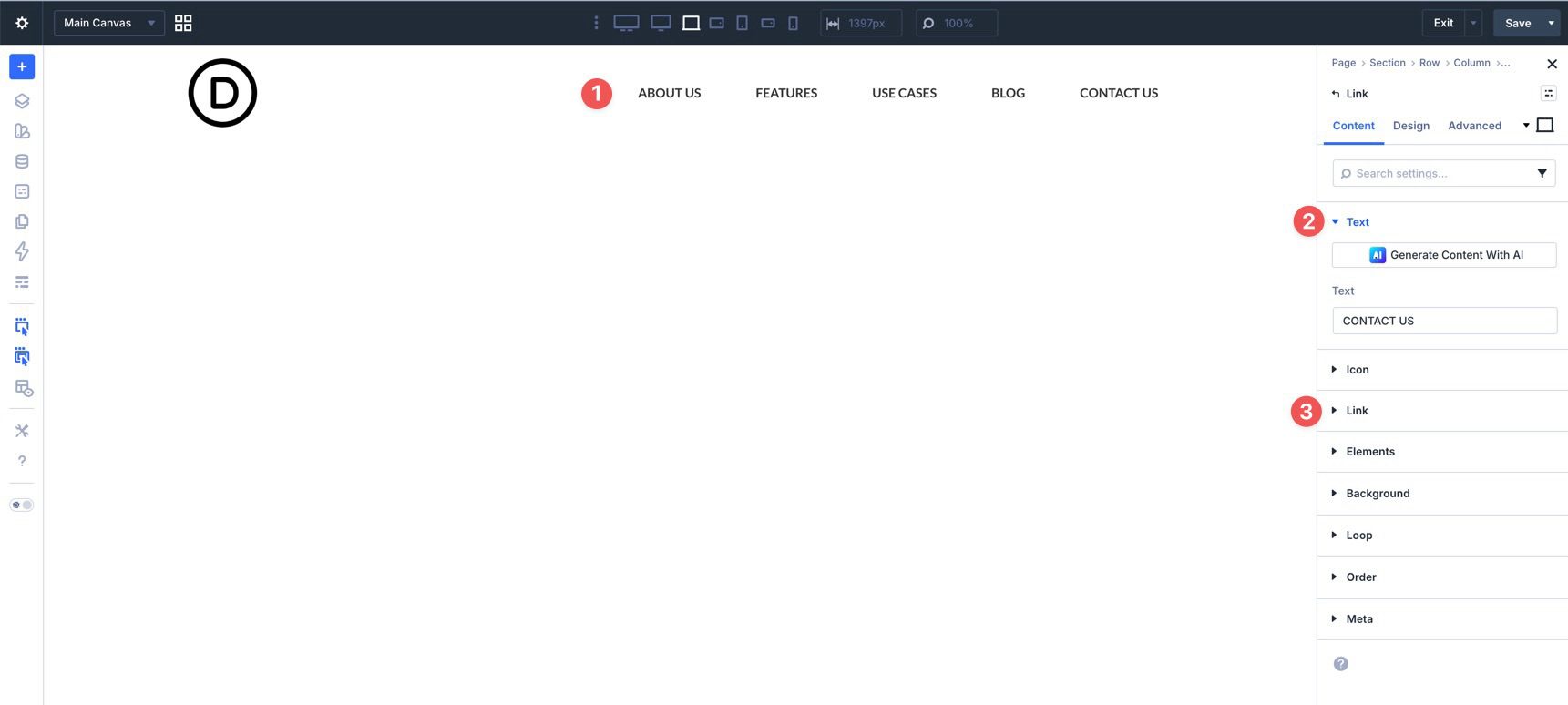
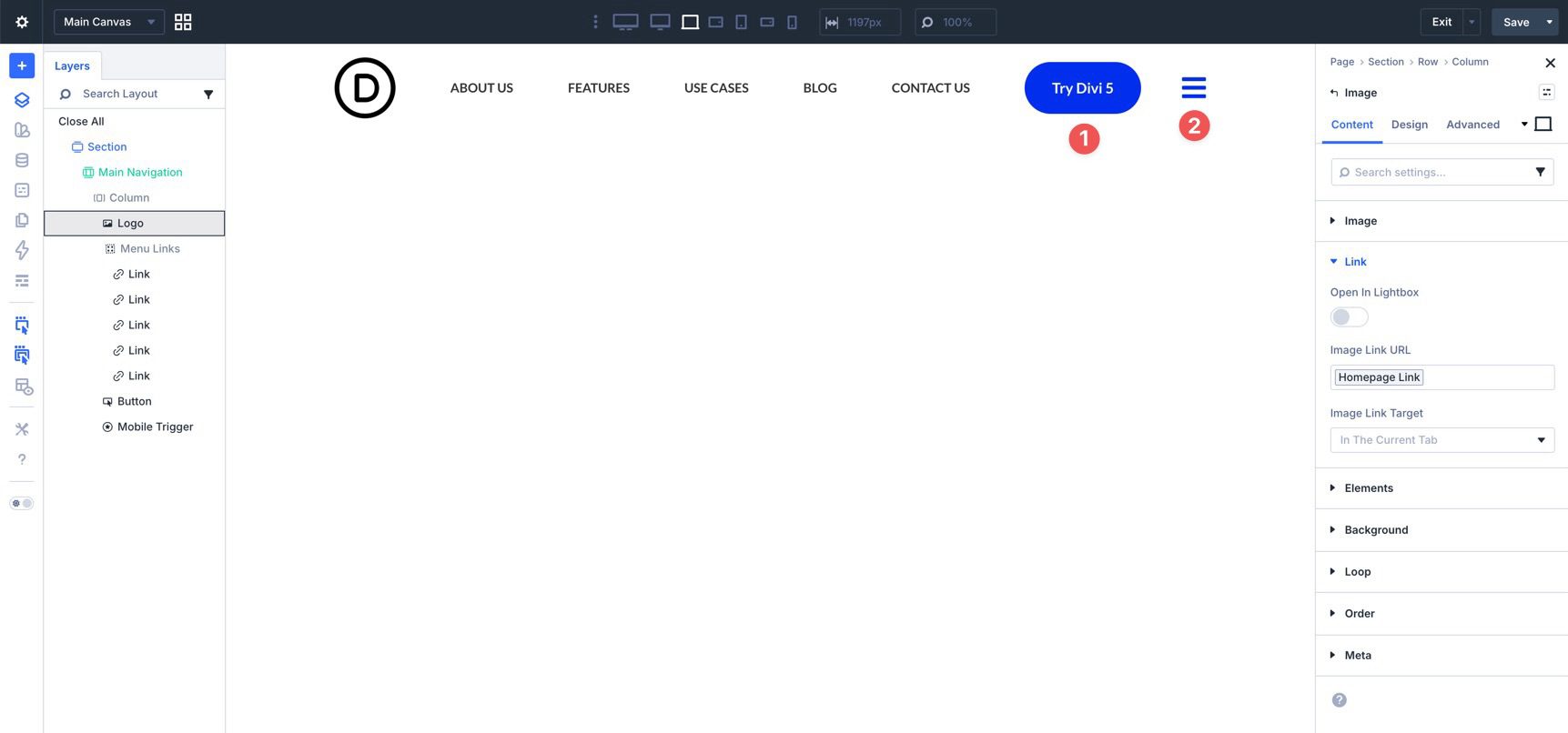
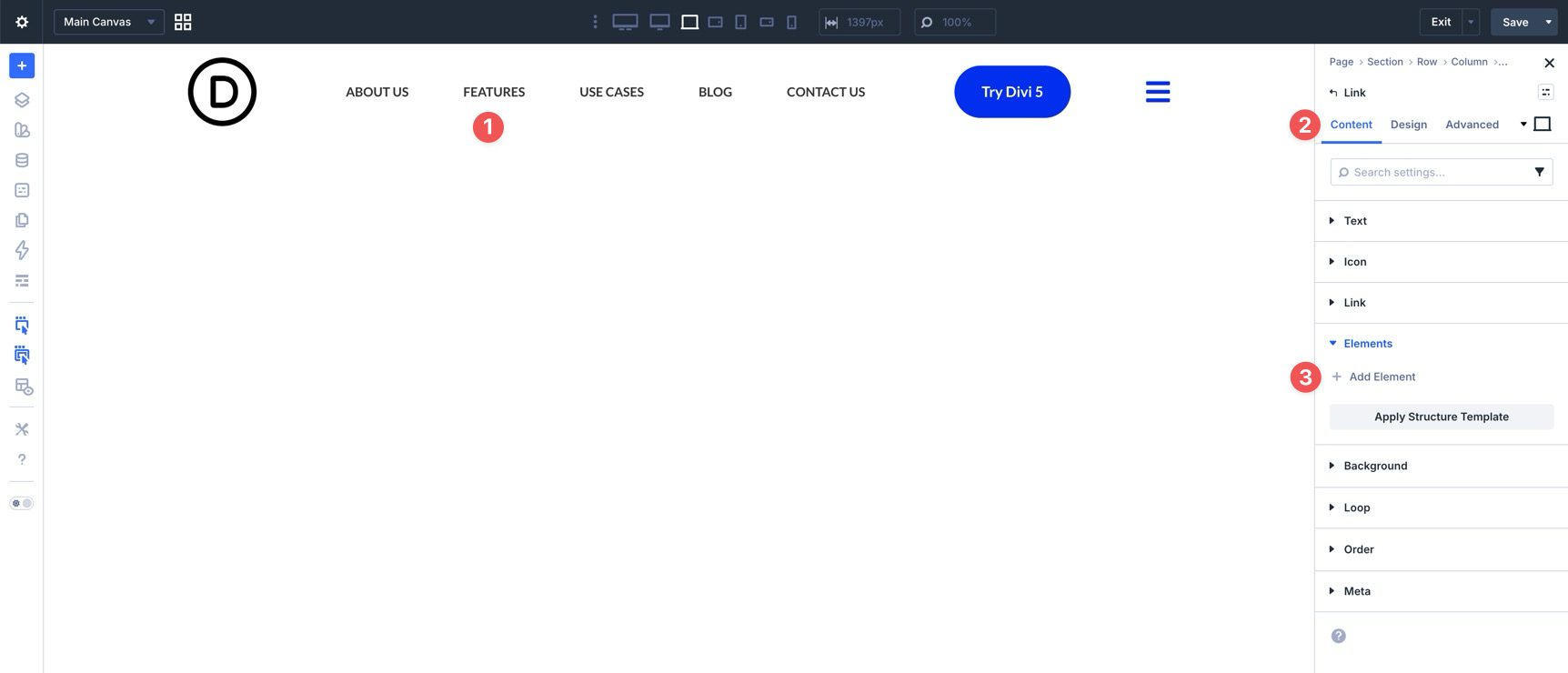
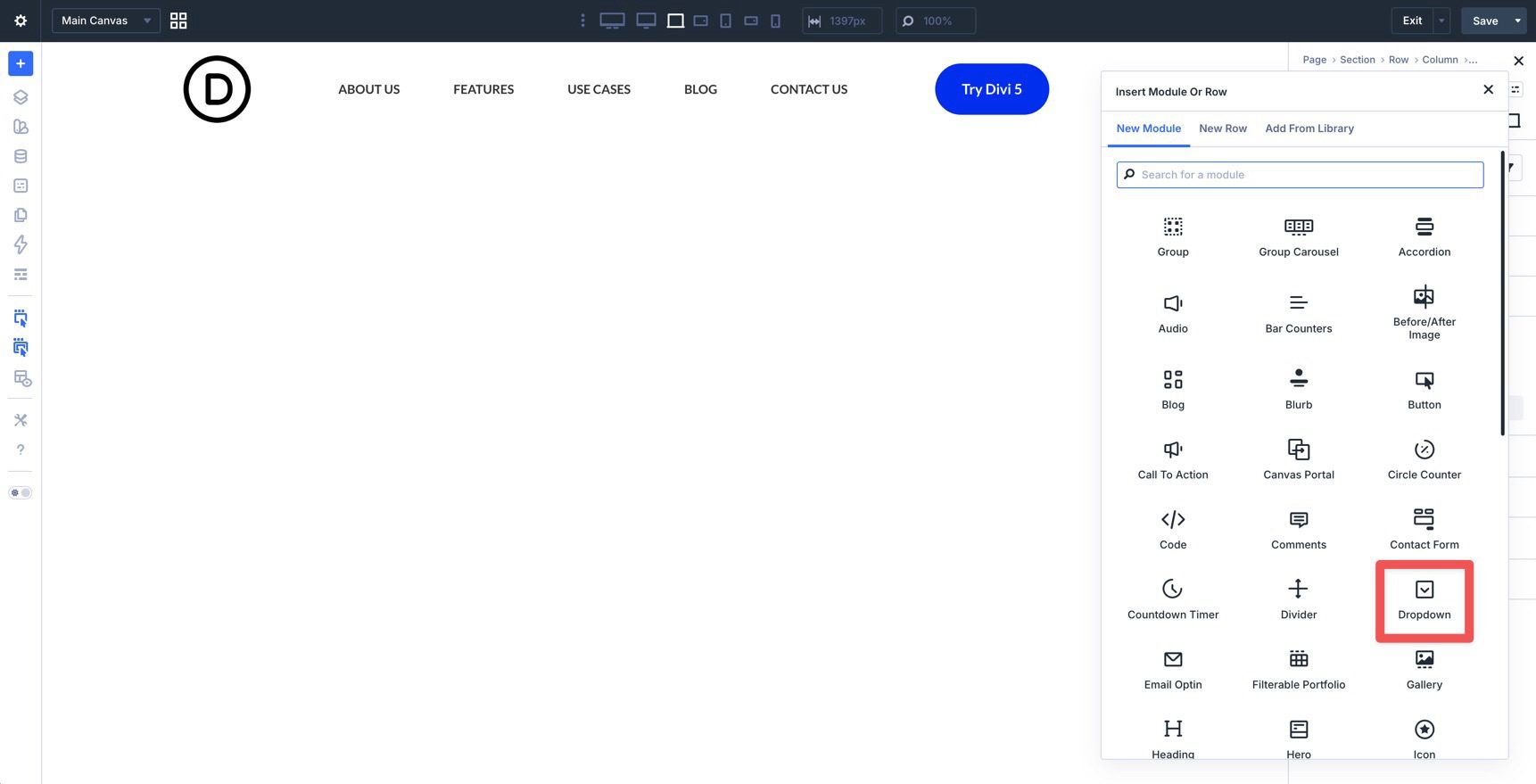
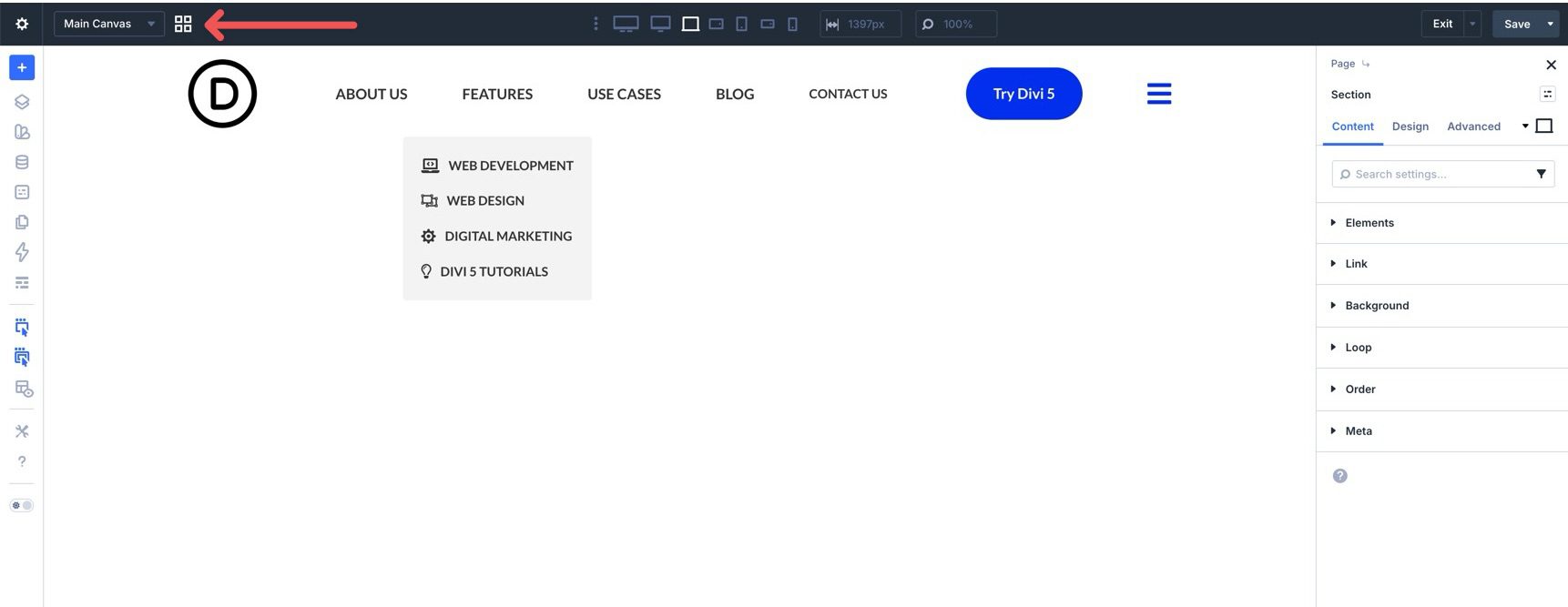
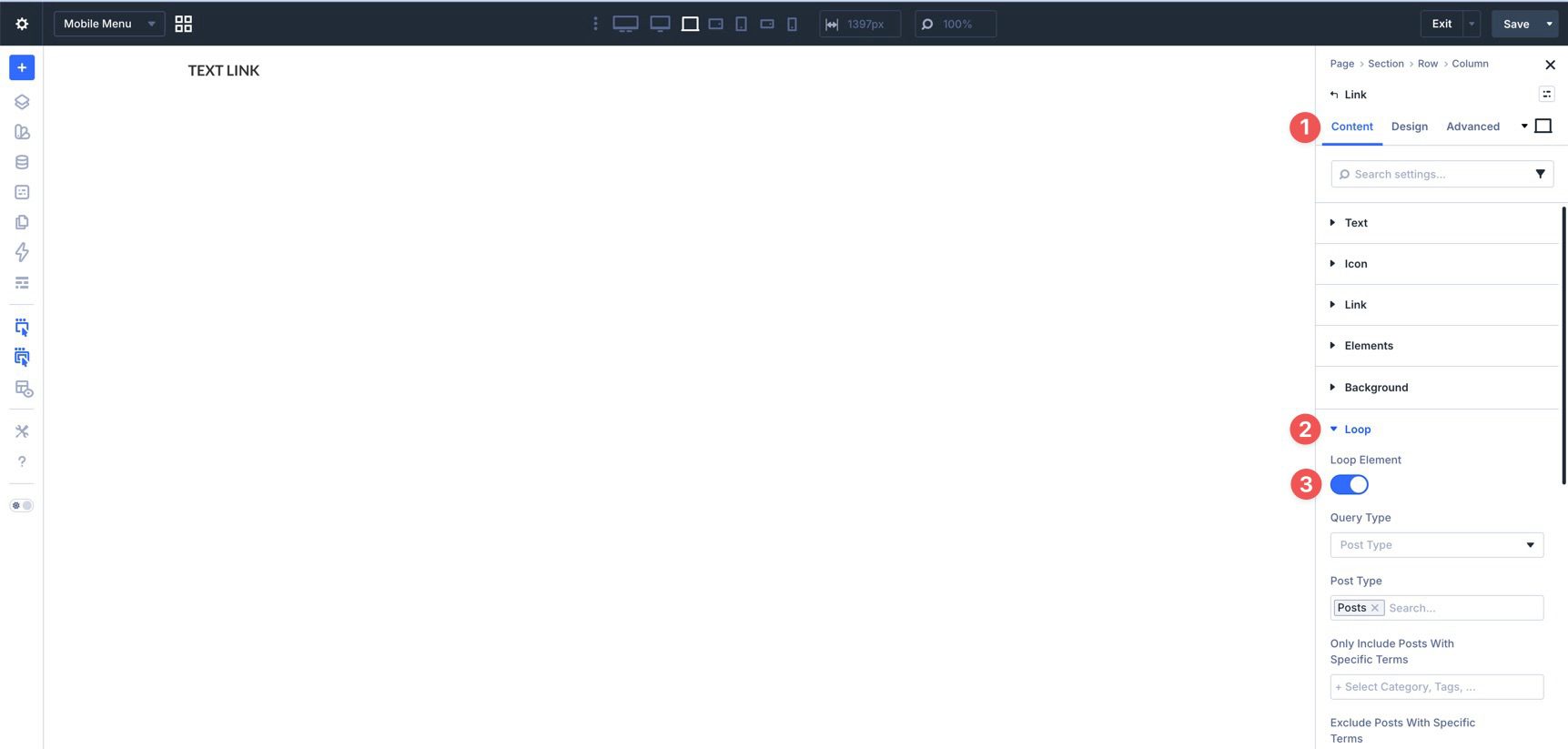
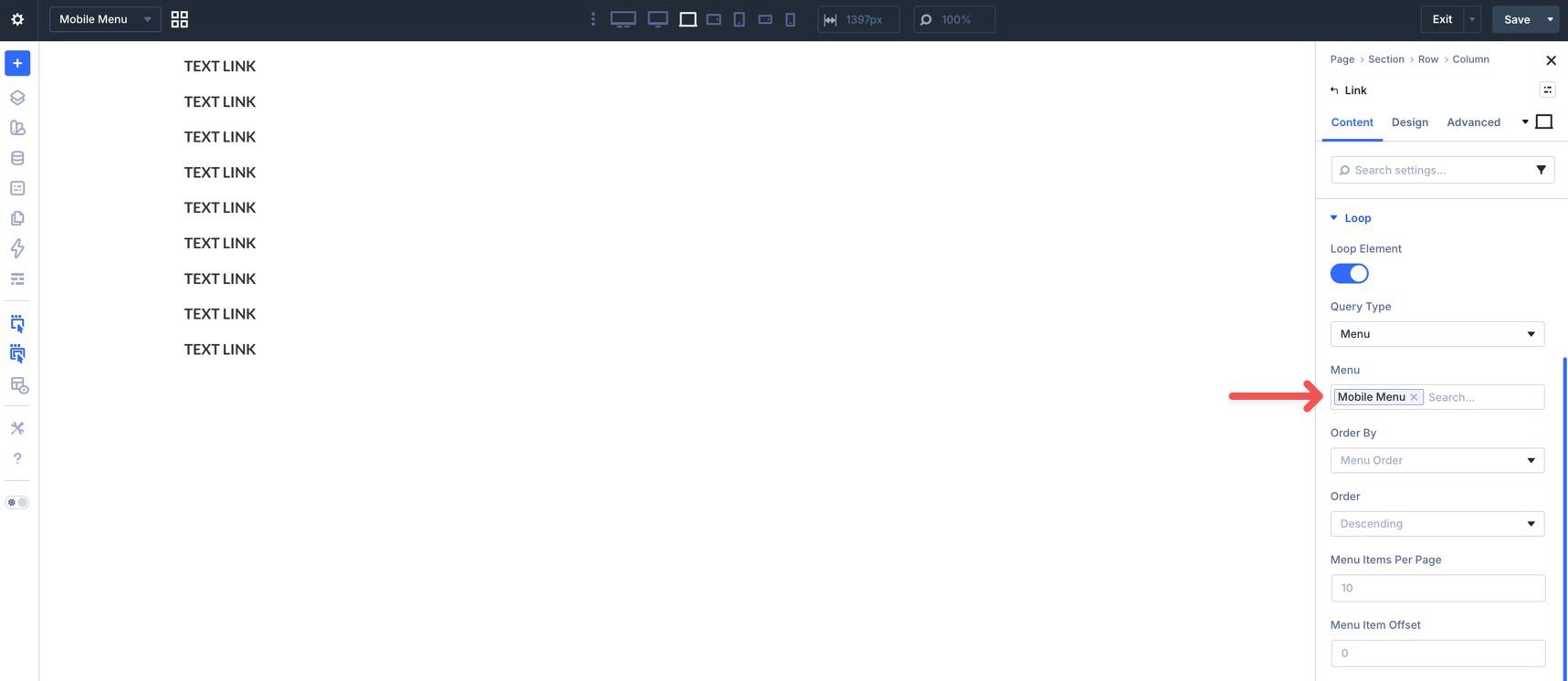
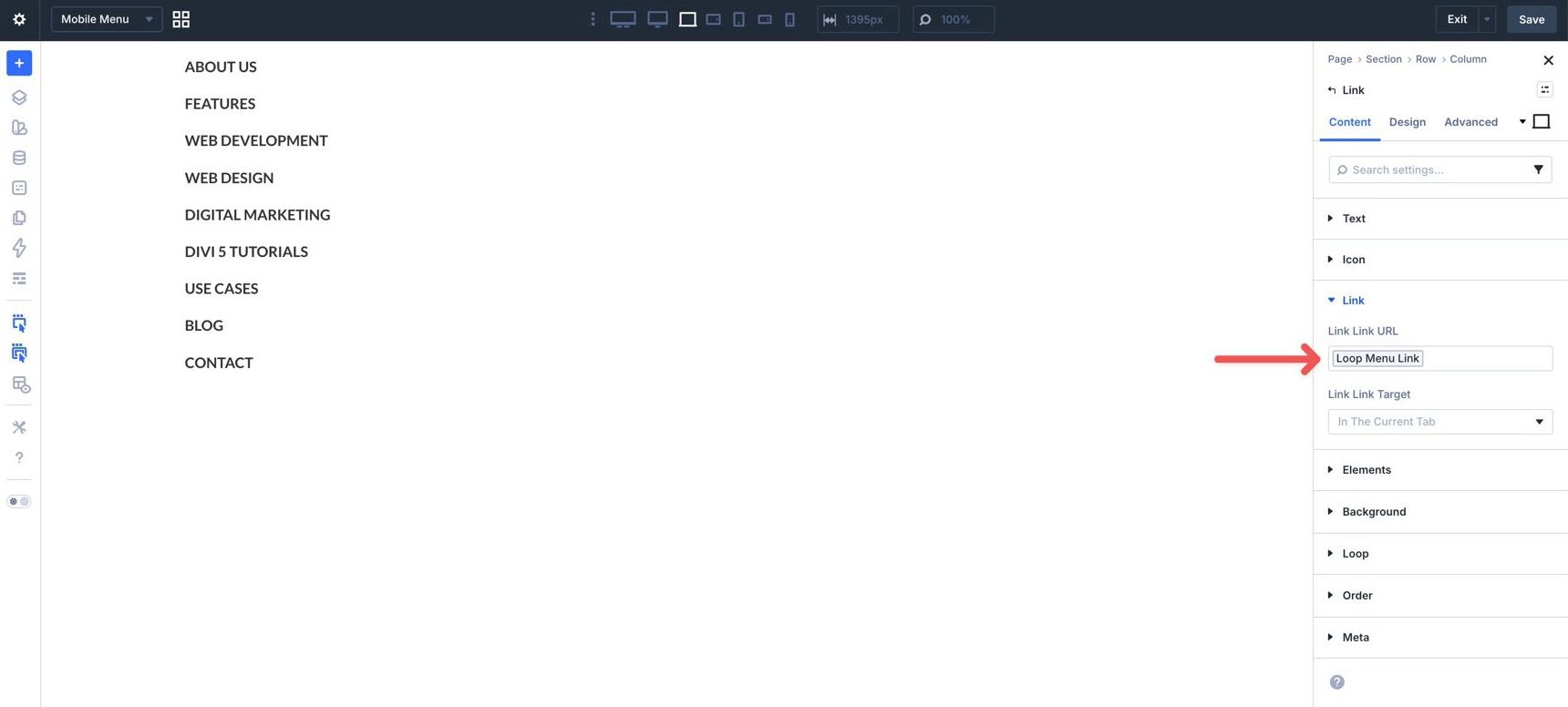
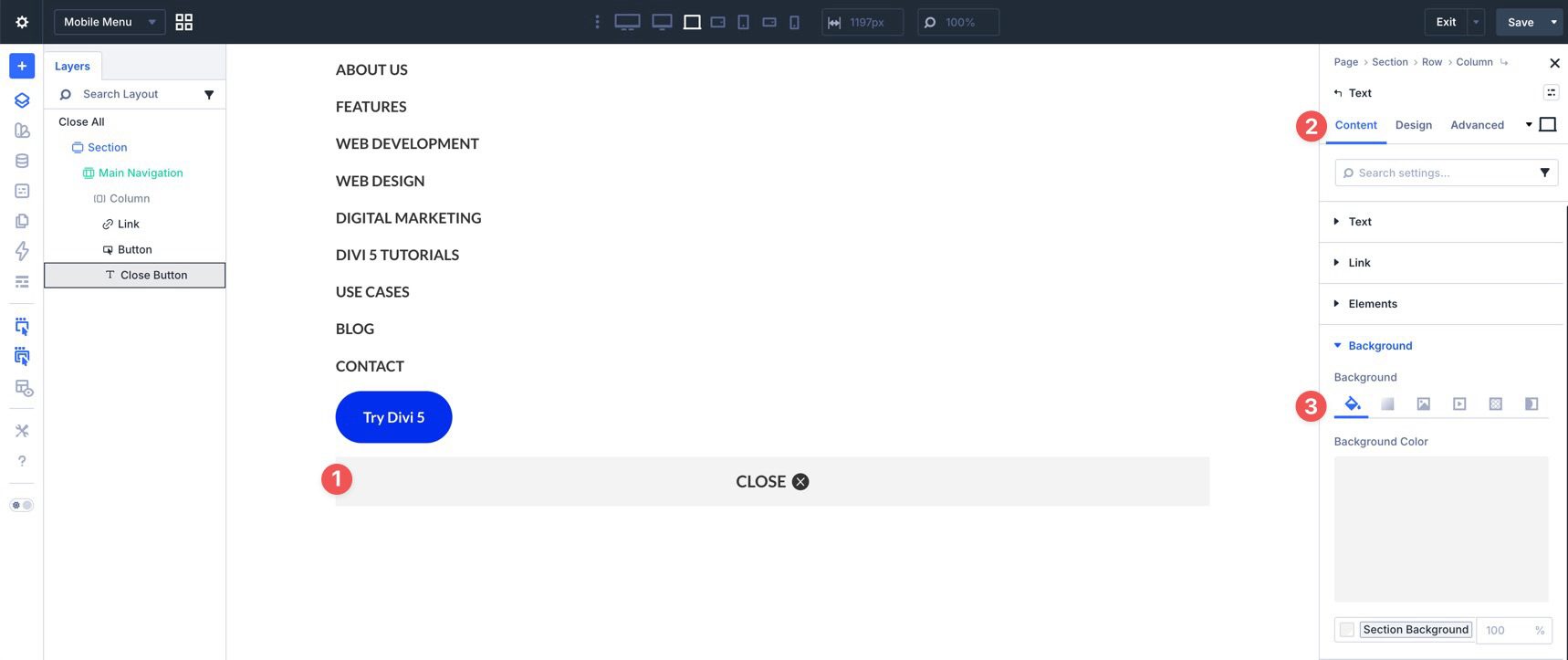
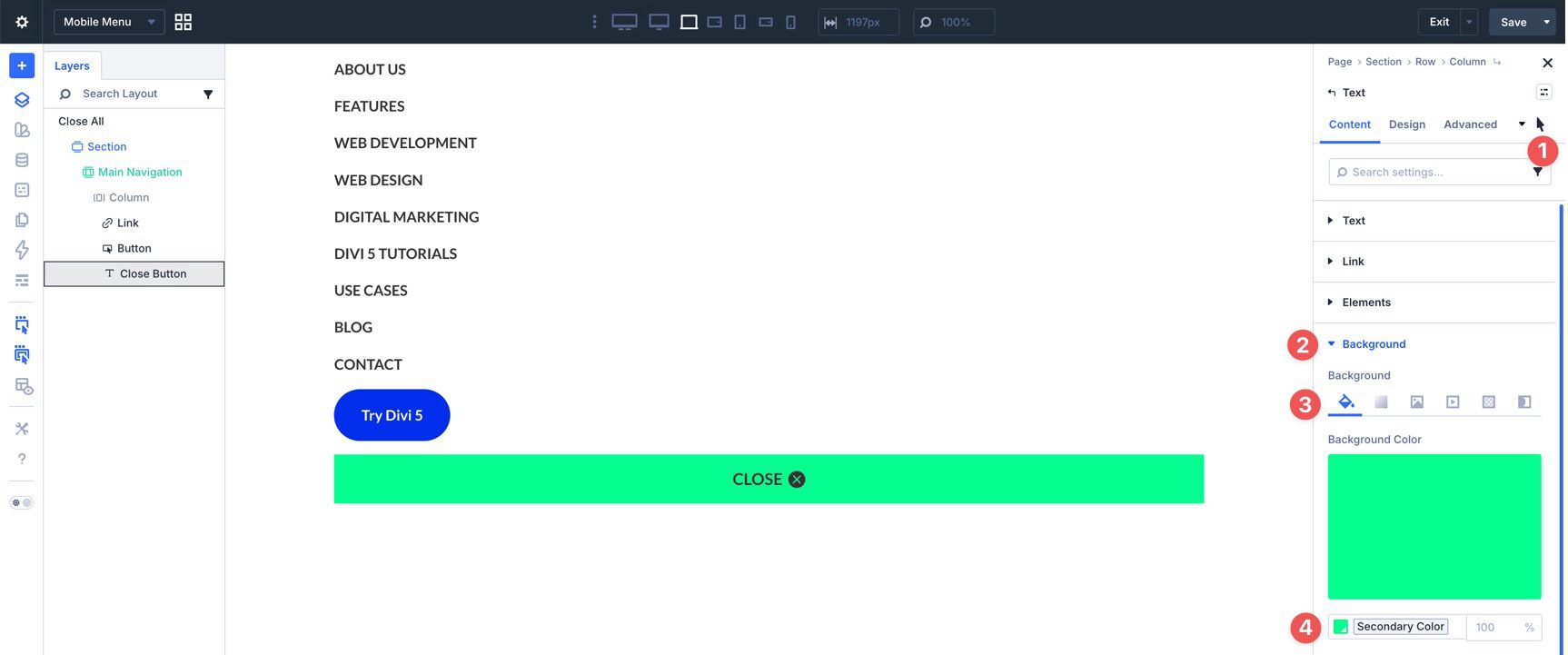
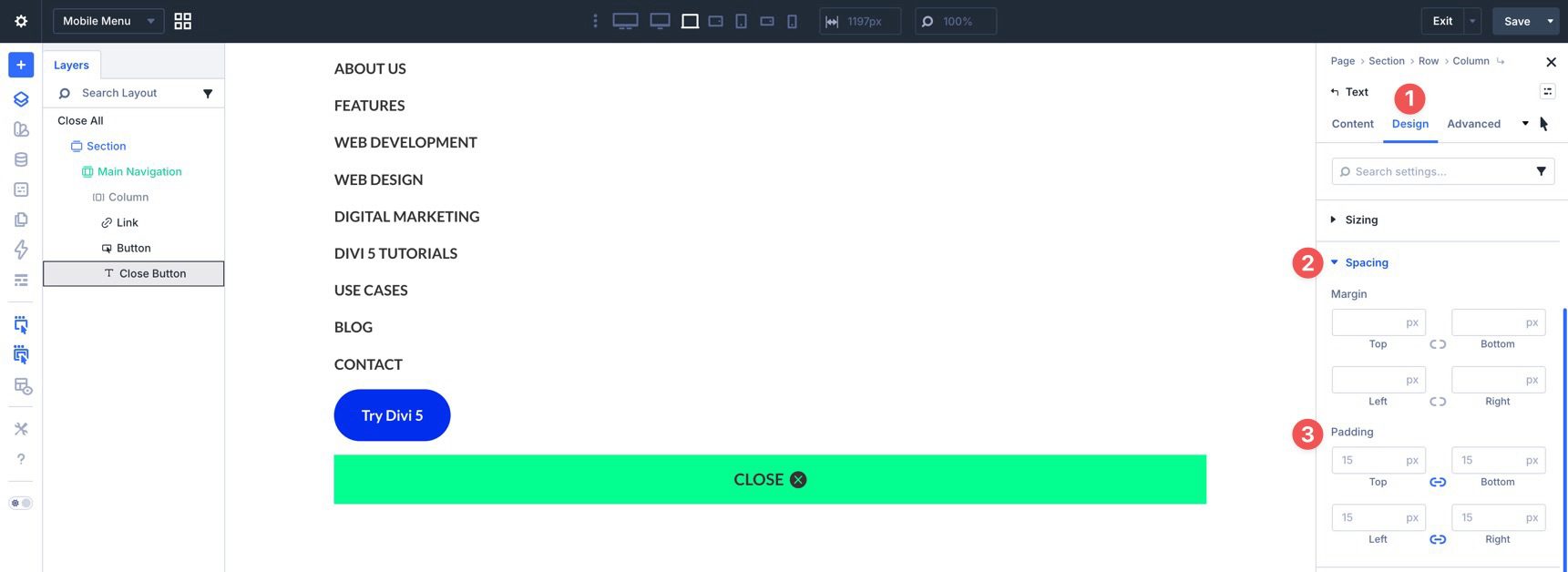
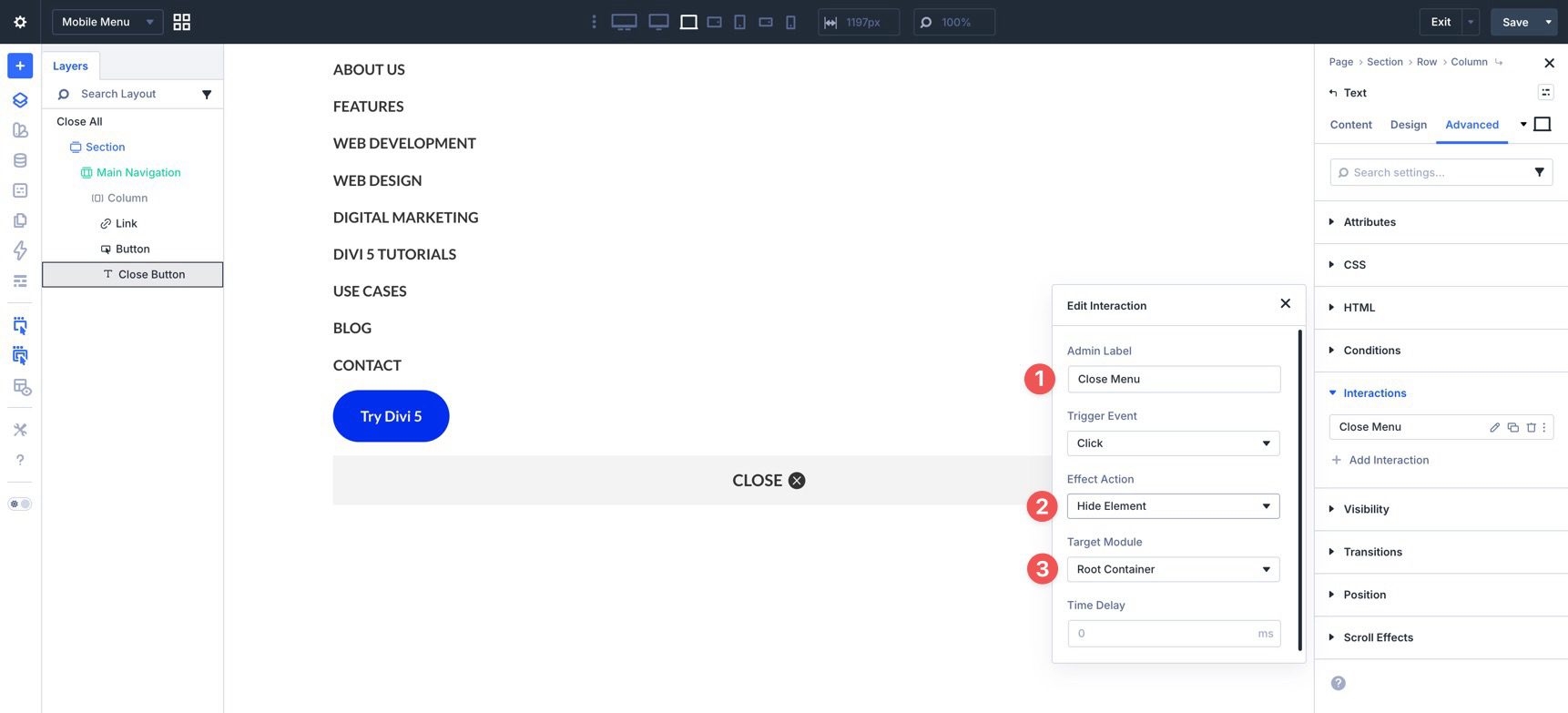
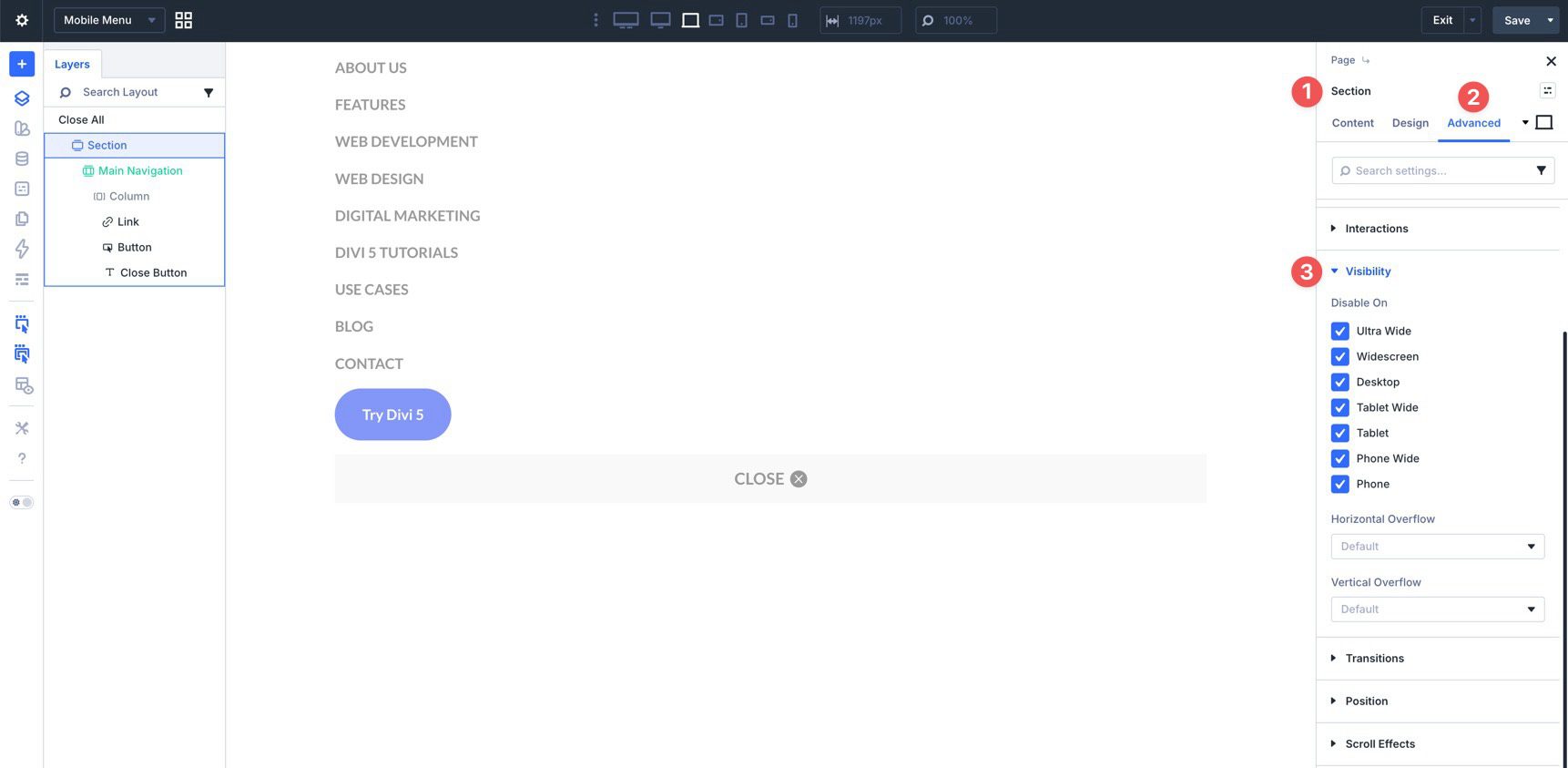
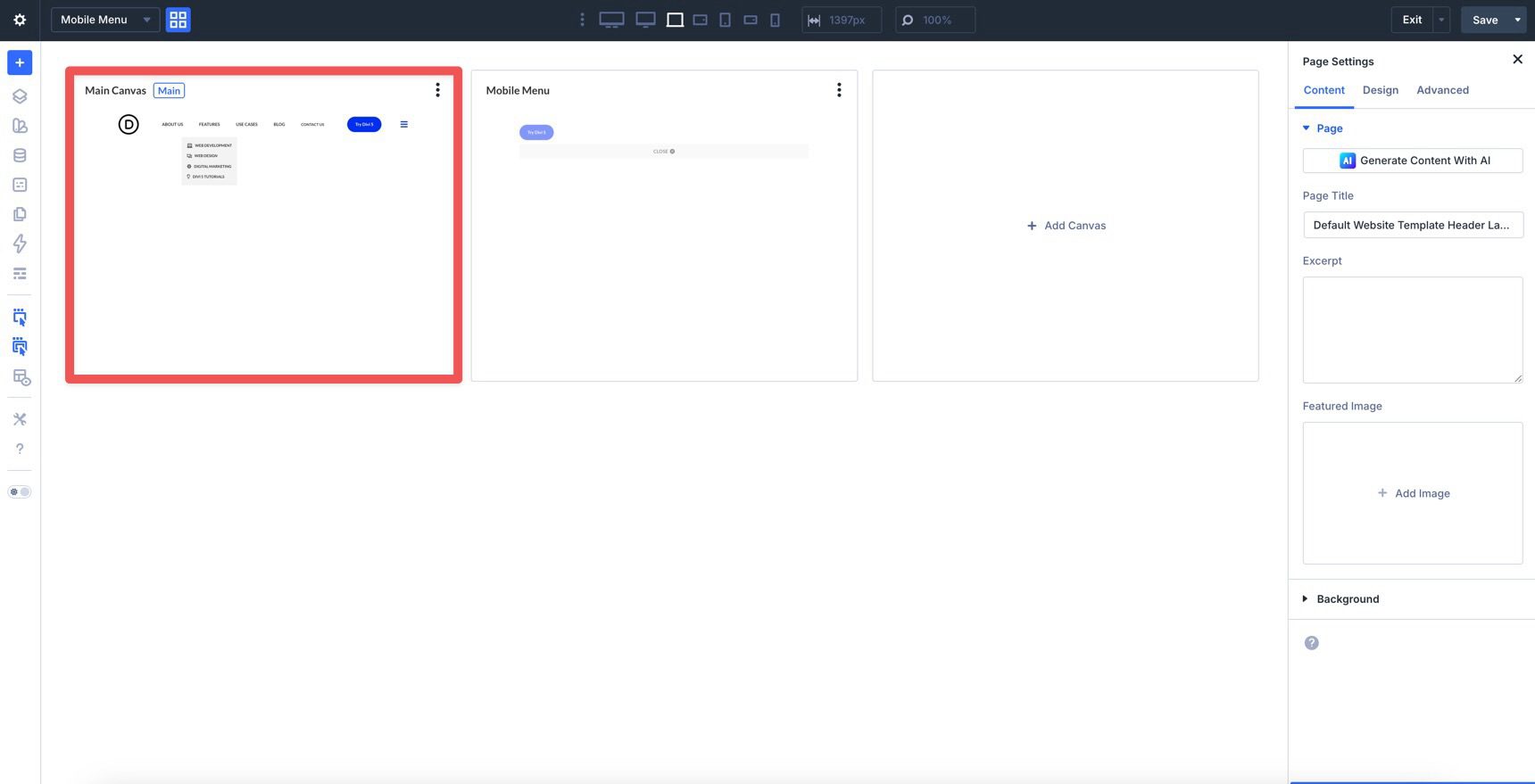
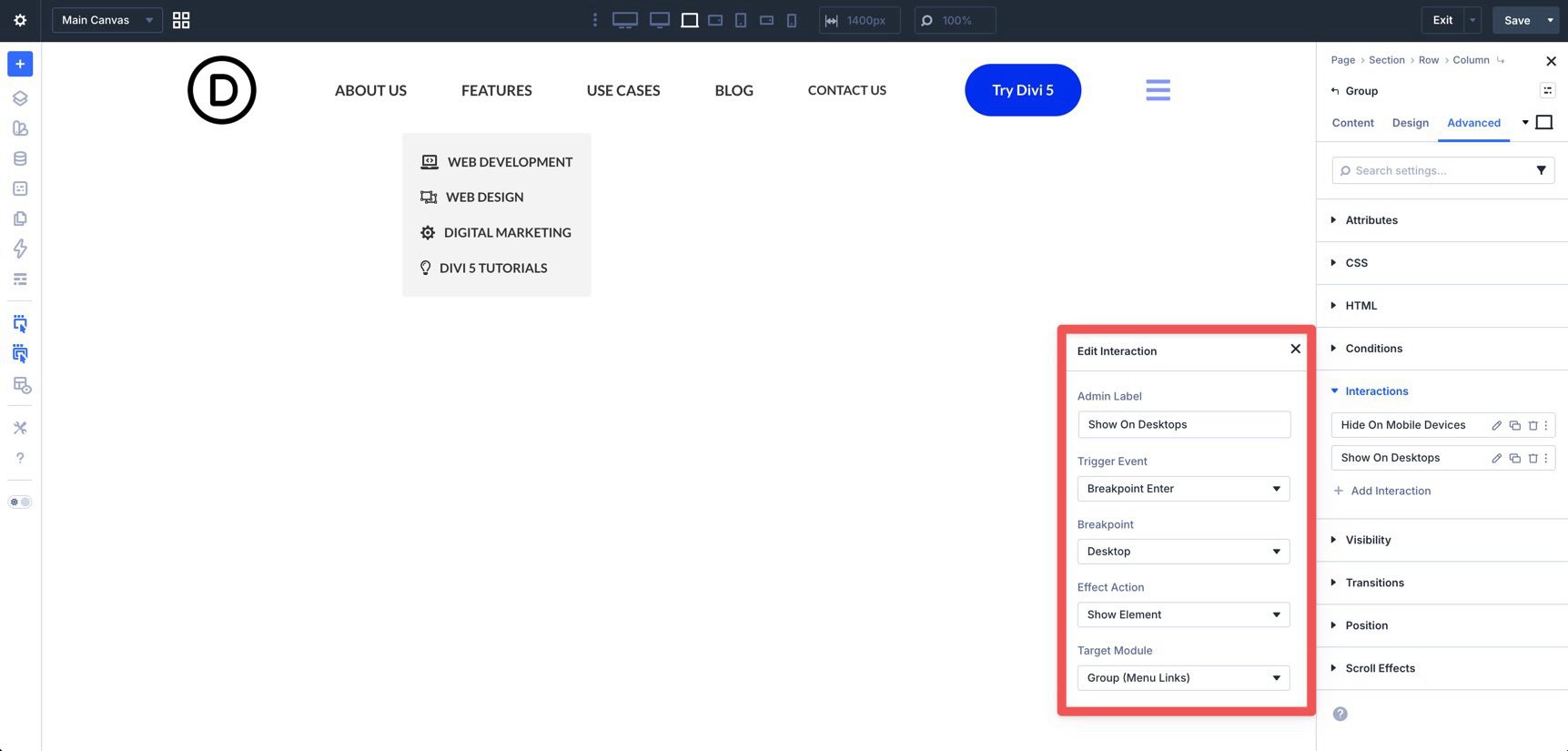
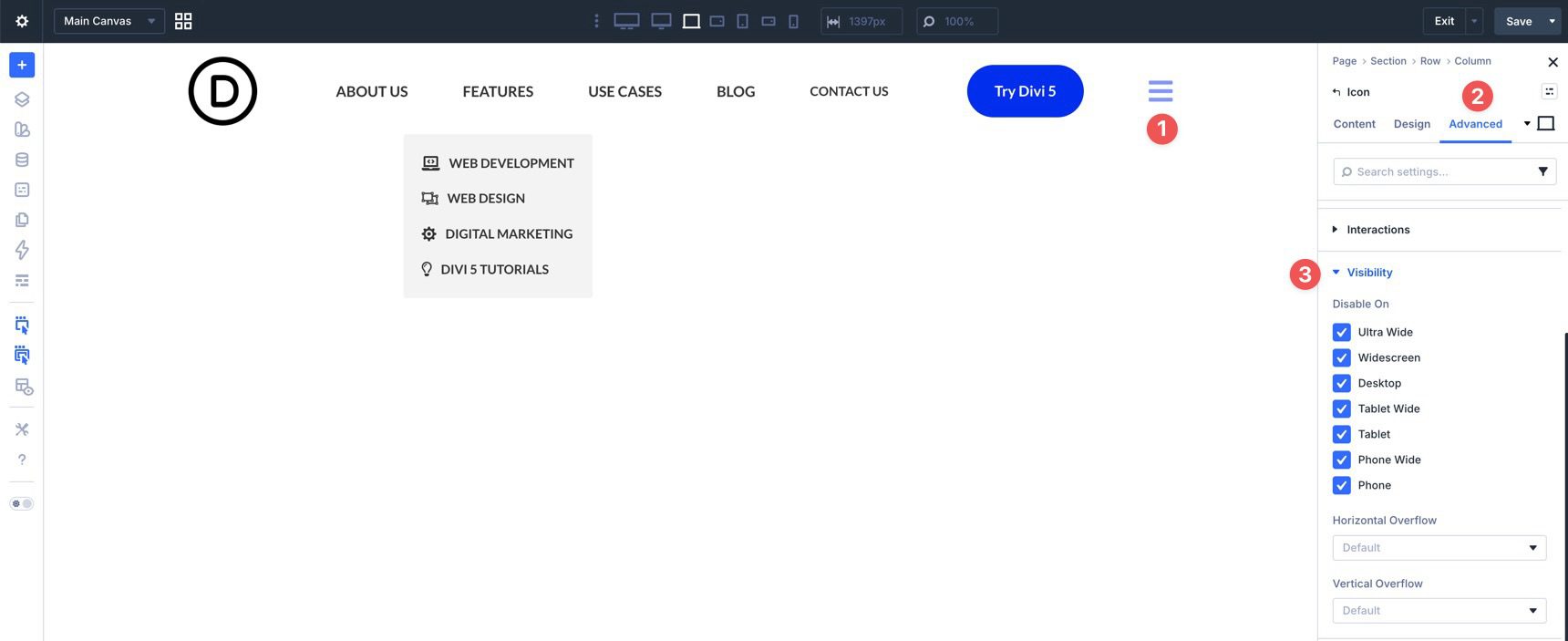
Divi has always given you ways to create custom menus, most notably with the classic Menu module. That module is still useful, but it is also an all-in-one system, which means it can feel limiting when you want full control over structure, styling, dropdown behavior, or mobile navigation. With Divi 5’s new menu features , you can build navigation from smaller, more flexible pieces. The new Link and Dropdown modules let you create custom menus, dropdowns, mega-menu style layouts, and mobile navigation directly in the Visual Builder, without relying on third-party plugins or custom code. In this step-by-step guide, we’ll build a custom menu with submenus and a separate mobile version using native Divi 5 features. Getting Started With Divi 5’s New Menu Features Before building your menu, make sure you are using the latest version of Divi 5. You can start from a fresh install or use the Divi 5 Migrator if you are updating an existing Divi 4 site.…