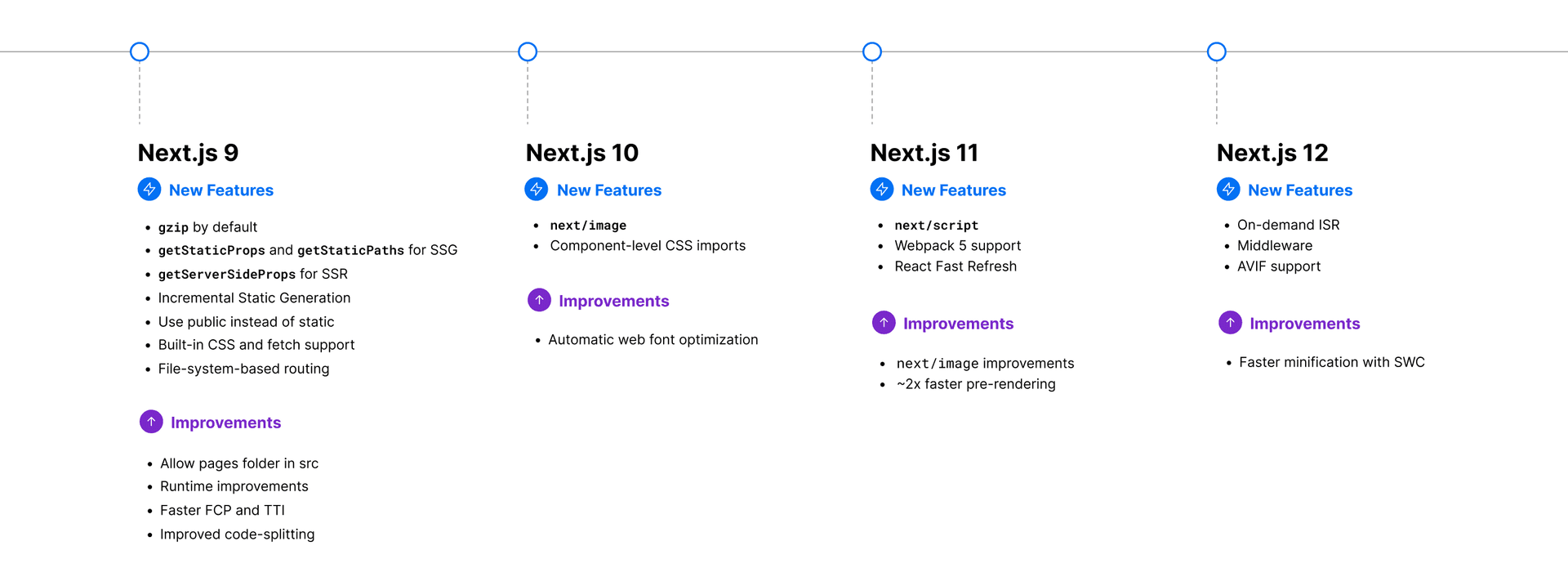
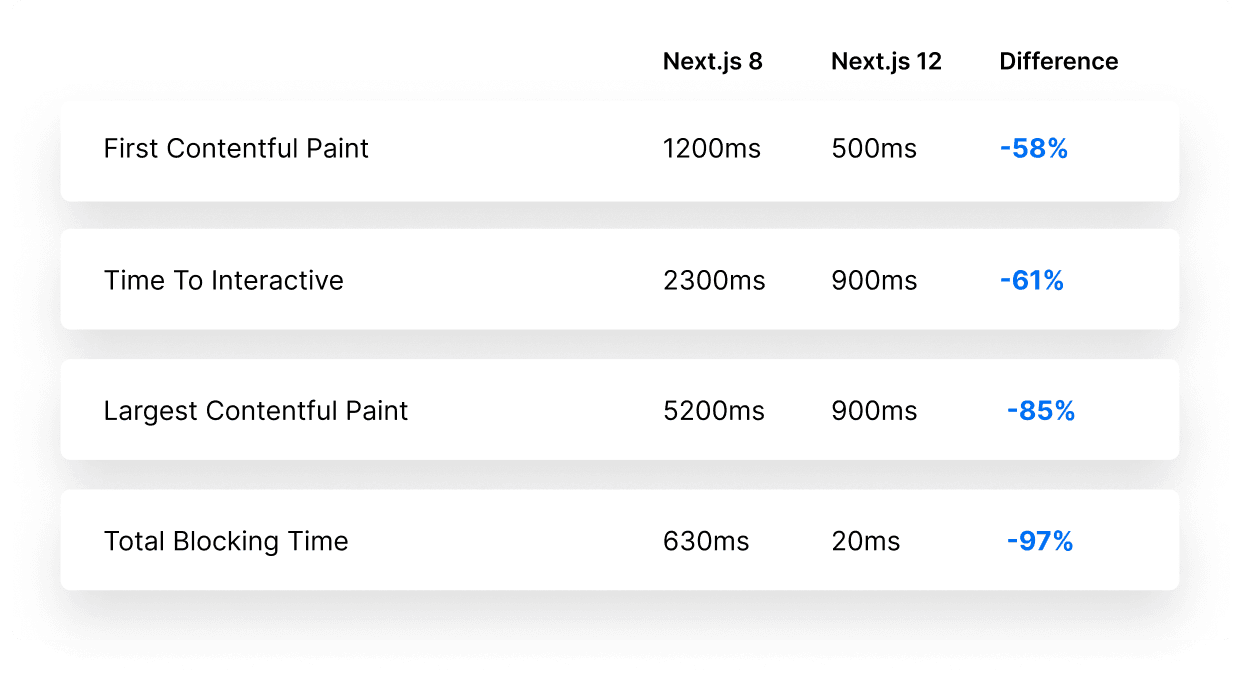
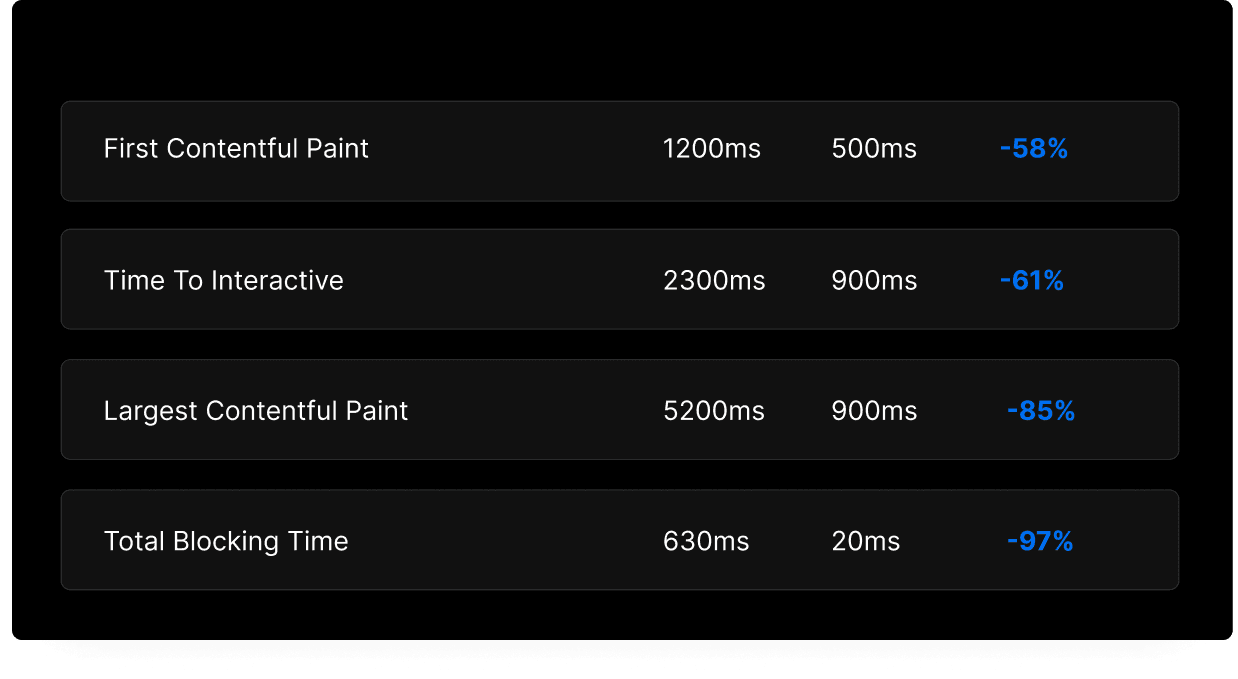
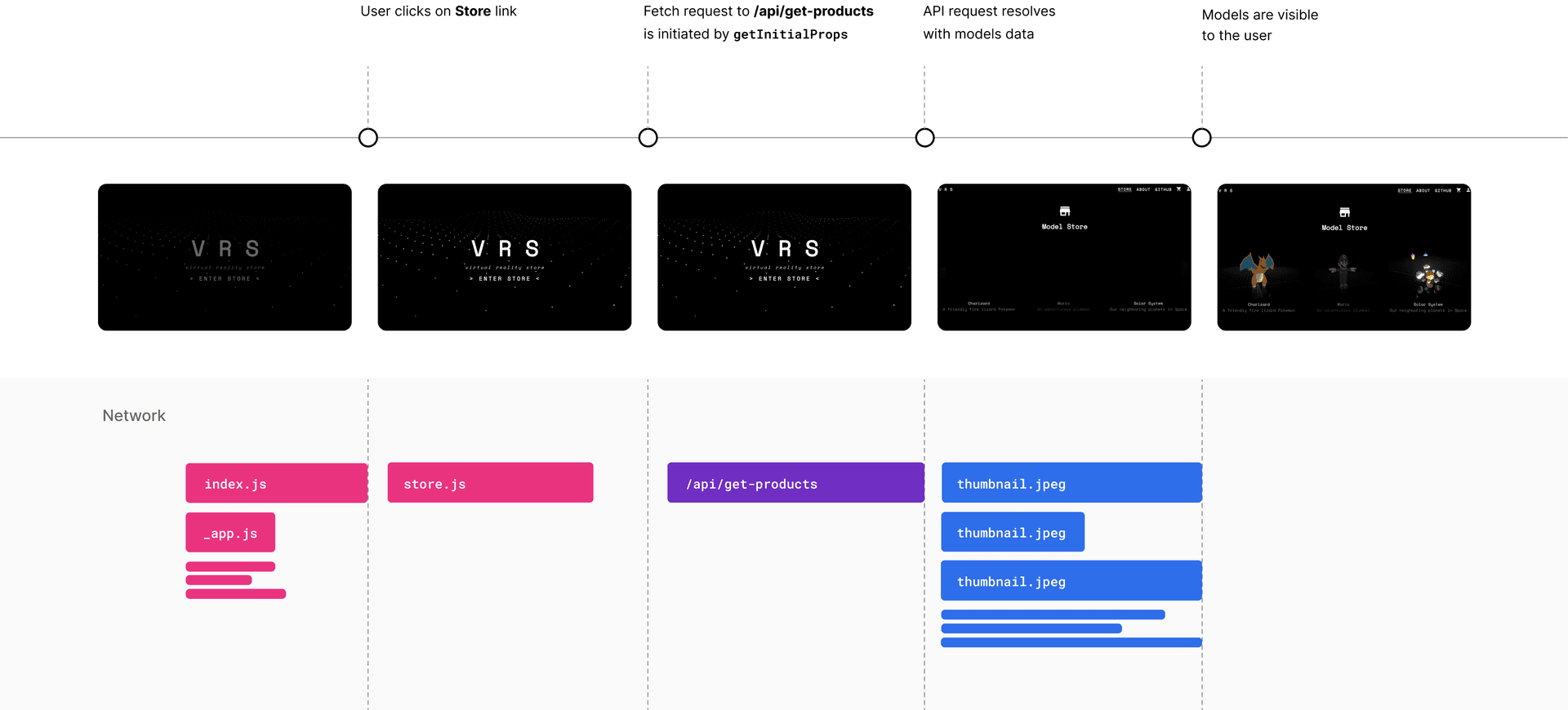
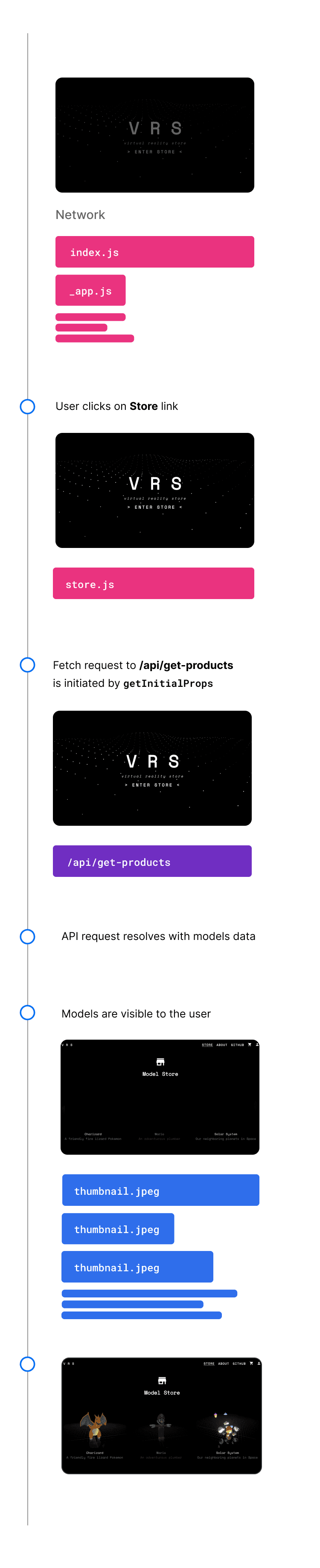
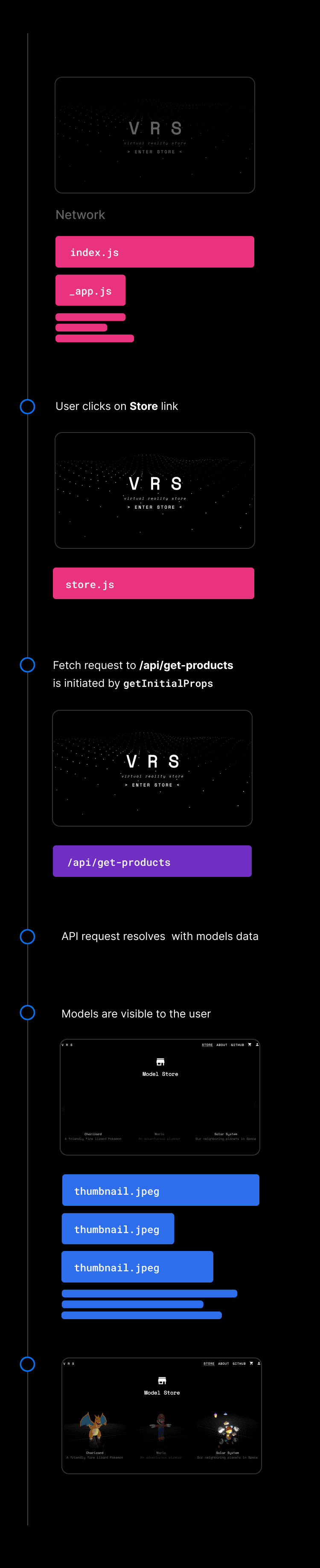
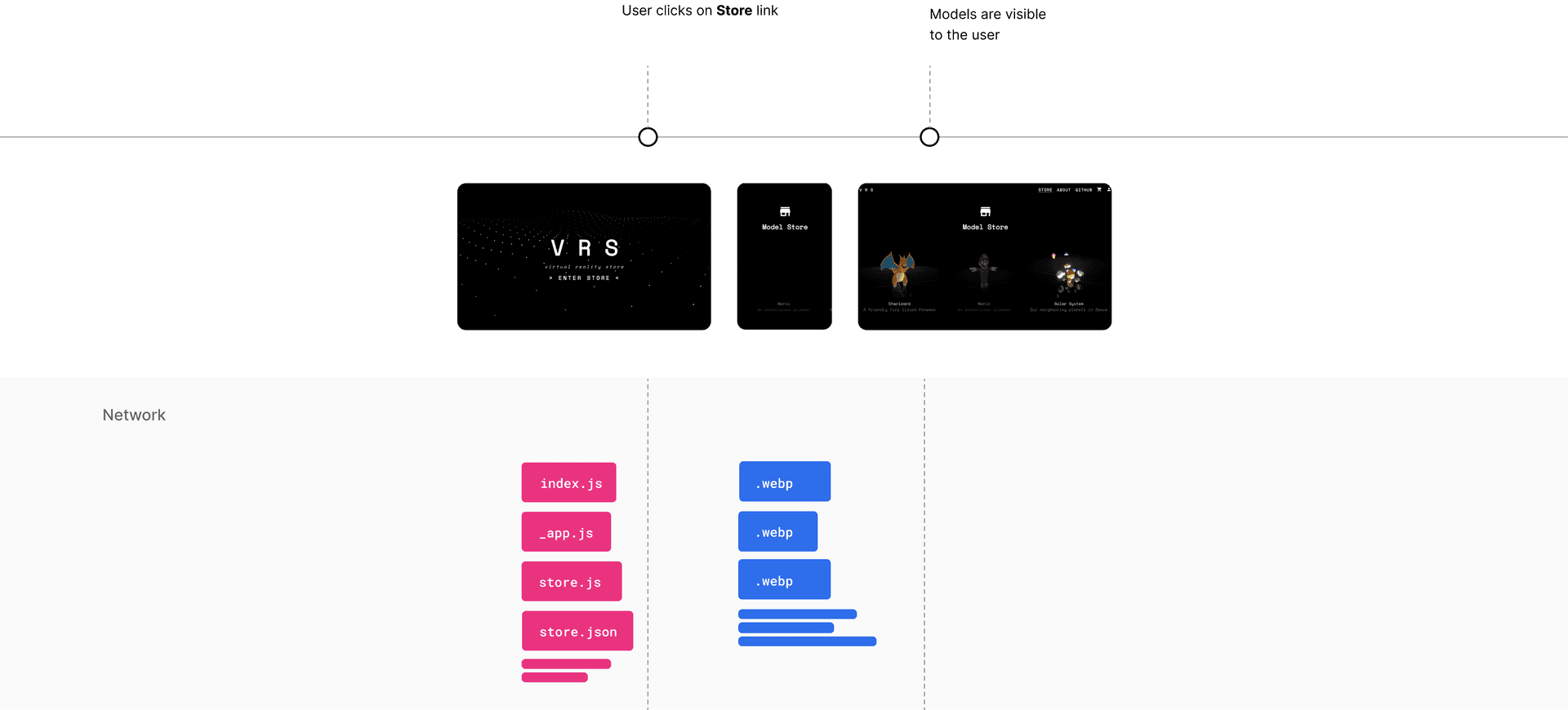
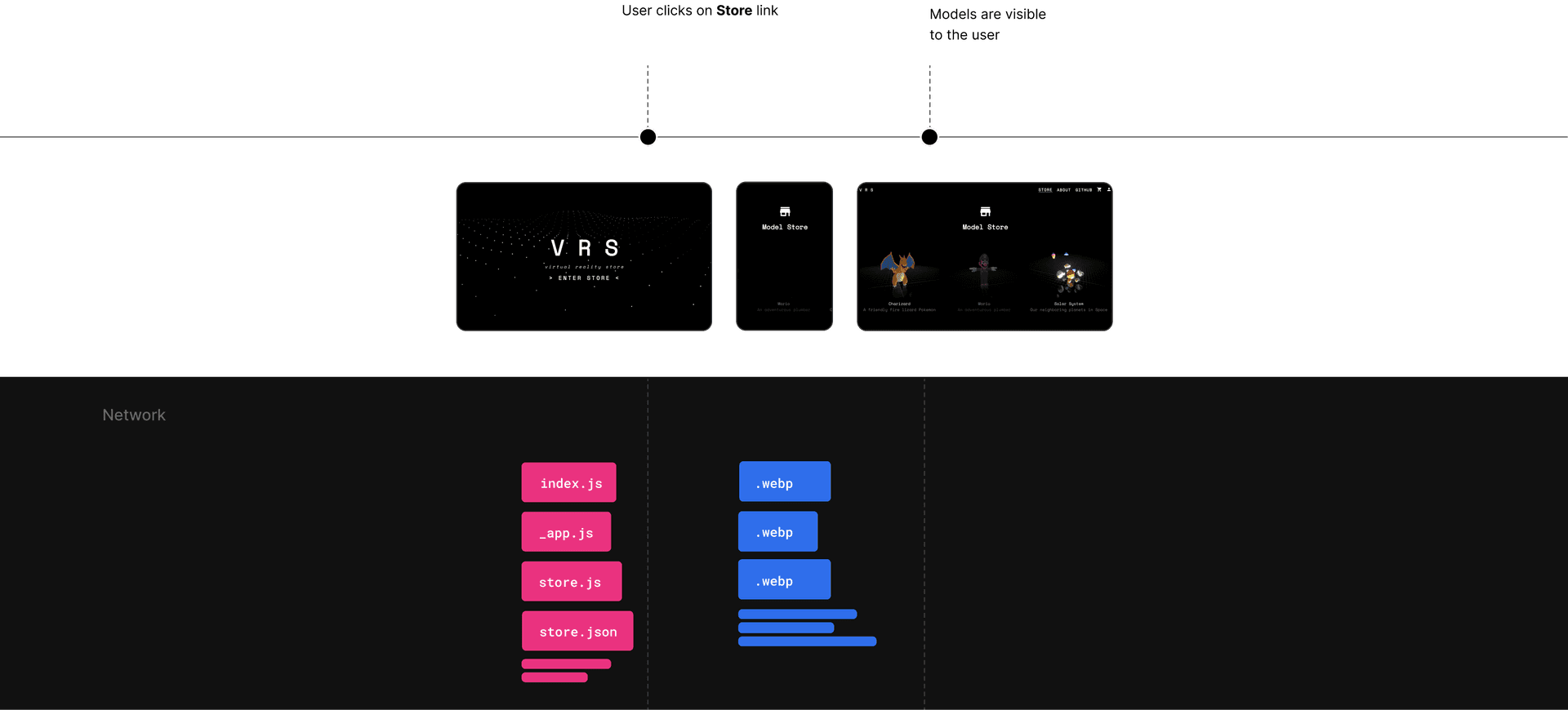
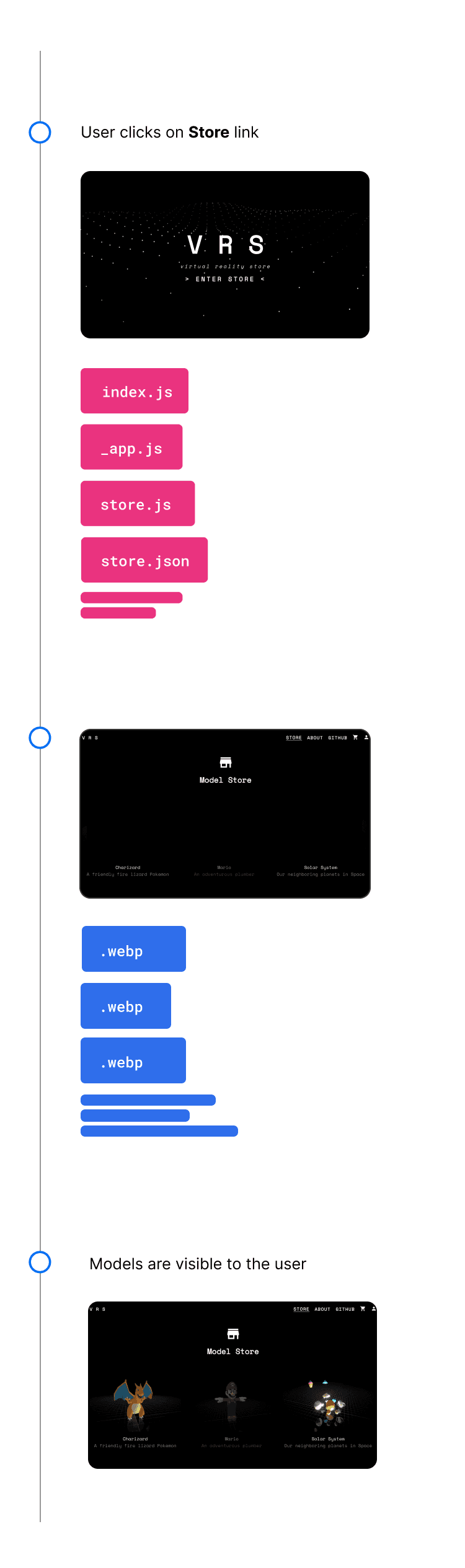
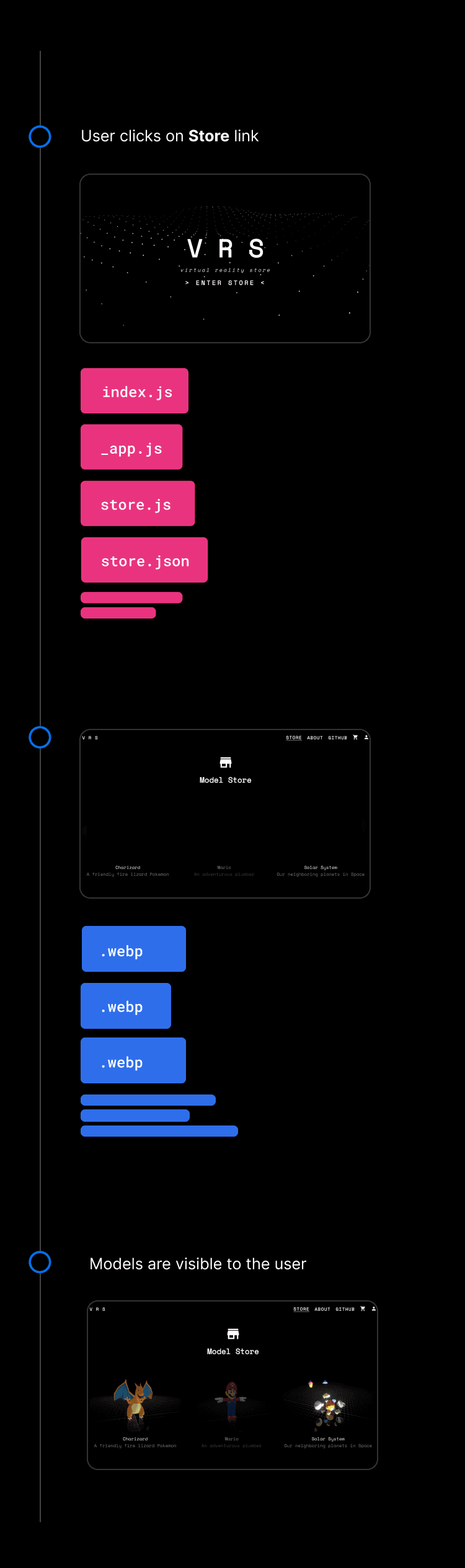
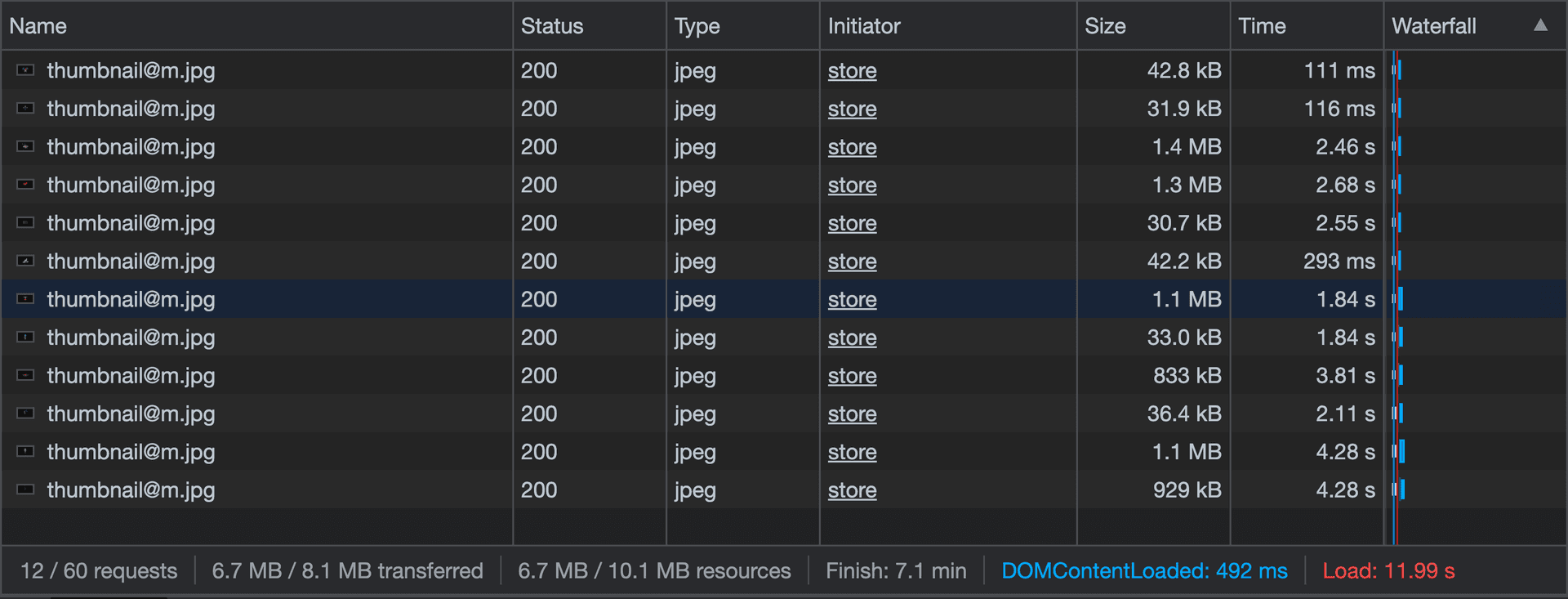
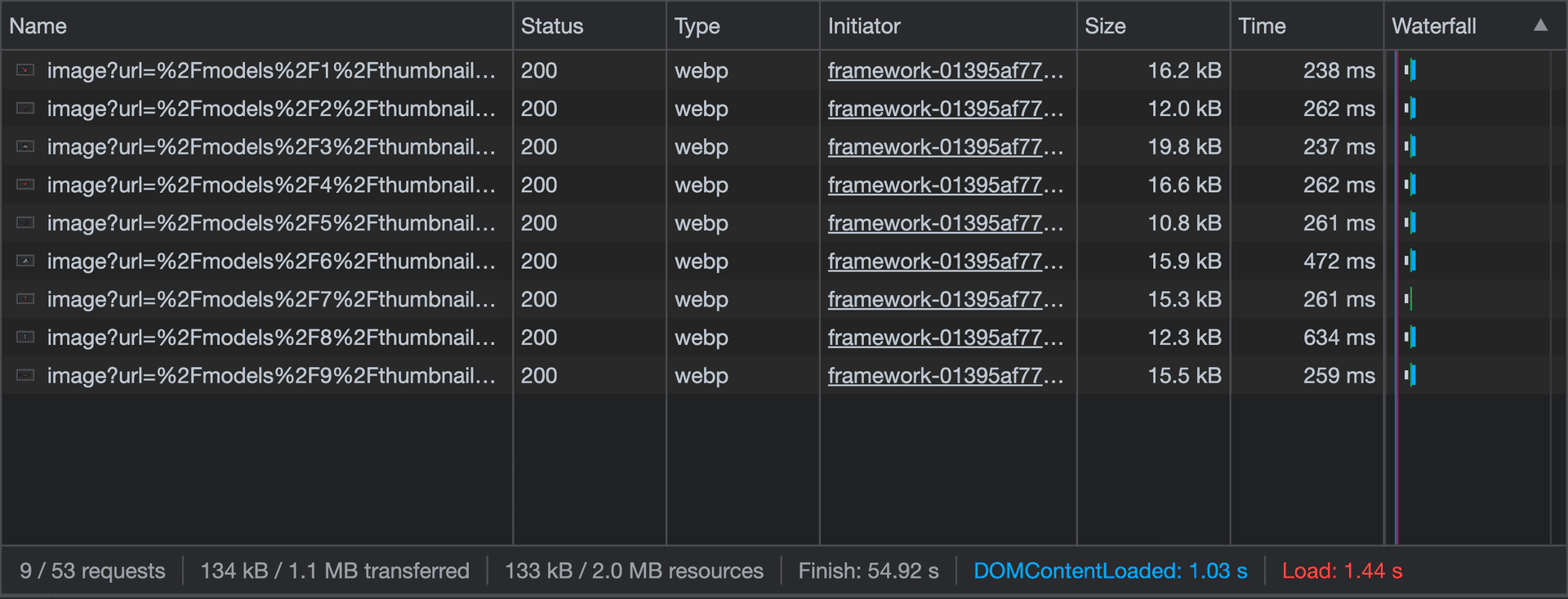
Since the release of Next.js, we’ve worked to introduce new features and tools that drastically improve application performance, as well as overall developer experience. Let’s take a look at what a difference upgrading to the latest version of Next.js can make. In 2019, our team at Vercel created a serverless demo app called VRS (Virtual Reality Store) using Next.js 8, Three.js, Express, MongoDB, Mongoose, Passport.js, and Stripe Elements. Users could sign up, browse multiple 3D models, and purchase them. Although this demo is still fully functional three years later, it lacked some of the performance improvements that were added over the years. By upgrading the demo app to Next.js 12, we were able to vastly improve our Core Web Vitals and go from an average performance score of 32 to 99. Let's explore the changes we made to improve performance and streamline the developer experience using new Next.js features.…