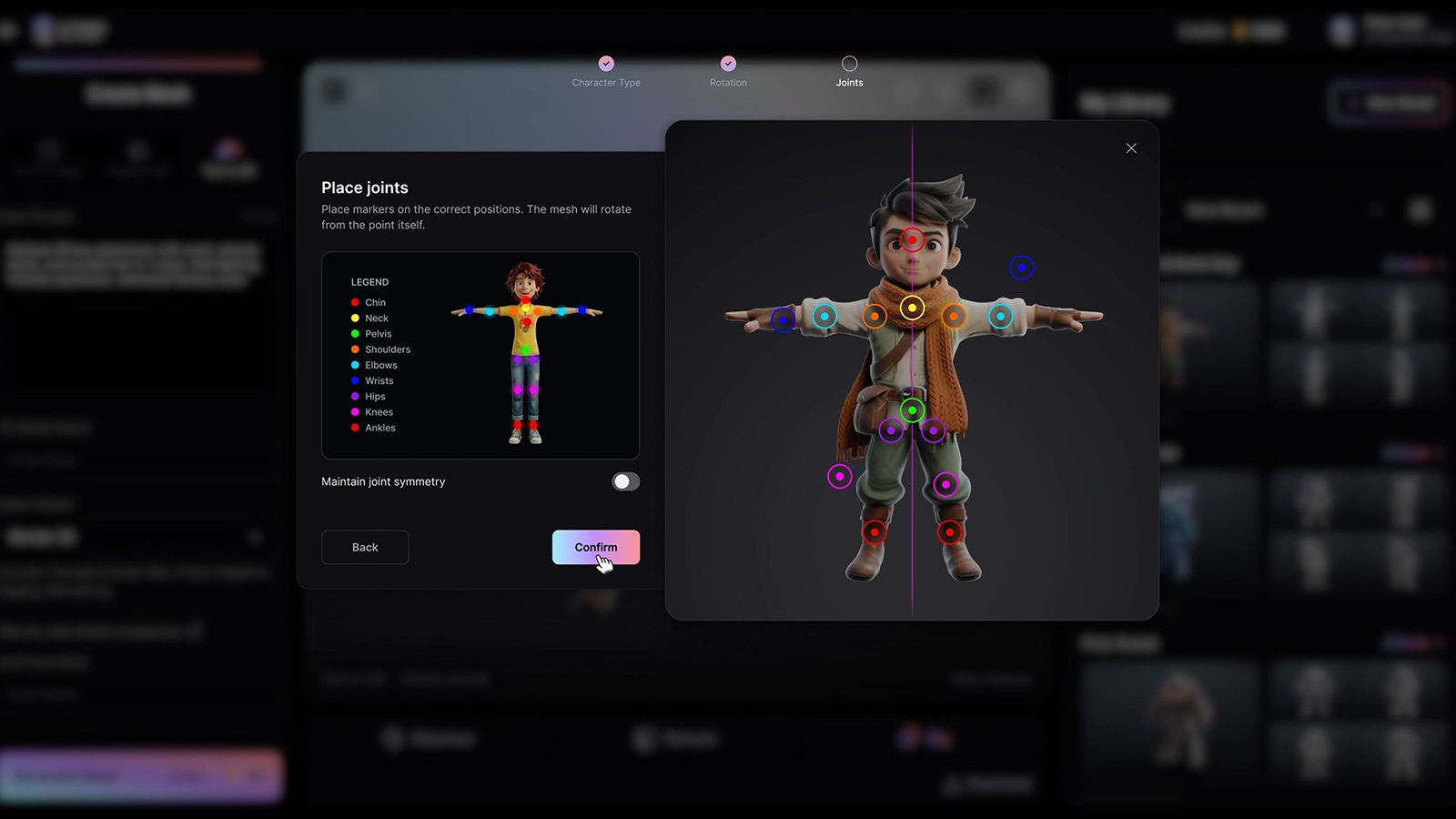
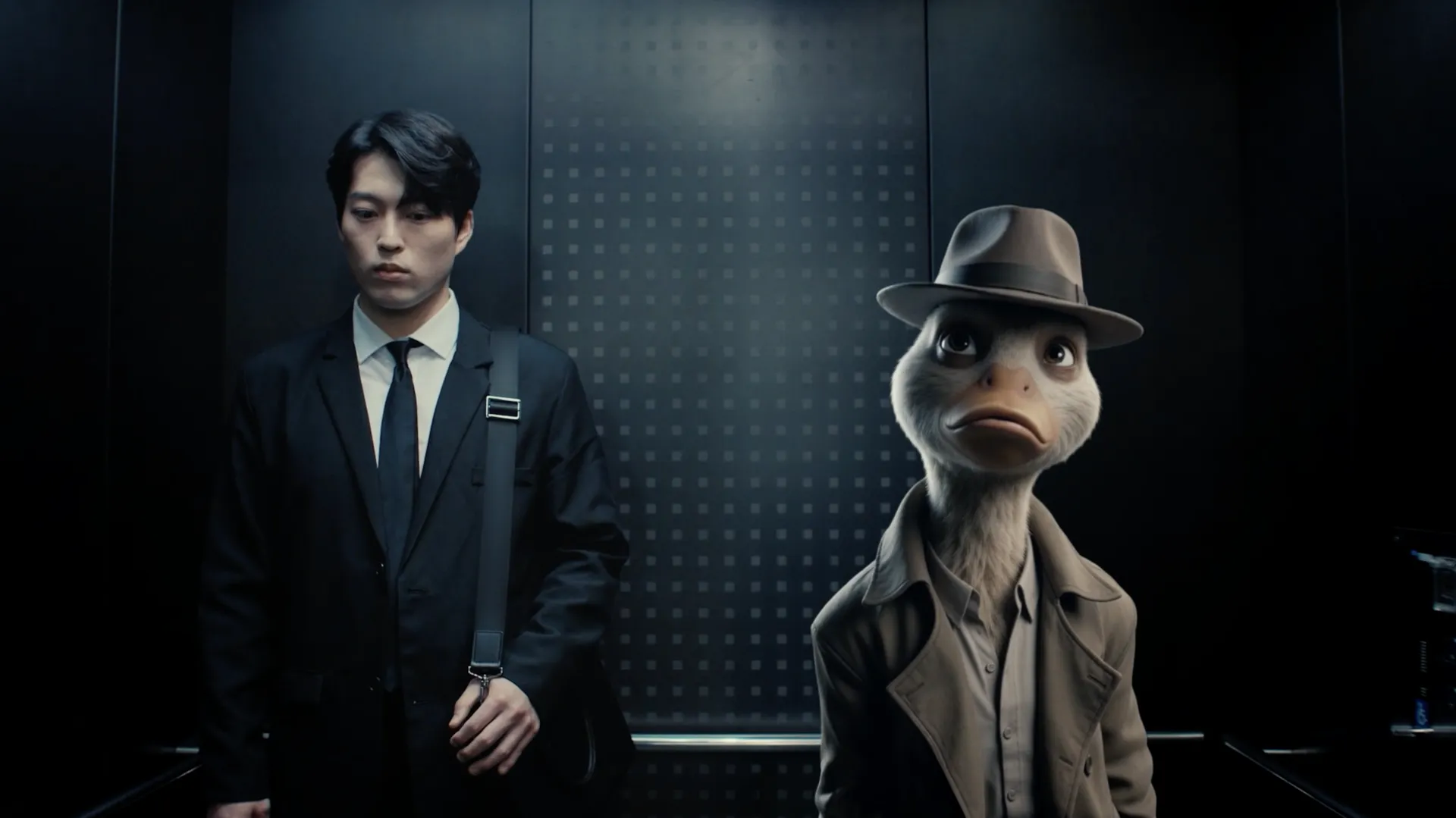
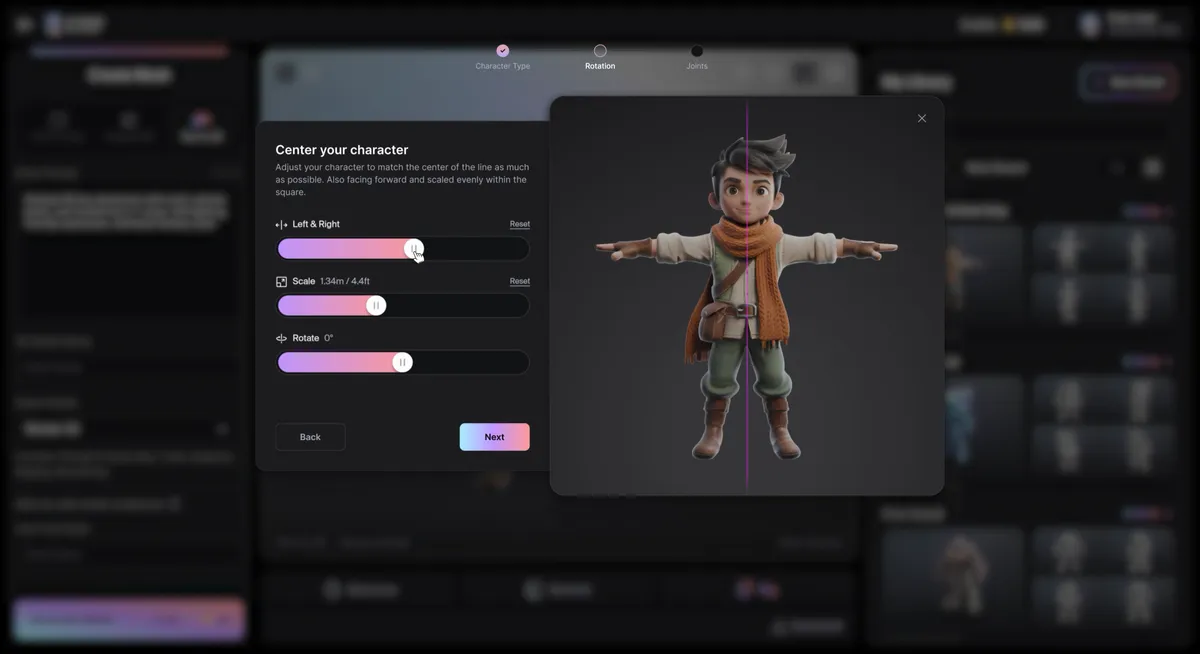
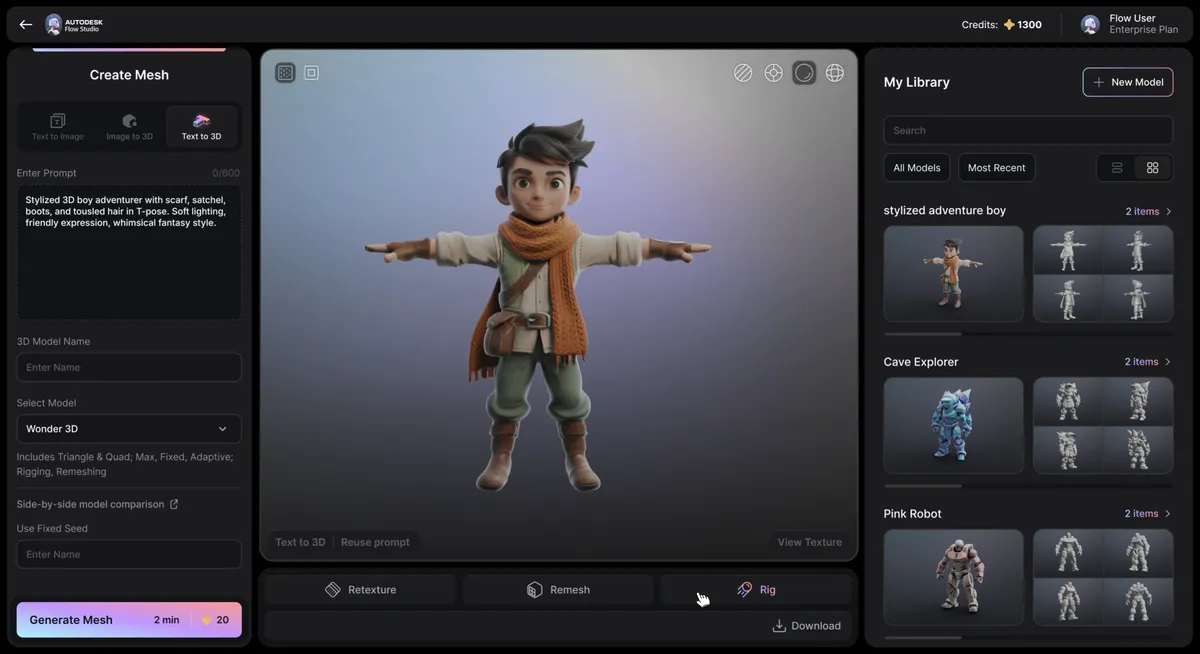
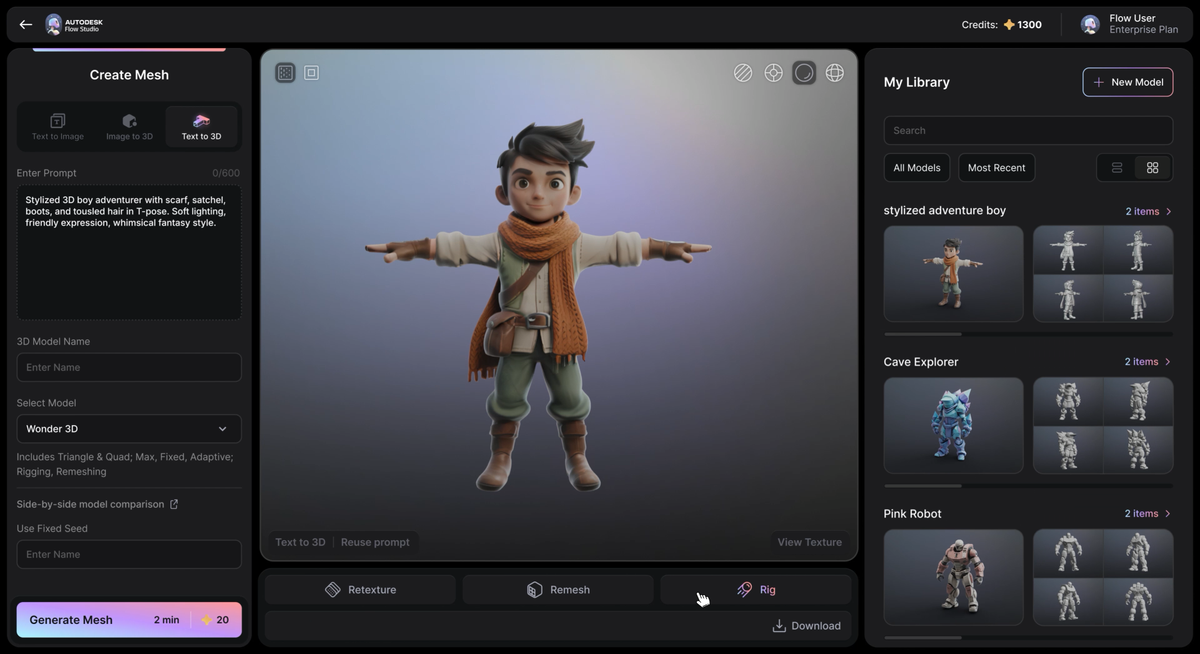
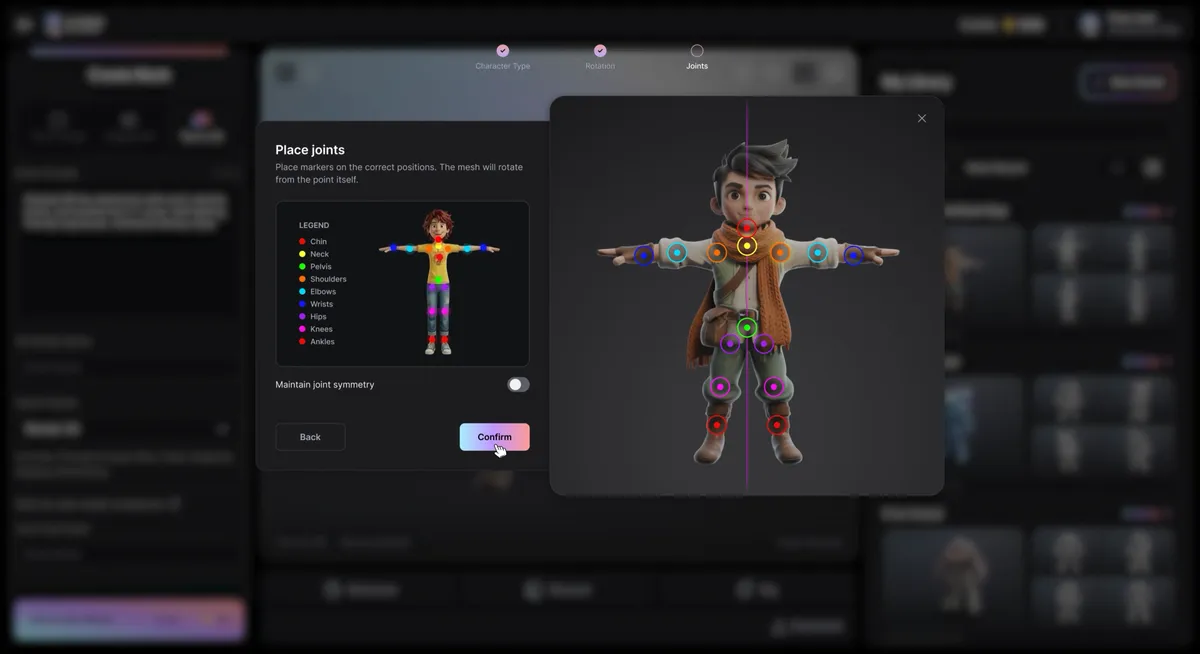
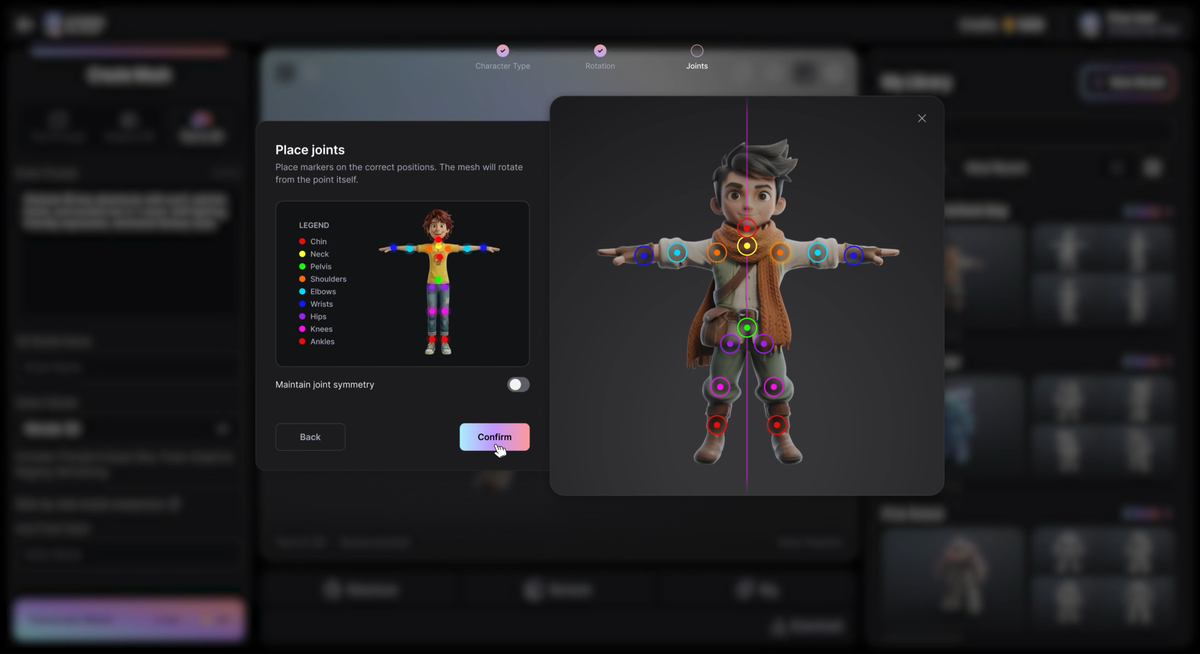
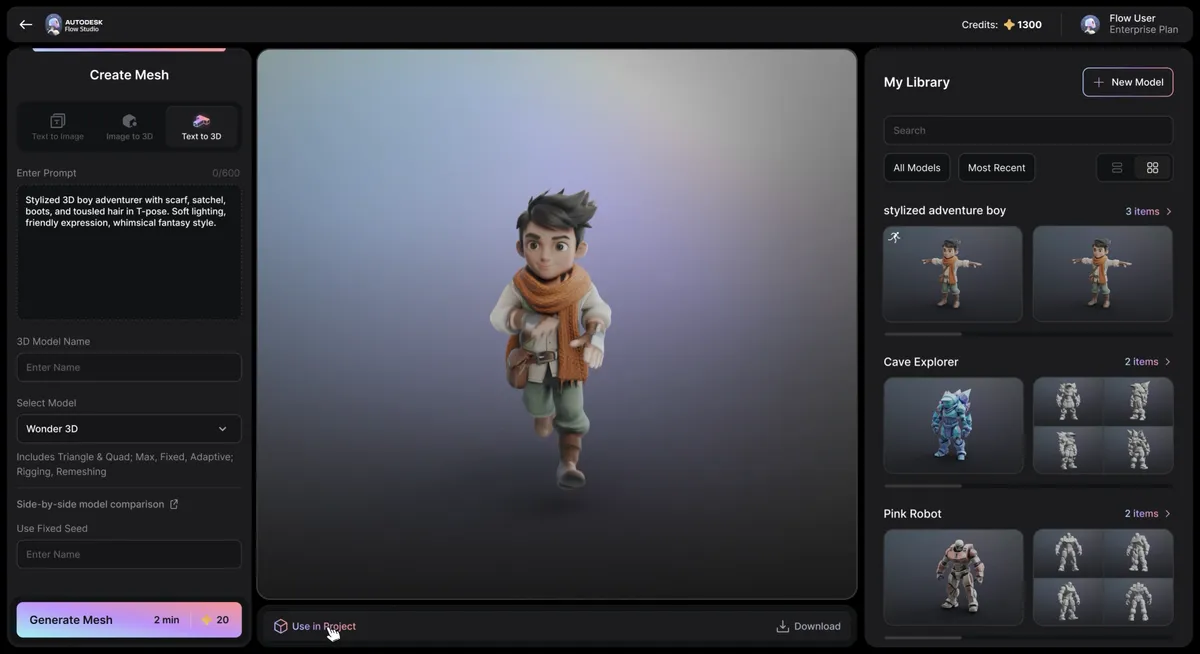
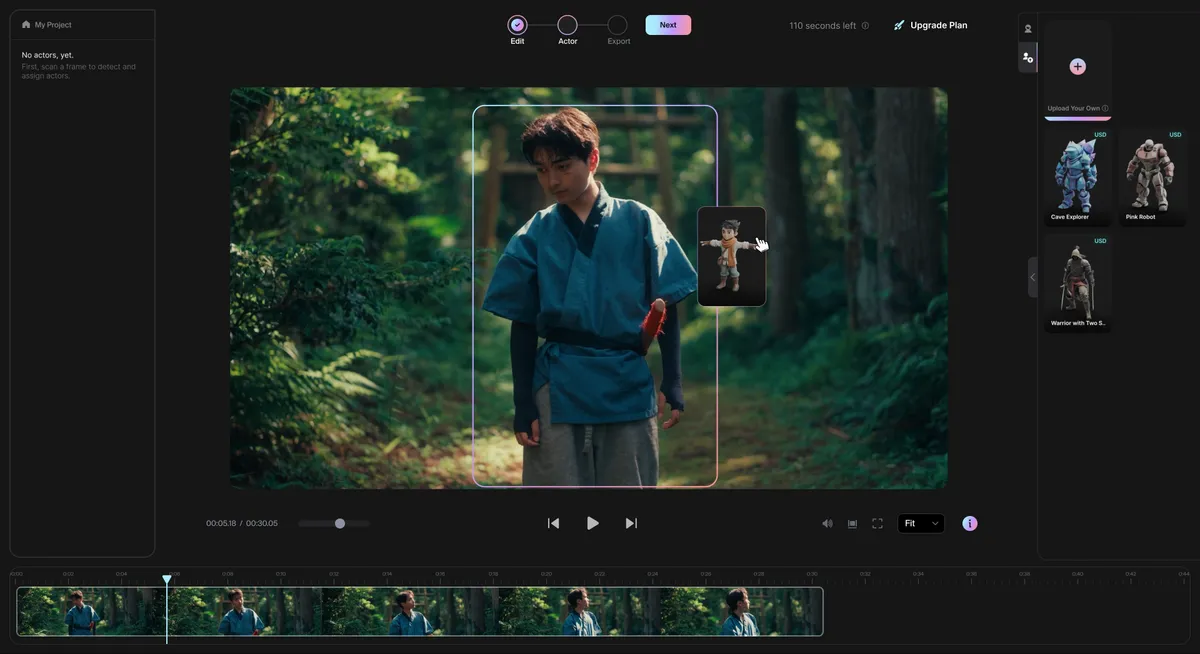
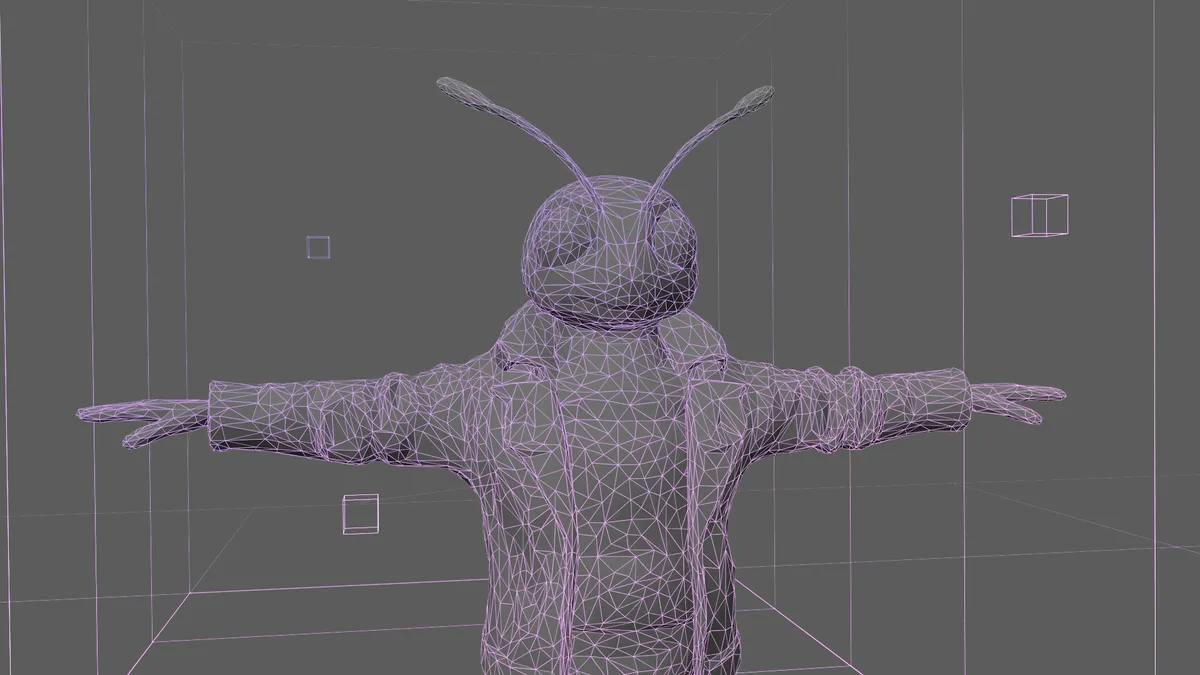
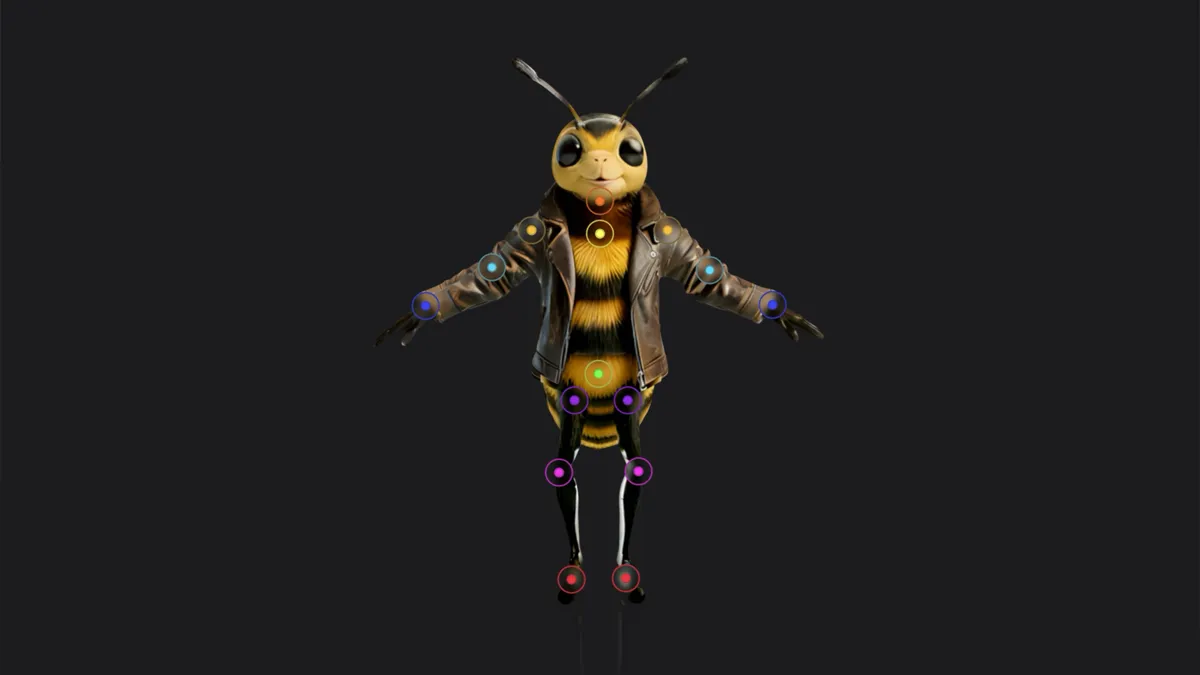
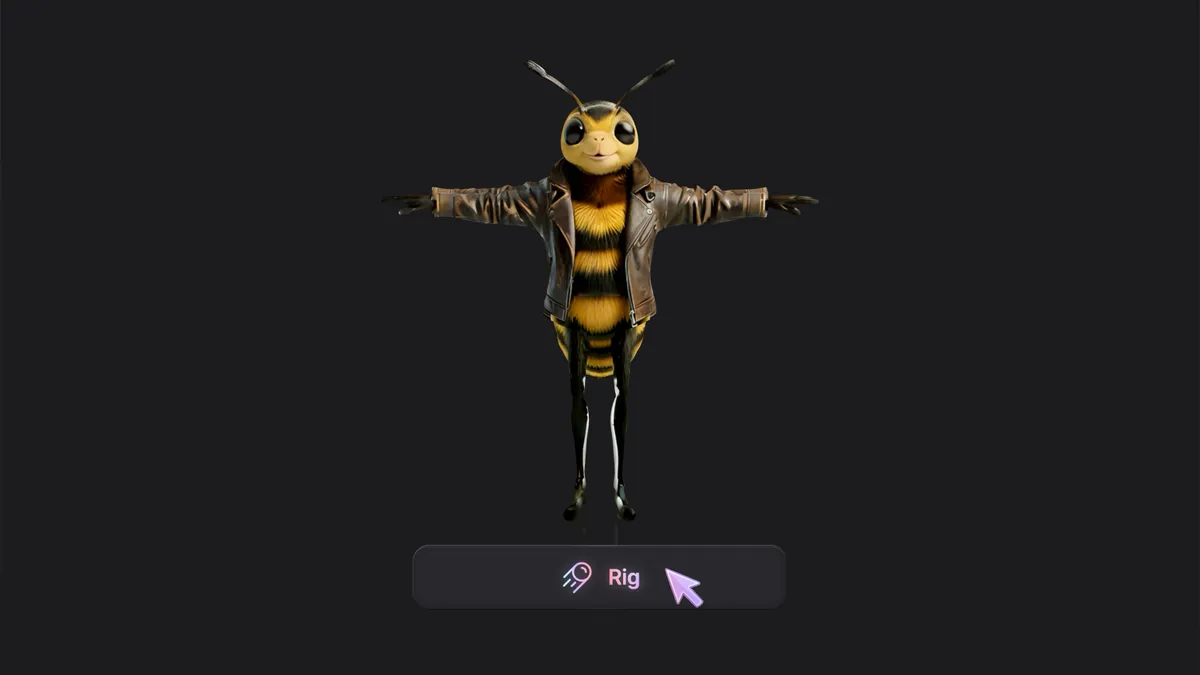
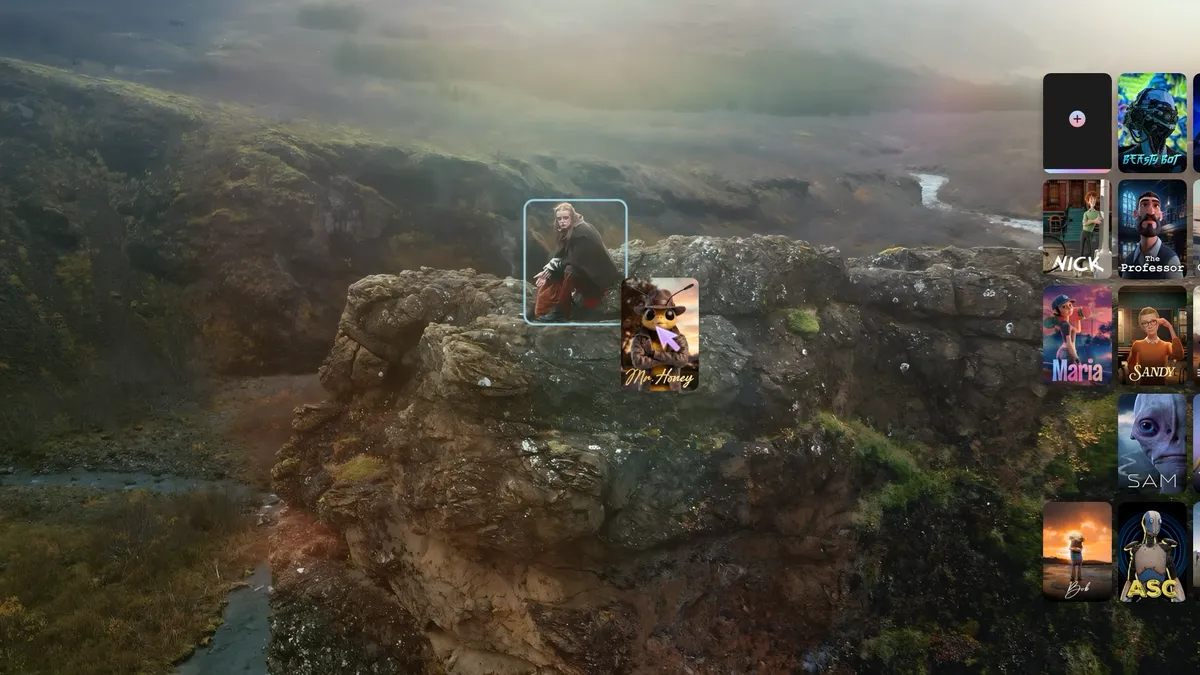
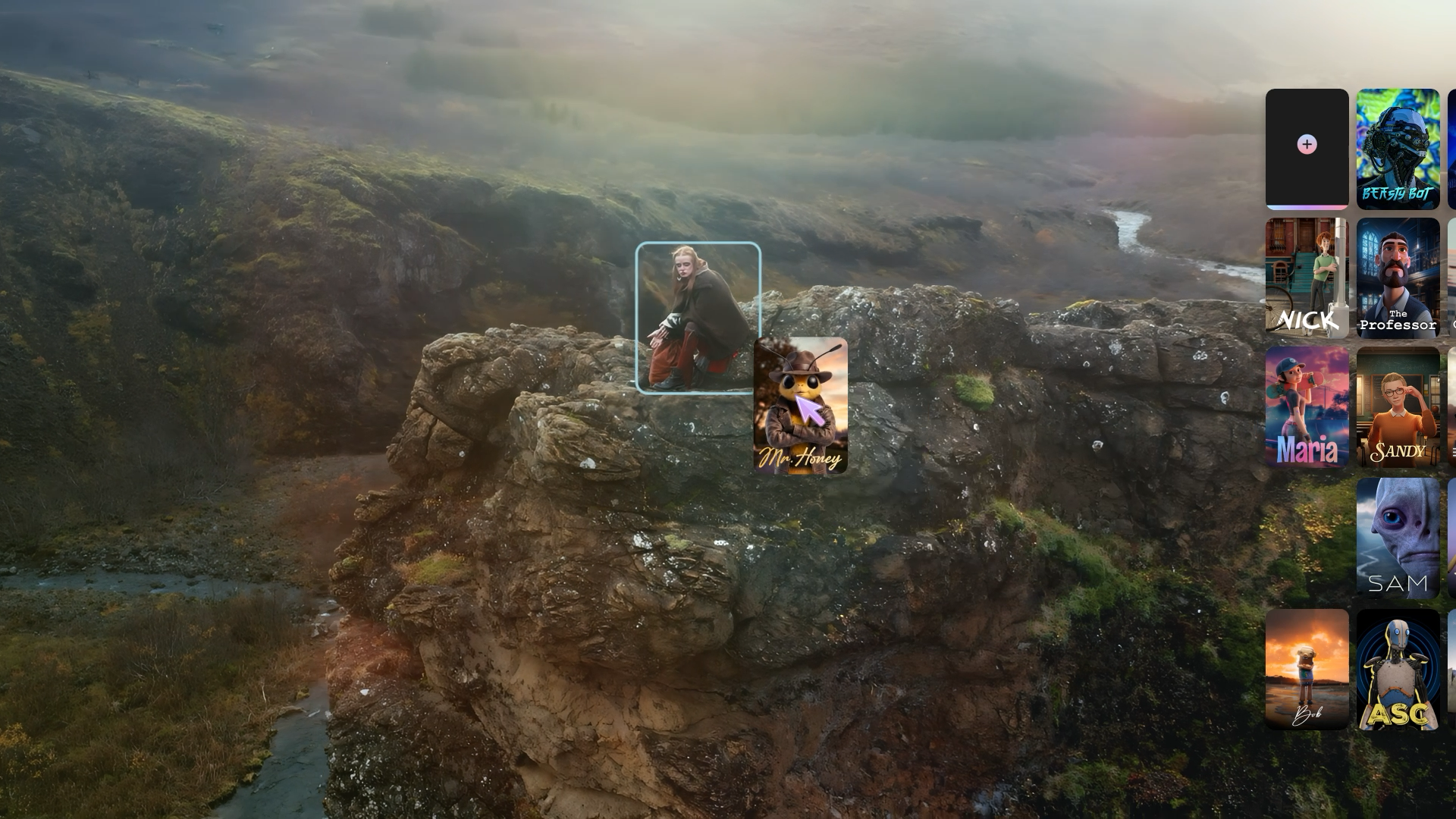
(Image credit: Autodesk) Traditionally, whether working in movies or games, rigging a character you've spent weeks and months creating can be a stressful trial. You can model something amazing in Blender, block out a design, but getting that thing to a place where you can actually make it perform ? That’s a different discipline entirely, one that involves rigging, testing, fixing, exporting, and breaking it again somewhere else. It’s a time sink that can cost money and sap momentum from a project, and the 3D workflow can also be daunting for newcomers, but Autodesk thinks it has the solution. The latest update to Flow Studio , Autodesk's AI cinematic platform, adds two new features: AI Rigging and Neural Layer. The idea is straightforward enough: to help creators, animators, and artists move from a static model to an animation -ready character far faster than traditional workflows allow, and then push towards cinematic-looking results without the usual complex setup, render time, or cost.…