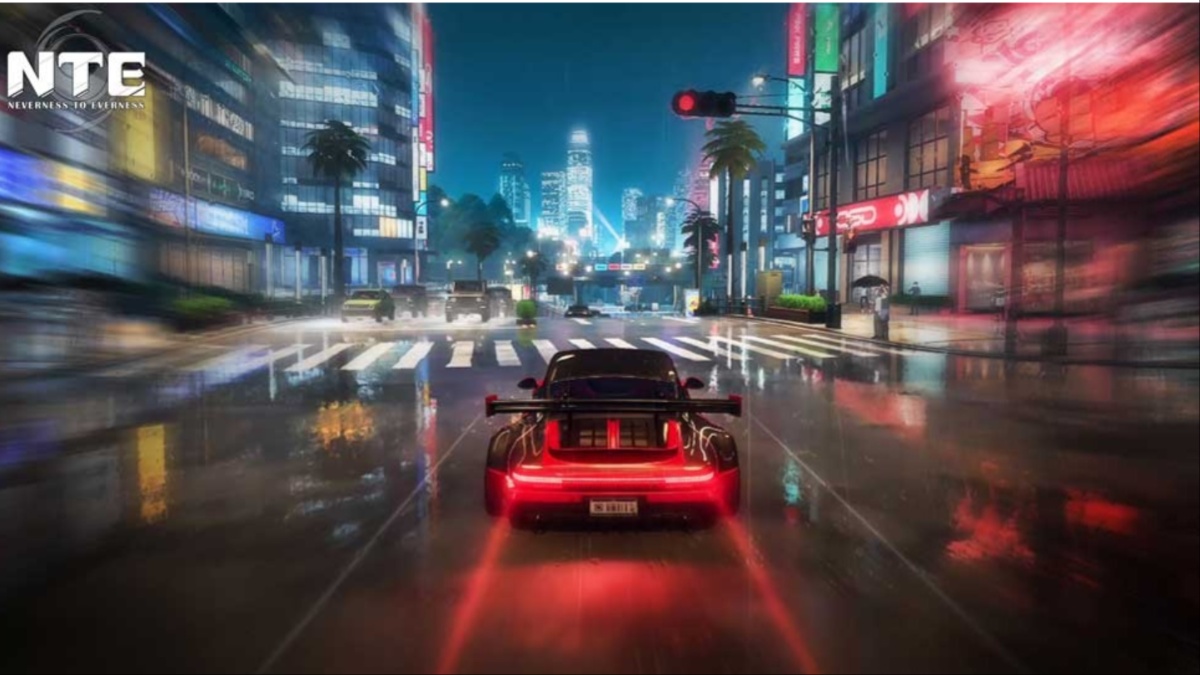
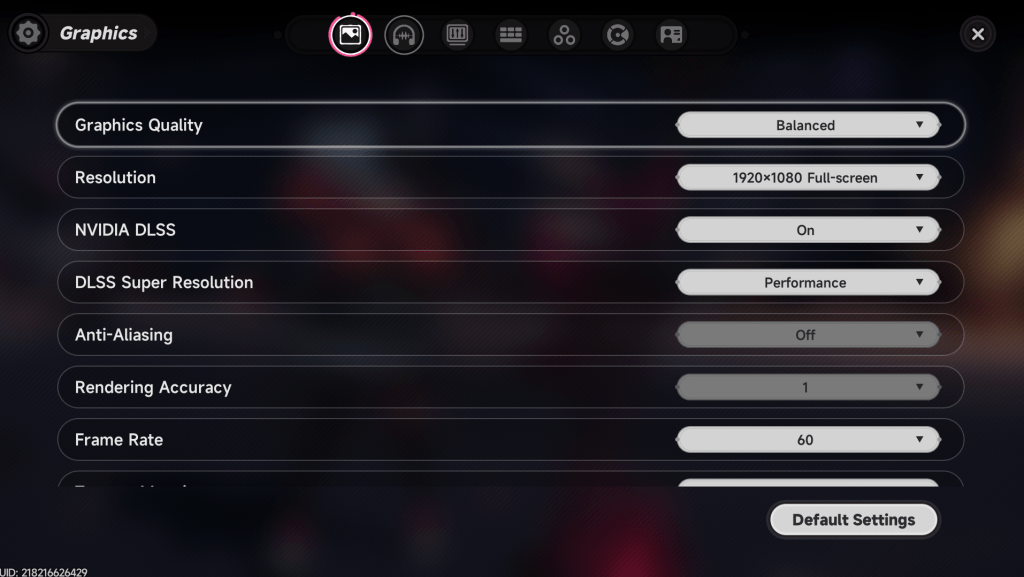
NTE: Neverness to Everness is now out on PC, consoles (PS5 only), and mobile devices (both iOS and Android), and you can tweak the in-game graphics to get the best performance on your device. This is mostly applicable to PC players, since the number of options on other platforms is limited. So let’s figure out how to get the most out of your hardware. Best NTE: Neverness to Everness graphics settings Before I deep dive into the settings, here’s my current setup. NVIDIA RTX 3060 12 GB 16 GB of DDR5 RAM AMD Ryzen 5600G If your specifications are comfortably above the minimum requirements, you won’t need to make many tweaks. You can just go with the default settings that NTE: Neverness to Everness will set automatically. The following settings are primarily aimed at low- to mid-range devices.…