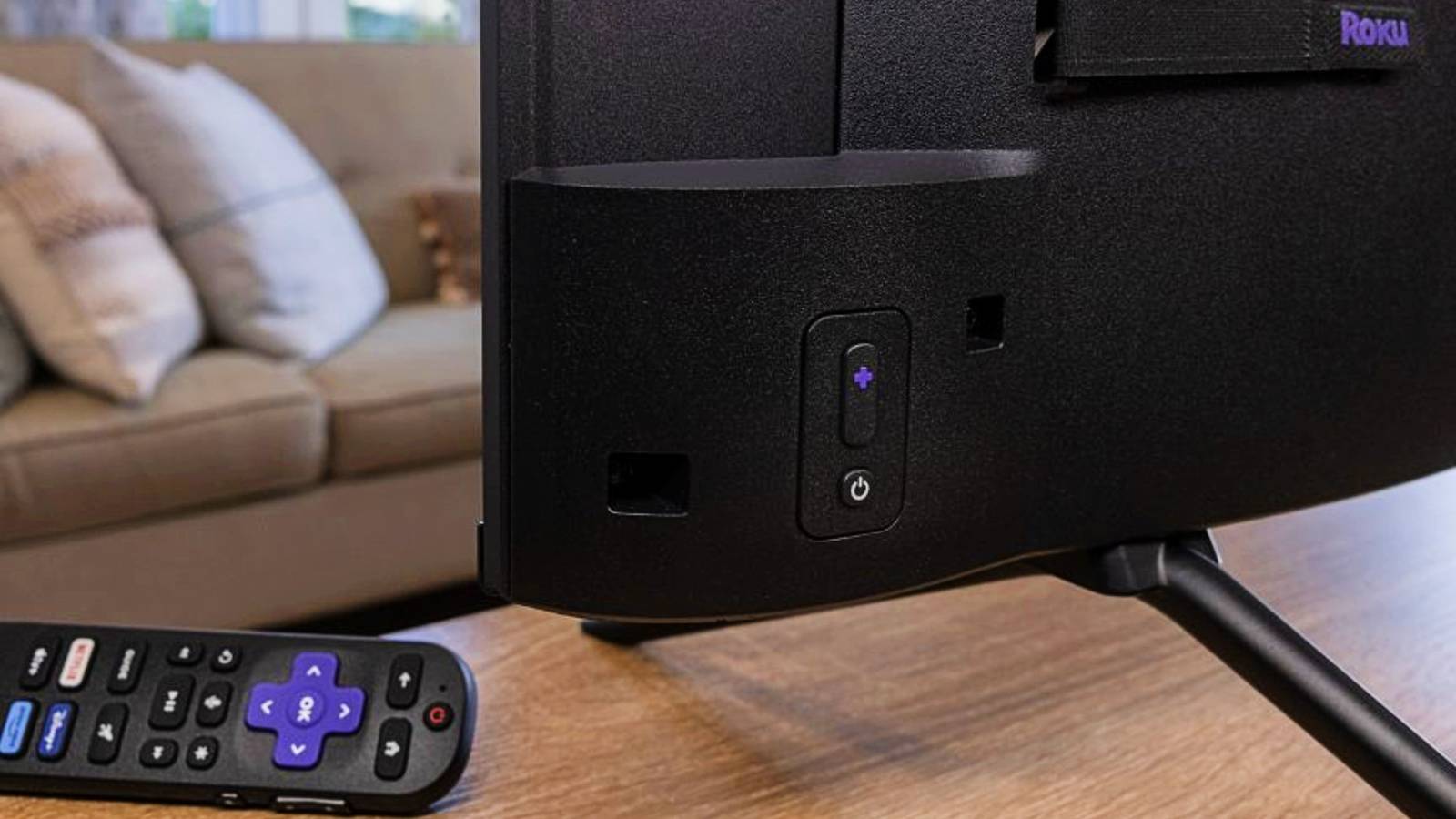
Published May 9, 2026, 3:30 PM EDT Like other streaming services, Roku has plenty of ways to adjust the settings and work on hidden menus through button combinations. You'll want to learn these to keep your device running smoothly, troubleshoot issues, or customize your home screen . Luckily, it's really easy to learn and use them, but make sure to keep the combinations nearby while you work. Clear your cache with the home button Even your streaming stick needs a cache deletion When you use your Roku daily, it stores temporary data like thumbnails and login credentials to load your favorite channels faster. That is great in the short term, but this temporary memory eventually fills up. This leads to slow application launches, endless buffering, and menu navigation that stalls out completely. It is easy to think the streaming stick is failing when you deal with these annoying slowdowns. Instead of rushing to buy a replacement device, there's a good way to fix this performance drop right from your couch.…