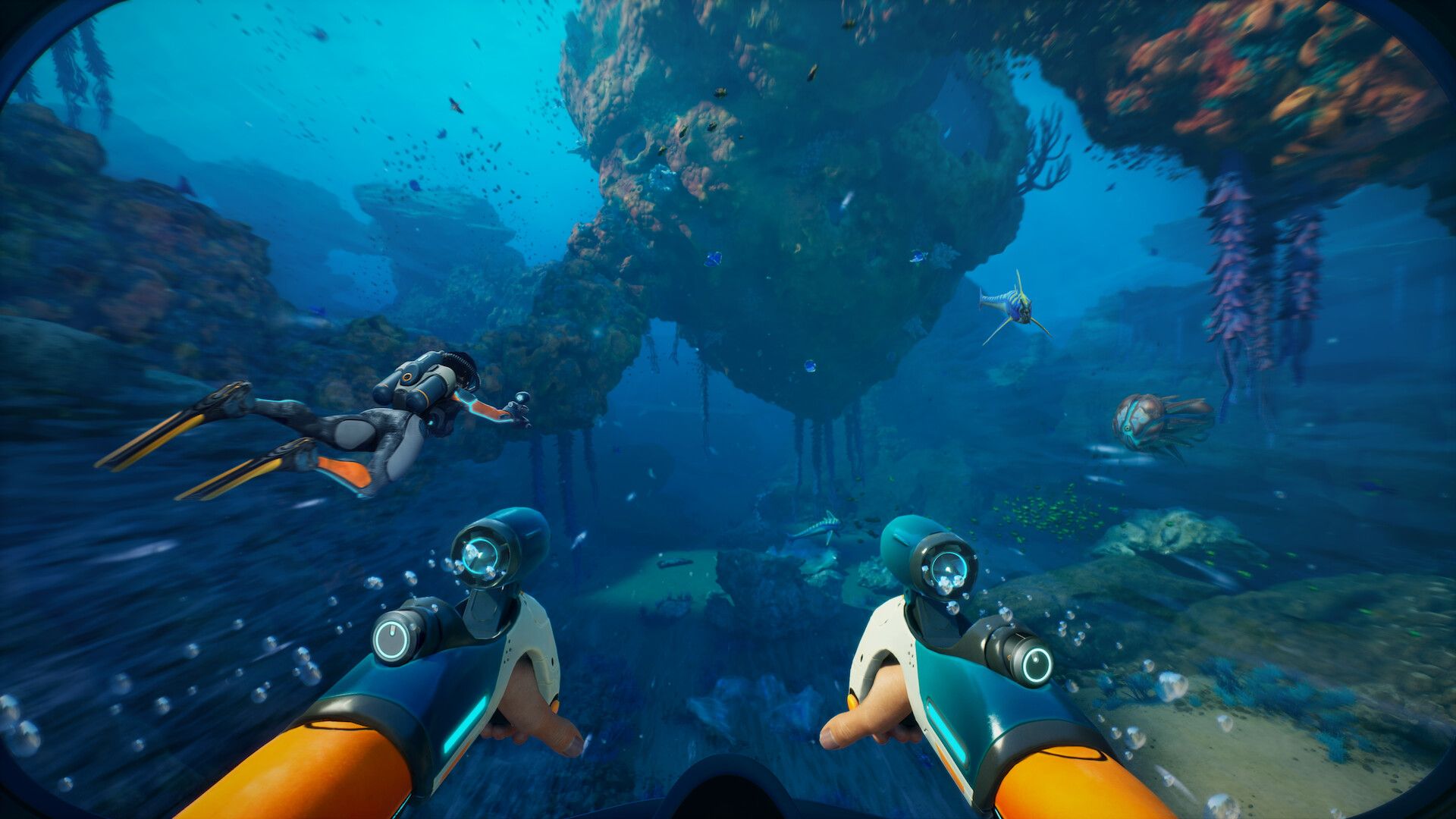
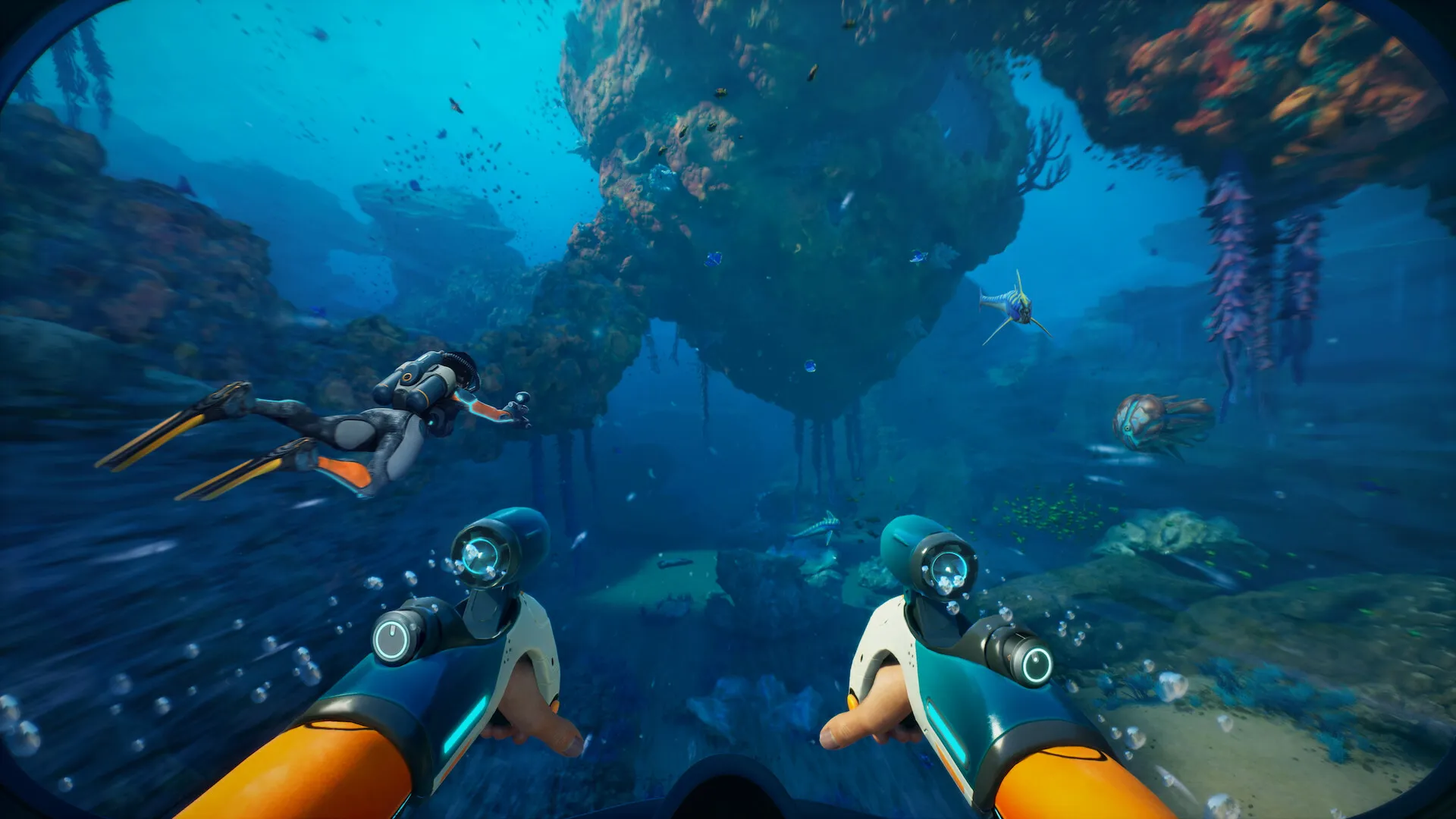
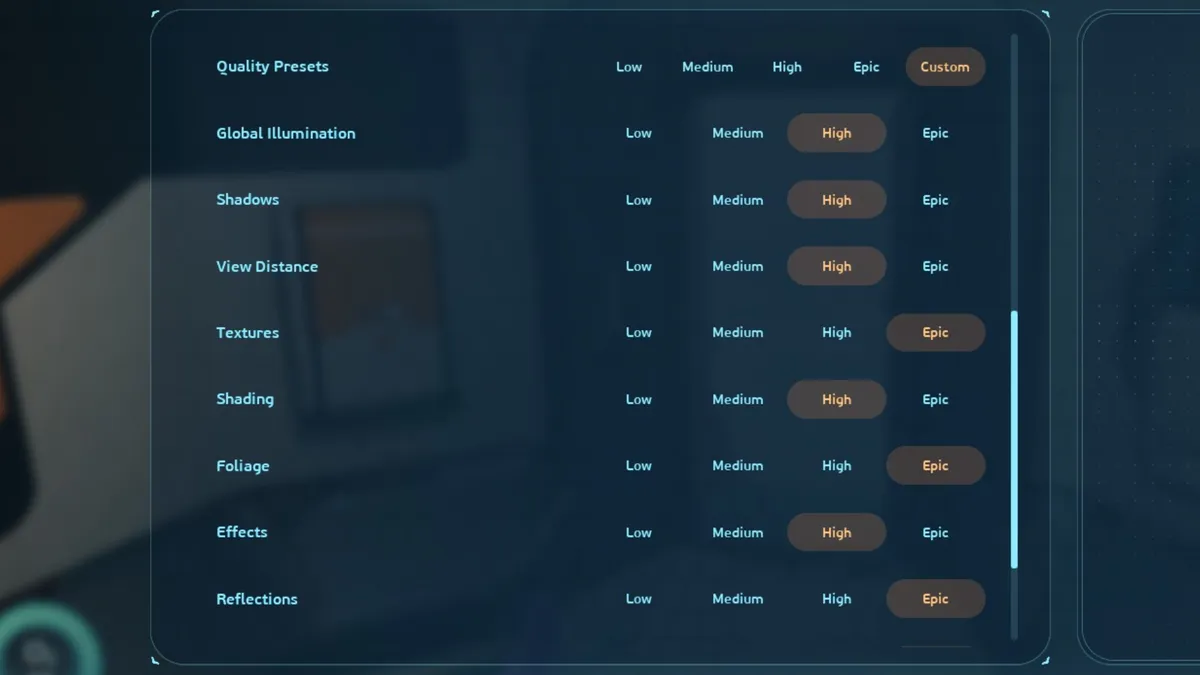
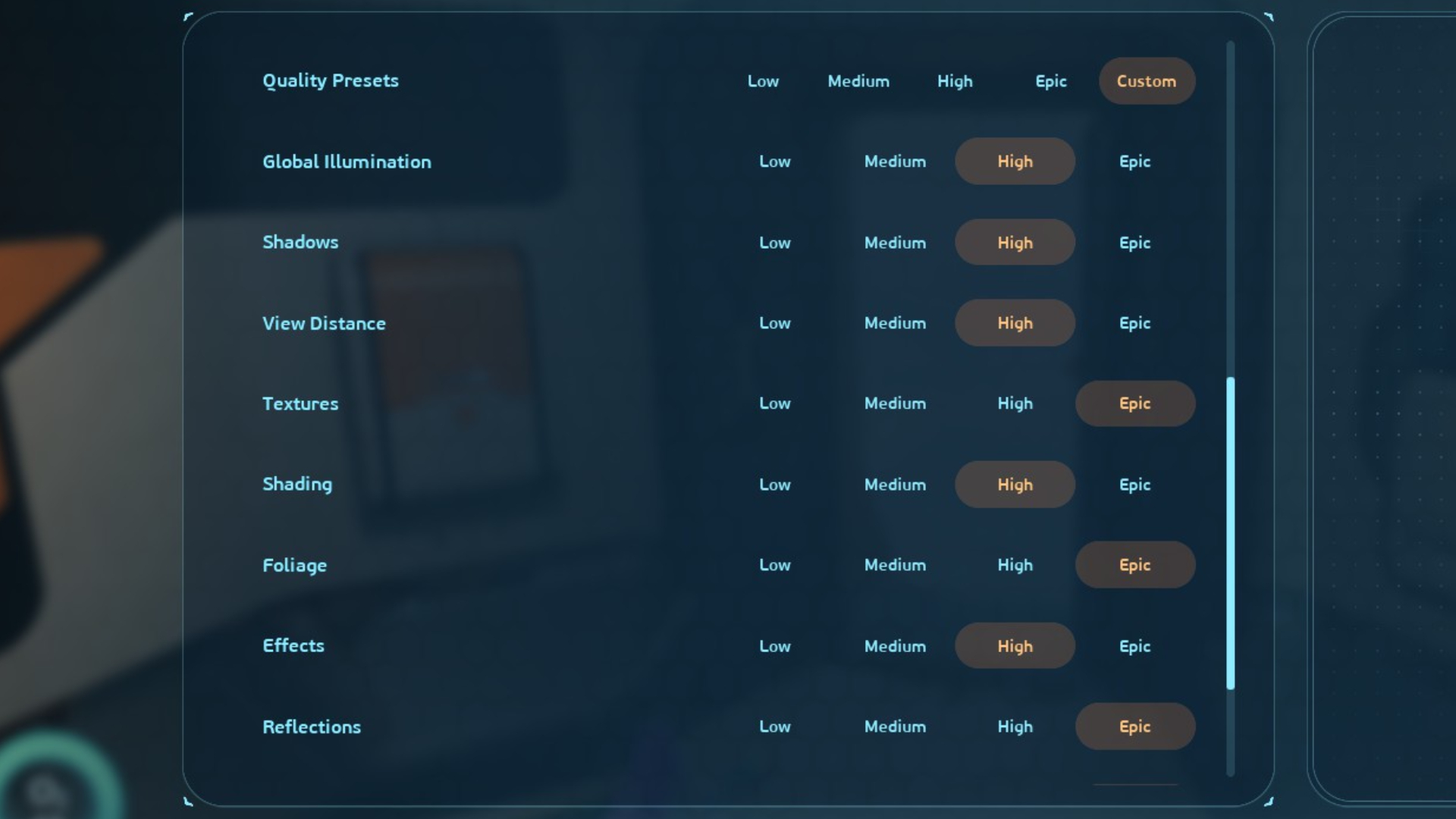
(Image credit: Krafton) Subnautica 2 has just released into early access, and I'm already shaking in my boots. Despite having a deep distrust of the sea (and all the terrible things that live in it), I've been a very brave boy and spent some time testing the game's performance using two modern graphics cards: an 8 GB tiddler in the form of the lesser-VRAM-ed RTX 5060 Ti , and a whale-sized RTX 5080 . After swimming with the alien fishes, I'm pleased to report that Subnautica 2 is capable of running well on both—providing you're prepared to drop a few settings. The Epic preset can result in some crunchy frames, but turning down five key graphics options by a single notch can add up to a huge performance improvement overall. Those options are: Global illumination Shadows View distance Shading Effects Subnautica 2 has a fairly expansive settings menu at first glance, but there are a few omissions worth noting.…