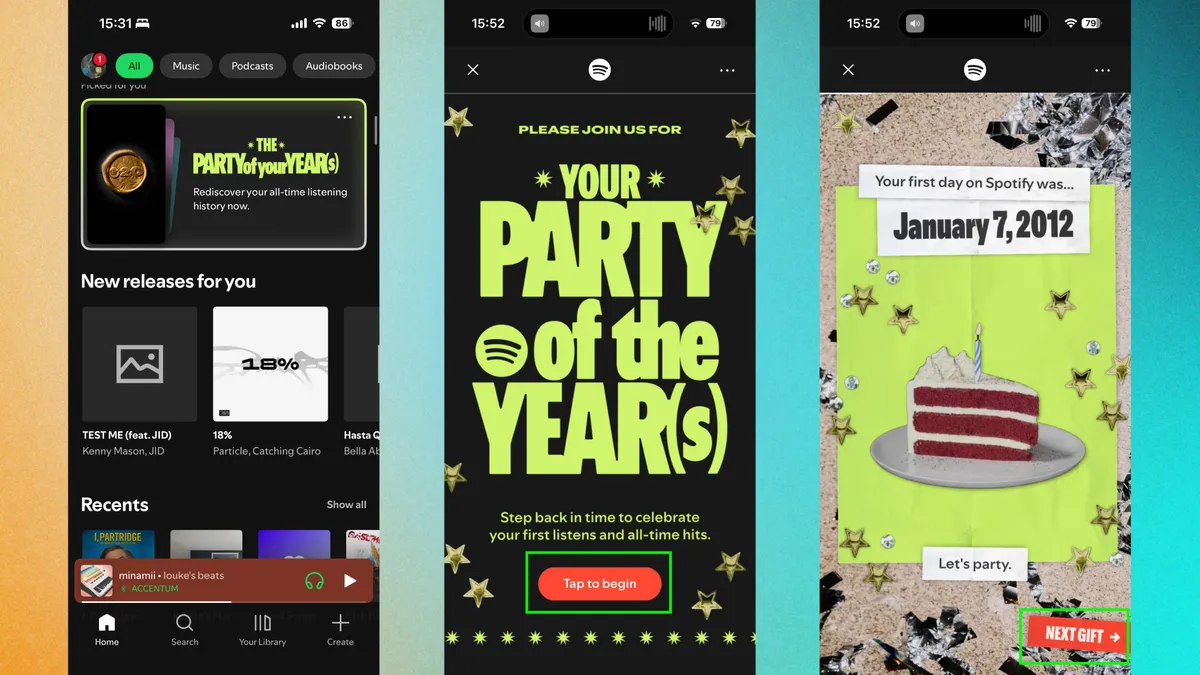
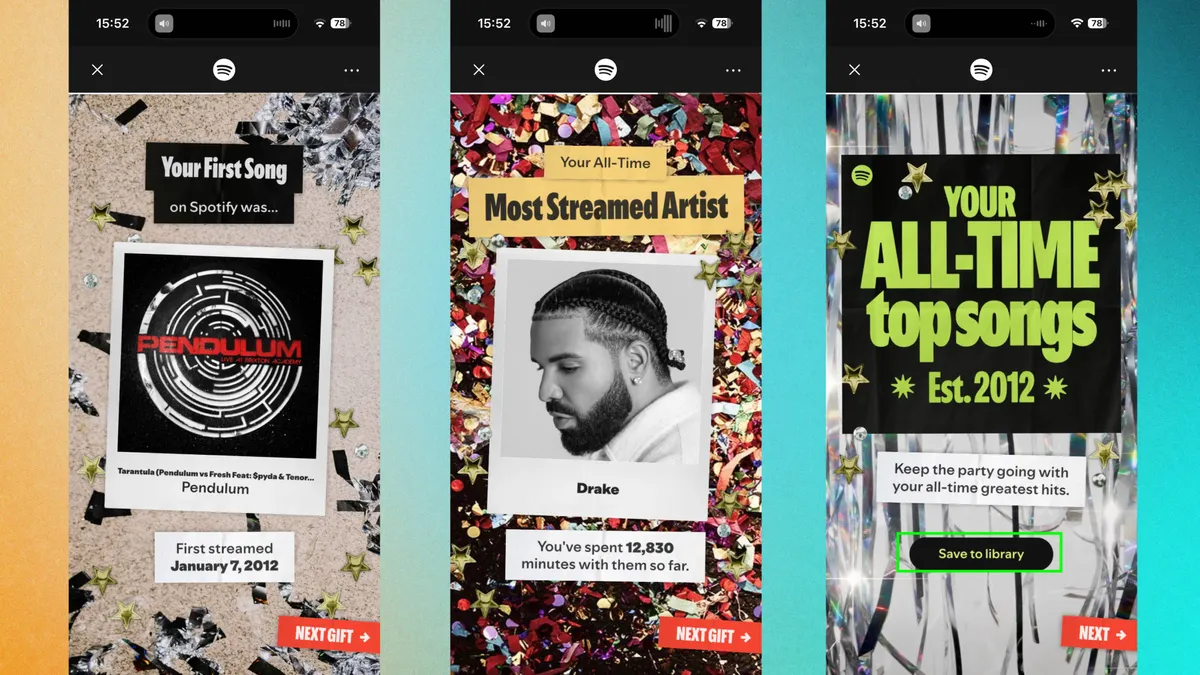
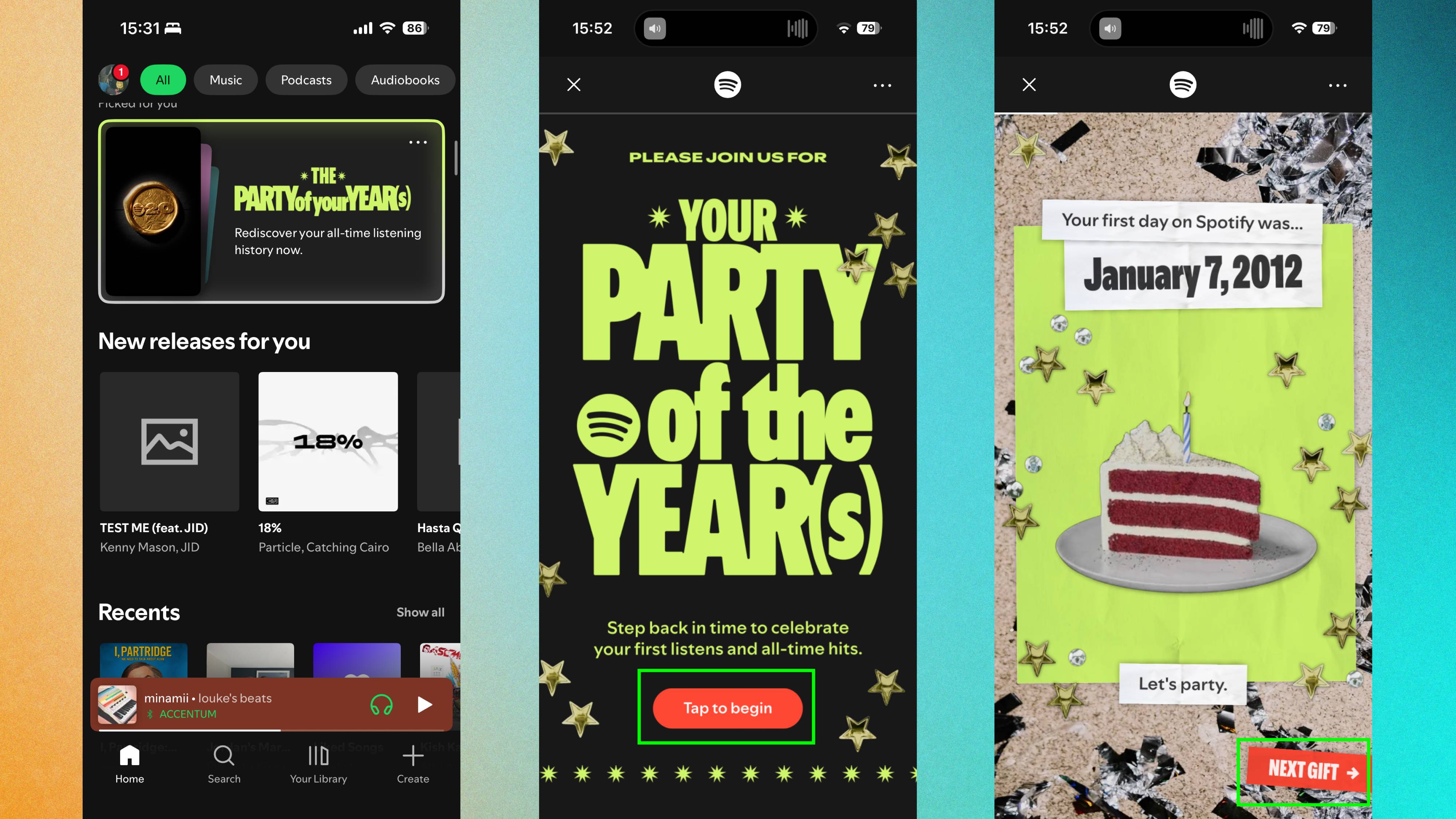
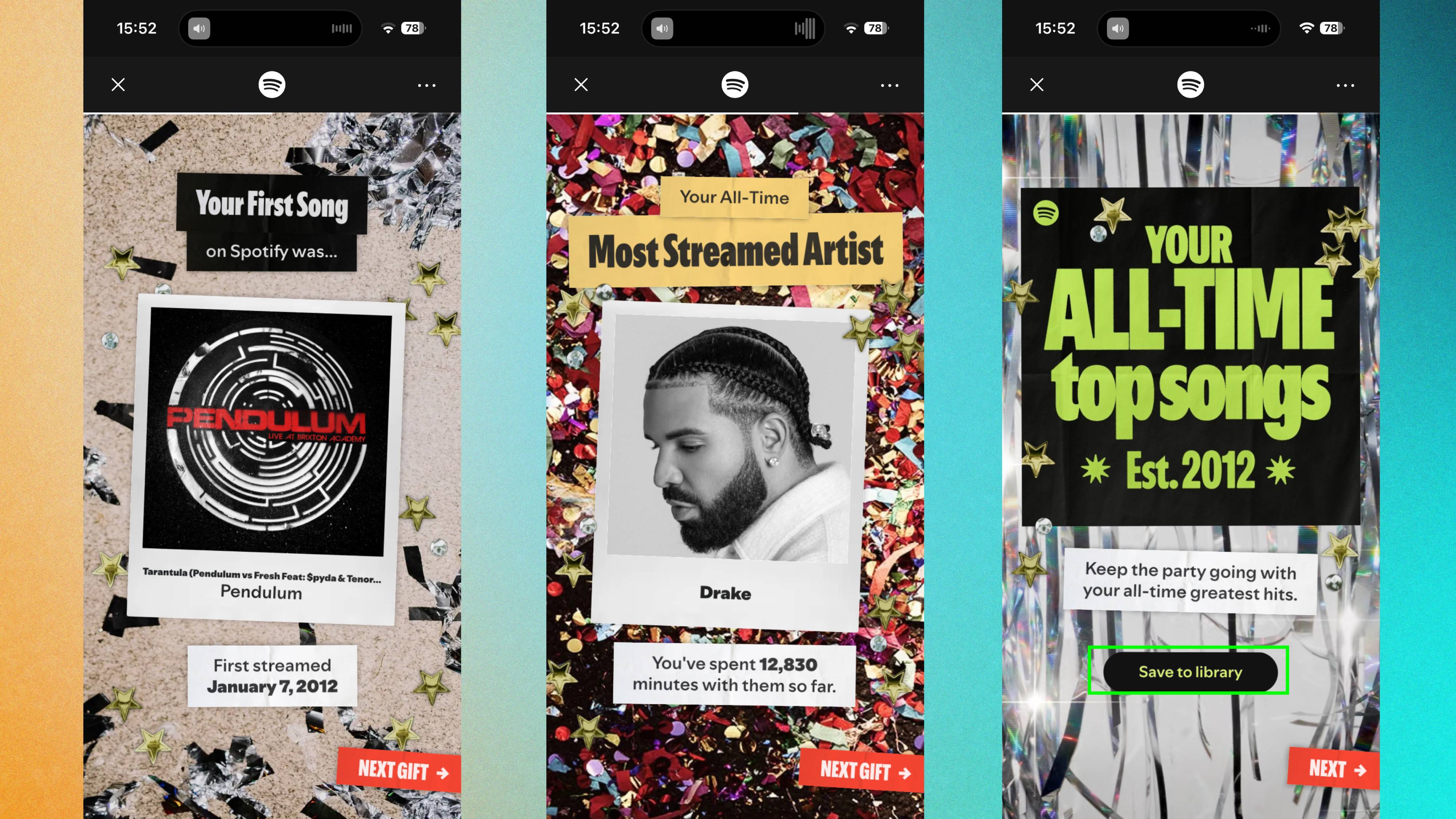
Spotify Wrapped drops once a year in December, giving you a snapshot of the past 12 months. You share it on social media, discover your listening habits changed, then forget about it until next year. Spotify just released something bigger. For its 20th anniversary, the platform launched "Your Party of the Year(s)" — a feature showing your complete listening history from the day you joined. How to access your stats Open the Spotify app on your phone. The feature should appear prominently on your home page as a card or banner labeled "The Party of the Year(s)." If you don't see it immediately, use the search bar. Type "Spotify 20" or "Party of the Year(s)" and the feature pops up automatically. Tap to open it , then swipe through to see your stats by tapping "Next Gift. " The experience is similar to Wrapped, designed to scroll through sequentially, revealing information as you go. Make sure you have a later, if not the latest version of Spotify installed.…