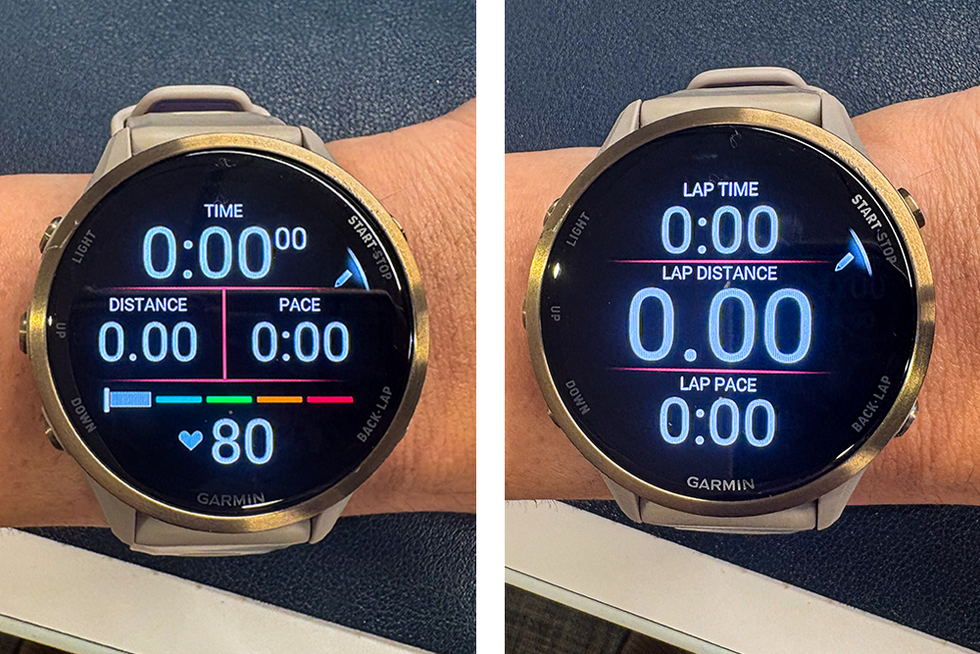
Tailor your Garmin watch setup to your running needs by focusing on key metrics that support your training without overwhelming you, starting simple and adding features as you go. Customize data screens for different types of runs—such as easy runs, workouts, and race day—so you get the right information at the right time to stay focused and improve performance. Use race-specific settings to minimize distractions, like disabling notifications and touch screen, to create a streamlined, distraction-free experience that helps maintain your focus and battery life during crucial runs. Garmin watches are some of the most powerful tools a runner can wear on their wrist. But when you first unbox one, the sheer number of customizable settings can feel overwhelming. What data should you see while running? Should you keep notifications on? Do you need to worry about music storage?…