Menu

Post image 1
Post image 2
Post image 3
Post image 4
Post image 5
Post image 6
Post image 7
Post image 8
Post image 9
Post image 10
Post image 11
Post image 12
Post image 13
Post image 14
Post image 15
Post image 16
Post image 17
Post image 18
Post image 19
Post image 20
Post image 21
Post image 22
Post image 23
Post image 24
Post image 25
Post image 26
Post image 27
Post image 28
Post image 29
Post image 30
Post image 31
Post image 32
Post image 33
Post image 34
Post image 35
Post image 36
Post image 37
Post image 38
Post image 39
Post image 40
Post image 41
Post image 42
Post image 43
Post image 44
Post image 45
Post image 46
Post image 47
Post image 48
Post image 49
Post image 50
Post image 51
Post image 52
Post image 53
Post image 54
Post image 55
Post image 56
Post image 57
Post image 58
Post image 59
Post image 60
Post image 61
Post image 62
Post image 63
Post image 64
Post image 65
Post image 66
Post image 67
Post image 68
Post image 69
Post image 70
Post image 71
Post image 72
Post image 73
Post image 74
Post image 75
Post image 76
Post image 77
Post image 78
Post image 79
Post image 80
Post image 81
Post image 82
Post image 83
Post image 84
Post image 85
Post image 86
Post image 87
Post image 88
Post image 89
Post image 90
Post image 91
Post image 92
Post image 93
Post image 94
Post image 95
Post image 96
Post image 97
Post image 98
1 / 98
0

How to Build a Product Quiz in WordPress That Recommends & Converts

WPBeginner·Allison·about 1 month ago
#thCGxehv
#regular#aioseo#brands#light#wpb#quiz
Reading 0:00
15s threshold

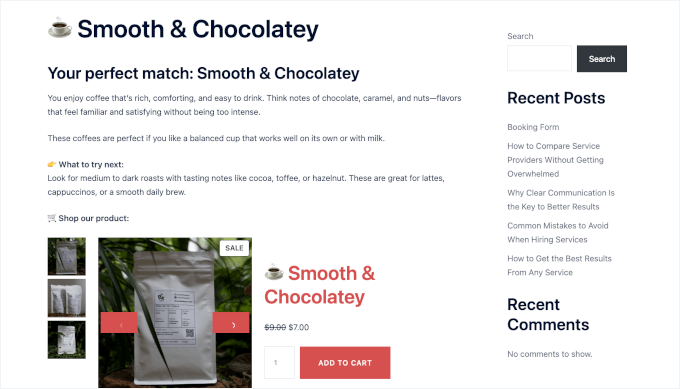
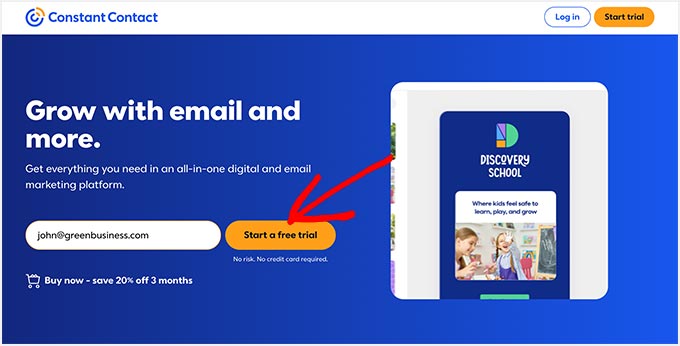
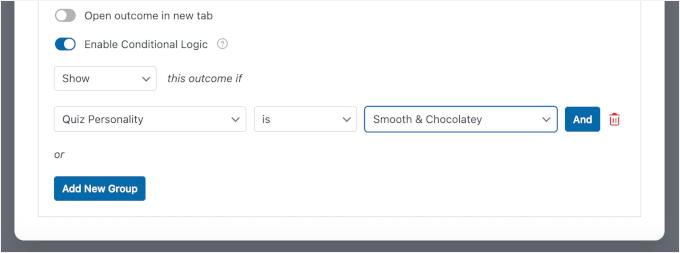
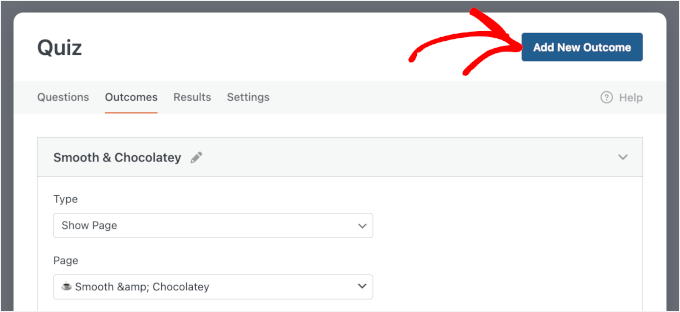
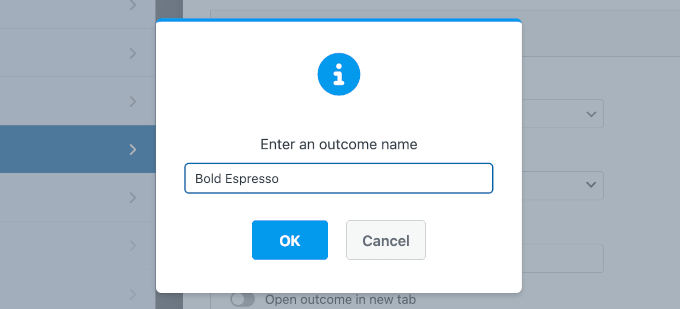
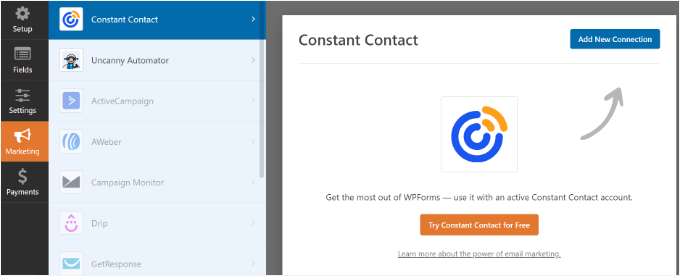
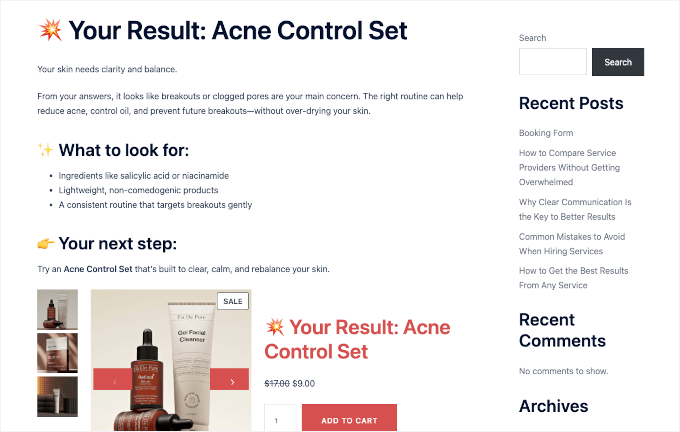
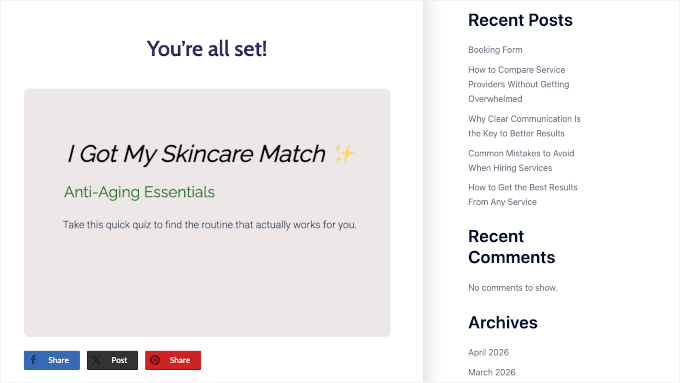
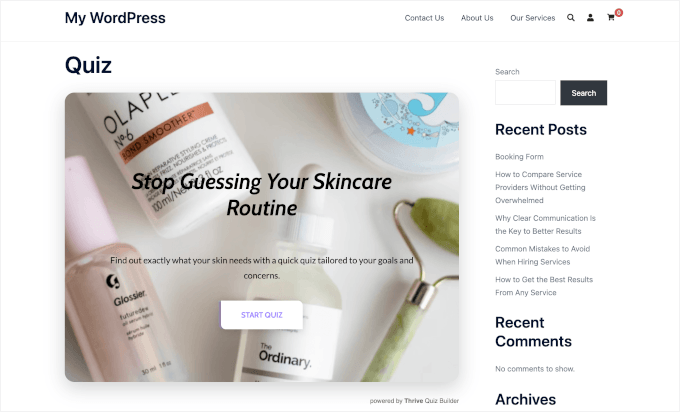
Your store might have exactly what a visitor needs. But if they can’t find it easily, then they’ll leave without buying. A product quiz fixes that by asking a few short questions, returning a tailored recommendation, and capturing their email address in the same step. It’s one of the easiest ways to make product recommendations feel more personal. Plus, quizzes are interactive and fun to take, which keeps users engaged. Rather than pushing products, you’re helping customers discover what fits them best. In this guide, I’ll show you how to create a product quiz in WordPress that not only recommends the right products to get more sales but also helps grow your email list. 📨 🧑‍💻 Quick Answer: How to Build a Product Quiz in WordPress Method 1: Using WPForms – Enable Quiz Mode, use the conditional logic to direct users to specific product outcome pages, and connect to email services like Constant Contact to send automated follow-ups.…
Continue reading — create a free account

Join HashtagPLUS to read full articles, follow hashtags, vote, and join the conversation.

Read More