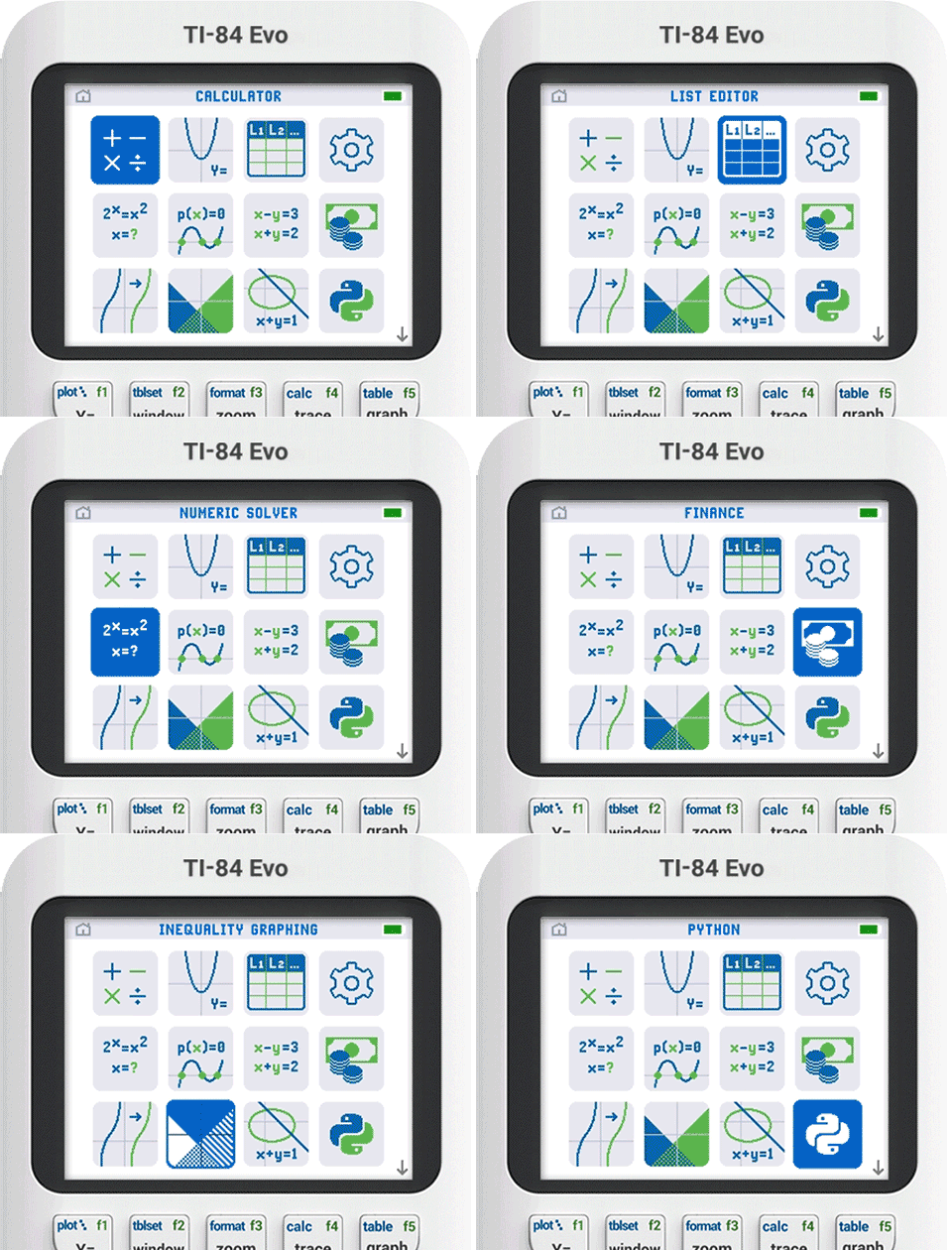
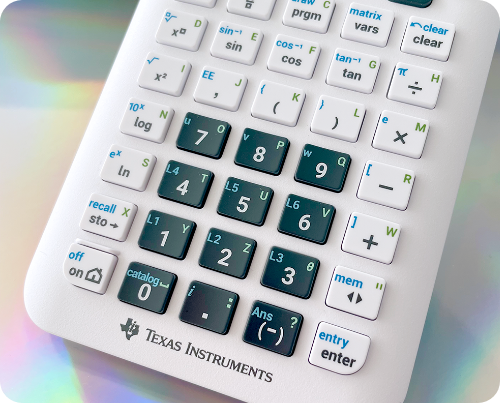
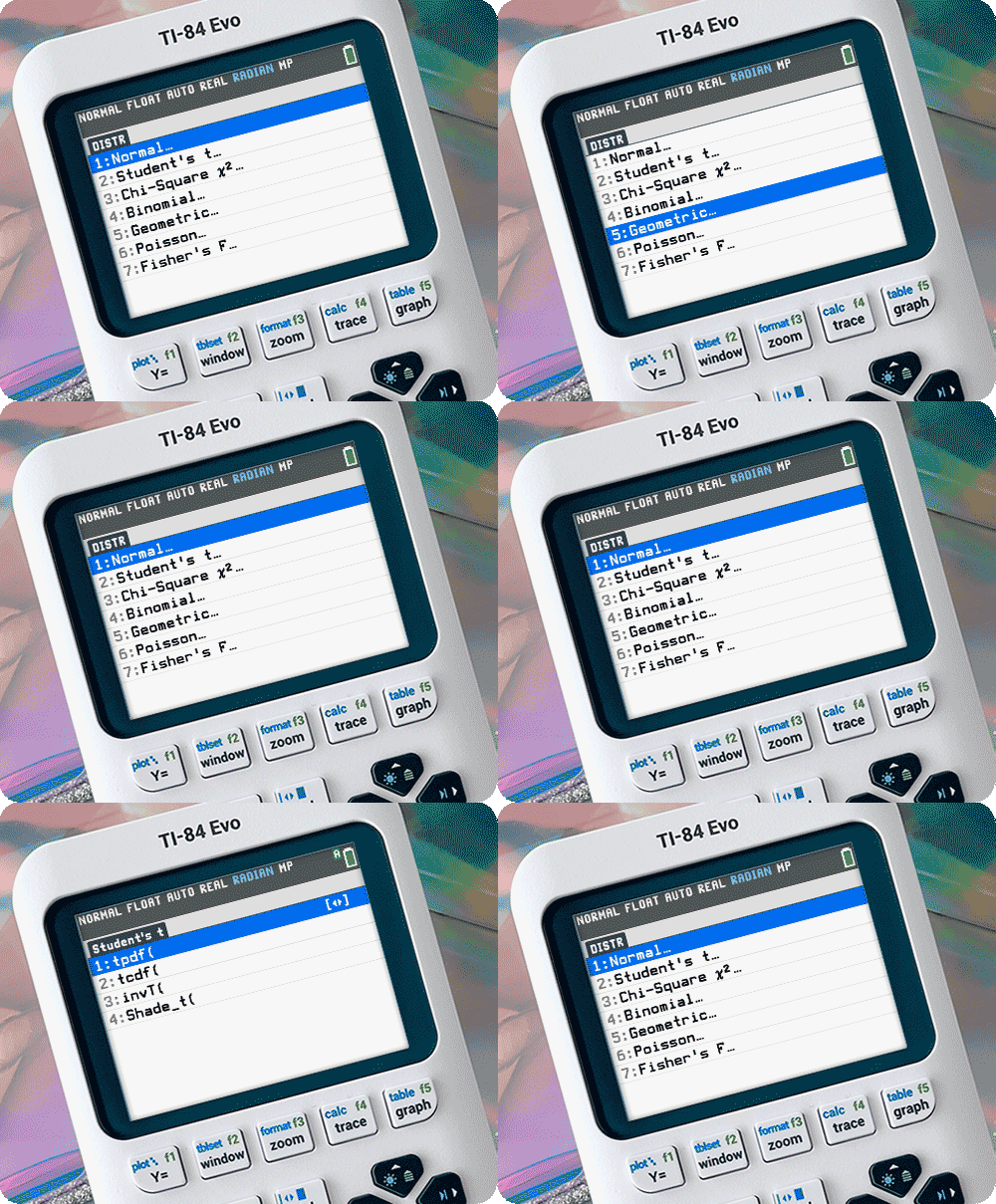
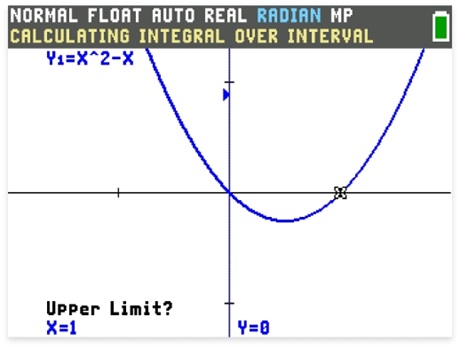
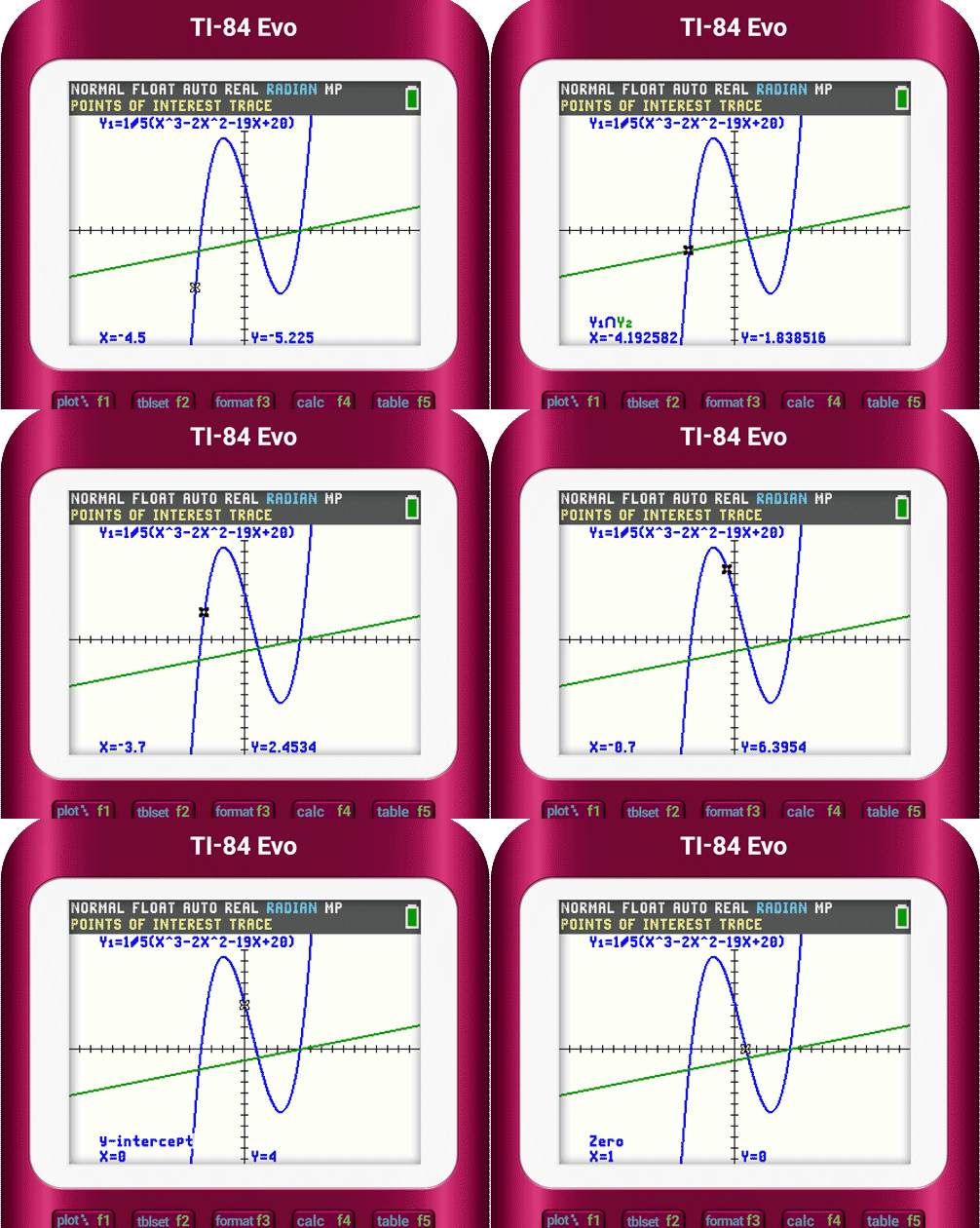
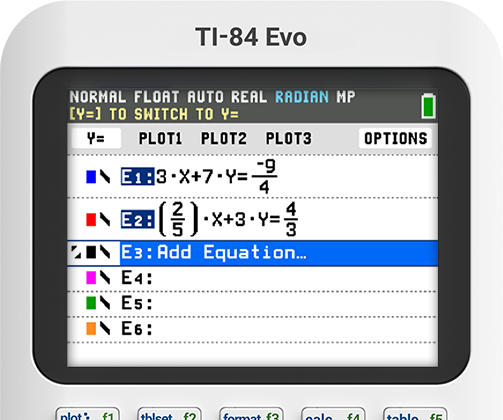
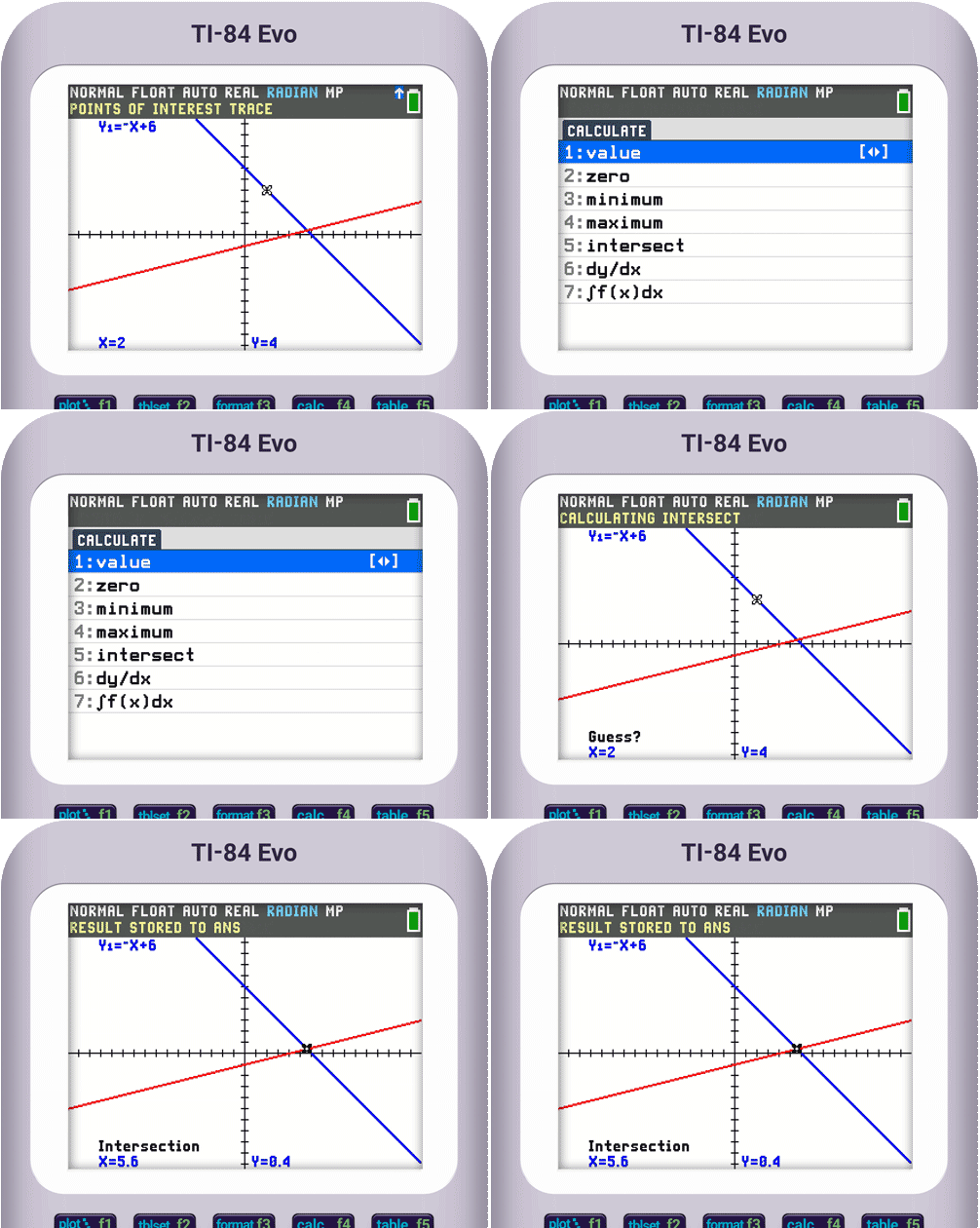
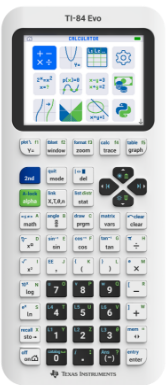
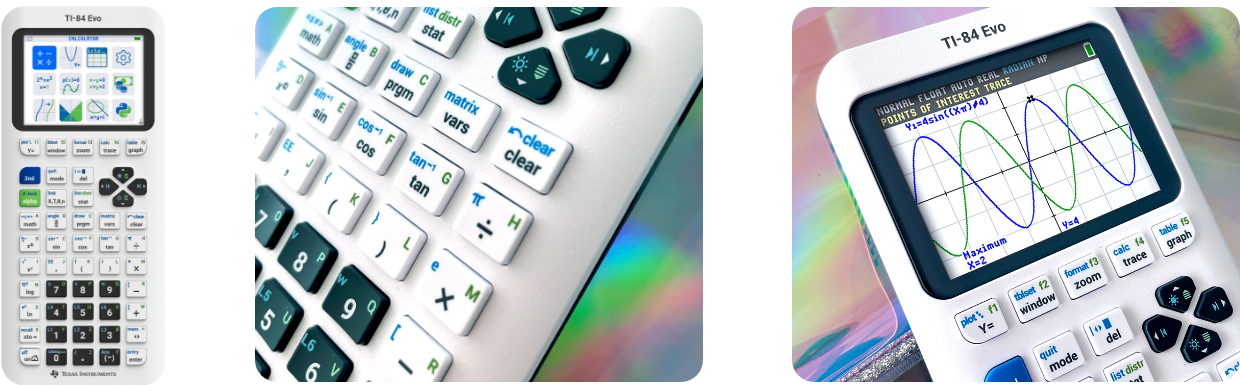
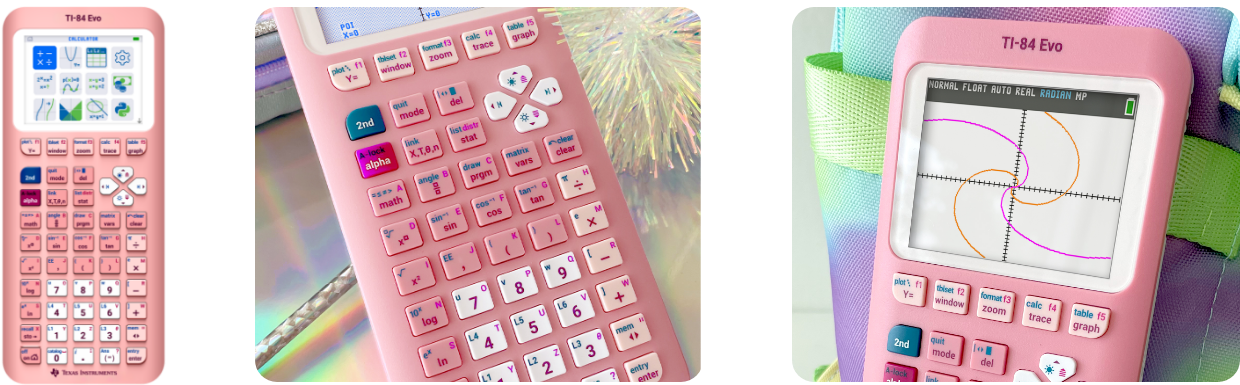
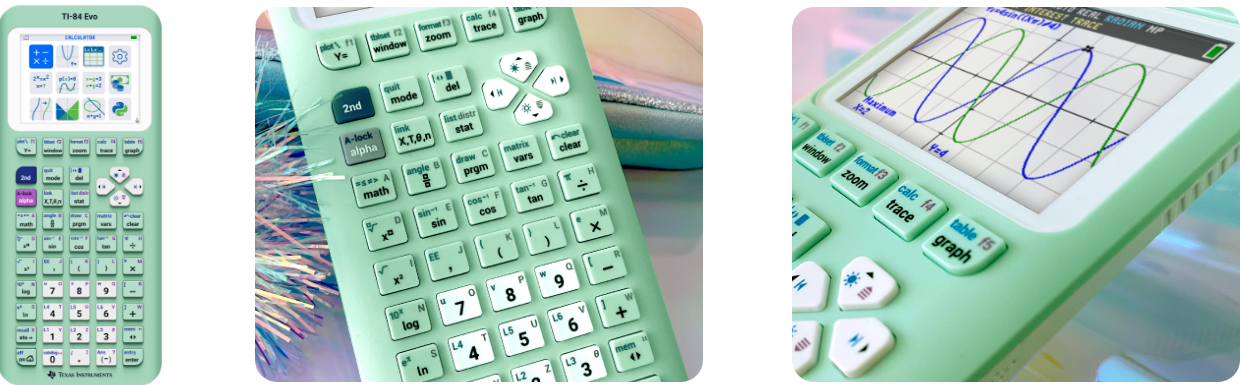
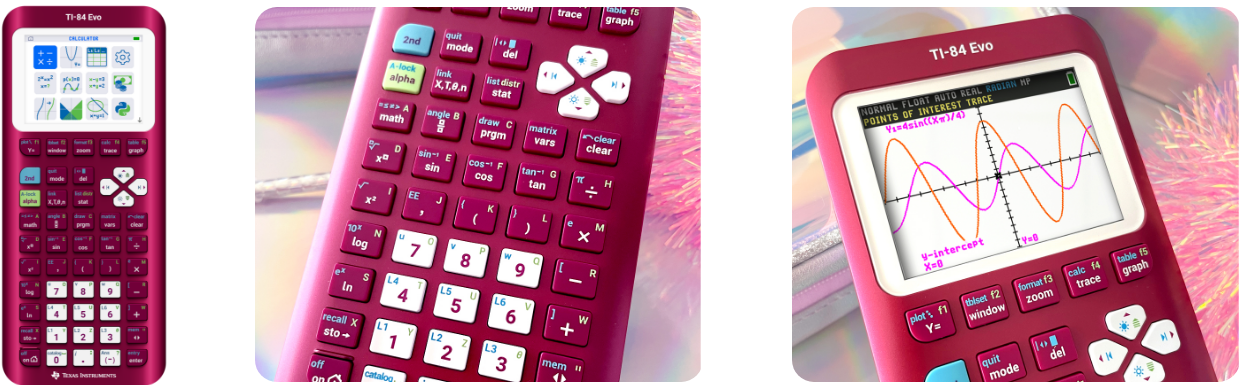
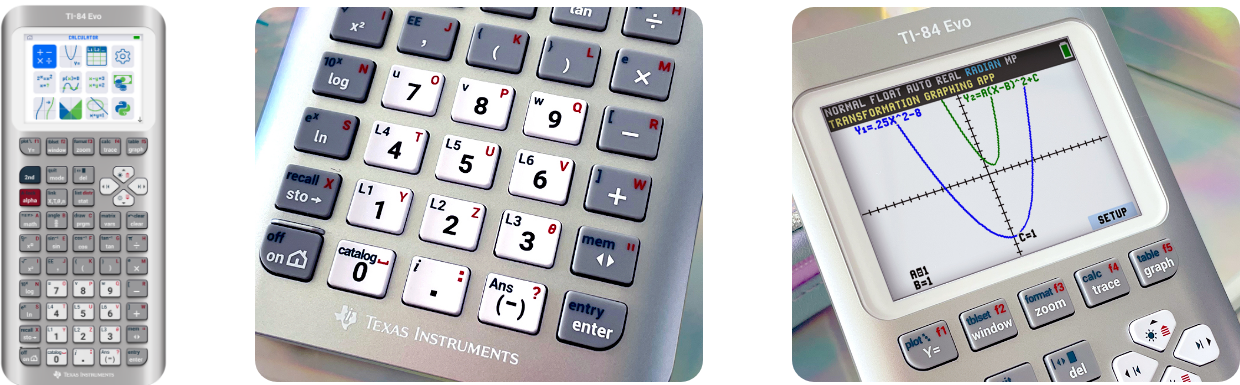
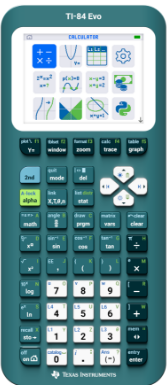
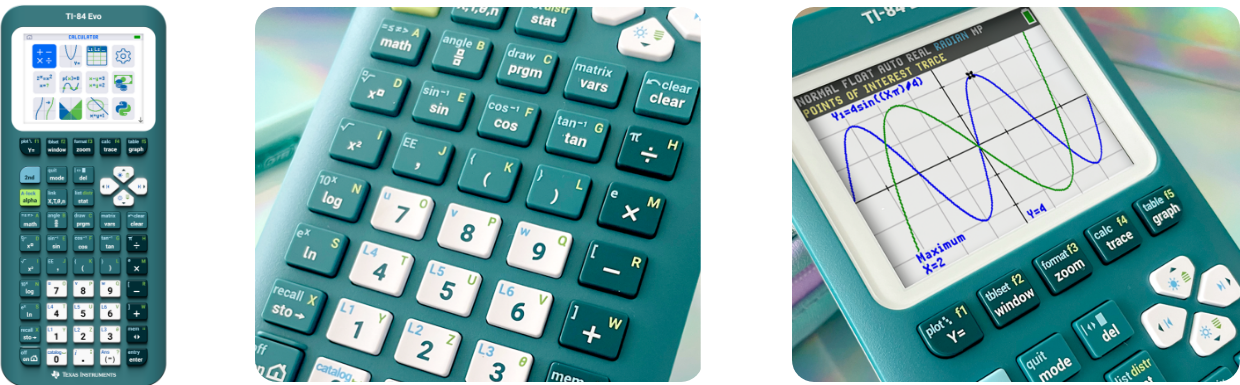
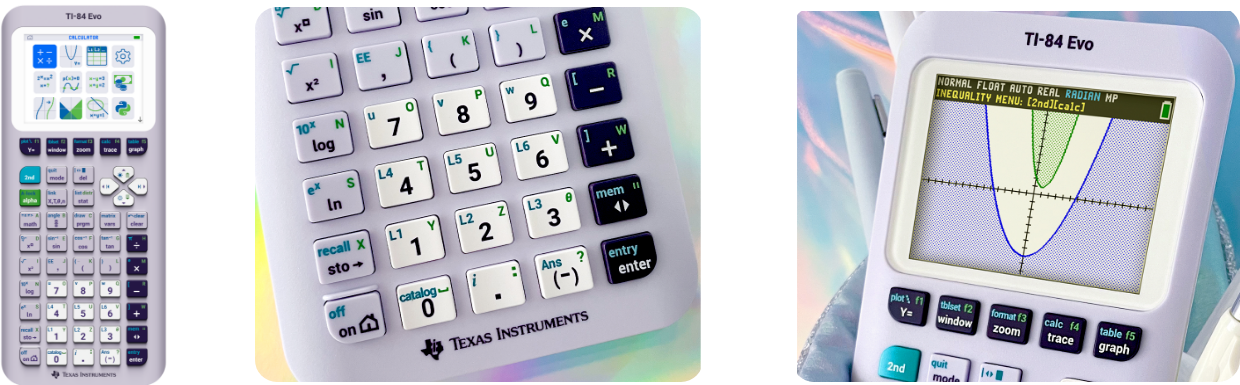
TI-84 Evo Online calculator TI Connect™ Evo Accessories Support Evolved to do everything better See what’s new The math tools you use most, right up front The TI-84 Evo introduces a new icon-based home screen that puts the most popular math tools in plain view. Find what you need in seconds with intuitive navigation that’s organized for clarity and speed. 3x faster processor 50% more graphing area USB-C port Get to the math faster Simplified keypad The keypad layout removes clutter and makes commands and shortcuts easier to see, so you can work faster with fewer steps. Smarter menus The menu system organizes tools into clear categories and subcategories, making it easy to find exactly what you need. Built-in help, right when you need it The TI-84 Evo is intelligently designed to guide you as you go. The yellow status bar pops up to provide helpful hints, without giving away answers. Not just an upgrade — an EVOlution New and improved features for a better experience New!…