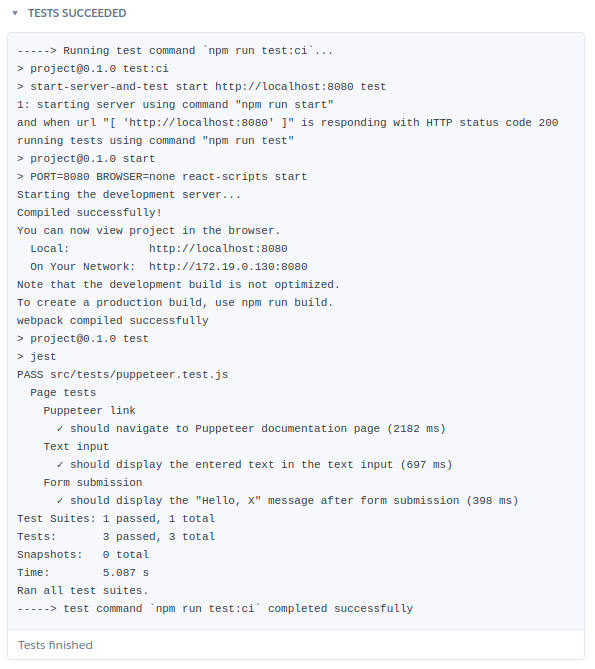
When building web applications, unit testing your individual components is certainly important. However, end-to-end testing provides assurance that the final user experience of your components chained together matches the expected behavior. Testing web application behavior locally in your browser can be helpful, but this approach isn’t efficient or reliable, especially as your application grows more complex. Ideally, end-to-end tests in your browser are automated and integrated into your CI pipeline. Every time you commit a code change, your tests will run. Passing tests gives you the confidence that the application — as your end users experience it — behaves as expected. With Heroku CI, you can run end-to-end tests with headless Chrome. The Chrome for Testing Heroku Buildpack installs Google Chrome Browser ( chrome ) and chromedriver in a Heroku app. You can learn more about this Heroku Buildpack in a recent post .…