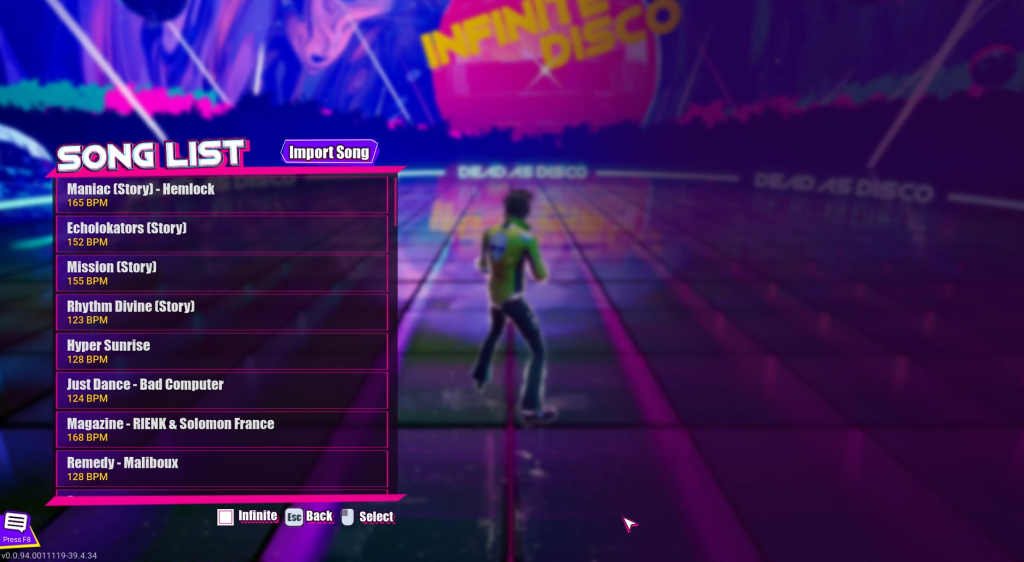
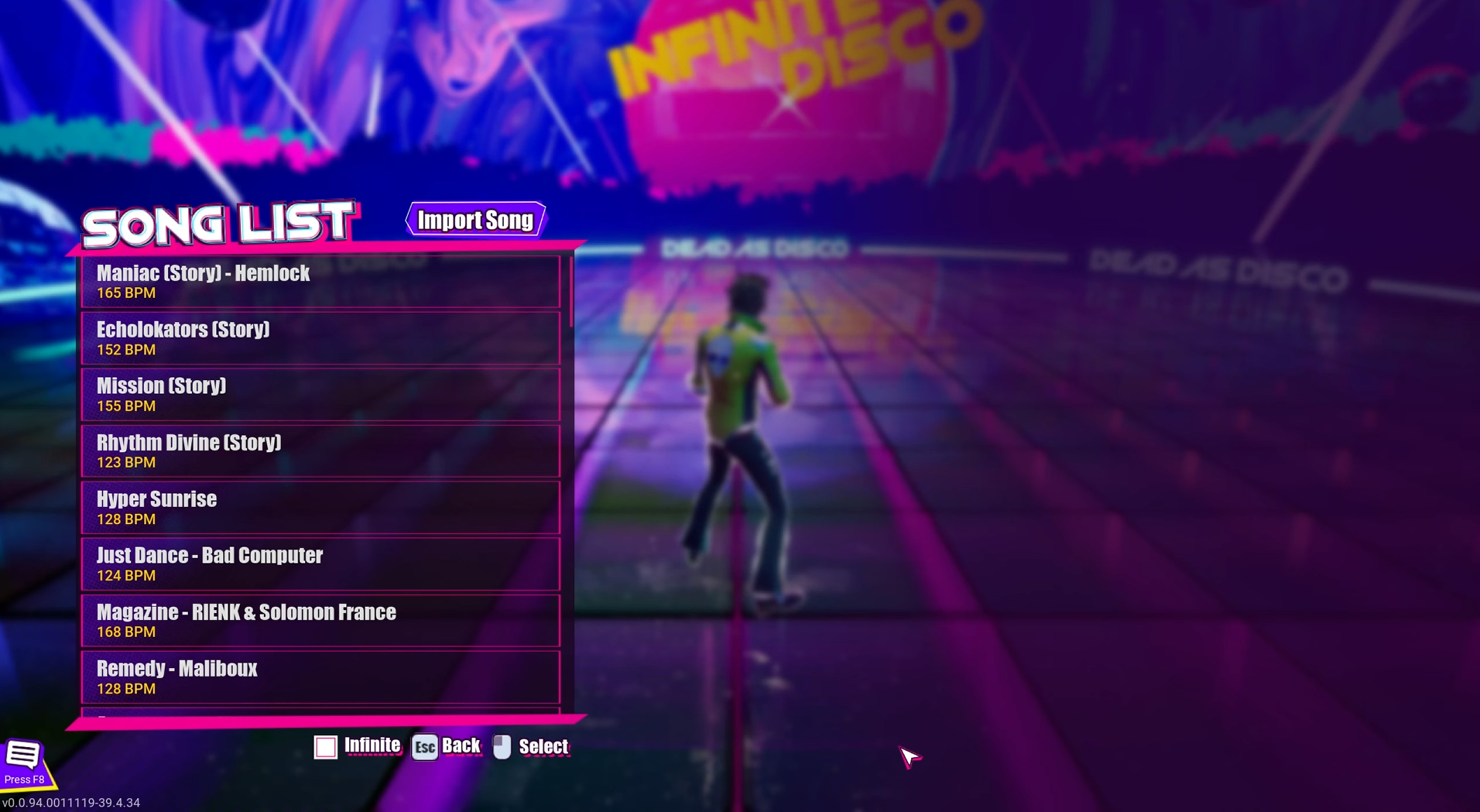
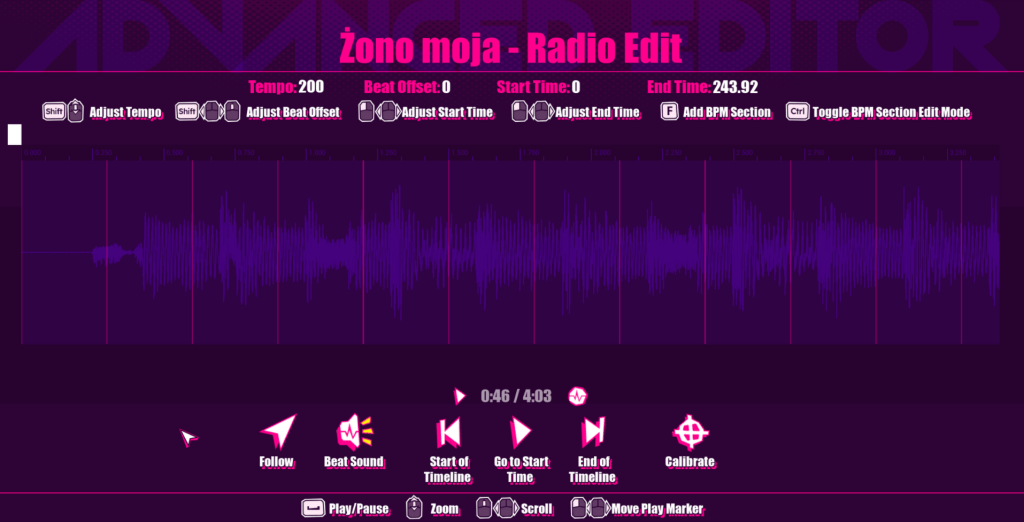
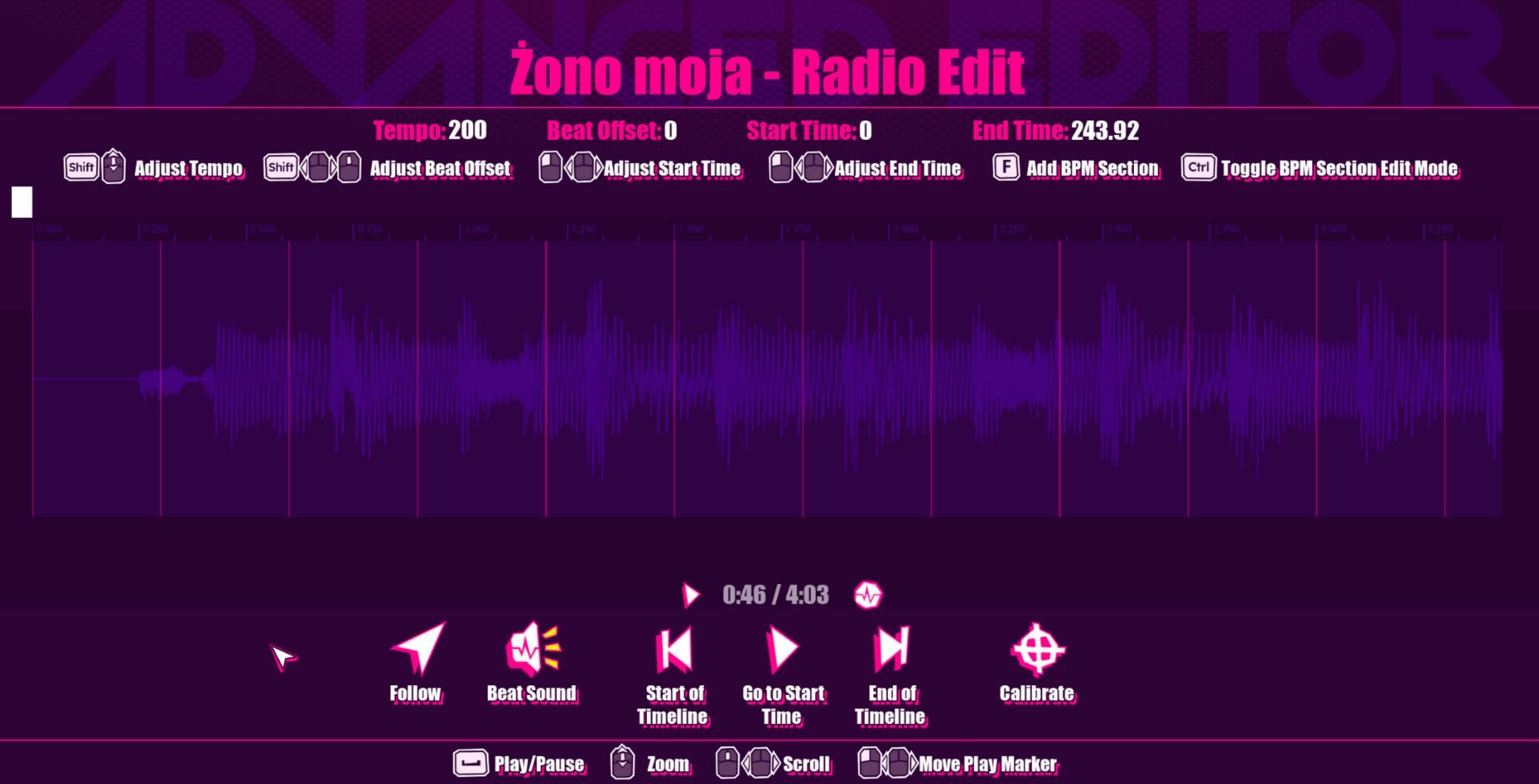
Image via Brainjar Games Inc. Dead as Disco ‘s early access offers you a steady list of jams to enjoy, but you can fine-tune the experience with the help of custom songs. This allows you to use your own set of tracks after adding them to the official in-game list. While the process might feel confusing at first, this guide will help you complete all the steps without errors. Table of contents How to add custom songs in Dead as Disco How to calibrate custom music in Dead as Disco How to add custom songs in Dead as Disco The first task is to complete Dead as Disco ‘s tutorial since you’ll need the Infinite Disco mode. Once available, you can select the mode from the main menu screen. Then, select the Free Play option. In Free Play, you’ll find a tab on top of your screen titled “Add My Music” . Click on it to upload your own custom track. I have only tried files with the .mp3 extension at the end. However, the game accepts all standard formats like .m4a, .wma, .aac, and .wave, among others.…