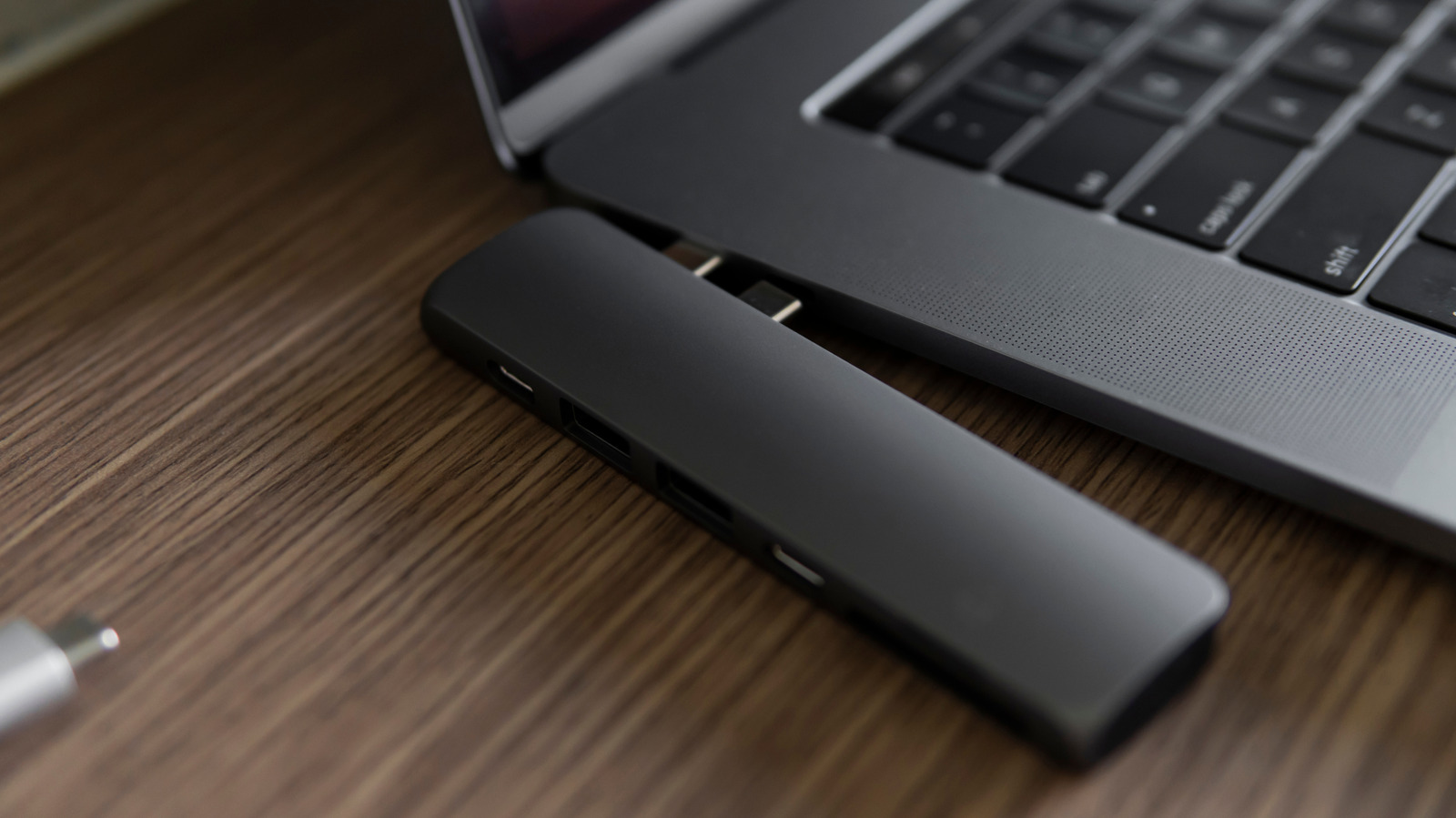
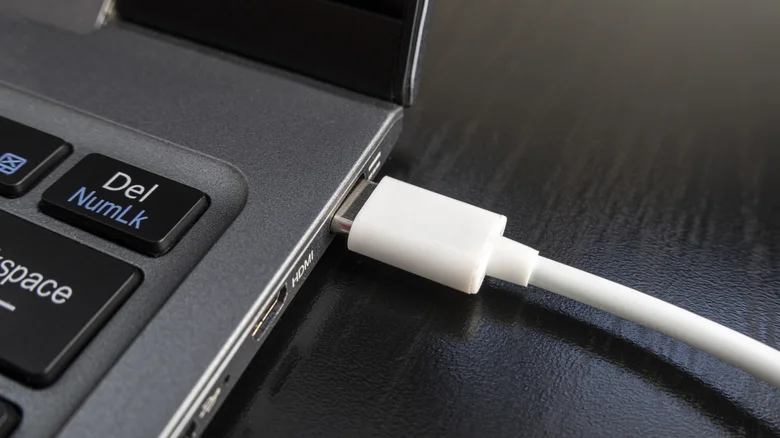
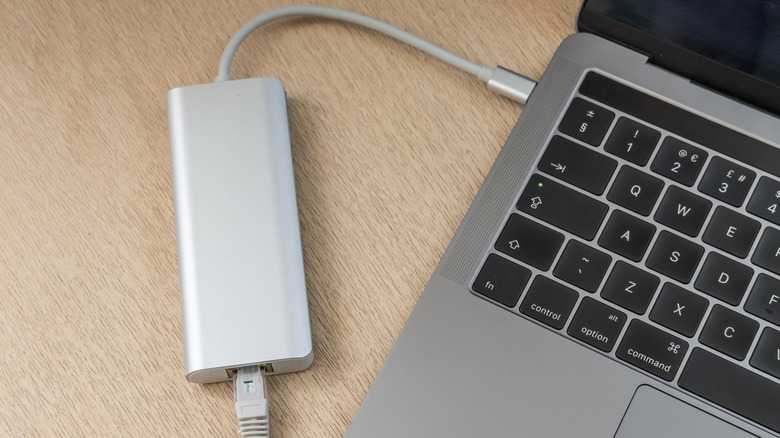
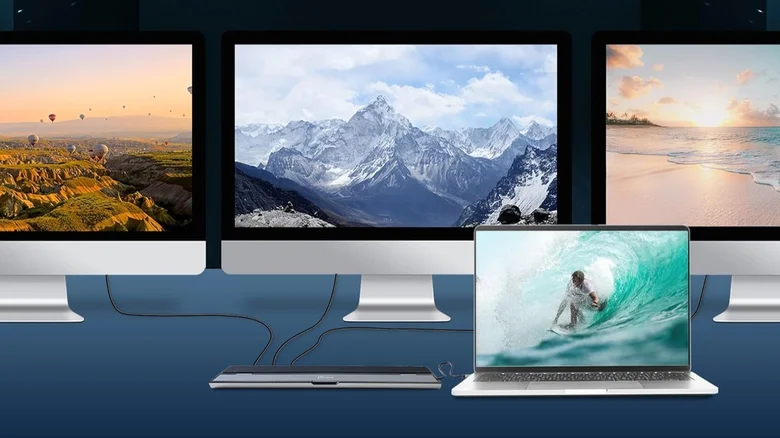
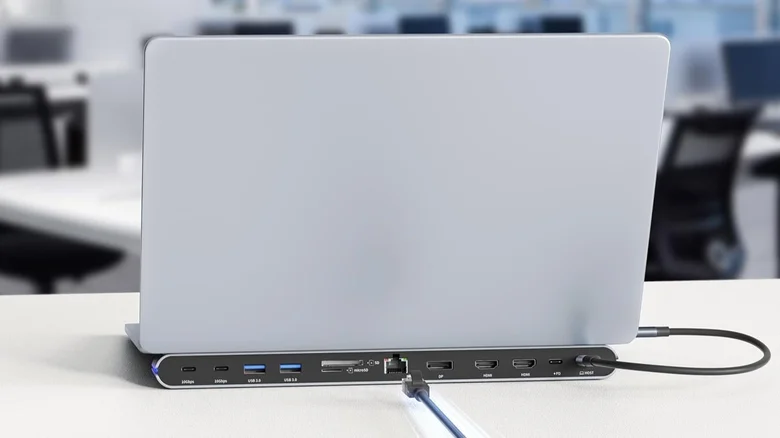
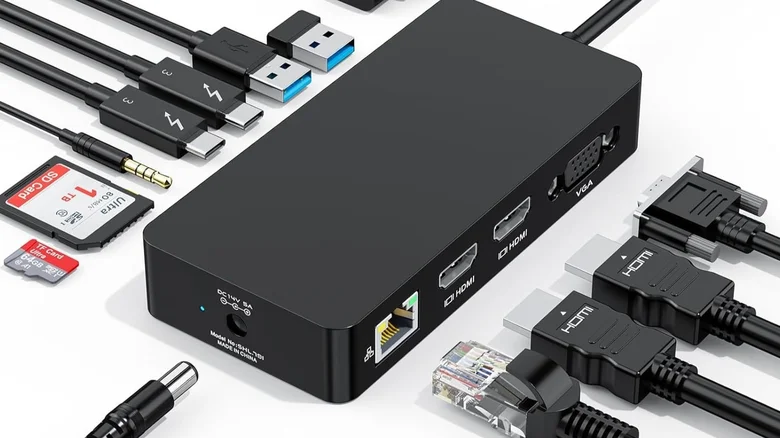
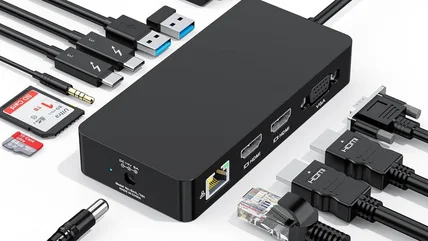
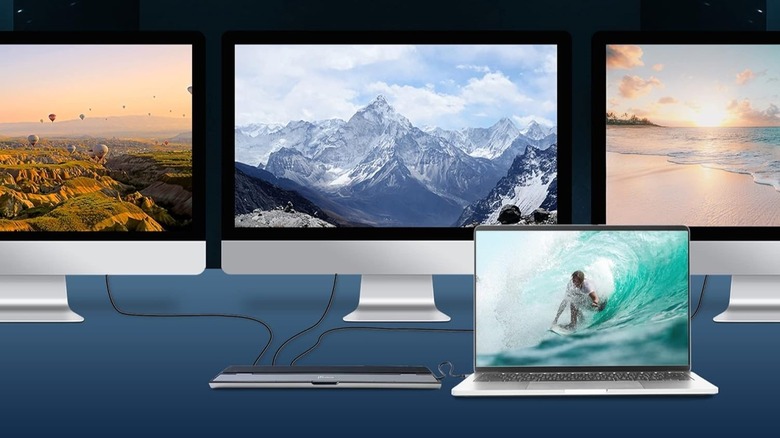
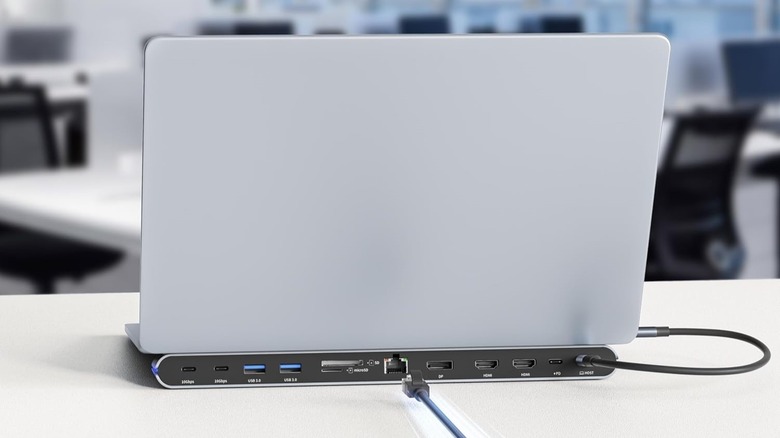
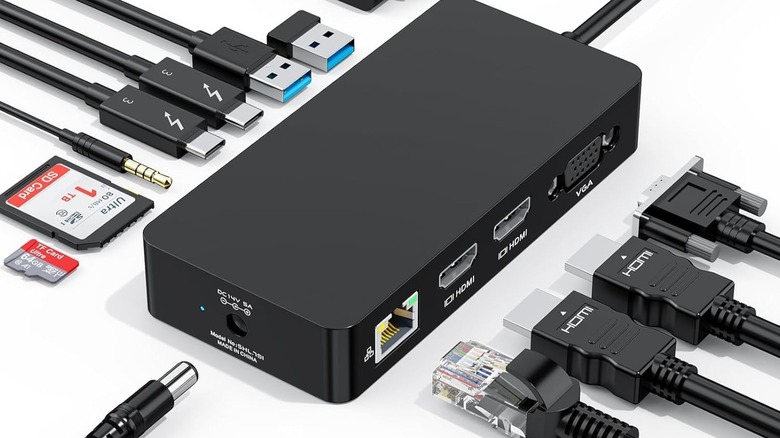
vshtun/Shutterstock We may receive a commission on purchases made from links. Laptops only contain so many ports, which means you're limited by what you can plug in, be it extra storage, peripherals, monitors, and beyond. That's where laptop docking stations come into play. They enable you to connect a myriad of gadgets to your otherwise limited laptop, but in a way that allows you to set up a more static workstation. At the end of the day, you can simply unplug your laptop and leave everything connected to the dock, so when it's time to come back, you plug it all in through a single, simple interface: the docking station. Modern docking stations are less like the Nintendo Switch's TV and charging dock and more like USB hubs or desktop power stations. For example, the Anker Nano laptop docking station stands upright like a small tower and has 13 total connections to significantly expand your laptop's functionality.…