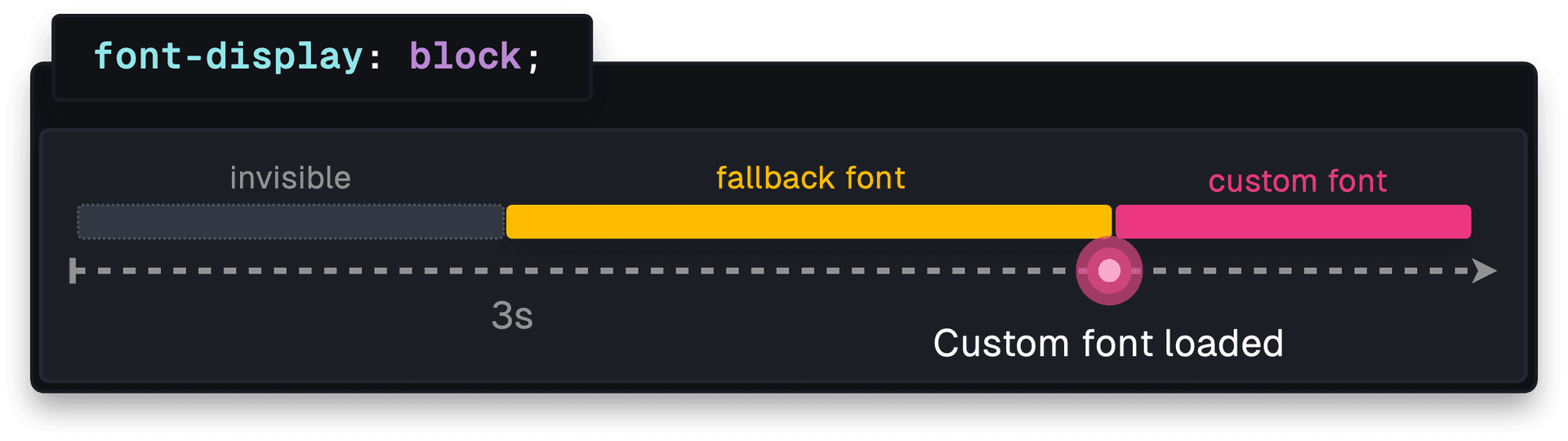
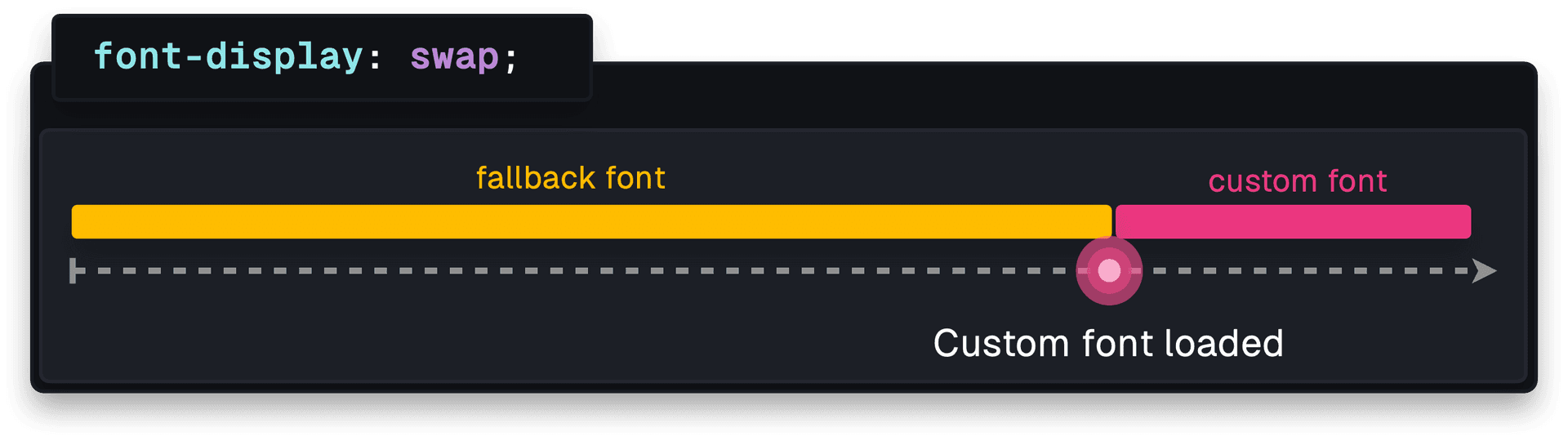
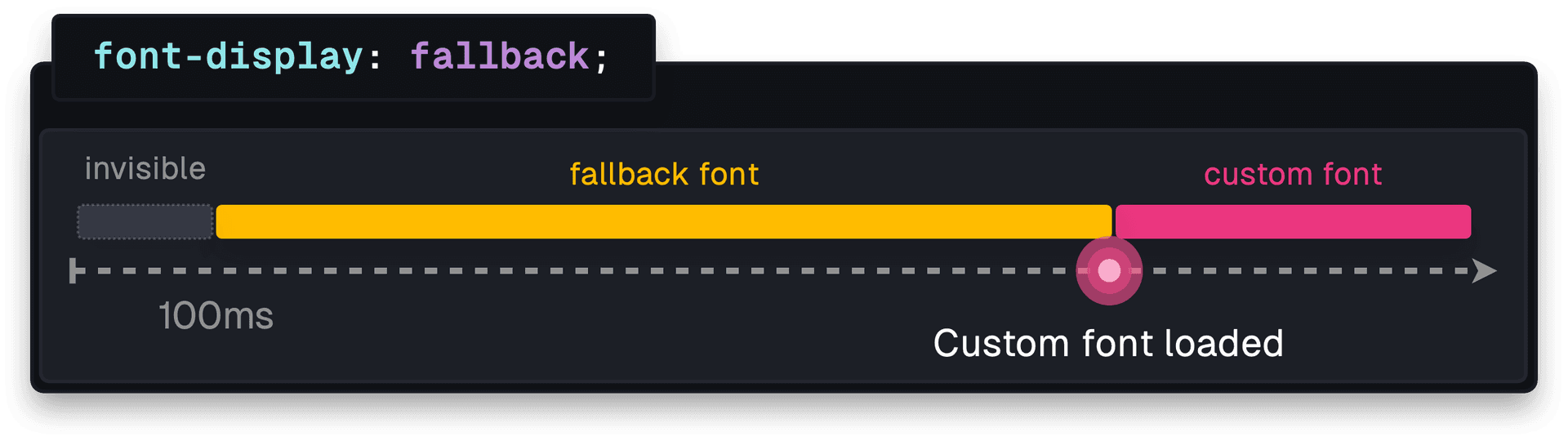
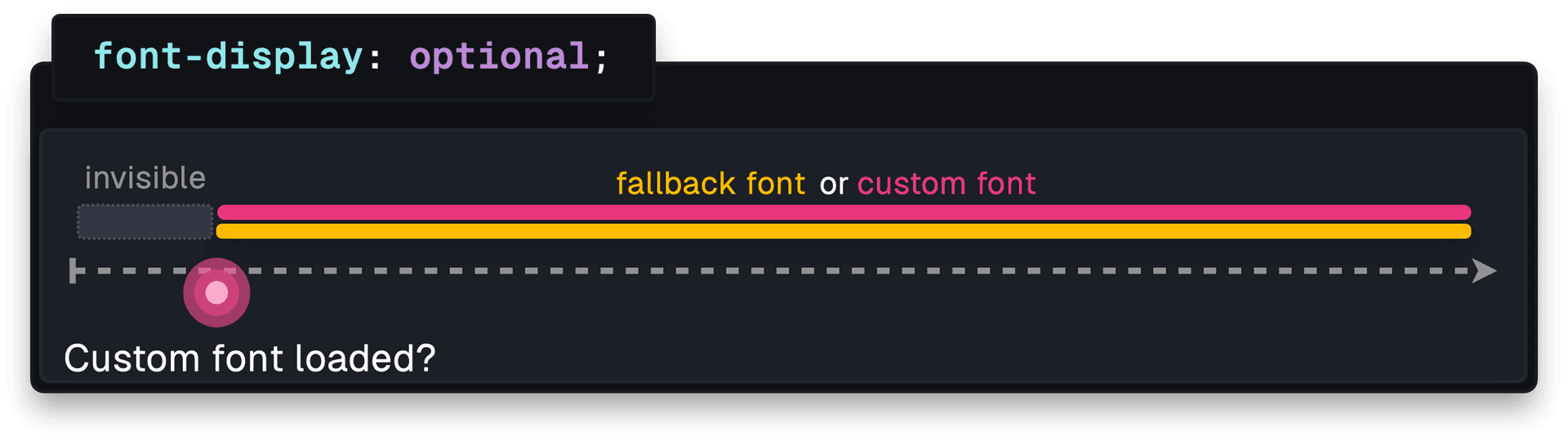
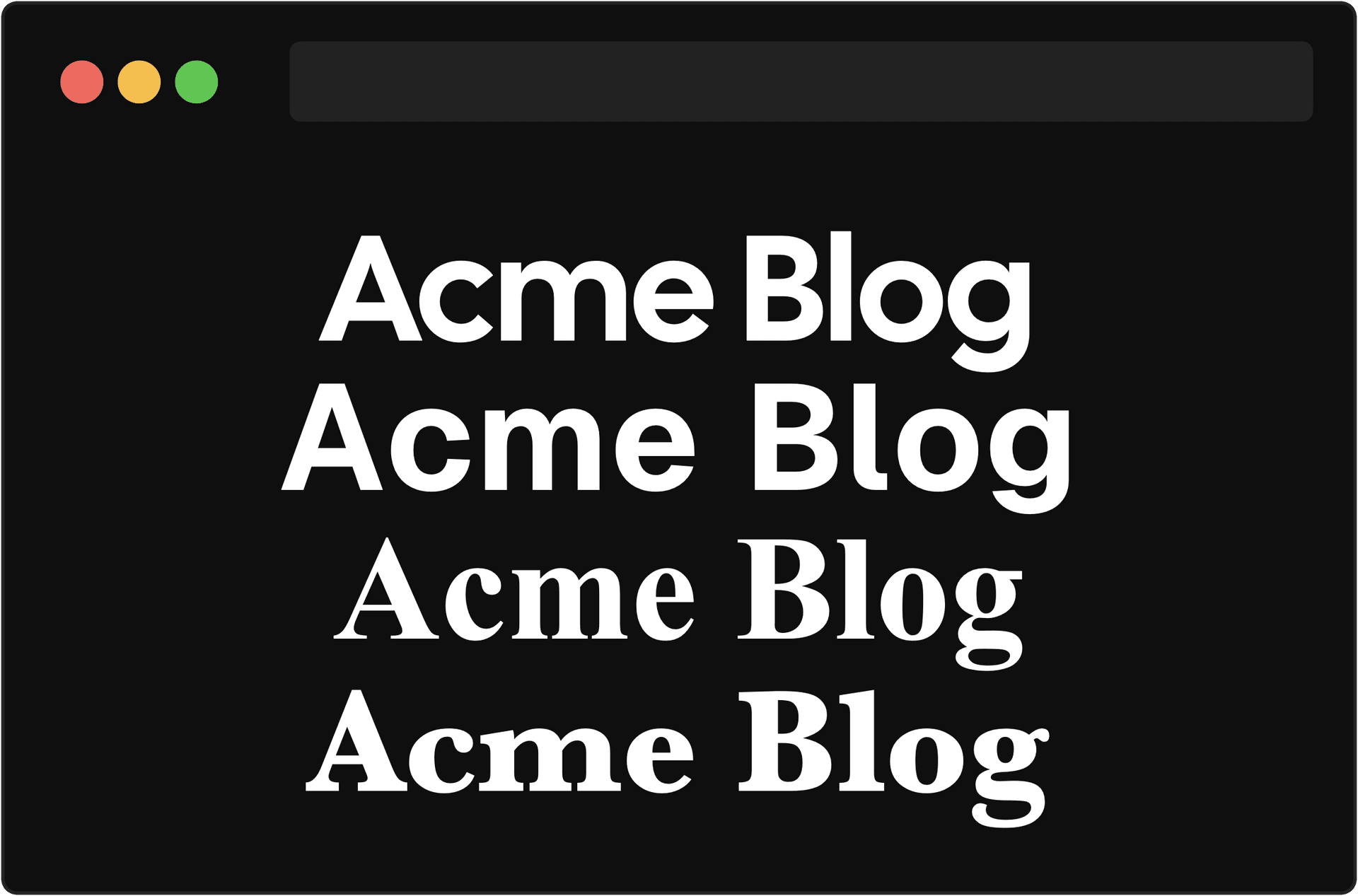
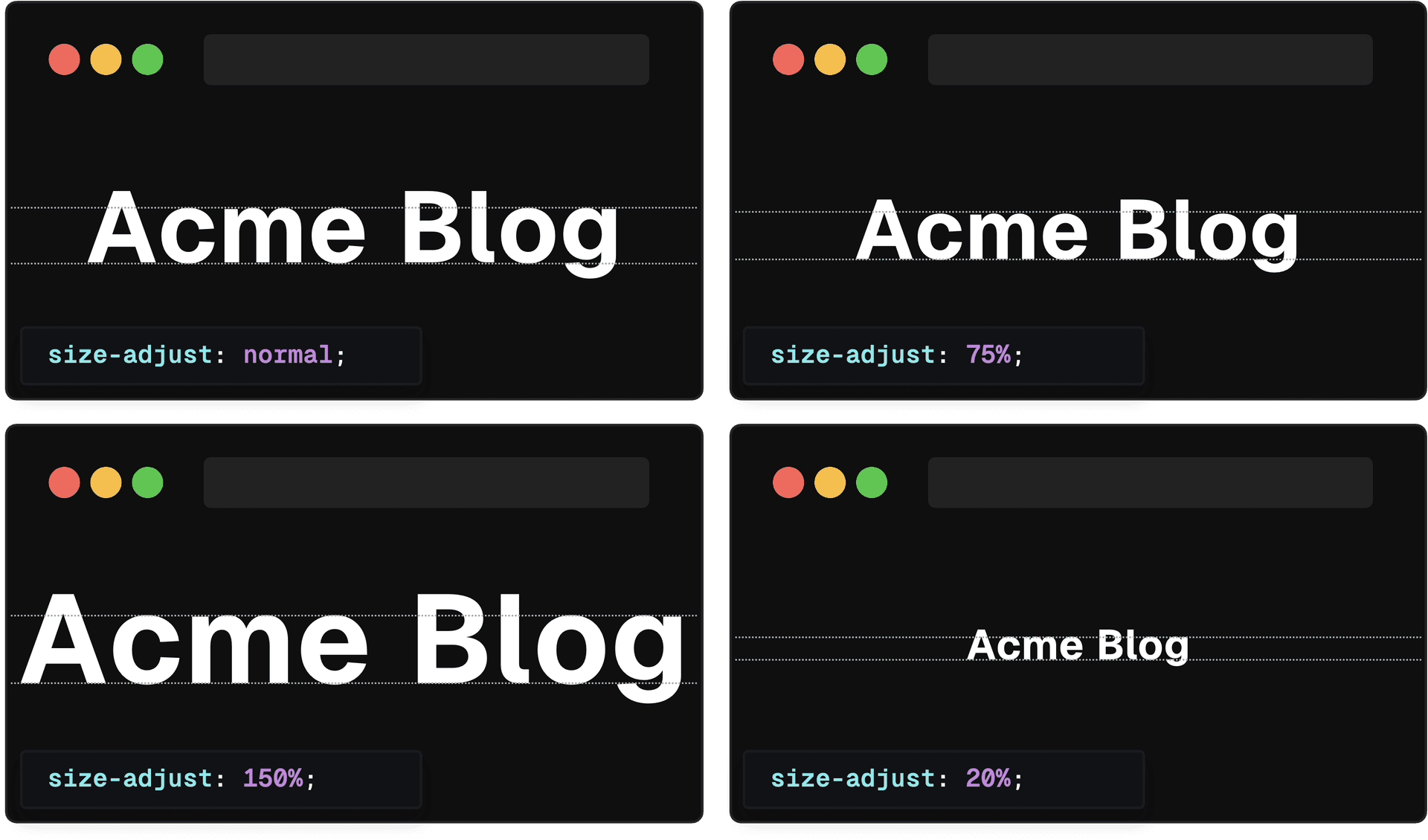
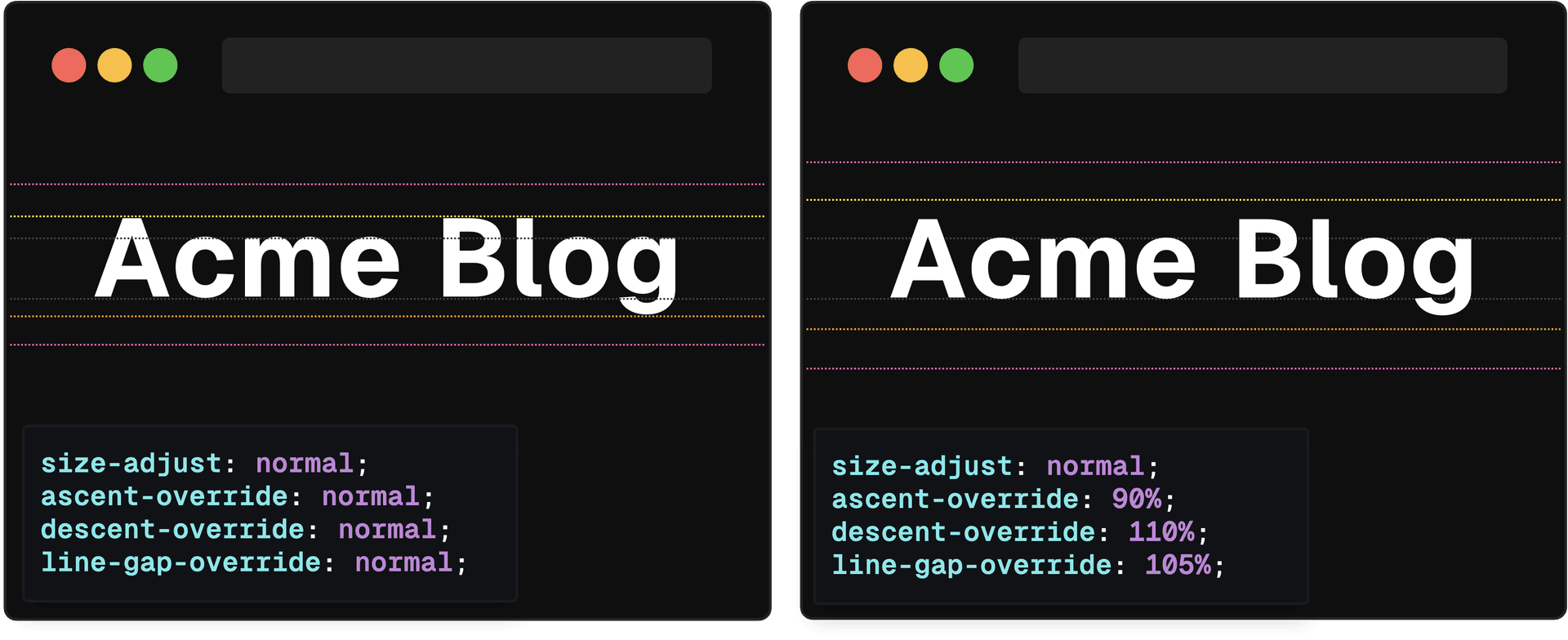
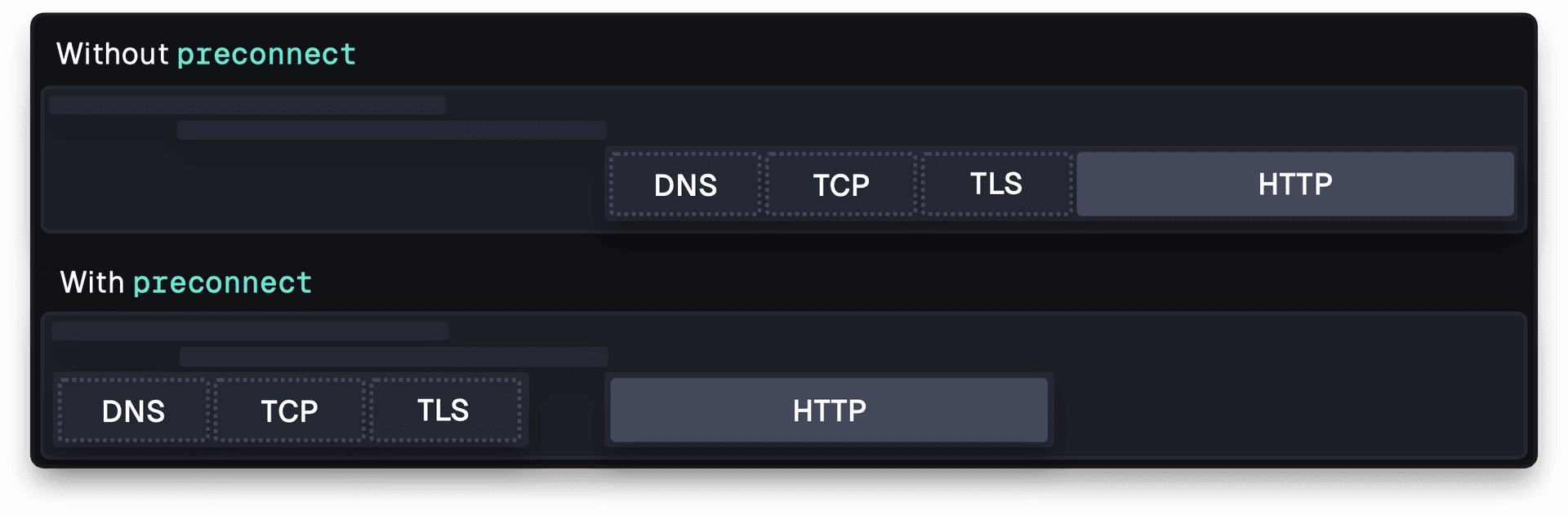
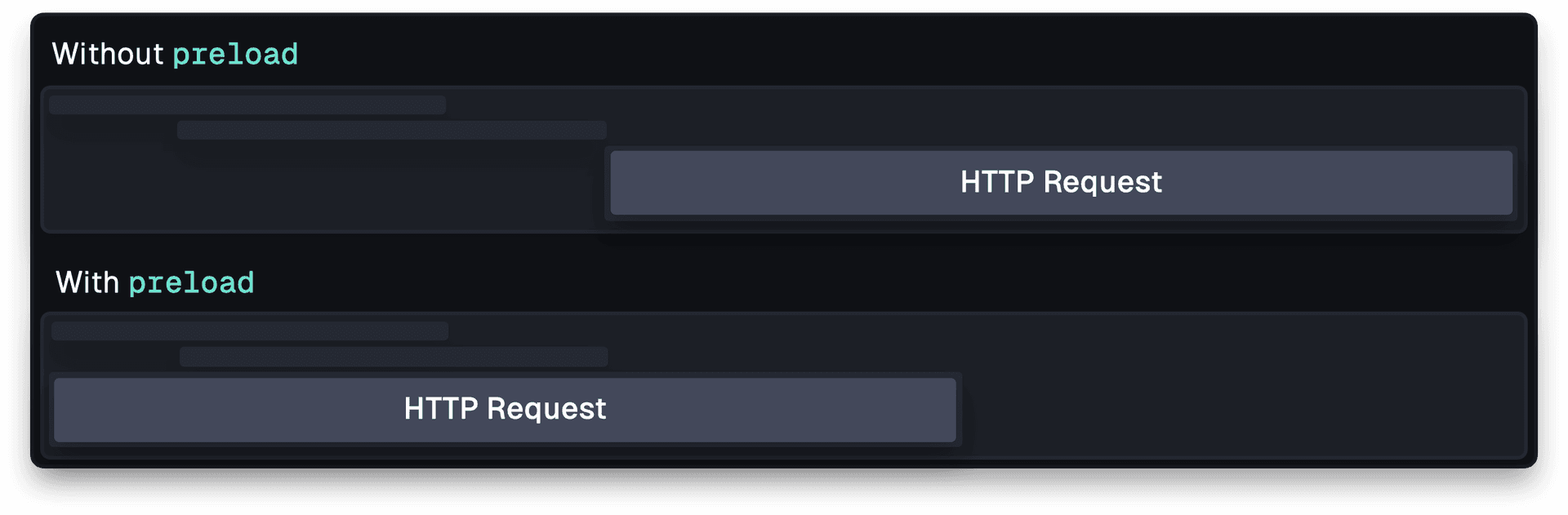
Learn how to optimize web fonts using resource hints, font-face descriptors, and the next/font module. Web fonts are vital to branding and user experience. However, the inconsistent rendering of these fonts while they're being fetched from the server can cause unintended shifts in layout. Luckily, there are solutions to minimize unexpected shifts and enhance the user experience when working with web fonts. Ever noticed a split-second change in the font while a page loads? Or even no text at all for a short moment? These flashes of invisible and unstyled text happen because the browser is still fetching the web font from the server that hosts the fonts. Luckily, the font-display property gives developers control over this behavior by setting it to either block , swap , fallback , optional , or auto . block can be used to prioritize visual consistency by keeping text invisible for a couple seconds. If the custom font hasn't loaded within that time, it shows a fallback until the custom font is available.…