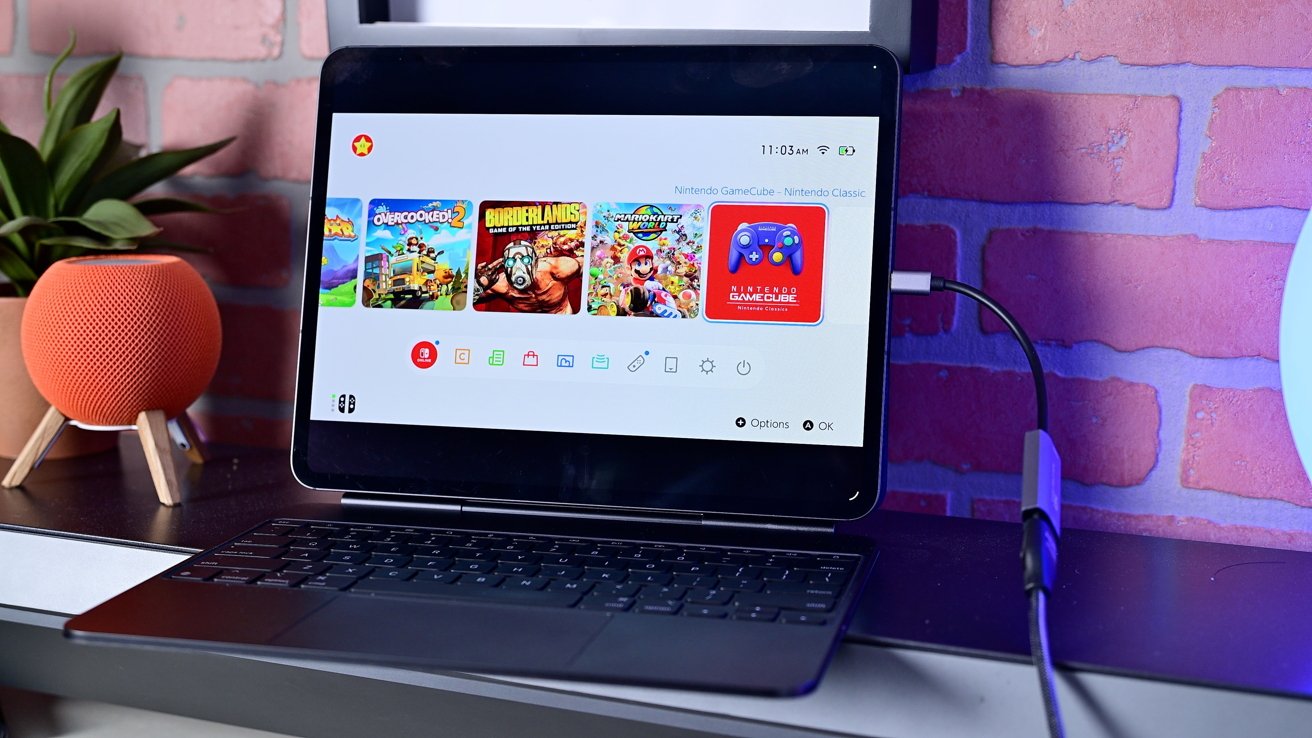
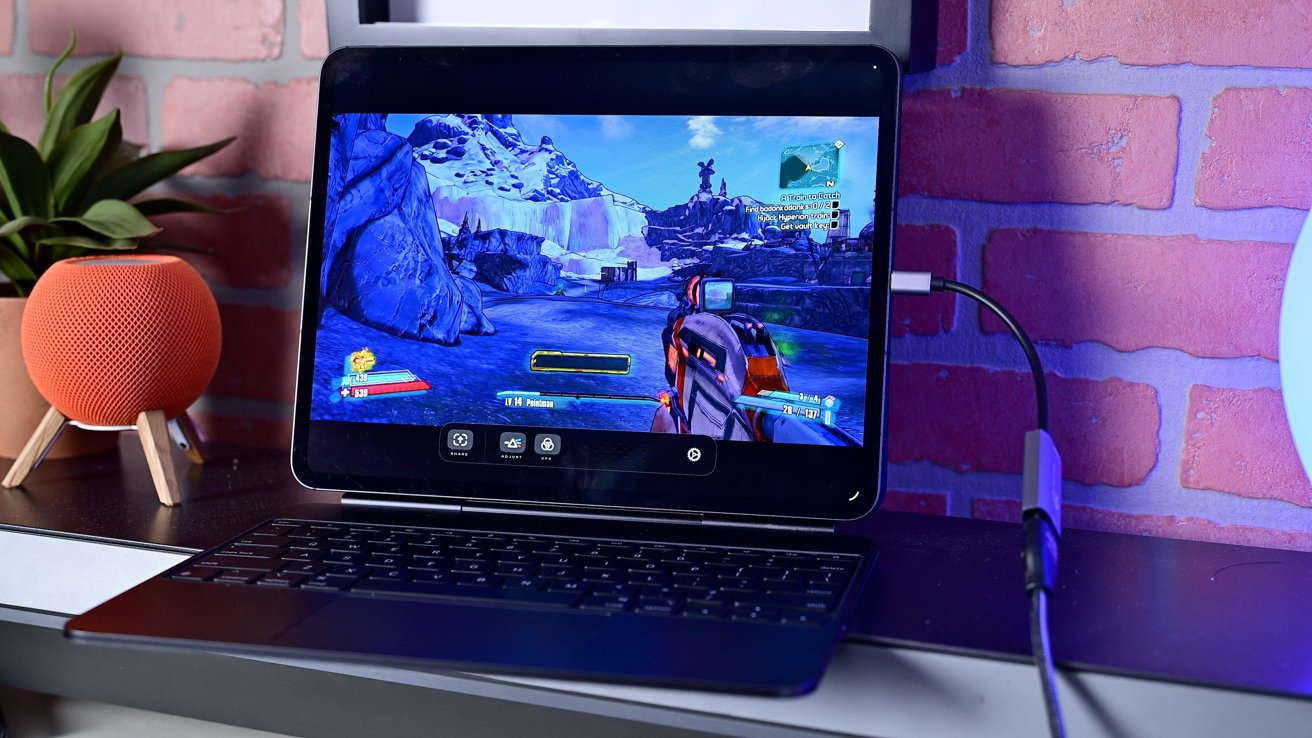
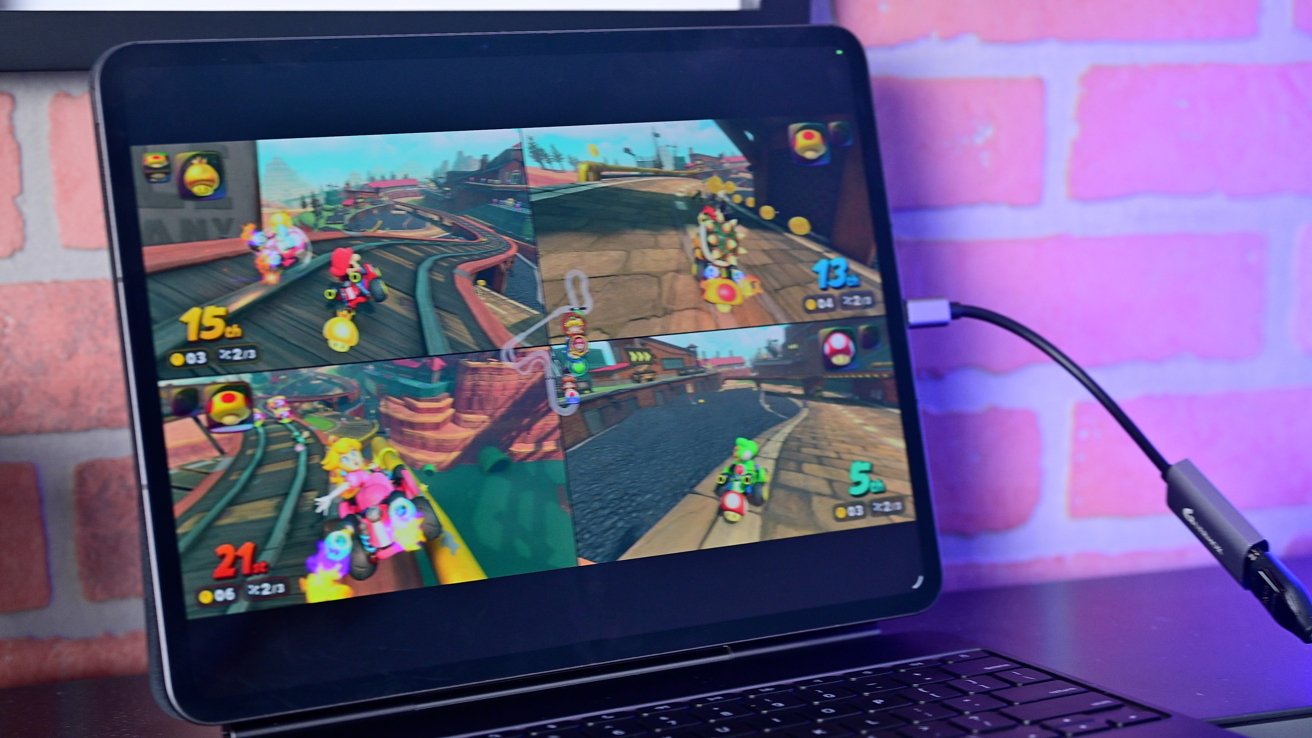
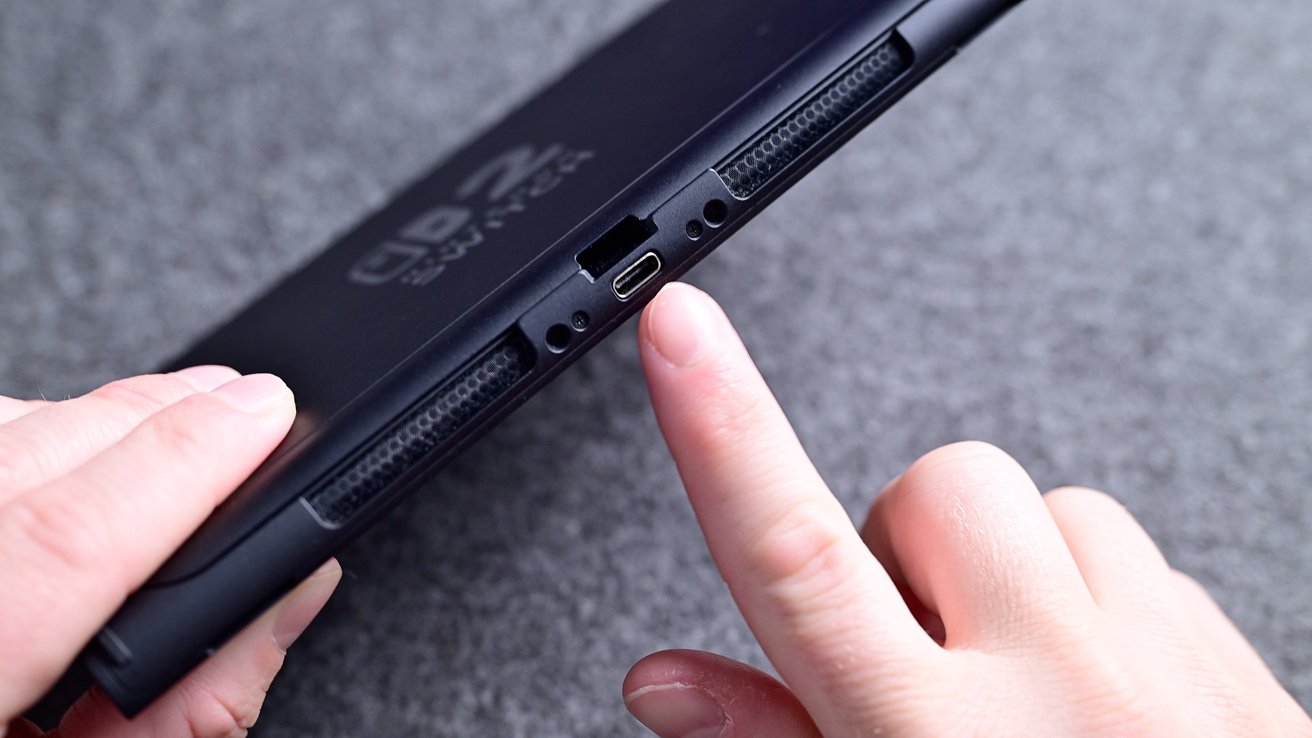
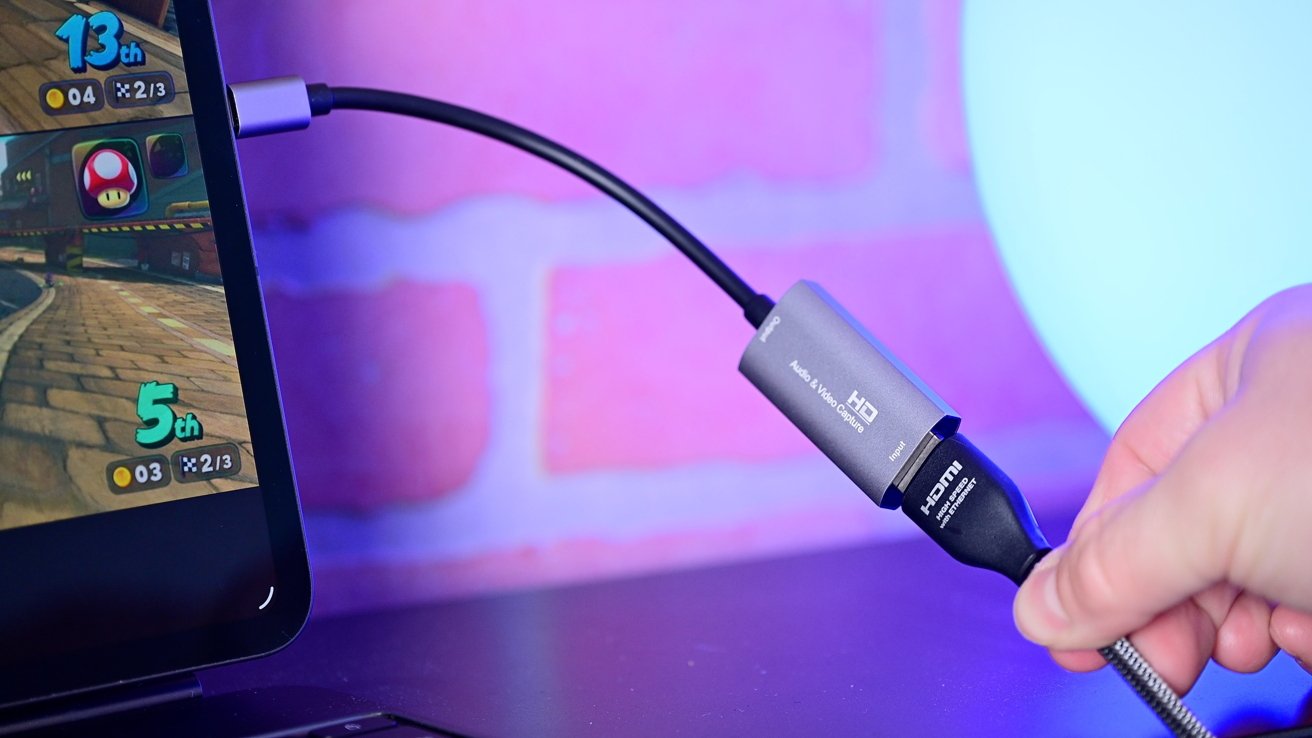
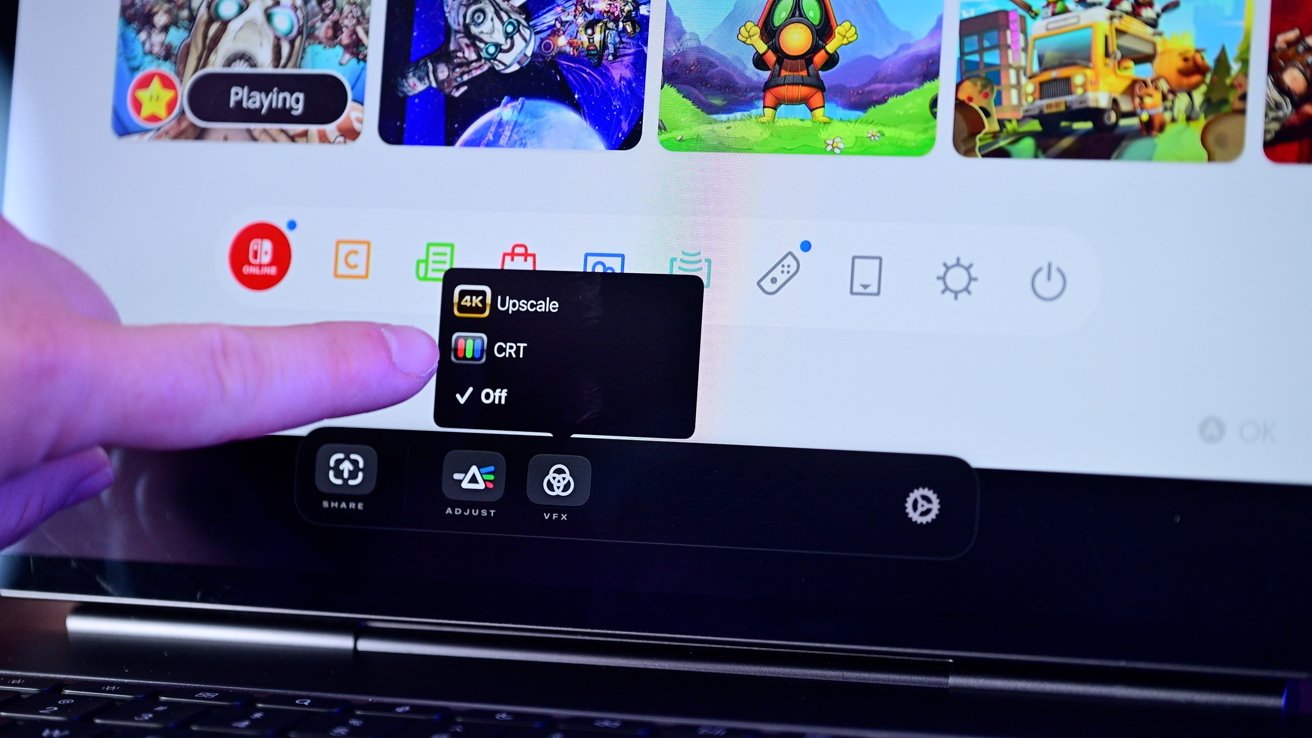
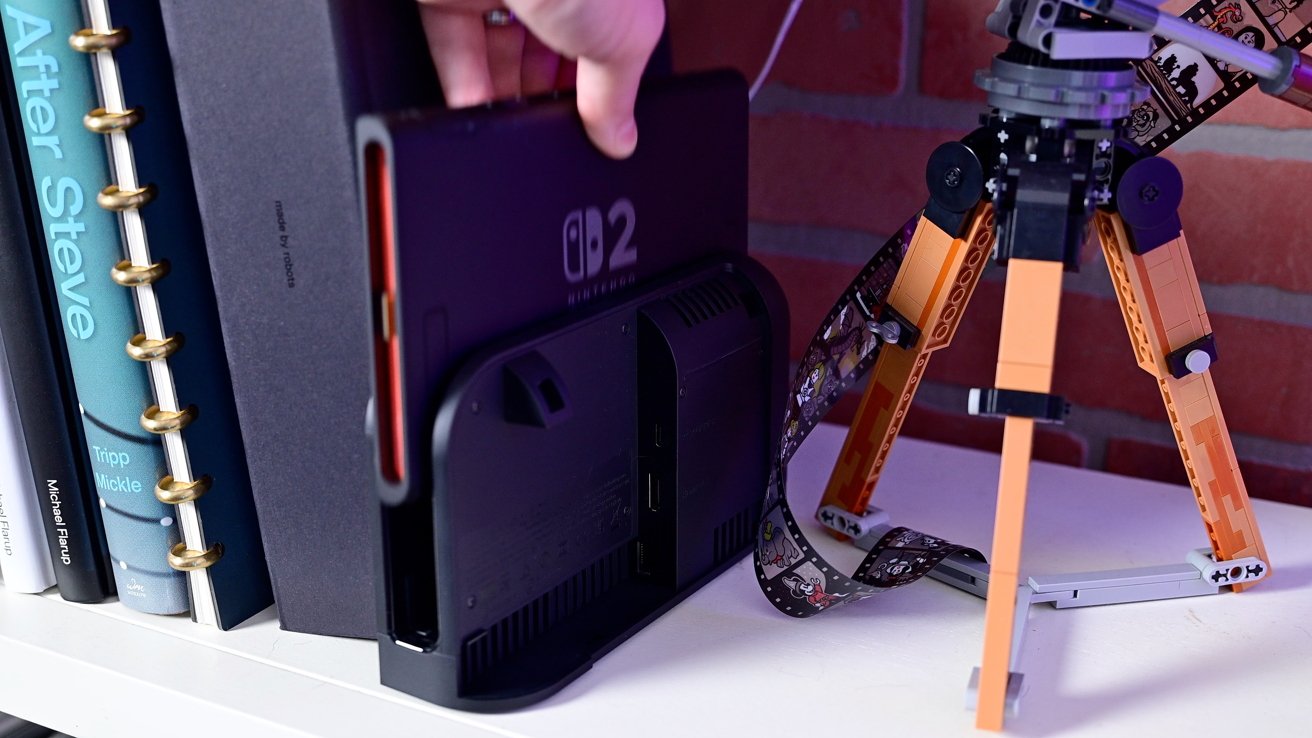
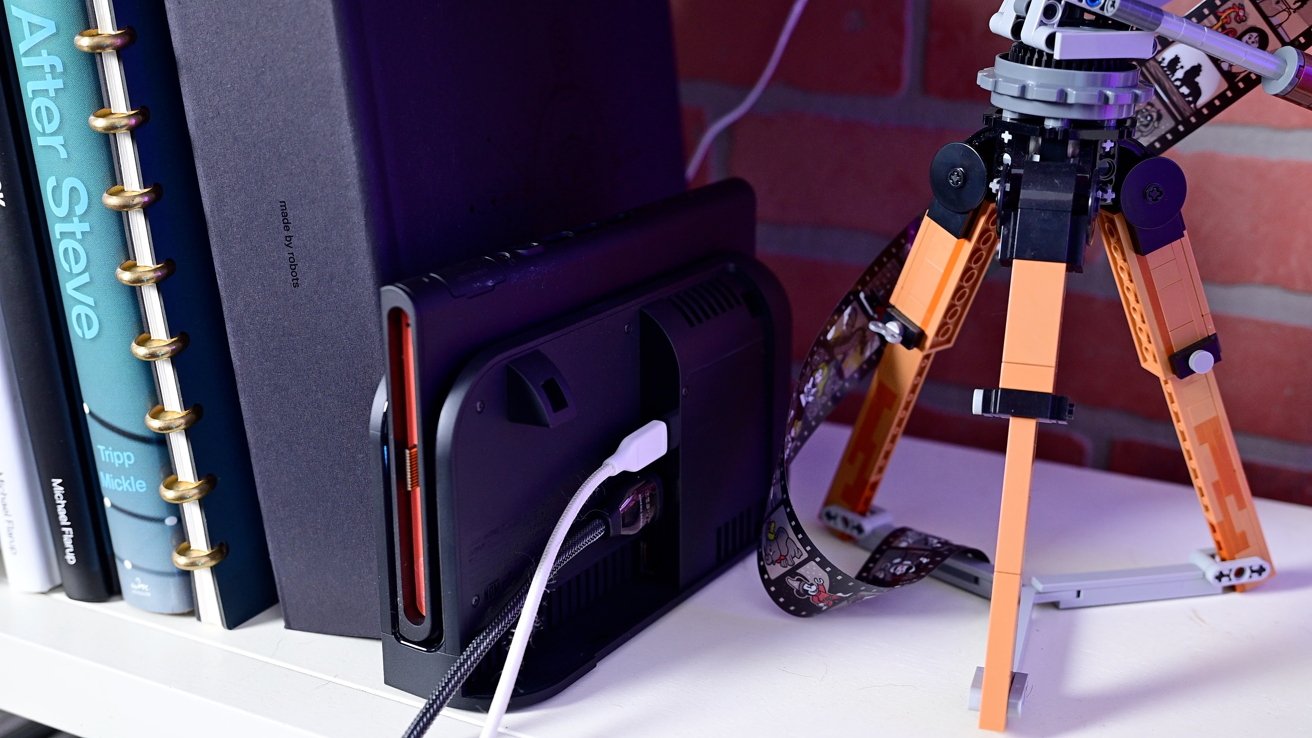
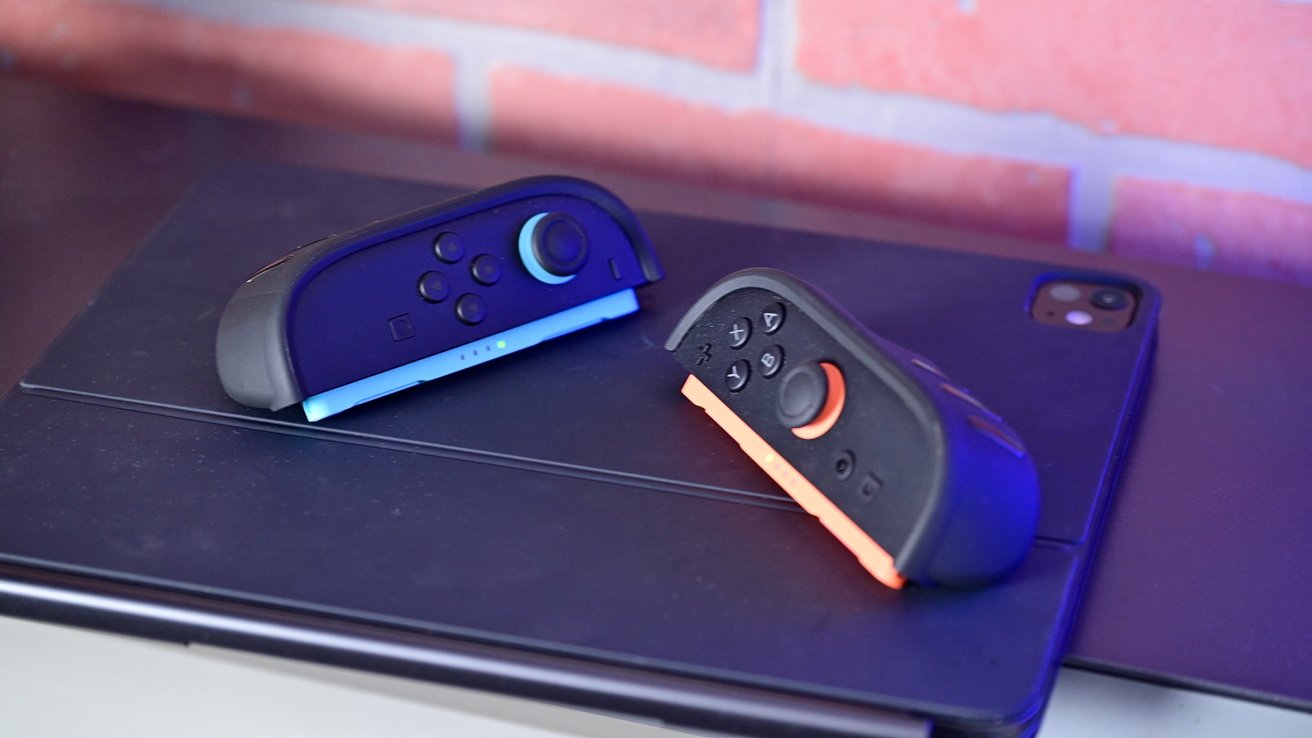
The Nintendo Switch 2 is a massive hit, but its relatively small screen size is still limiting. Here's how to use an iPad as an external display for better gaming. Nintendo has reportedly sold more than five million units of its new portable gaming device. The new handheld sports a new 7.9-inch display, along with updated controllers, a better design, and a much faster processor. What's always been great about the Switch, is that unlike other consoles that are dedicated handhelds or only work with a TV connected, it does both. It can be used on the go, or it can be docked and used with a display. Thanks to a change in iPadOS 17 , the iPad can be used as an external display for video inputs. We've tested it with gaming consoles, cameras, and yes — the Nintendo Switch 2. Why use your iPad as a Switch 2 display? While the Switch 2 does have a new, larger screen — the iPad Air and iPad Pro both offer more expansive 13-inch screens.…