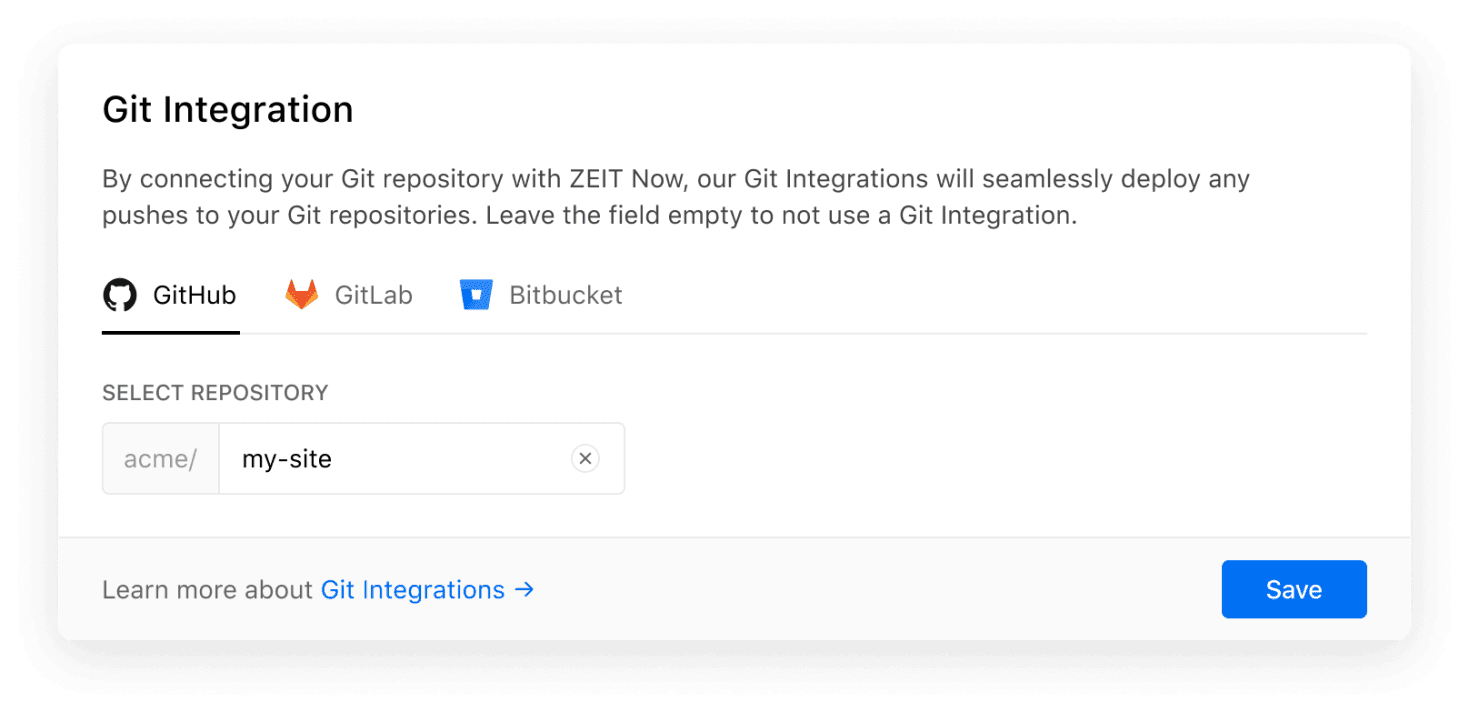
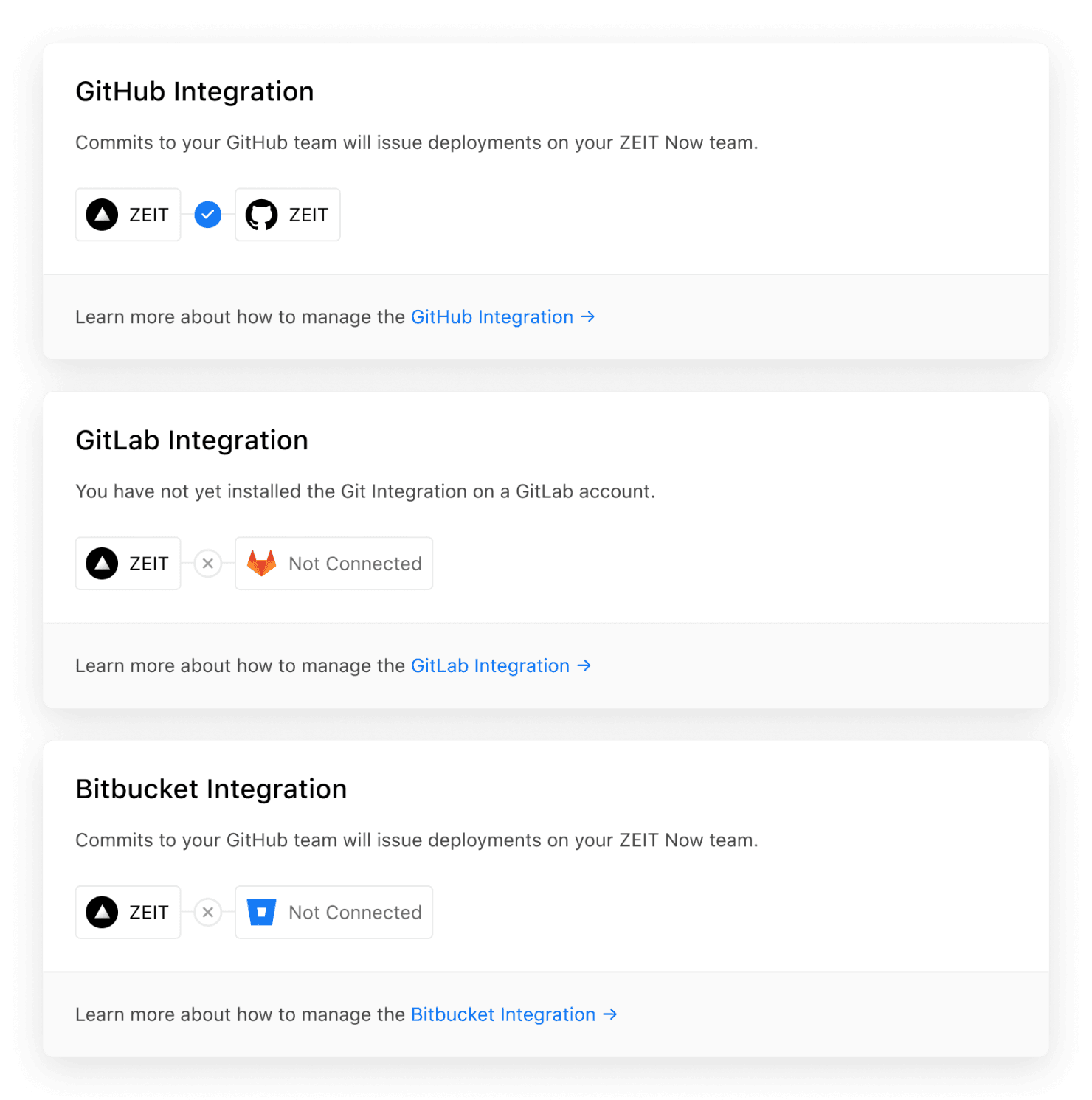
Creating a new project on Vercel is as simple as importing a Git repository from your favorite provider, whether that's GitHub , GitLab , or Bitbucket . Once a project has been imported, the Git Integration connection can be edited in the blink of an eye. Today, we're making this process easier to understand and more reliable than before. Link to heading Editing the Git Connection of a Project If you want to manage the Git connection of a project, you can now do so using the new "Git Integration" setting in the Project Settings : The new "Git Integration" field in the project settings. Learn more about the new field in our documentation . Link to heading Inspecting the Git Connection of an Account To provide you with an overview of which Git provider your Vercel account is currently connected to, we refined the "Git Integrations" page in the settings page for personal accounts and teams .…