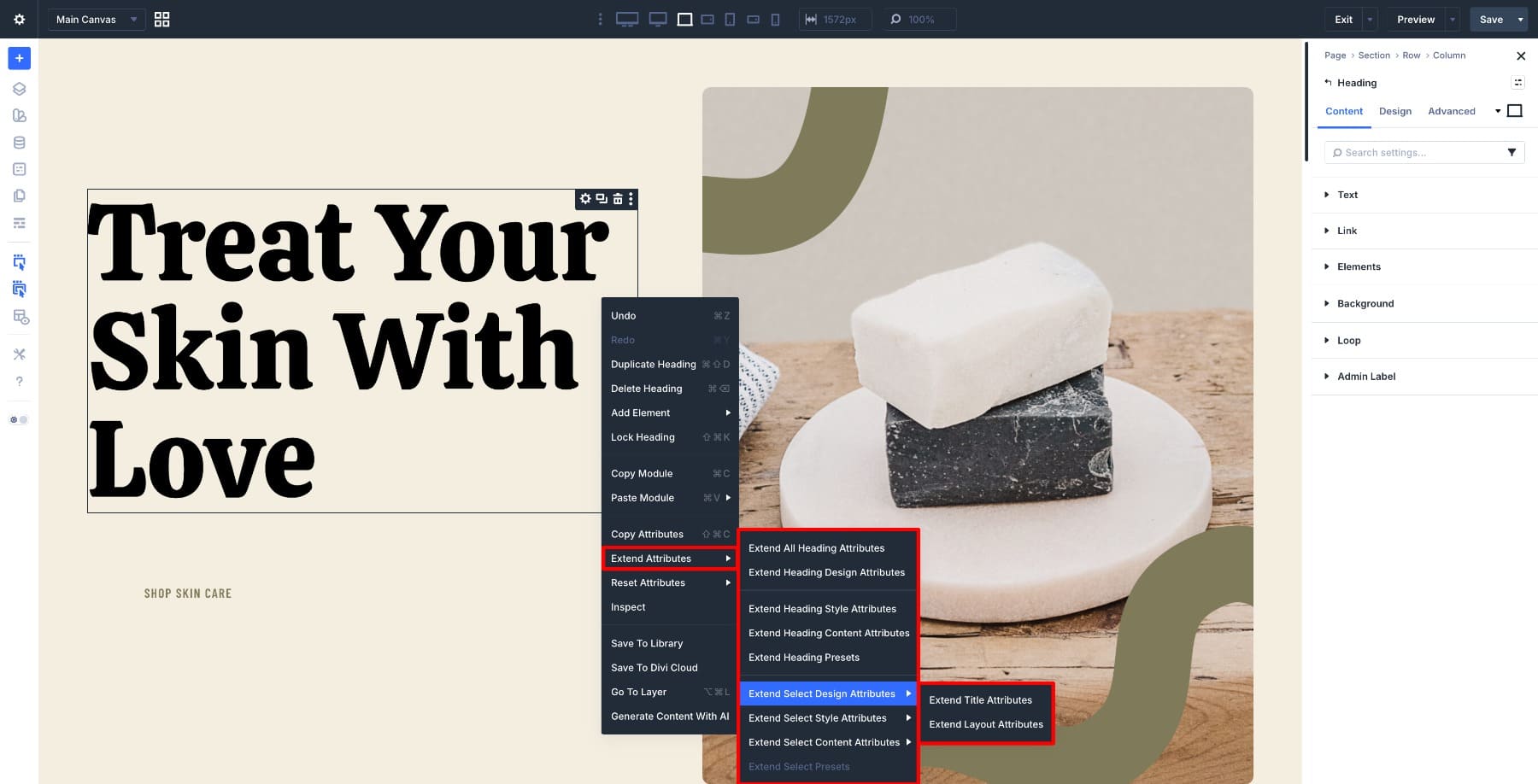
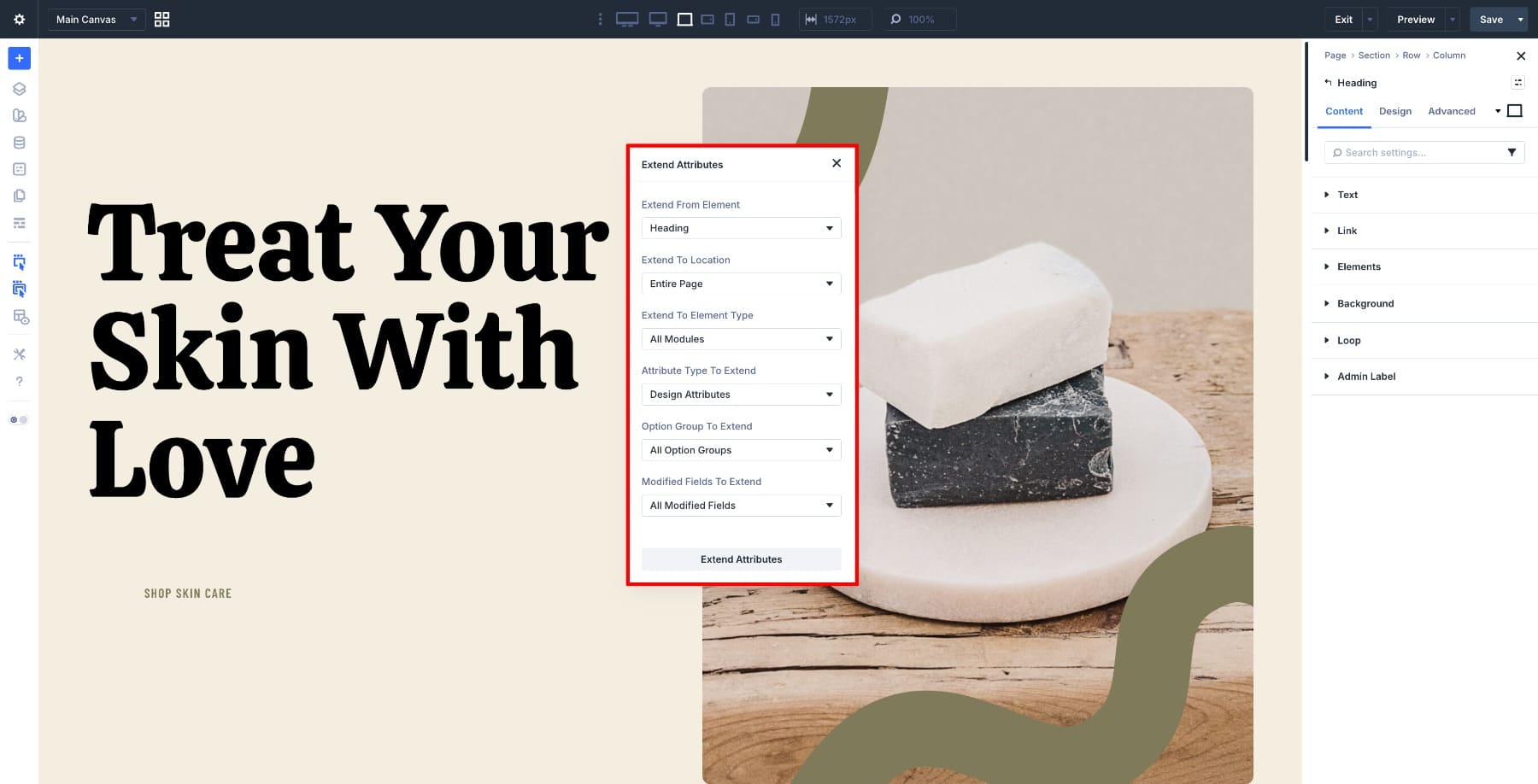
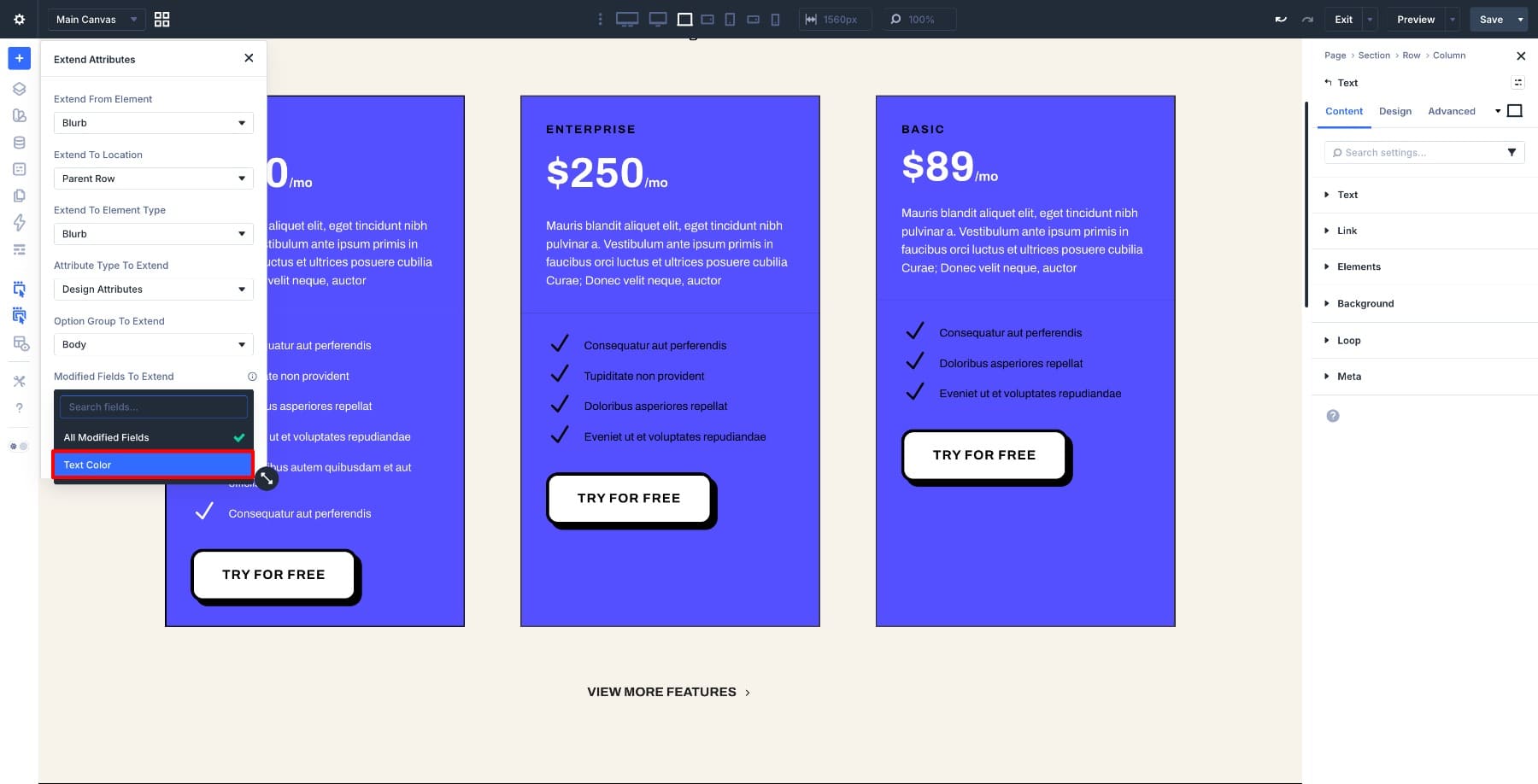
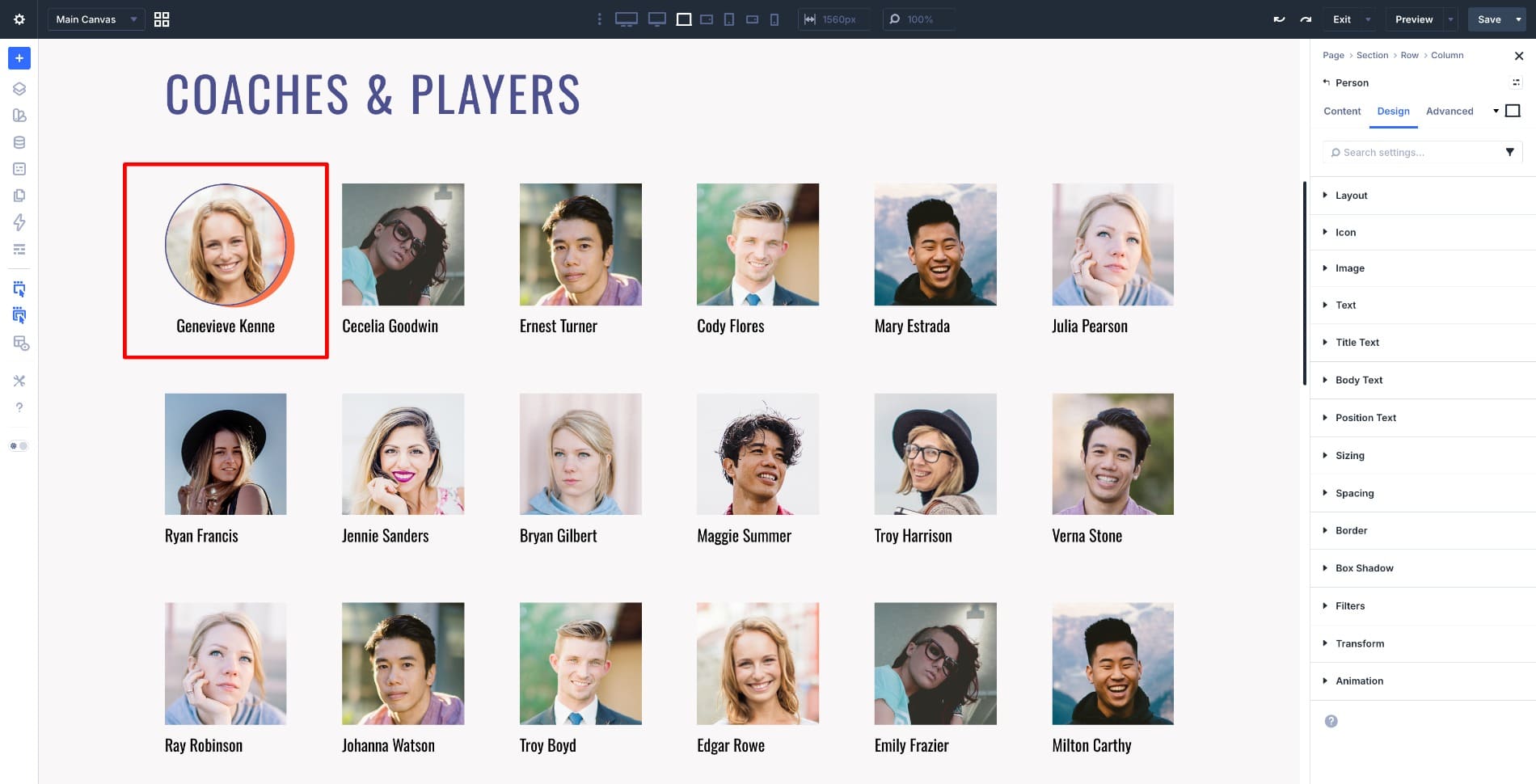
Divi 5 includes several features that help speed up your workflow and keep designs consistent as layouts grow more complex. Extend Attributes is one of the most practical because it lets you take styles, content, or presets from one element and apply them across other elements in just a few clicks. That makes it especially useful during the build’s refinement stage. If you need to match spacing across repeated modules, sync button styles, clean up imported sections, or roll out a design change without manually updating each element, Extend Attributes can save significant time. It also fits naturally into Divi 5’s broader workflow without making the process feel repetitive or manual. Here are three practical scenarios that show how it works. 1 What Extend Attributes Does 1.1 Using Extend Attributes In Divi 5 2 3 Examples Of How Extend Attributes Saves You Time 2.1 1. Matching All Cards In A Pricing Table At Once 2.2 2. Syncing Person Modules Across A Team Section 2.3 3.…