Press enter or click to view image in full size
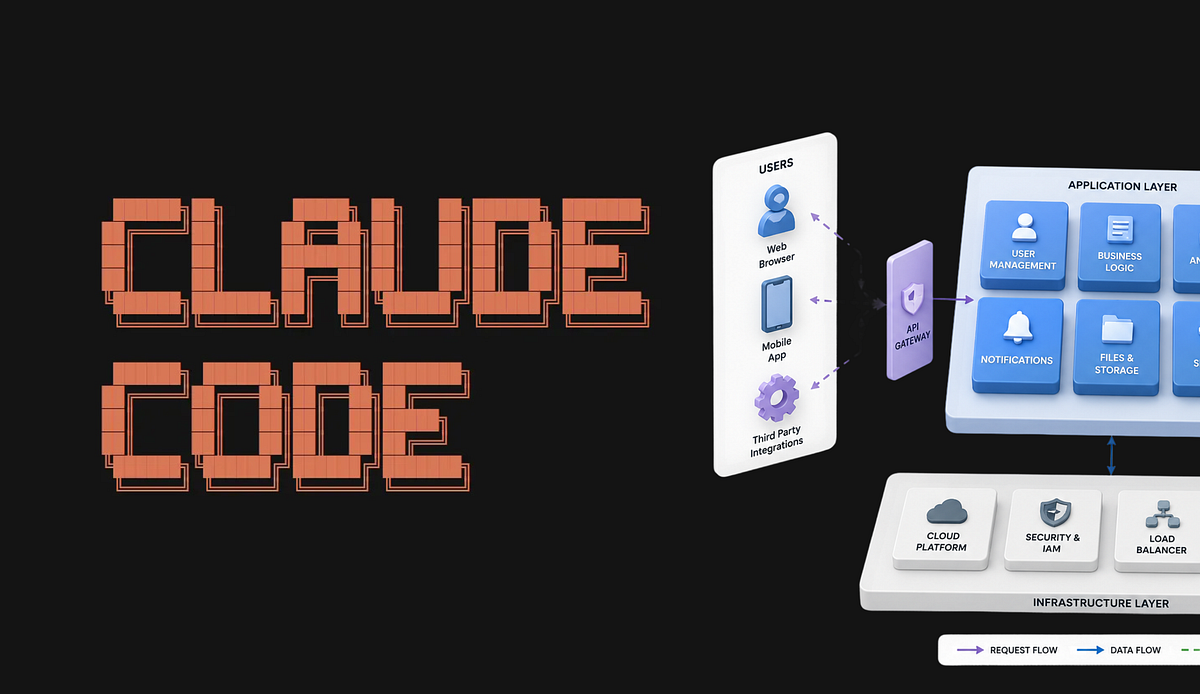
In my previous article, I’ve demonstrated how to use Claude Code for creating various diagrams
In this article, I will explore 4 specific use cases for using Claude Code to create schemes.
Preconditions
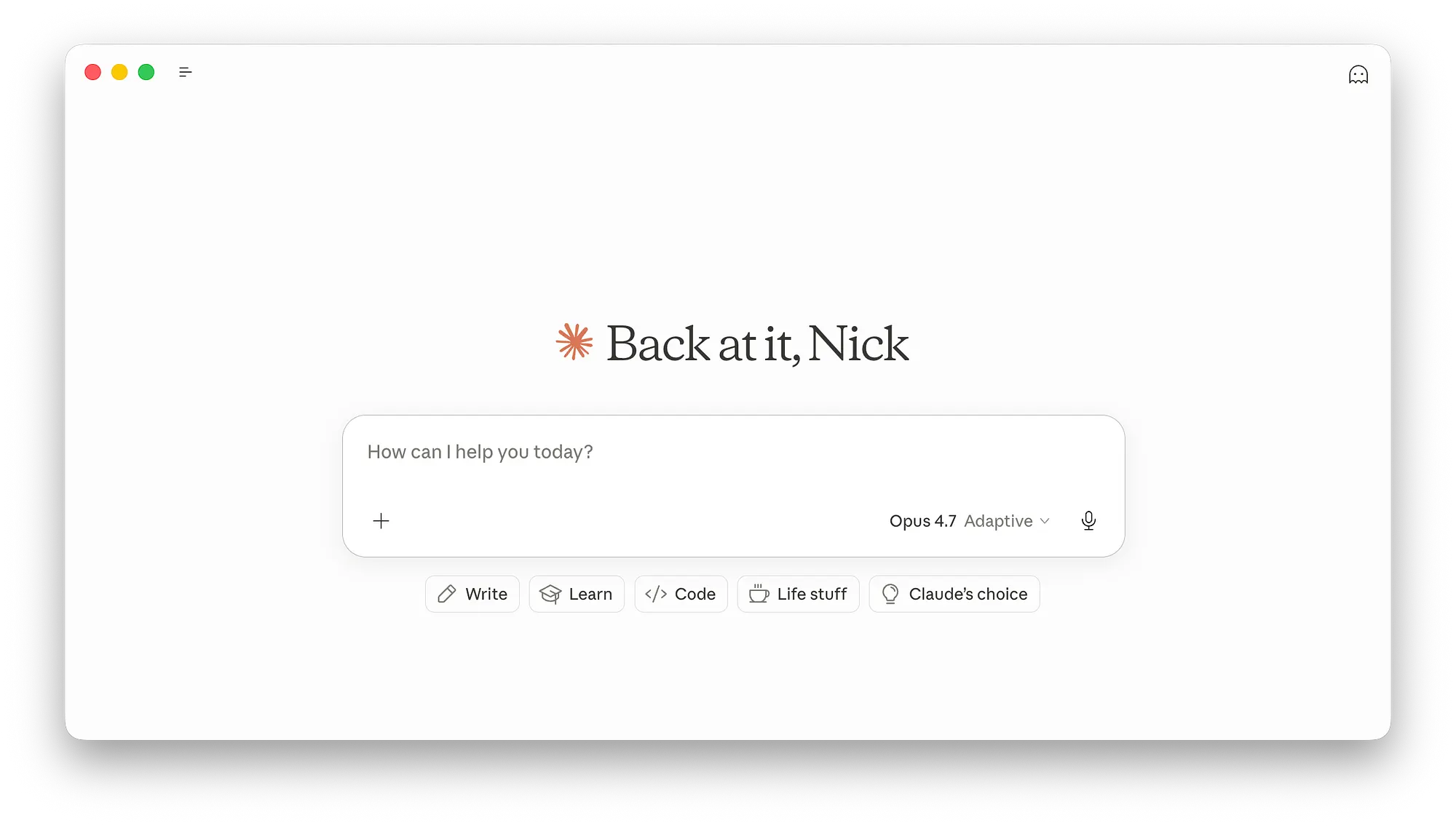
For all visual schemes provided in this article I’ve used Claude Code for desktop.
- Claude Code was in Chat mode. Although, I recommend using Cowork mode if you want to achieve the best possible results for a particular diagram.
- AI mode was Opus 4.7 in Adaptive mode (to make the most of Claude Code and not burn a lot of tokens).
1. System Architecture Scheme
Prompt sample
Create a clean system architecture diagram for a SaaS product.Requirements:
- Show frontend, backend, database, authentication, storage, and AI services
- Use…