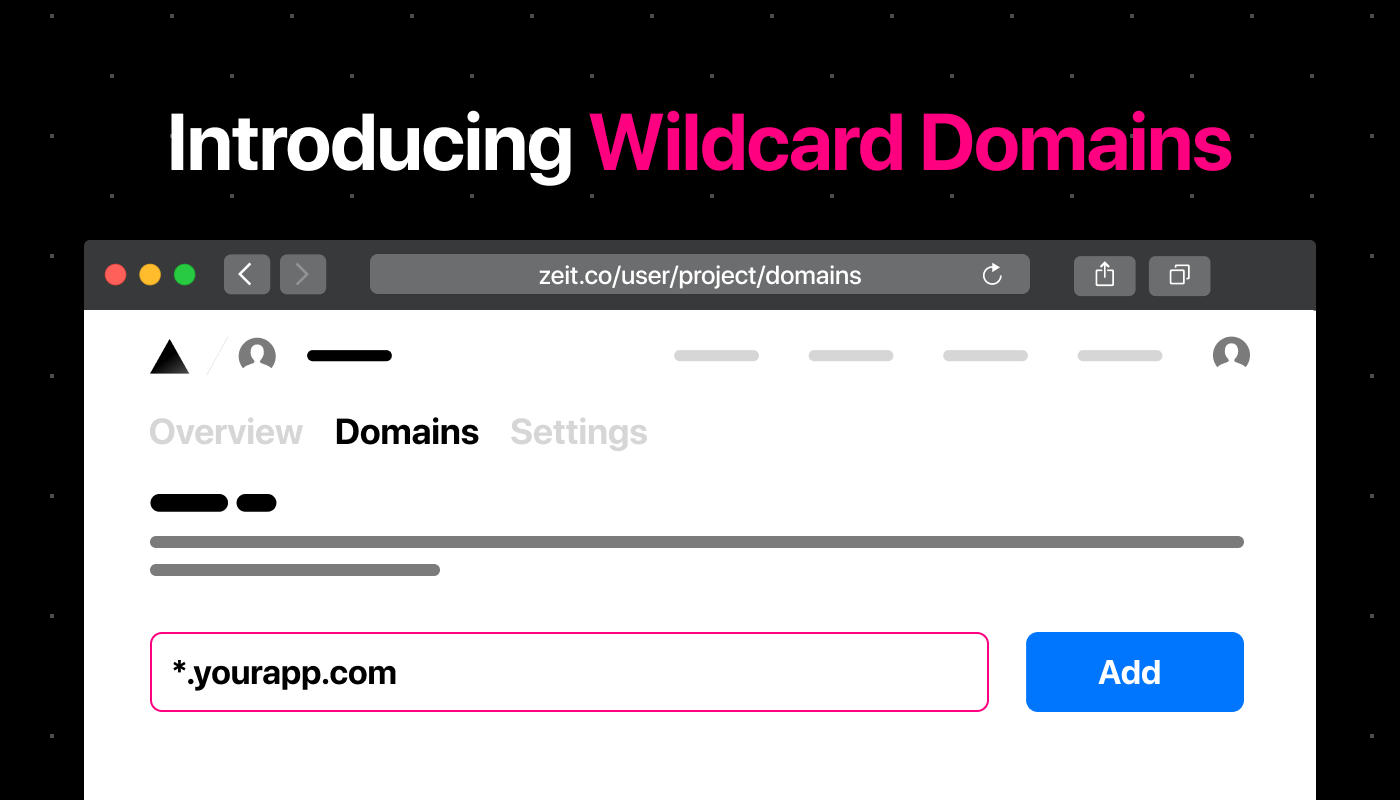
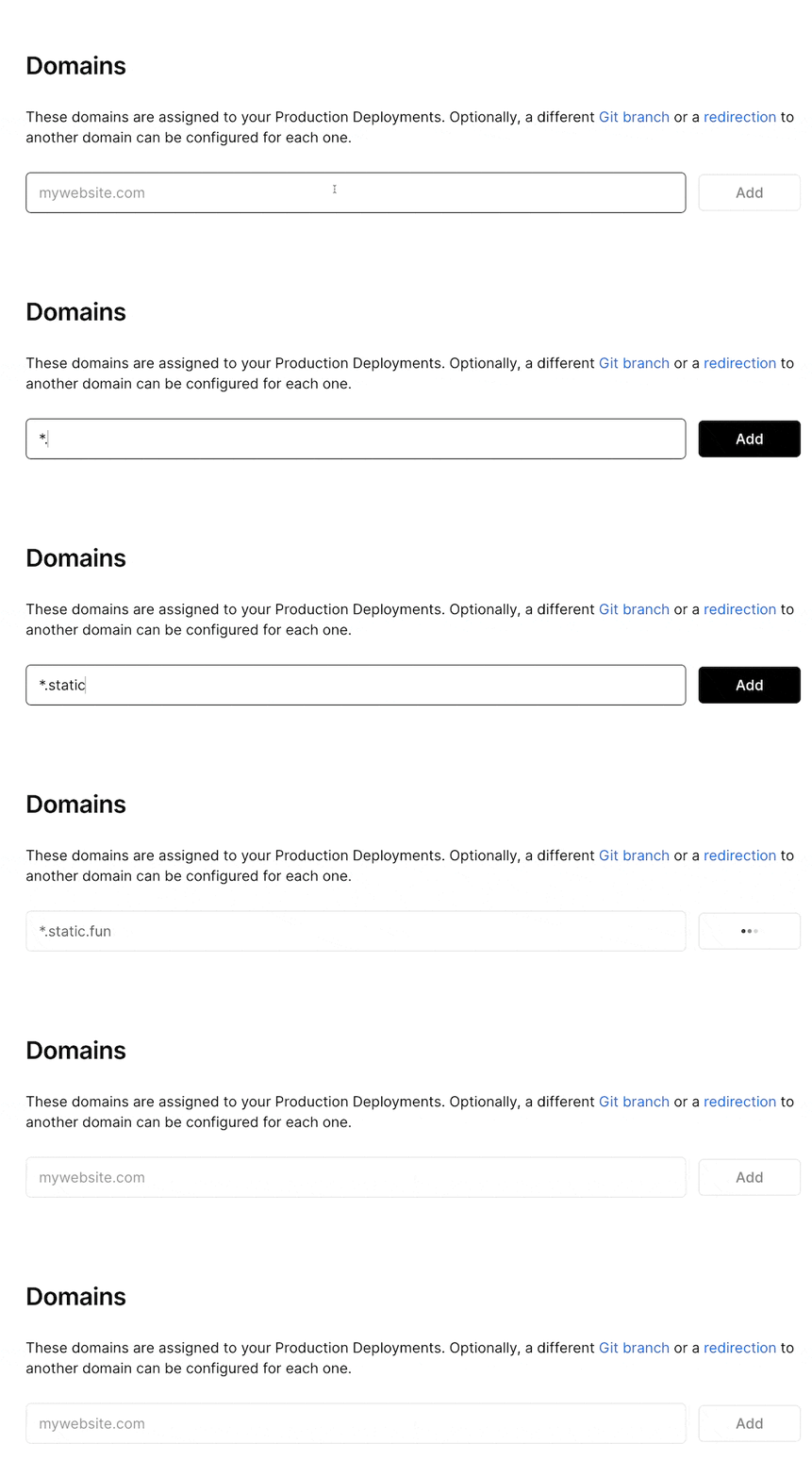
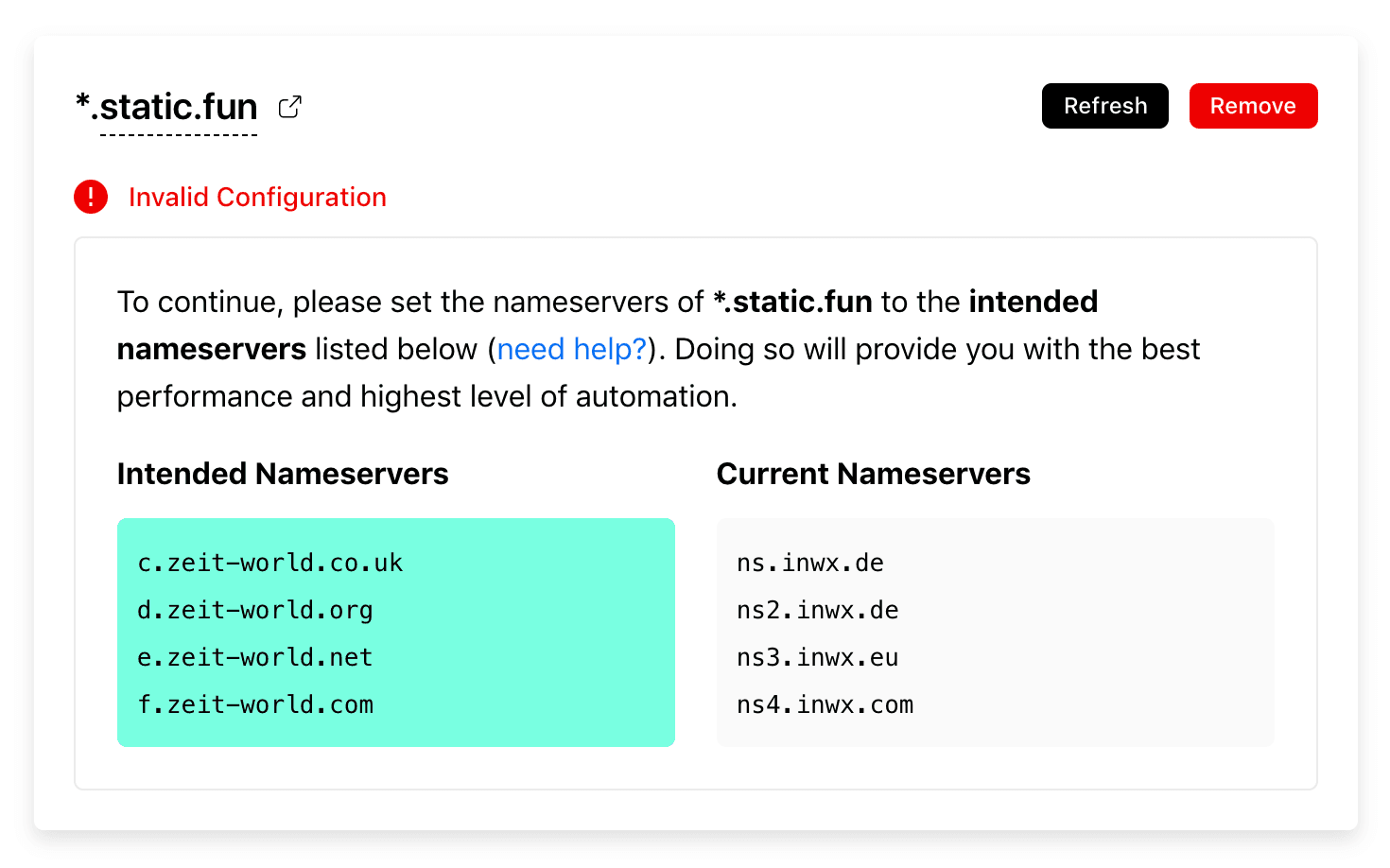
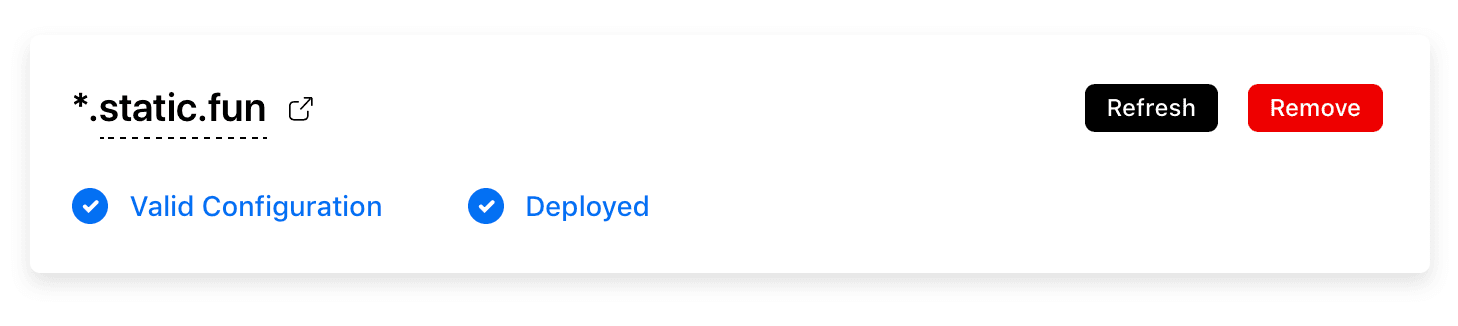
With Vercel , you can already deploy to HTTPS-enabled subdomains of your choice. What if you could let customers choose those subdomains (like with Slack workspaces )? Today, we're making this possible with the introduction of Wildcard Domains ! Link to heading Adding Wildcard Domains Capturing all subdomains on the fly is as simple as visiting your project's Domains tab: In this case, we selected a project called "static-fun". Then, enter a wildcard domain of your choice and click "Add": Next, you will be asked to configure it. If you purchased your domain via Vercel, you won't need to verify it. After you have correctly configured the nameservers of your domain, it will automatically be assigned to your latest production deployment – which will then be indicated in the UI. The two blue messages indicate that the domain was successfully applied. Once your domain has valid configuration, you can start using it.…