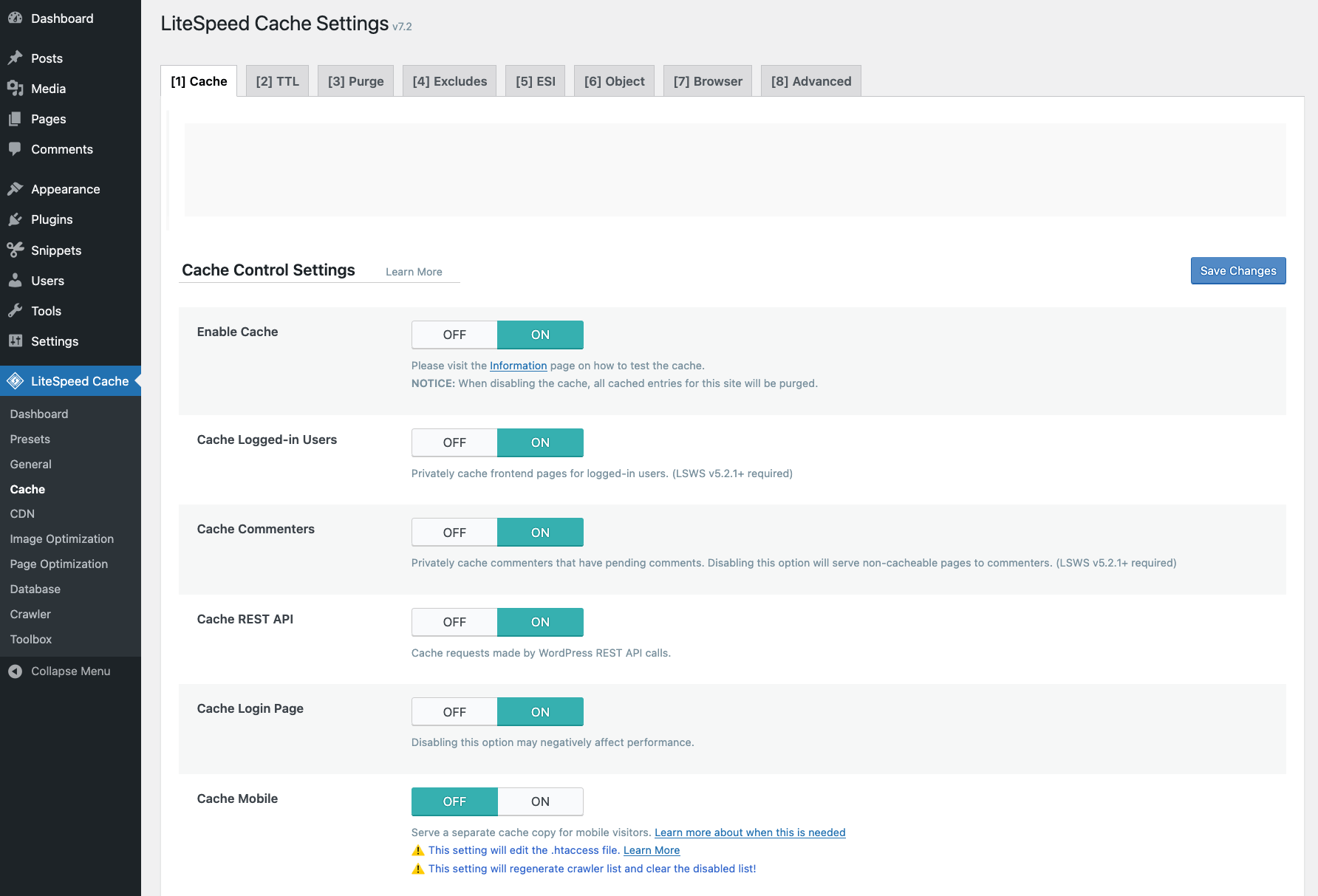
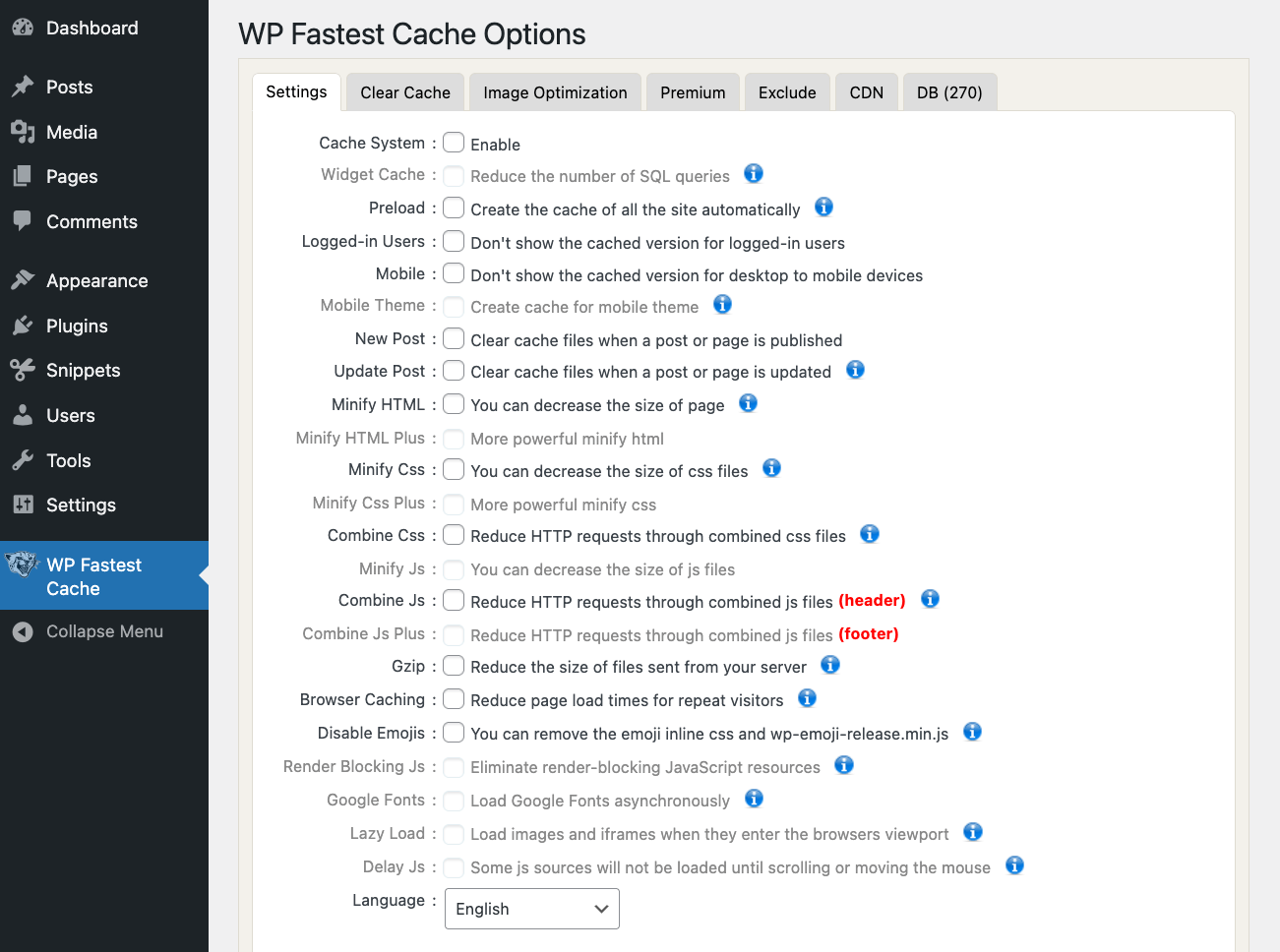
Your site is slow. People leave. Google shrugs. 🤷♂️ You tweak your theme, compress your images, scream into the void. Still slow… The problem might be your cache plugin, or rather the cache plugin you’re not using yet. I looked at five popular WordPress cache plugins: Super Page Cache, WP Rocket, W3 Total Cache, LiteSpeed Cache, and WP Fastest Cache . Each one works. But they don’t all work the same. Some are simple. Some are messy. Some are fast to set up…but not always. This post breaks them down. I try to skip the marketing talk and focus on what’s important. Just the stuff that actually matters when you’re picking one. What to look for in a caching plugin The main function of a caching plugin is to speed up your site by storing some of your website data in a temporary location so that it can be accessed more quickly. When most people talk about a “WordPress caching plugin,” they’re talking about page caching.…