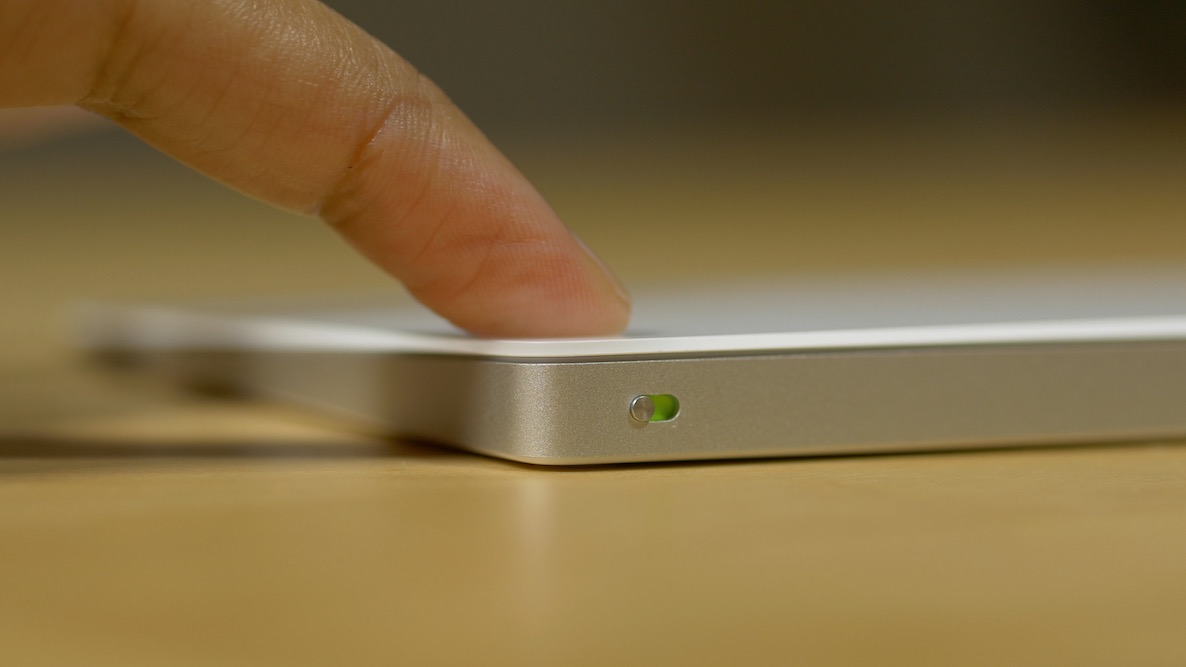
Follow these tips if your MacBook’s built-in trackpad or Mac’s external Magic Trackpad is working but not tracking accurately, making the pointer difficult to control. I use Apple’s Magic Trackpad with my Mac mini, and my MacBook Pro and MacBook Air already have a functioning trackpad. Once in a while, especially after a new software update or after several weeks of continuous use, I notice that the trackpad isn’t working as it usually does. For instance, the pointer will start lagging or moving erratically. Other times, it will move super fast, and I can’t position it over small click points on the screen. In nearly all cases (at least with me), this happens because of software glitches, and it’s easy to fix. Here’s what works for me, and I’m pretty sure it will work for you as well. Wipe the trackpad Small drops of water, oil, body lotion, etc., may be on your trackpad, causing abnormal finger tracking. Use a dry tissue paper or soft cloth and gently clean the surface.…