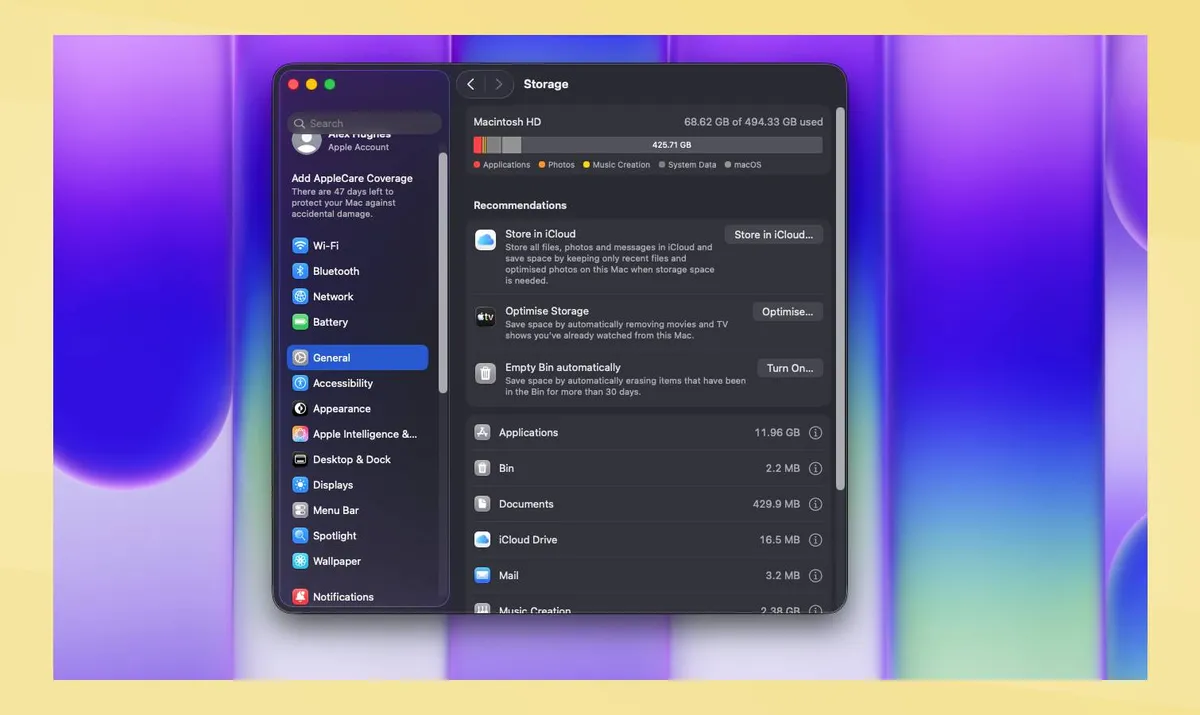
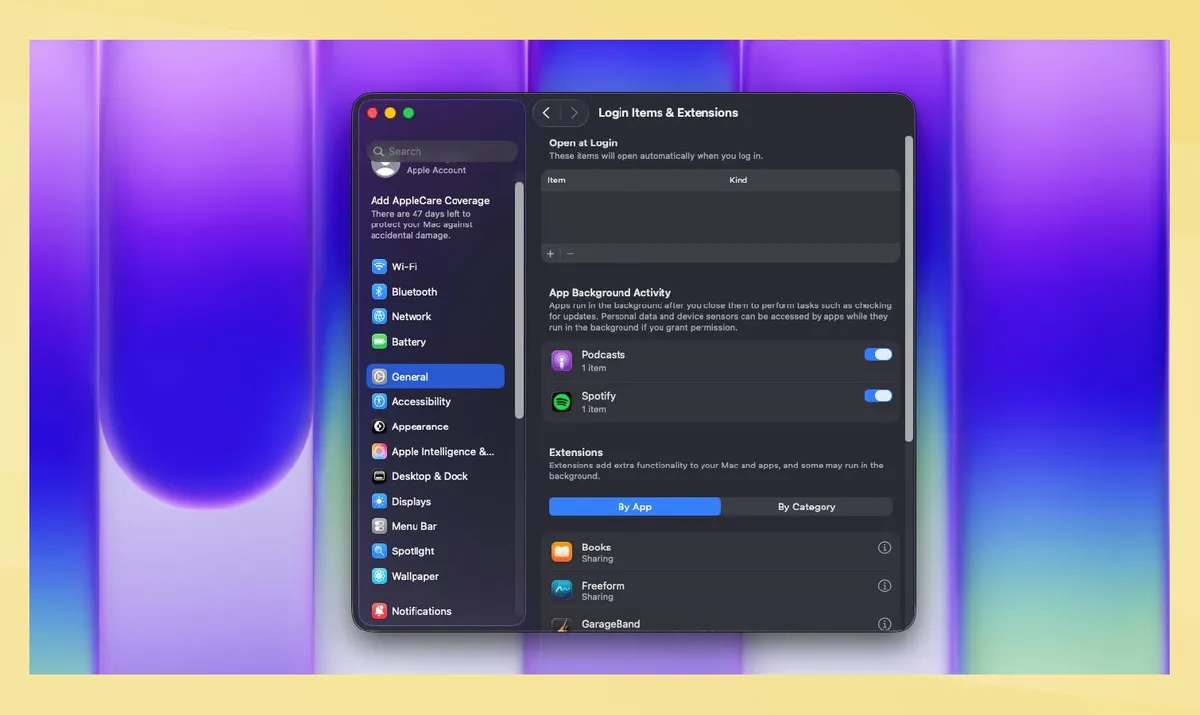
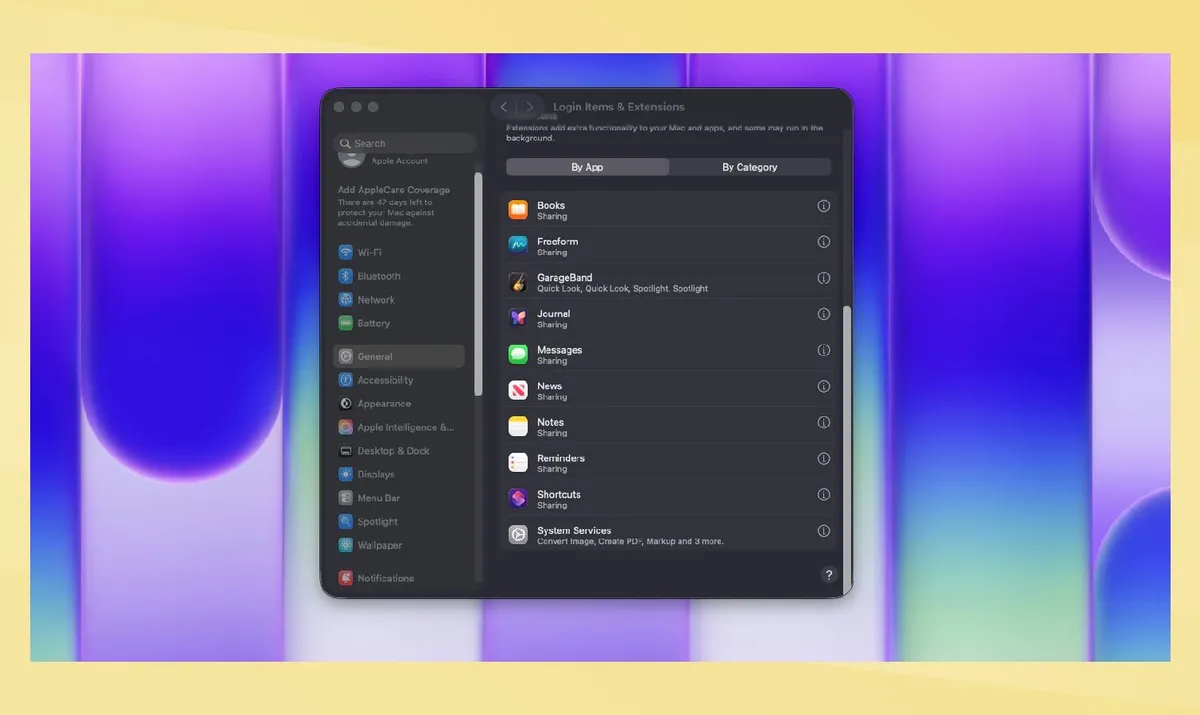
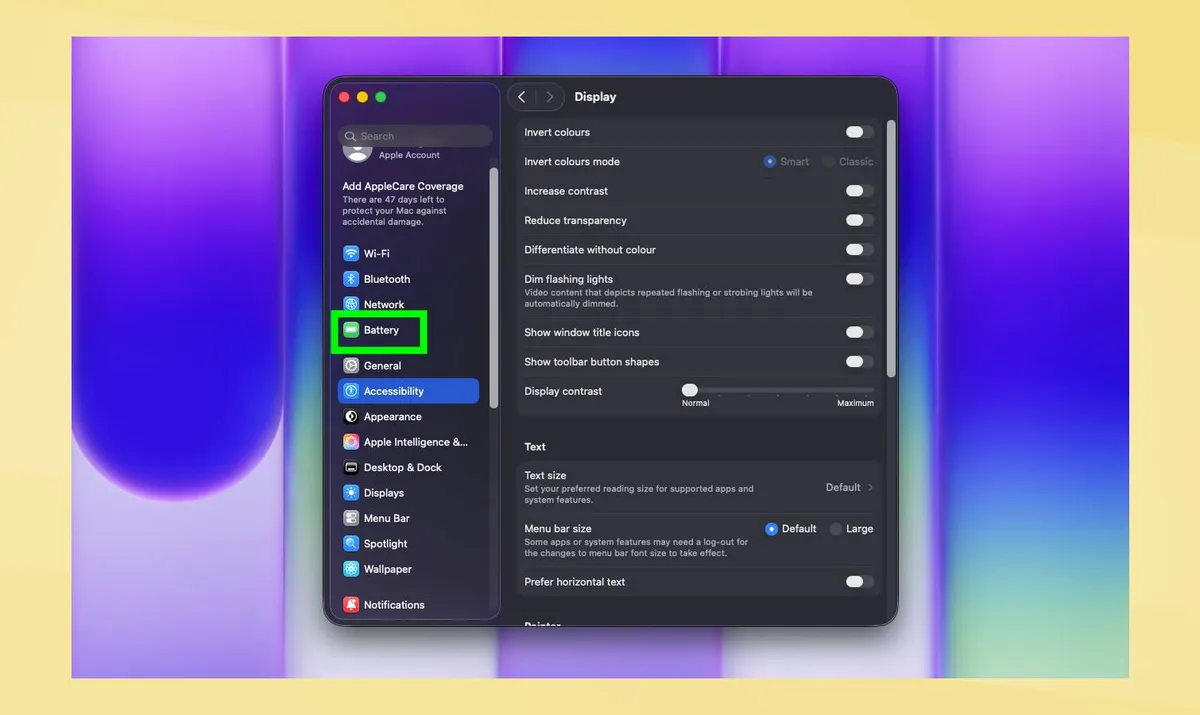
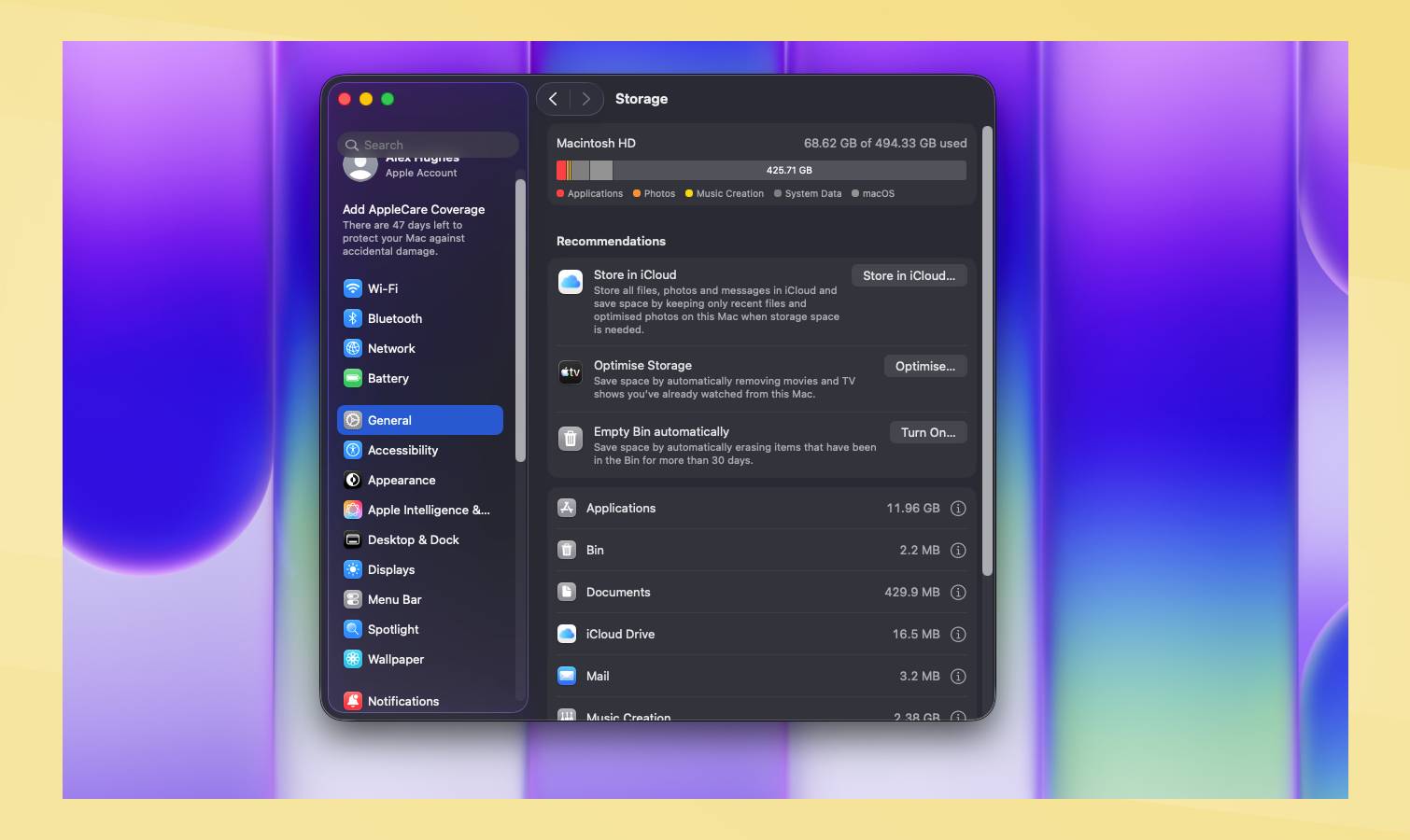
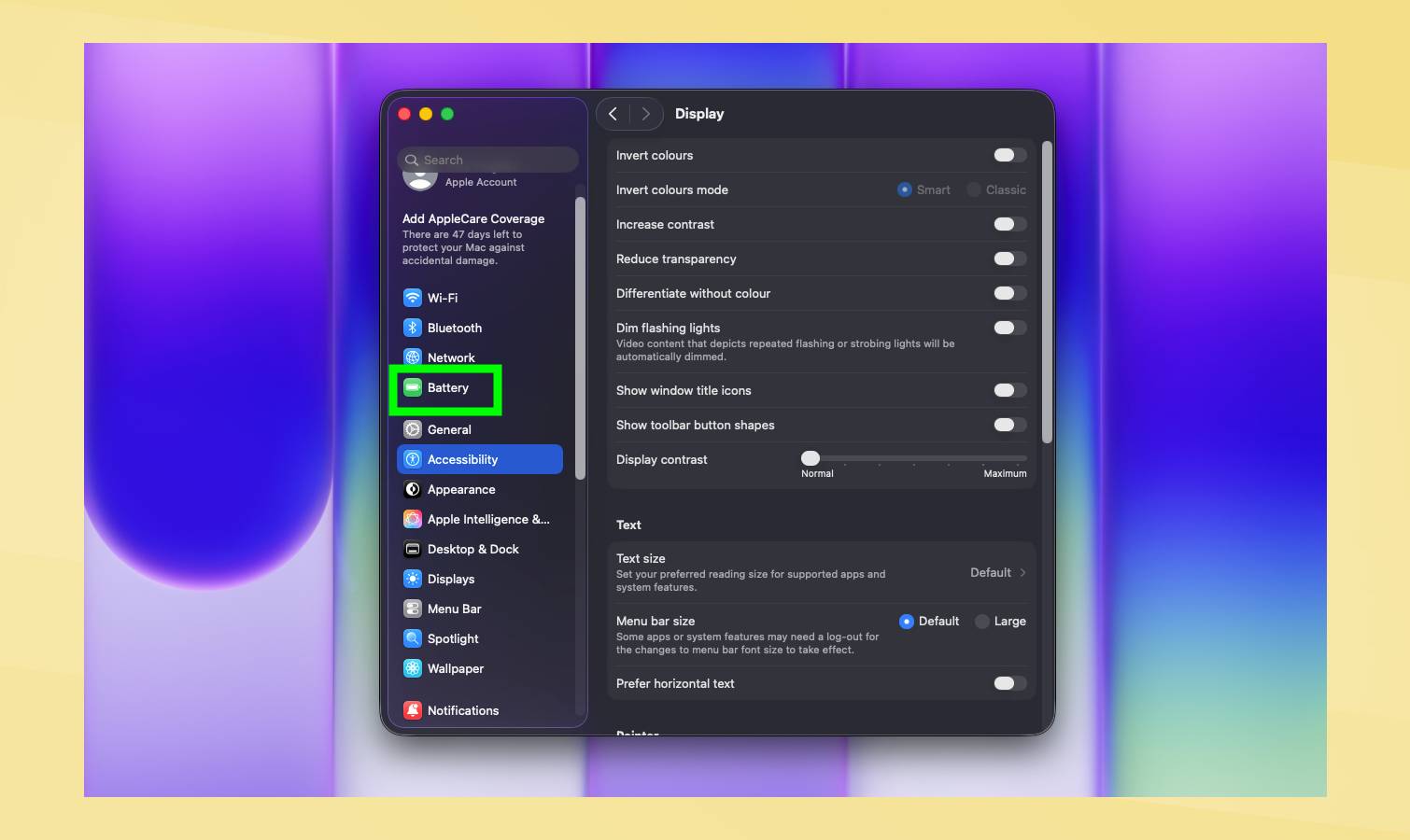
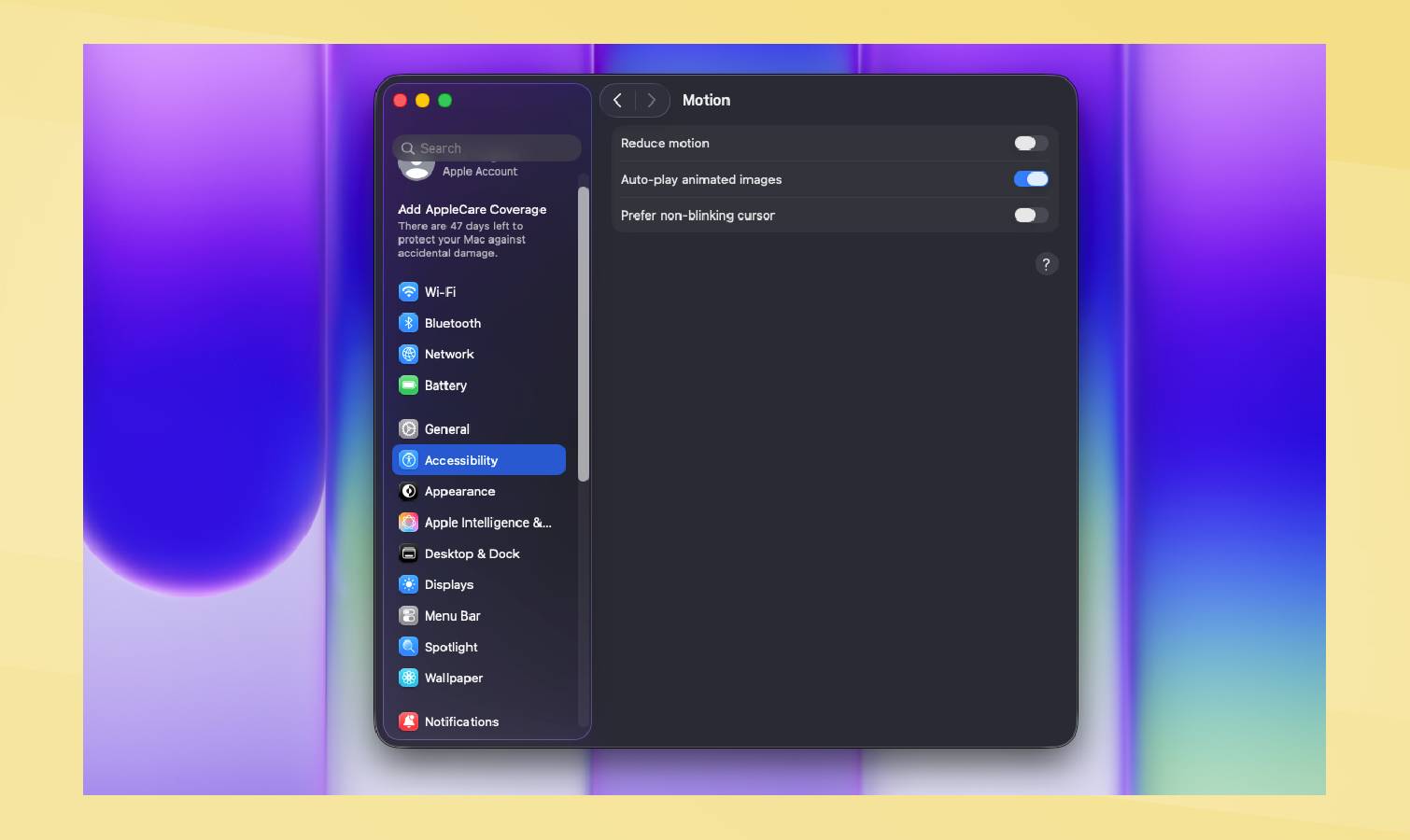
(Image credit: Tom's Guide) It finally happened, Apple released a budget laptop . The Macbook Neo brings starting prices crashing down, but with it there is a pretty noticeable trade-off. Apple cut costs by using a phone processor inside the device. That, for the most part, causes absolutely no problems. It is a powerful laptop that can take on the majority of basic tasks, even battling through some tougher challenges. However, sometimes the Macbook Neo is going to struggle. 1. Manage your storage A simple trick, and one best used when you’ve had your laptop for a while, is to manage your storage. The more your storage is taken up, the more a laptop will struggle. There is more data to store, and a sluggish feel can start to kick in. By going to your settings, and then going into general and finally storage , you can make some key adjustments. This includes automatically emptying your bin, optimizing storage by deleting unused files like Apple TV downloads, and moving files to the iCloud .…