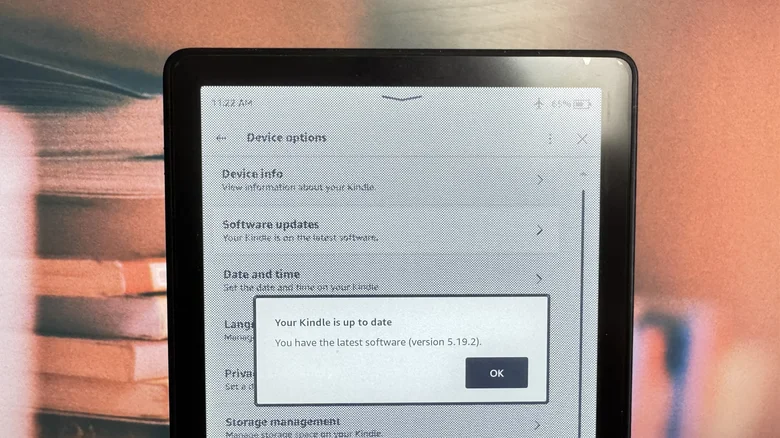
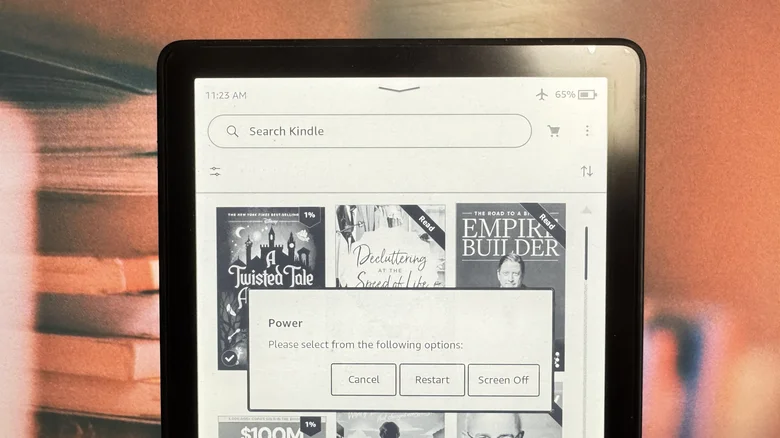
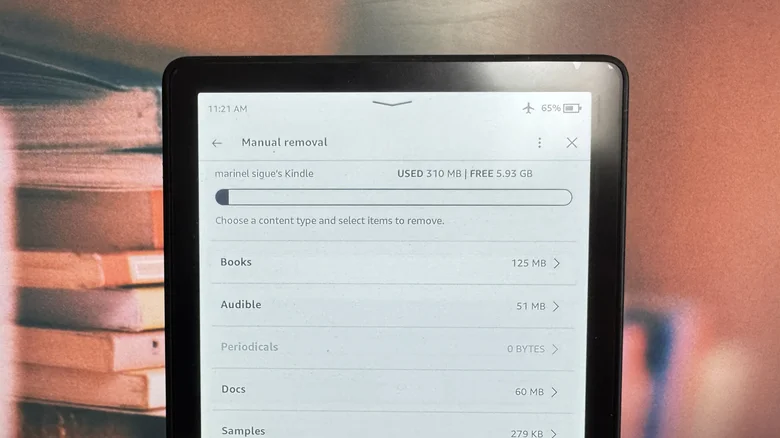
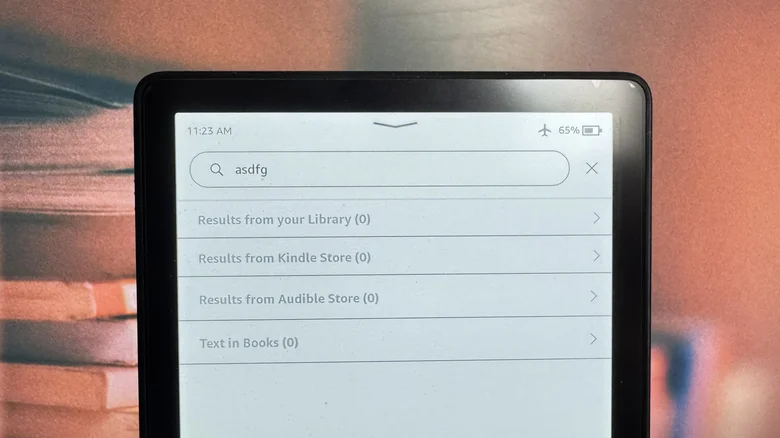
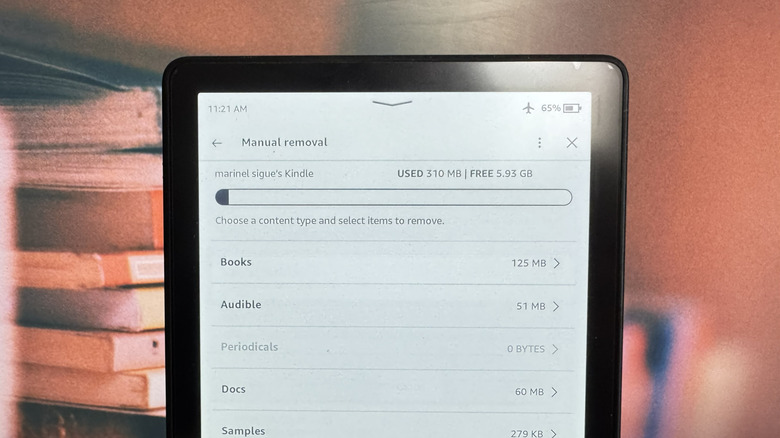
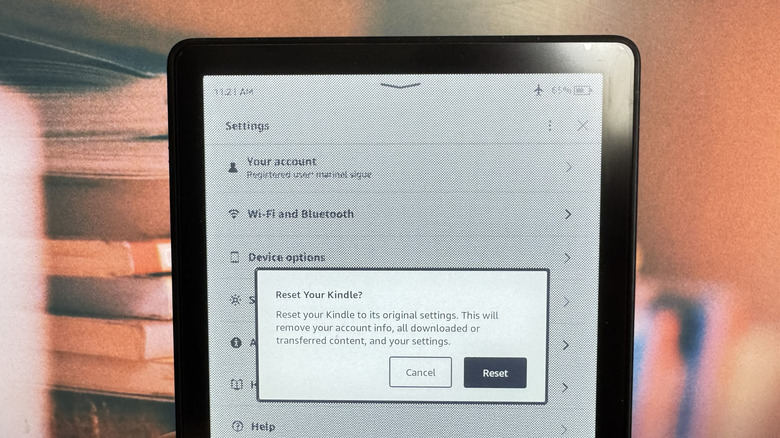
If you've recently switched to a Kindle after being used to reading on a phone or tablet, the experience might be a little jarring at first. Right upon booting up, you'll immediately notice how it feels slower compared to your mobile device, often taking some time to respond to every touch. While Kindles handle displaying books well, you might feel a lag when navigating the Settings, buying books from the Store, and using the built-in browser. These seemingly basic tasks might be easy-peasy for a phone or tablet, but it's usually a struggle for the Kindle. After all, it doesn't come with the same technology as your mobile devices. It has an e-ink screen that takes a while to refresh, compared to LCDs. Its interface is also designed mainly for reading, not for navigation. But while the Kindle is slow by design, it shouldn't really feel like working at a sloth's pace. If that's the case for your old, unsupported Kindle , you might think the only solution is to buy a new one.…