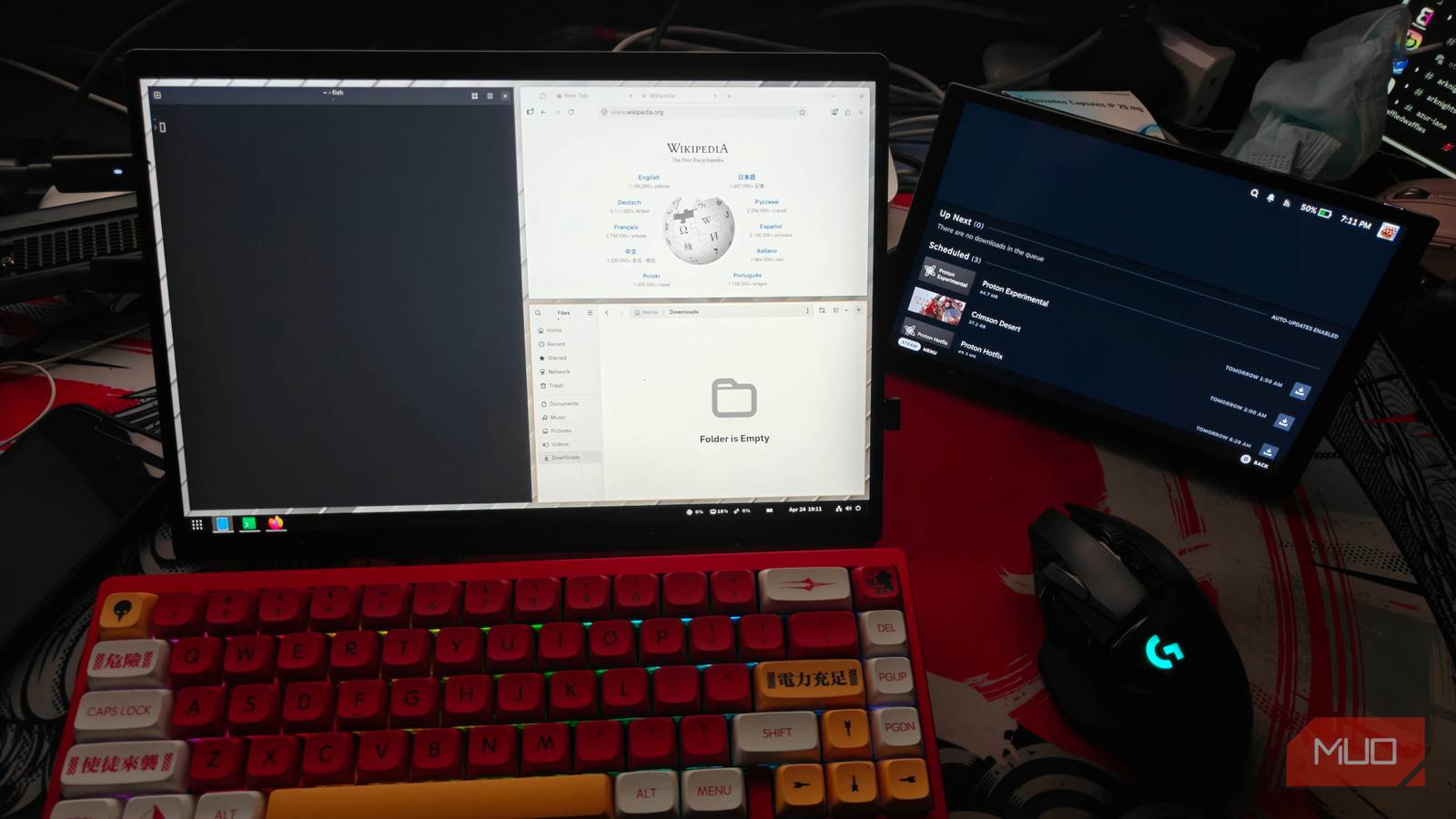
Published Apr 25, 2026, 3:30 PM EDT My love for computers started with a trusty Compaq back in 2005, and I haven't looked back since. This had me graduate into being an avid tinkerer, even if I end up soft-bricking stuff most of the time. I do also love video games. Using a tiling window manager is a lot like rewiring your brain. You learn shortcuts, ascertain your workflow and finally combine it all into an often cool-looking but insanely complicated setup. Tilting window managers can often be a bit intimidating . Not to mention, if you’re already invested in a desktop environment, it might be hard to learn from scratch. This is where GNOME’s powerful extension system comes into play once again, which is host to multiple tiling options. The one that I’ve come to appreciate lately is Pop!_OS’s auto-tiling extension. Related GNOME OS revealed what Linux is actually becoming It will be more than a Desktop Environment soon.…