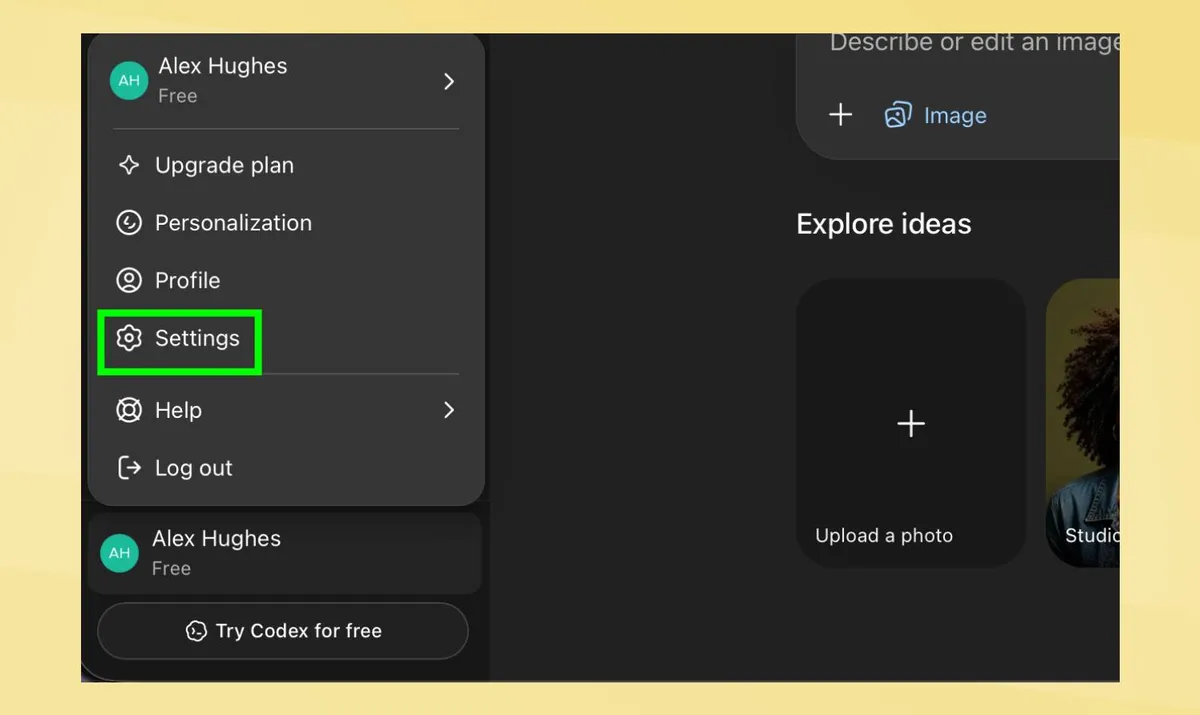
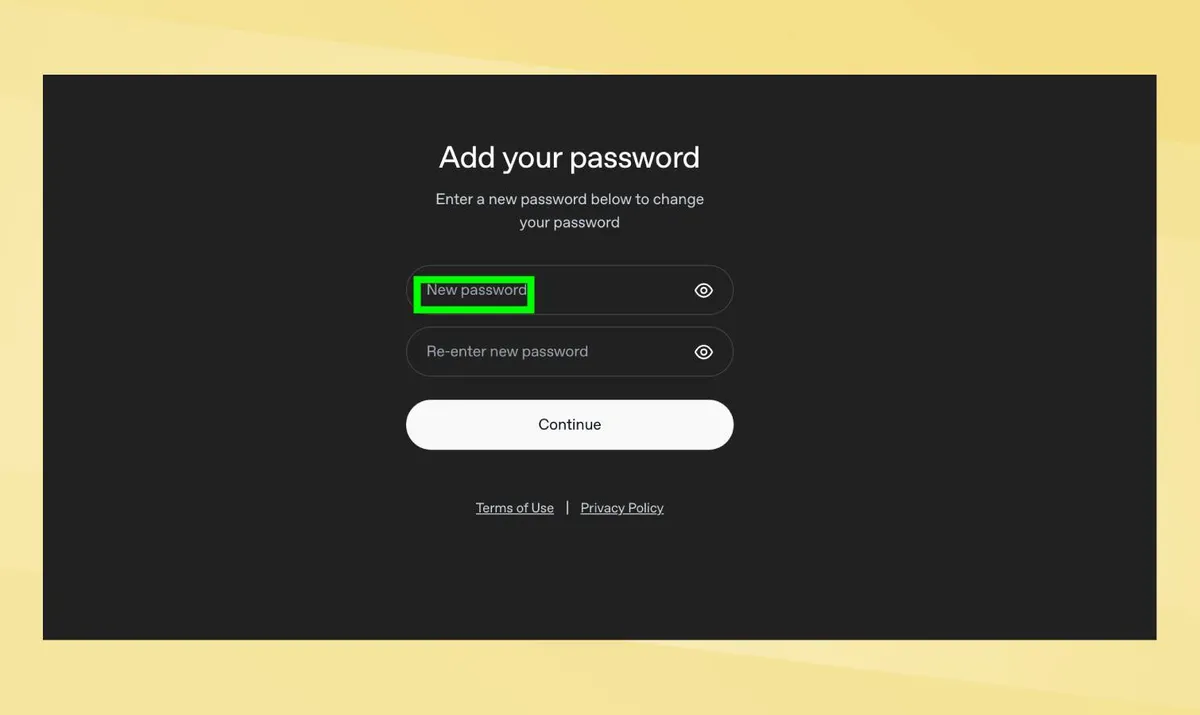
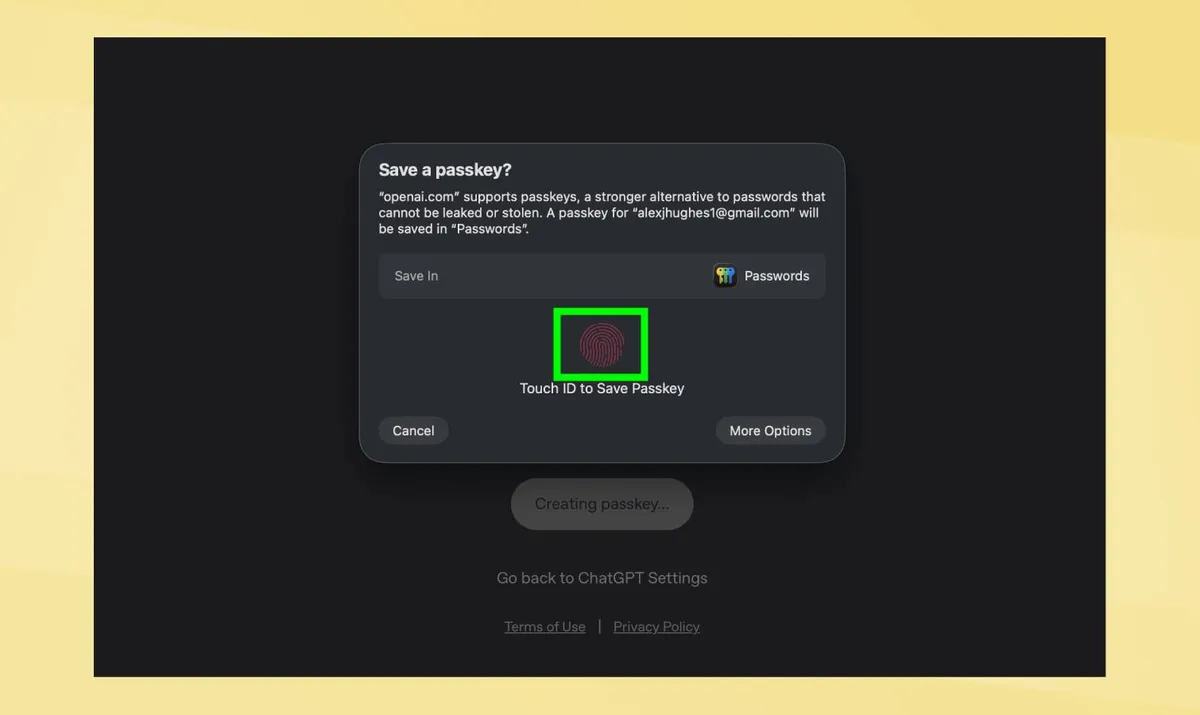
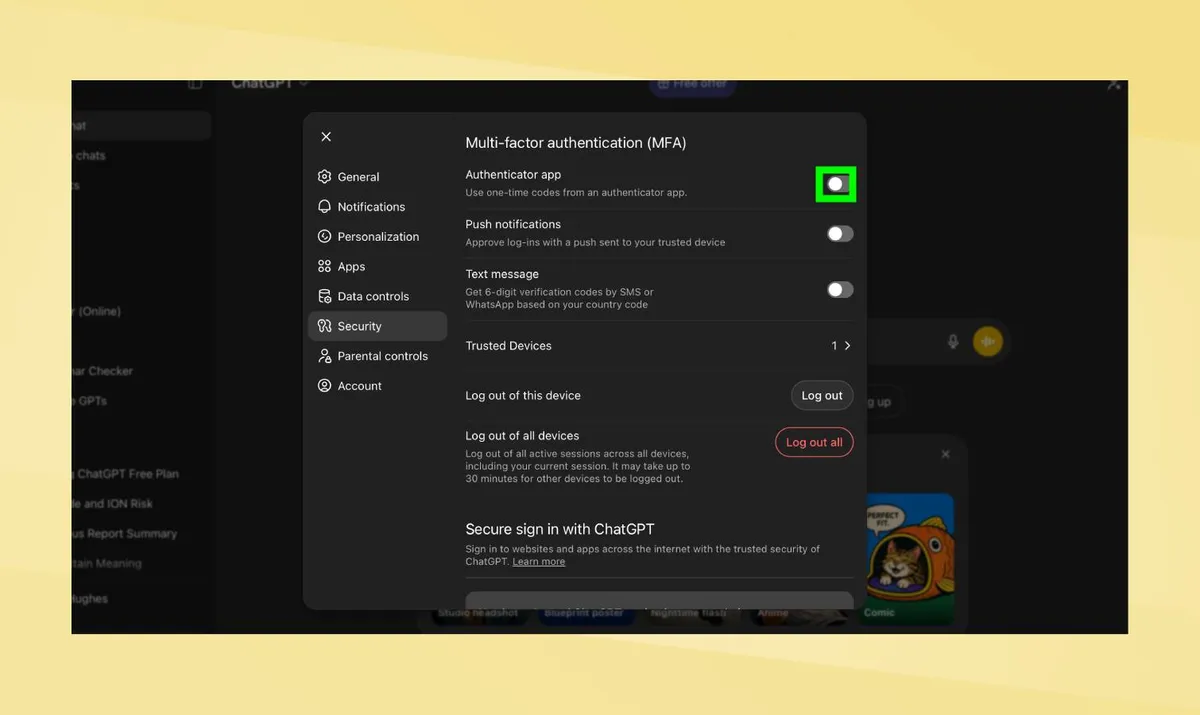
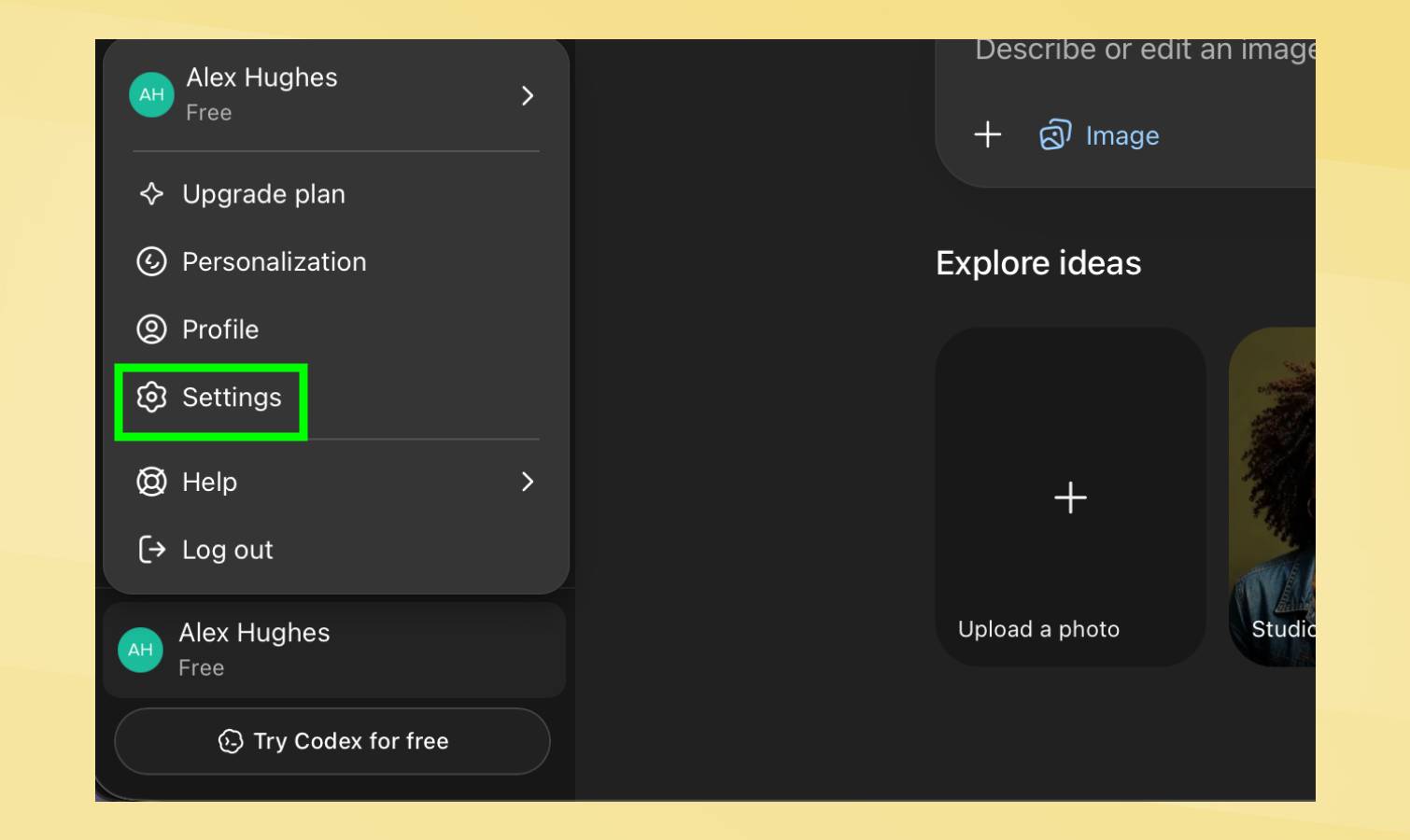
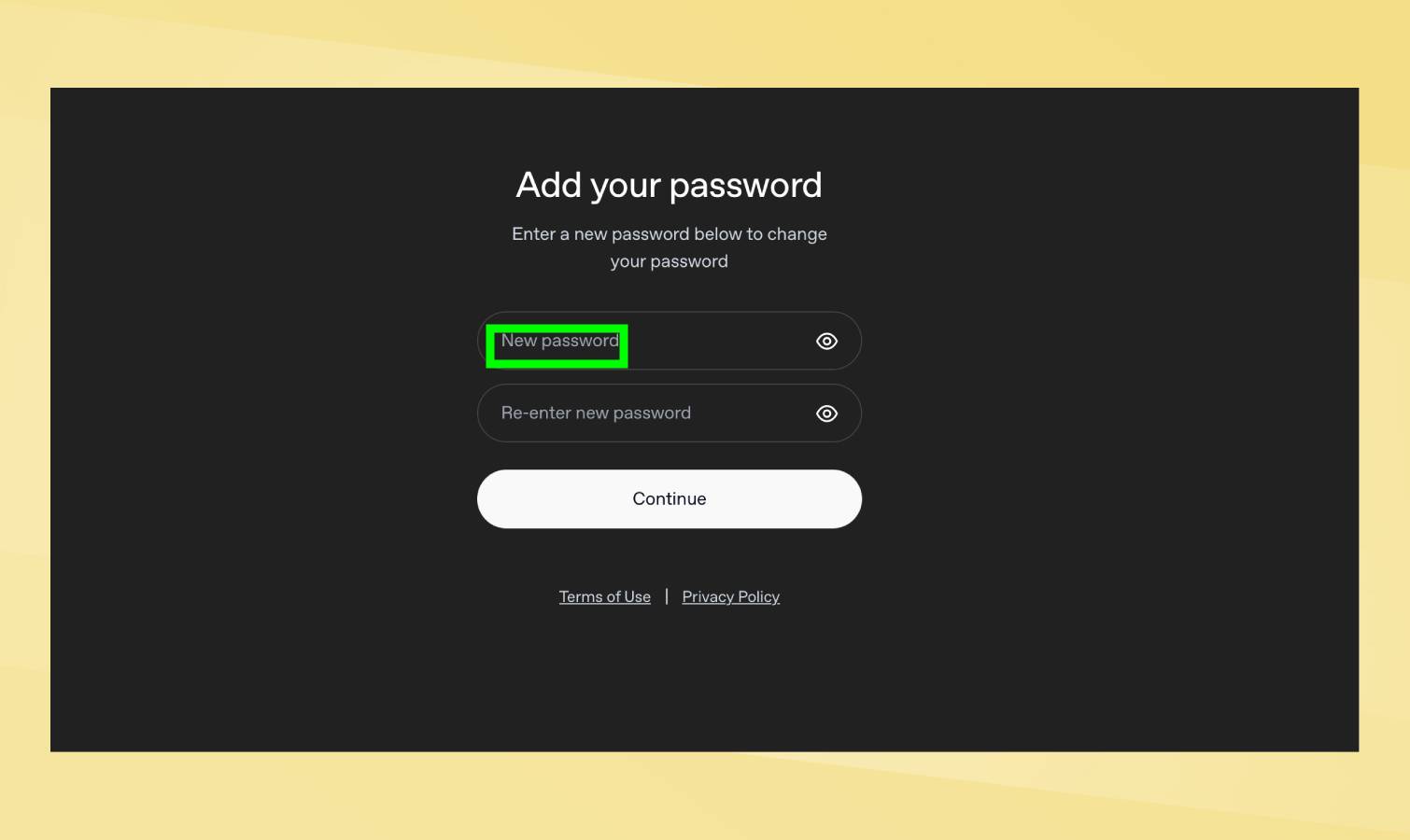
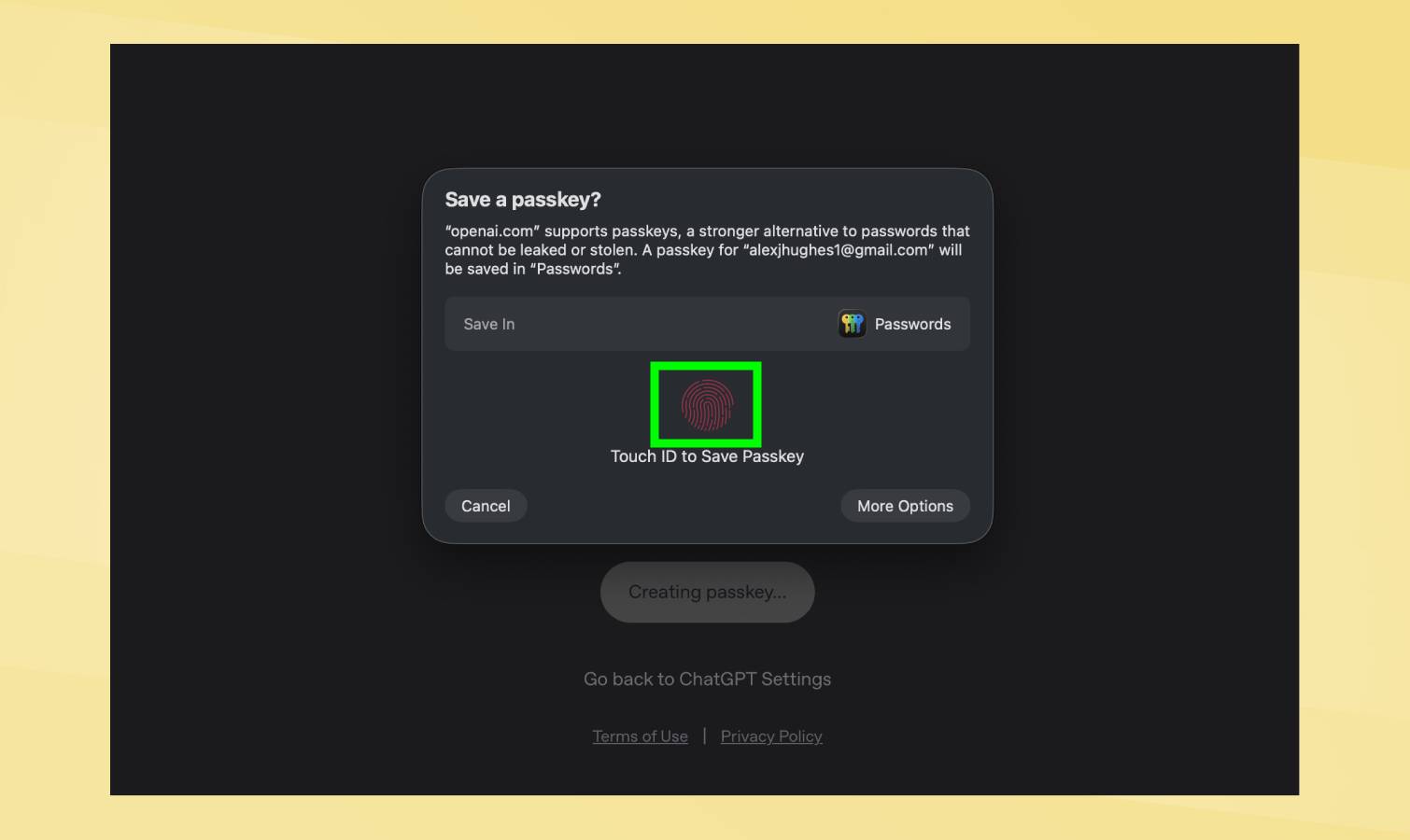
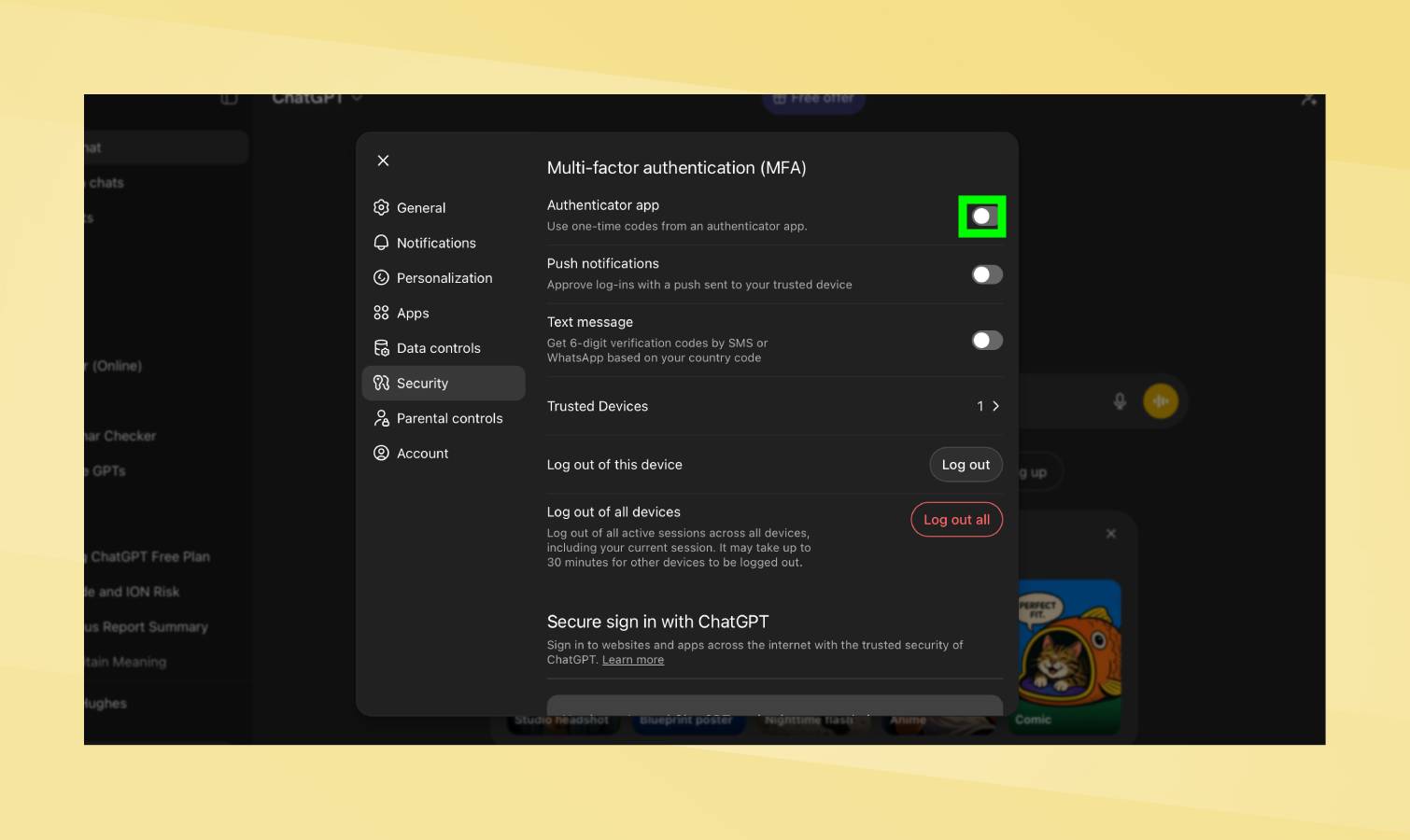
(Image credit: Getty Images) Whether you’ve been asking ChatGPT for financial advice, it’s become your therapist, or you’ve been giving it countless embarrassing photos of yourself to edit, ChatGPT might now have a lot of sensitive data on you that you don’t want getting out. Luckily, all of that information is pretty well protected. It is hidden behind your locked account, guarded by a password that you’ve hopefully made extra strong. But it can’t hurt to have a little bit of extra protection. With just a few minutes of your time and a few security settings, your ChatGPT account can be made more secure. This doesn’t require you to have any extra technical knowledge and it won’t delay the time it takes you to log in each time. Really, it’s just about getting some extra piece of mind. 1. Go to your security settings When you open ChatGPT, whether in the desktop or app format, you’ll want to head over to your settings . This can be found by bringing up the sidebar and clicking on your name.…