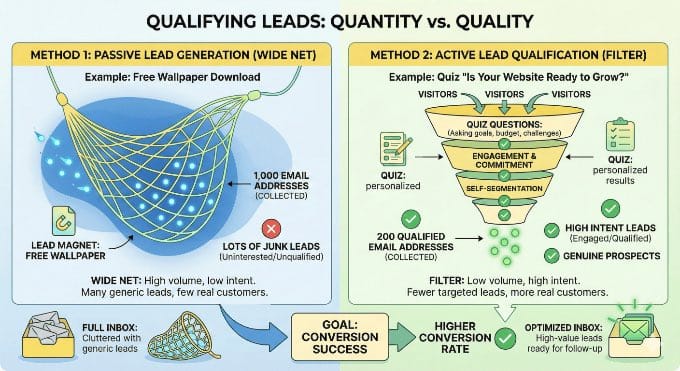
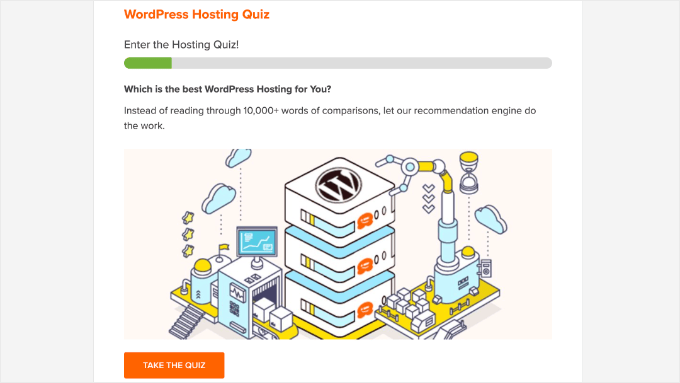
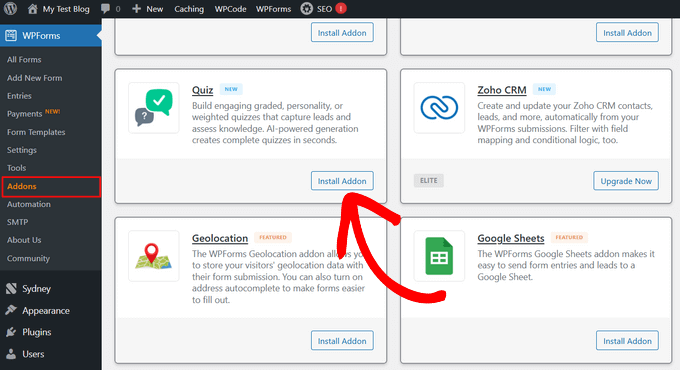
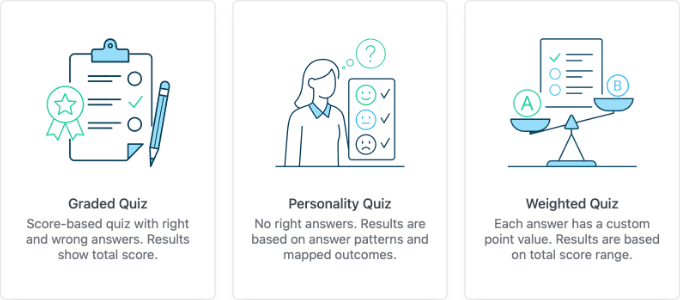
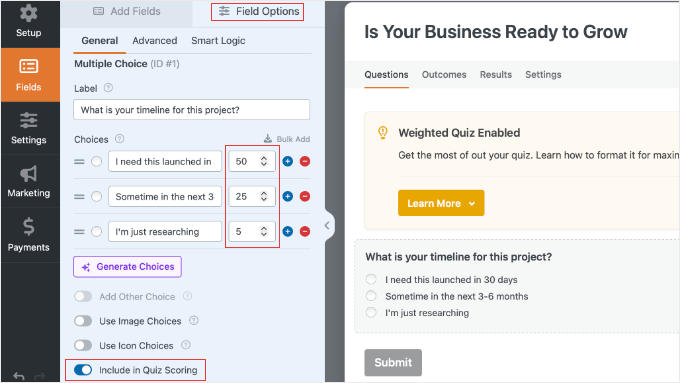
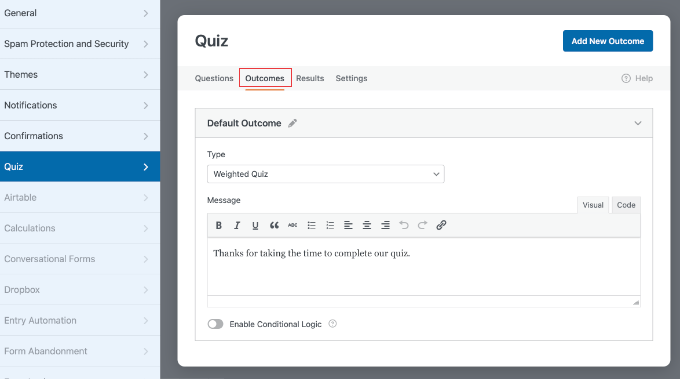
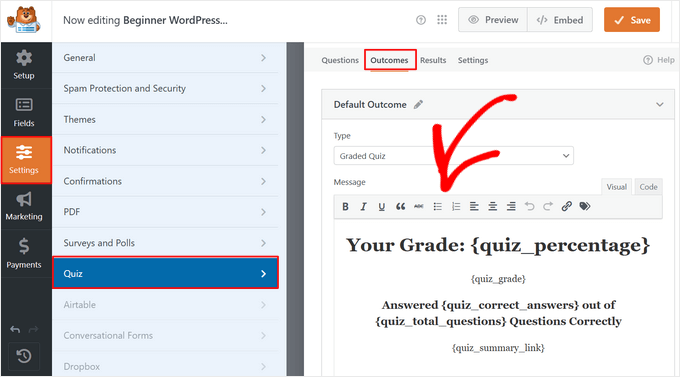
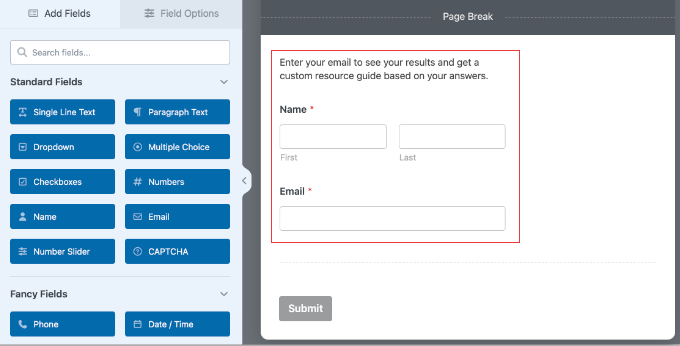
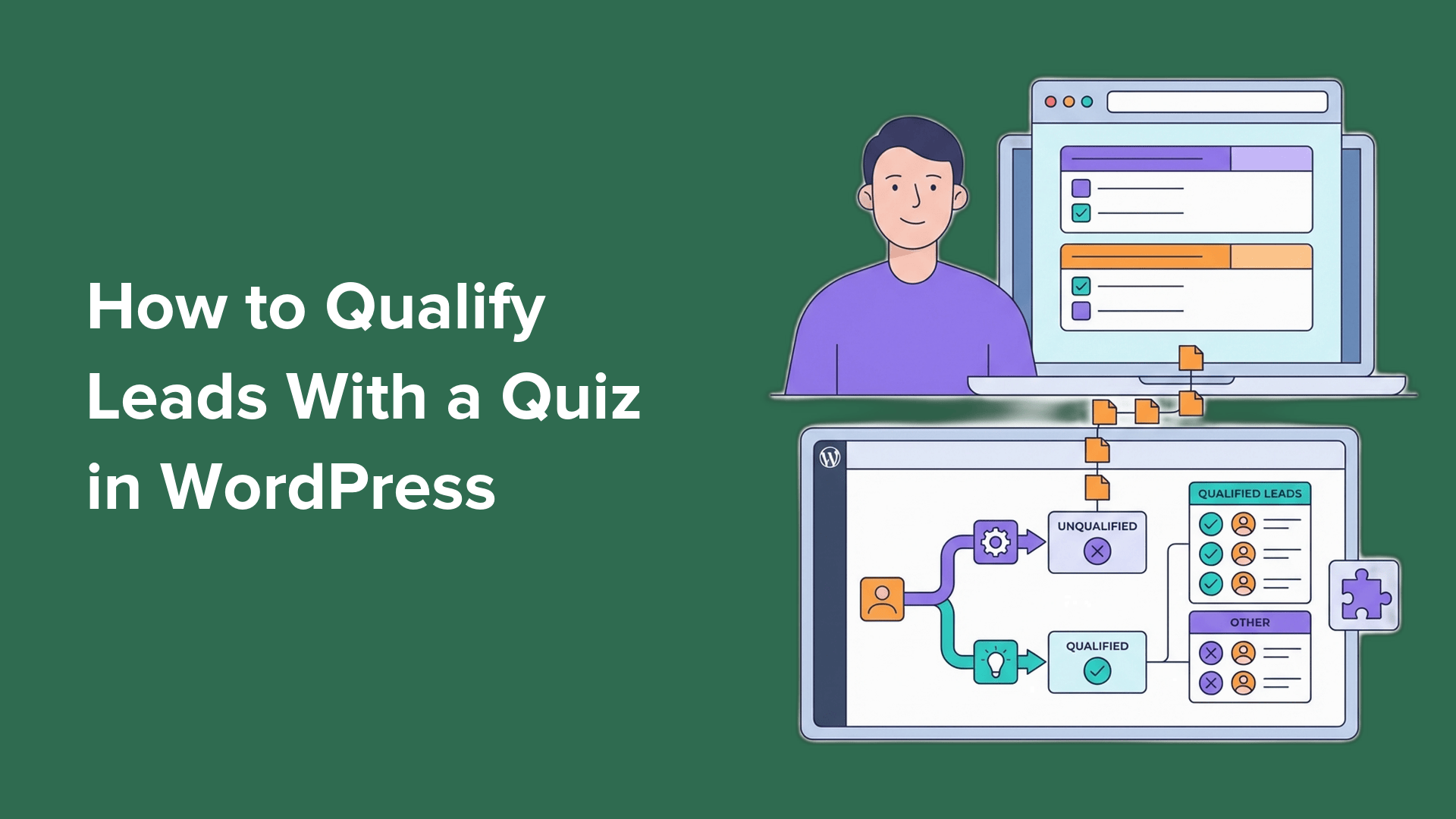
A standard contact form tells you almost nothing about the person who just filled it out. You get a name and an email address, but no idea whether that person is ready to buy, still exploring options, or not a real fit at all. At WPBeginner, we run a hosting quiz that works differently. Before we ask anyone for their email, the quiz asks a few short questions about their goals and current situation. Those answers sort each visitor into a group, so our follow-up emails match where they are in their decision. This guide shows you how to build the same kind of qualification filter using WPForms. This post focuses on the qualification logic: how to define your lead criteria, score answers, and route each lead automatically. TL;DR: I’ll show you how to build a quiz that automatically filters your leads into hot, warm, and cold groups using WPForms and the Quiz Addon.…