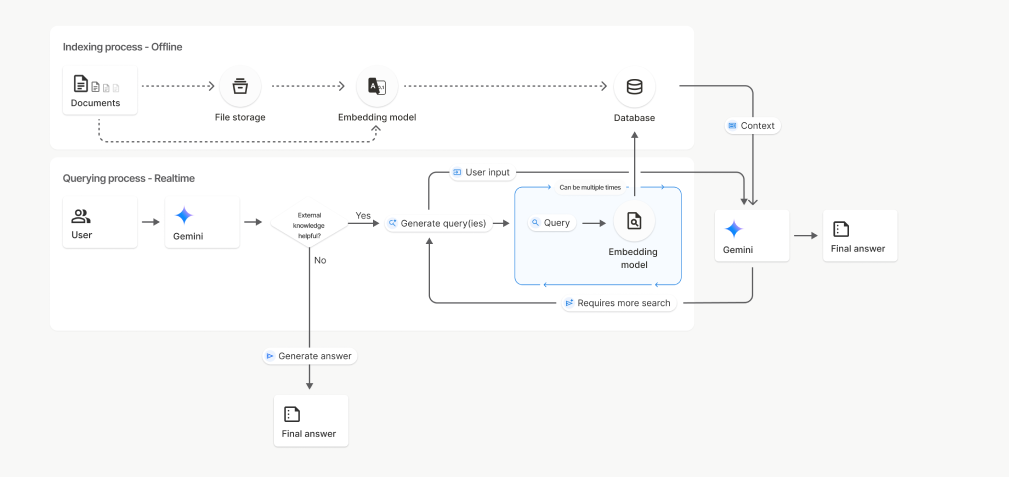
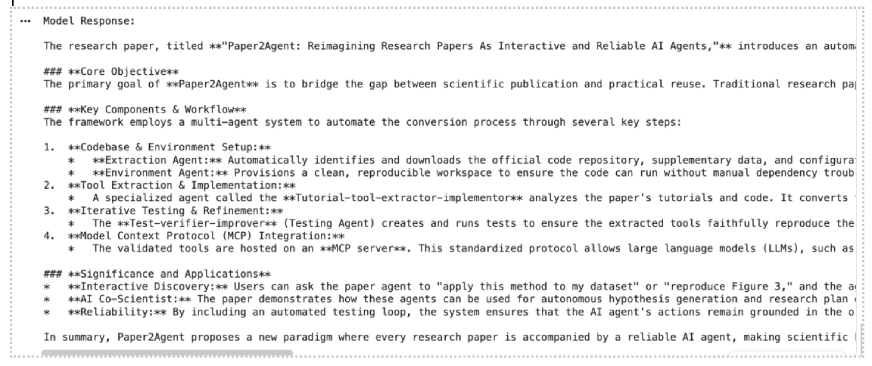
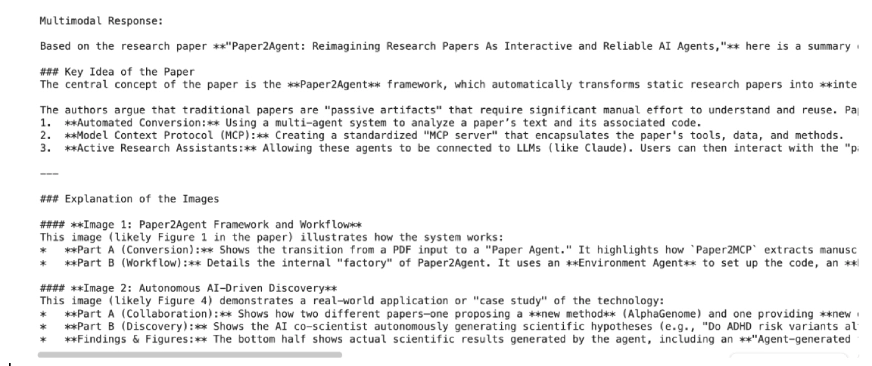
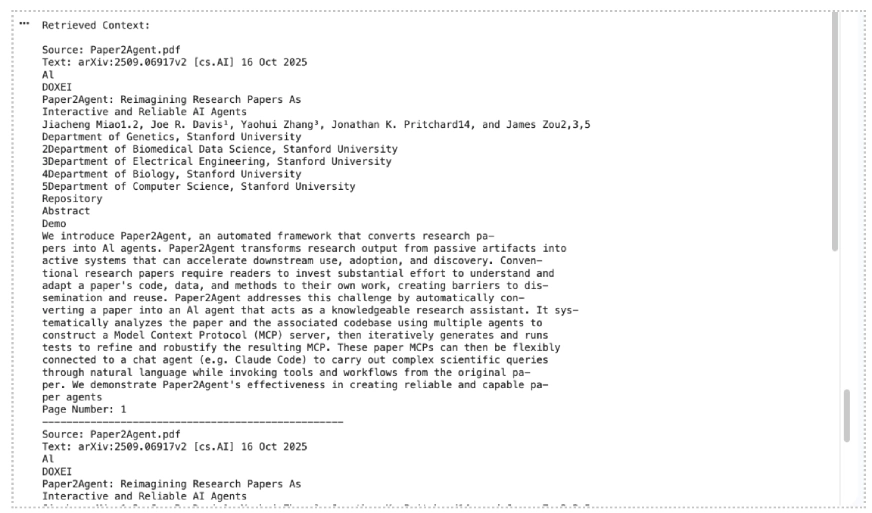
Building a RAG system just got much easier. Google’s File Search tool for the Gemini API now handles the heavy lifting of connecting LLMs to your data. Chunking, embedding, indexing are all managed for you. And with the latest update, it’s gone multimodal. You can now search through both text and images in a single pipeline, with custom metadata filtering and page-level citations built in. In this guide, we’ll walk through how File Search works and implement it with practical examples. Table of contents What File Search Does? How File Search Works? Setup Requirements Creating a File Search Store Upload a File Upload a Document File Upload an Image File for Multimodal Retrieval Upload Multiple Documents and Images Ask Questions About the File Customize Chunking Show Citations for Retrieved Context Manage Your File Search Stores File Search Support and Limits Conclusion What File Search Does?…