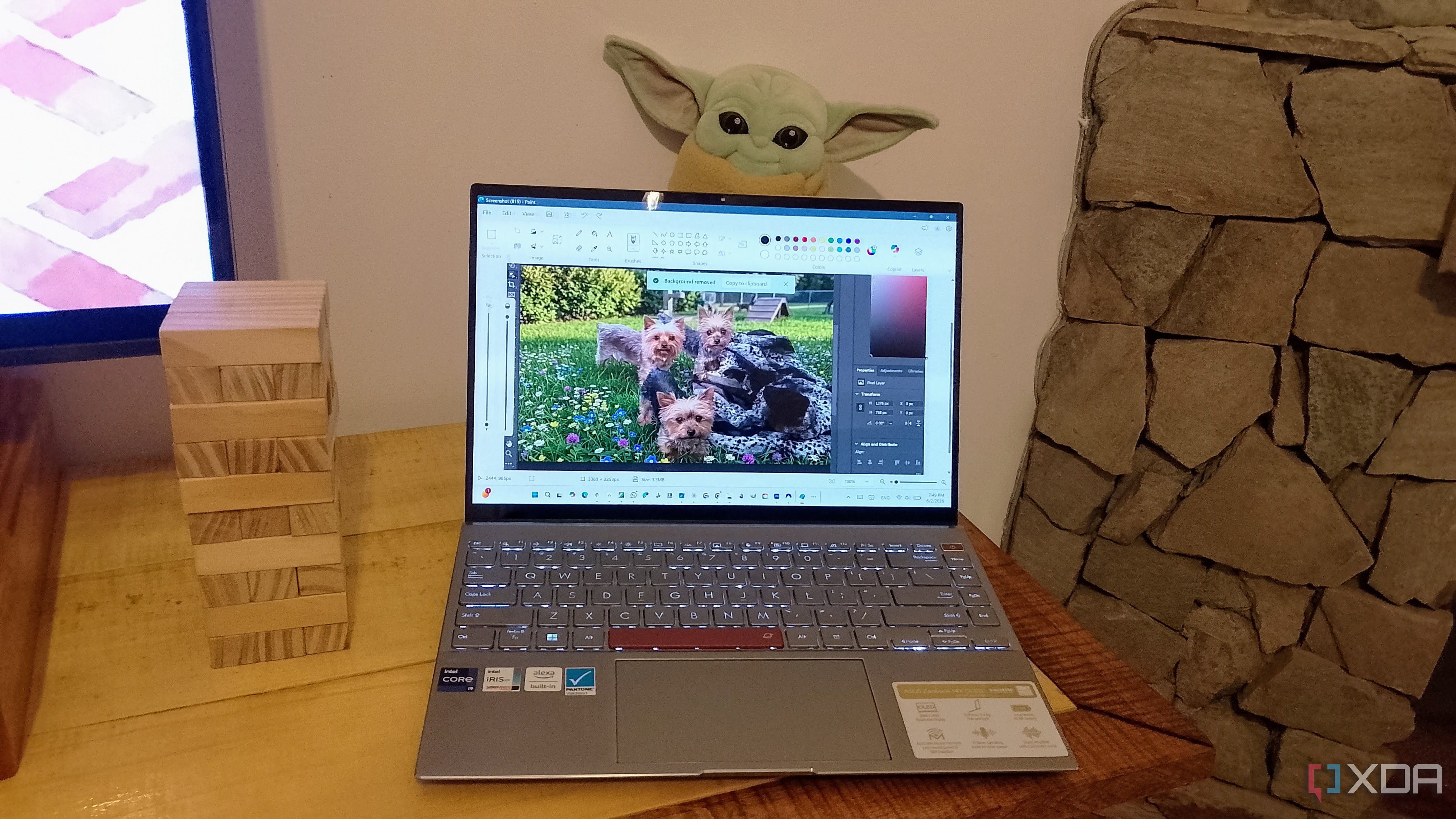
Published Jun 3, 2026, 6:00 PM EDT Judy is an author at XDA with over a decade of experience writing about digital media. She's written for some of the largest names such as MakeUseOf, Android Central, Android Police. She always has an Windows computer handy and is always looking into upgrading. When she's not writing about tech, she's watching Return of the Jedi or playing with her Yorkie. You know what they say: if you want to hide something, do it in plain sight. That’s exactly what Microsoft did with the AI Action tools in Windows 11 File Explorer. For who knows how long, I right-clicked images and somehow just ignored the AI actions menu right there. Whenever I wanted to do only some basic editing, like blurring or removing a background, I would first open the full editor and wait for it to load, only to realize I had spent more time opening the editor than doing the actual edit.…