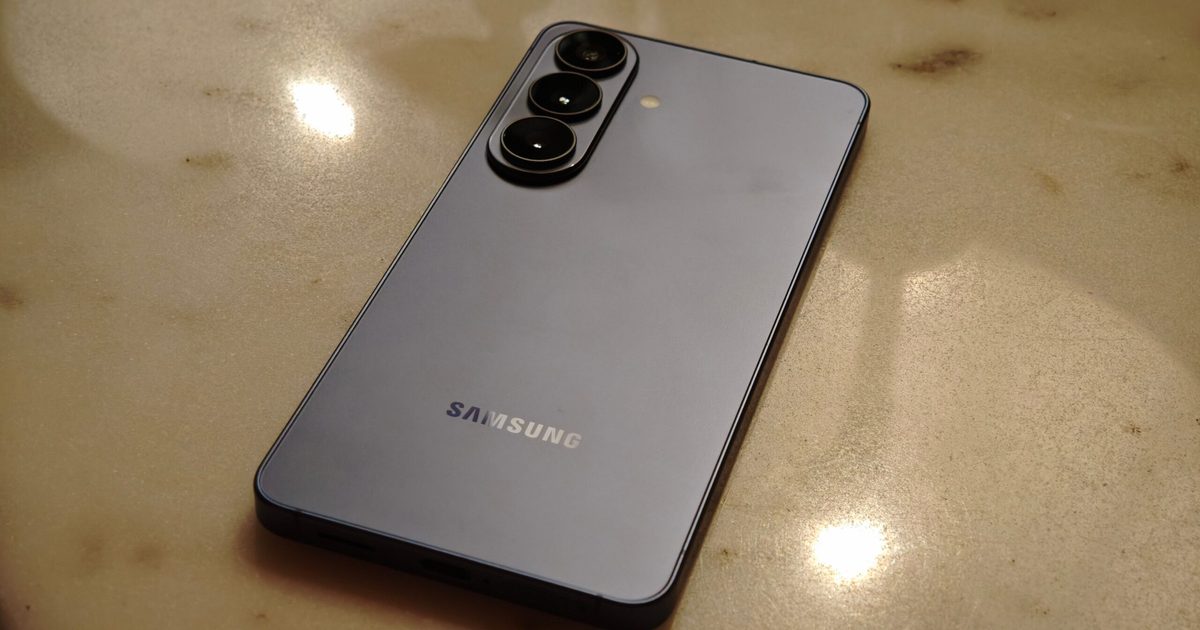
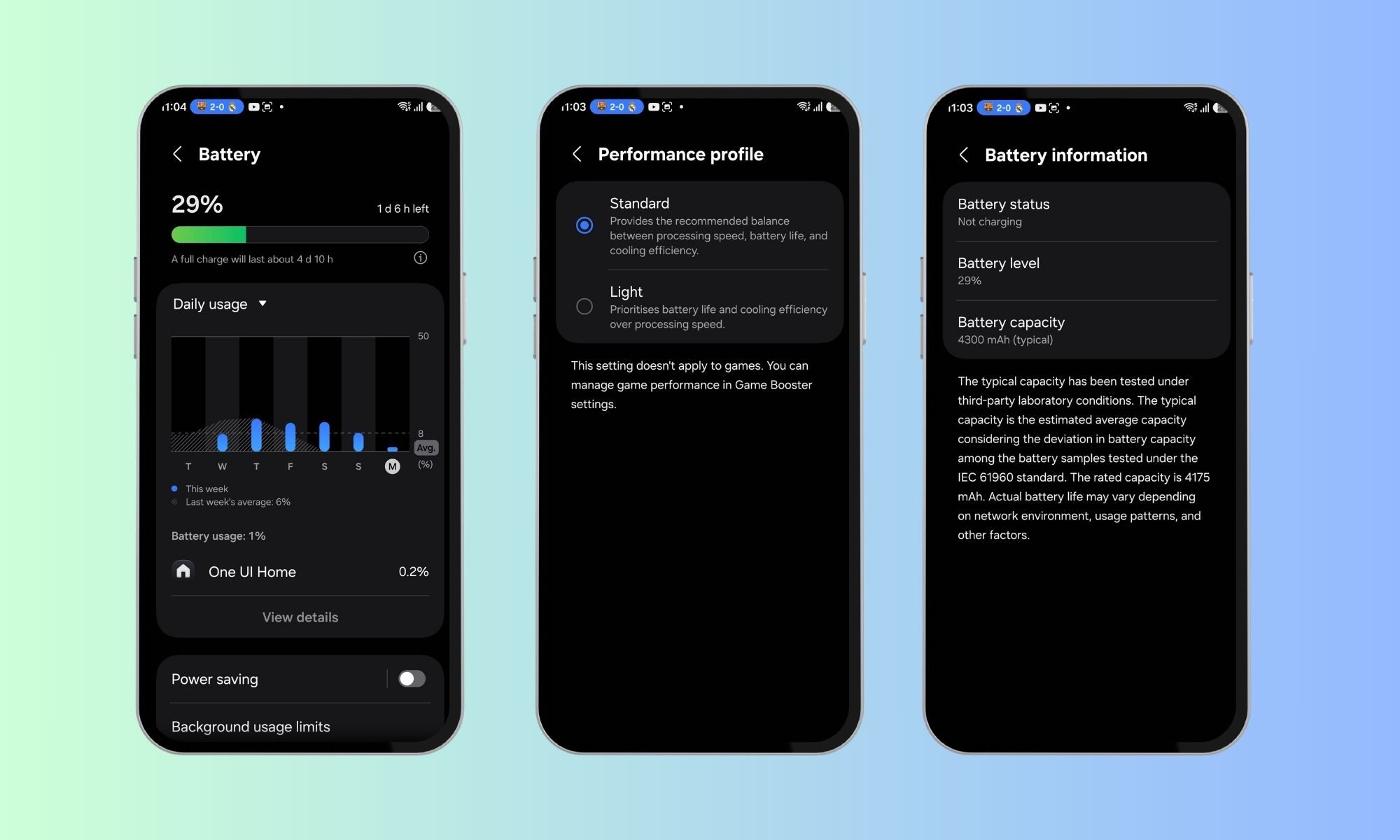
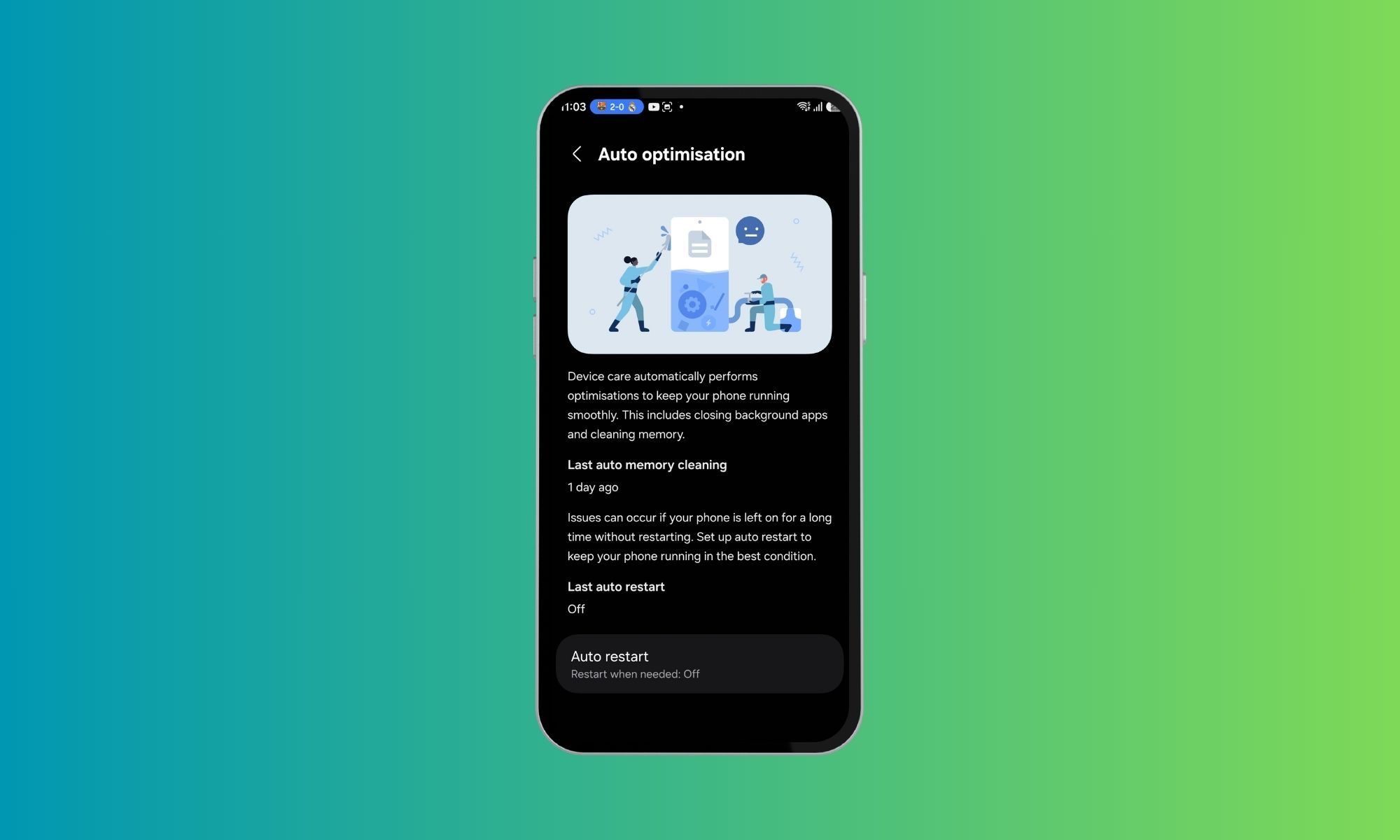
I have never been particularly good at managing my phone’s battery health. I know all the advice by now — avoid charging past 80 percent, do not let the battery drain completely, try not to leave the phone plugged in overnight . I know these habits the same way I know I should probably drink more water or sleep earlier. In theory, they make perfect sense. In practice, I rarely stick to them consistently. So when I started using the Galaxy S26 and realized that Device Care’s optimization features were quietly handling a lot of this for me, my first reaction was skepticism. Phones have offered “smart” protection tools for years now, and most of them tend to disappear into the background after you switch them on once. Half the time, I forget those settings even exist. This felt different, though. Not because it was flashy or constantly reminding me it was there, but because I could actually feel it adapting to how I used my phone, rather than forcing me to change my habits around it.…