You can now apply suggested code fixes from the Vercel Agent directly in the Vercel Dashboard.
When the Vercel Agent reviews your pull request, suggestions include a View suggestion button that lets you commit the fix to your PR branch, including changes that touch multiple files.


Vercel Agent - Review suggestions on dashboardSuggestions open in the dashboard, where you can accept them in bulk or apply them one by one.
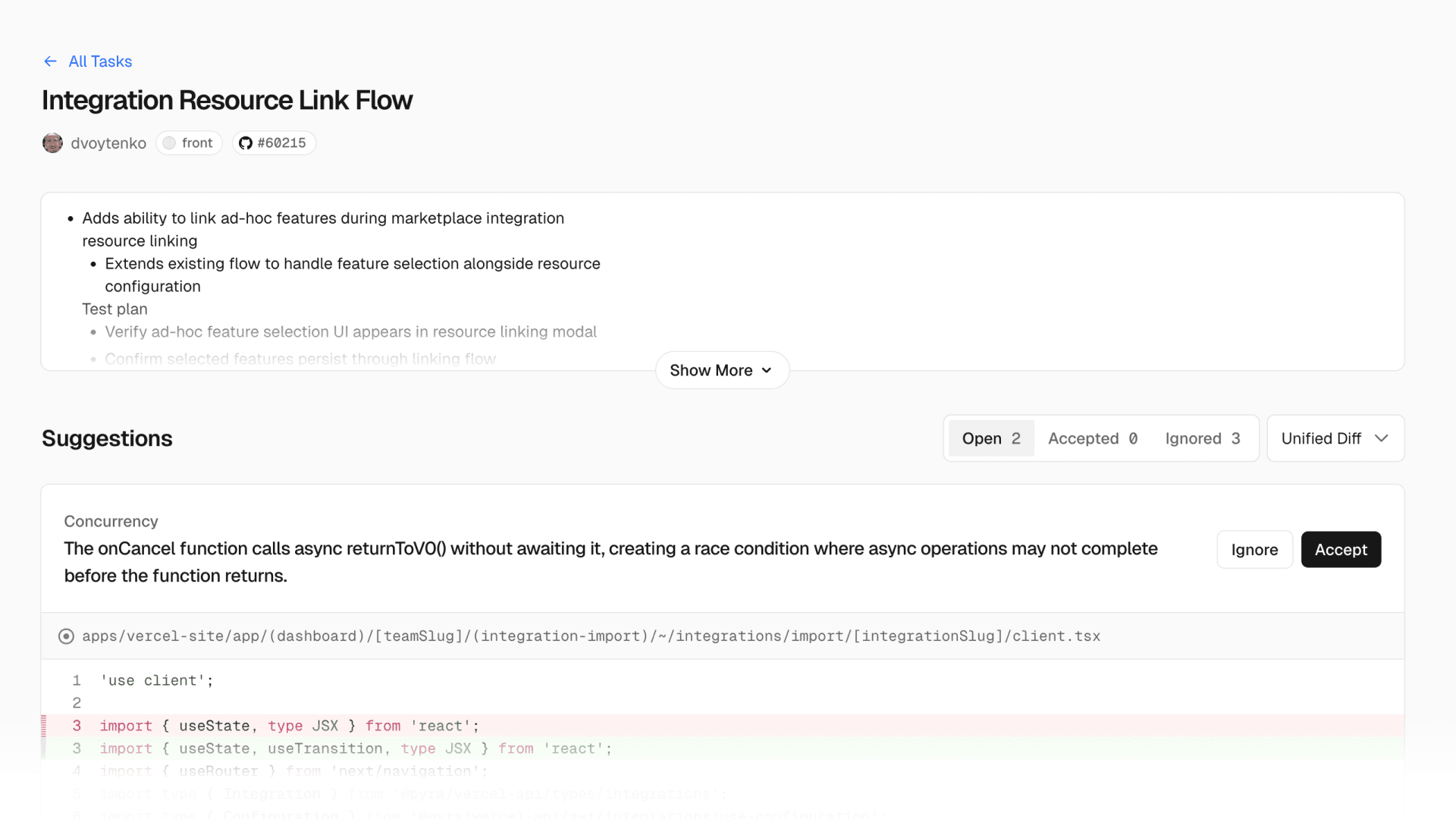

Vercel Agent - Reviewing and applying suggestions in bulkAfter you apply a suggestion, the review thread is automatically resolved. You can also track multiple concurrent Vercel Agent jobs from the Tasks page.

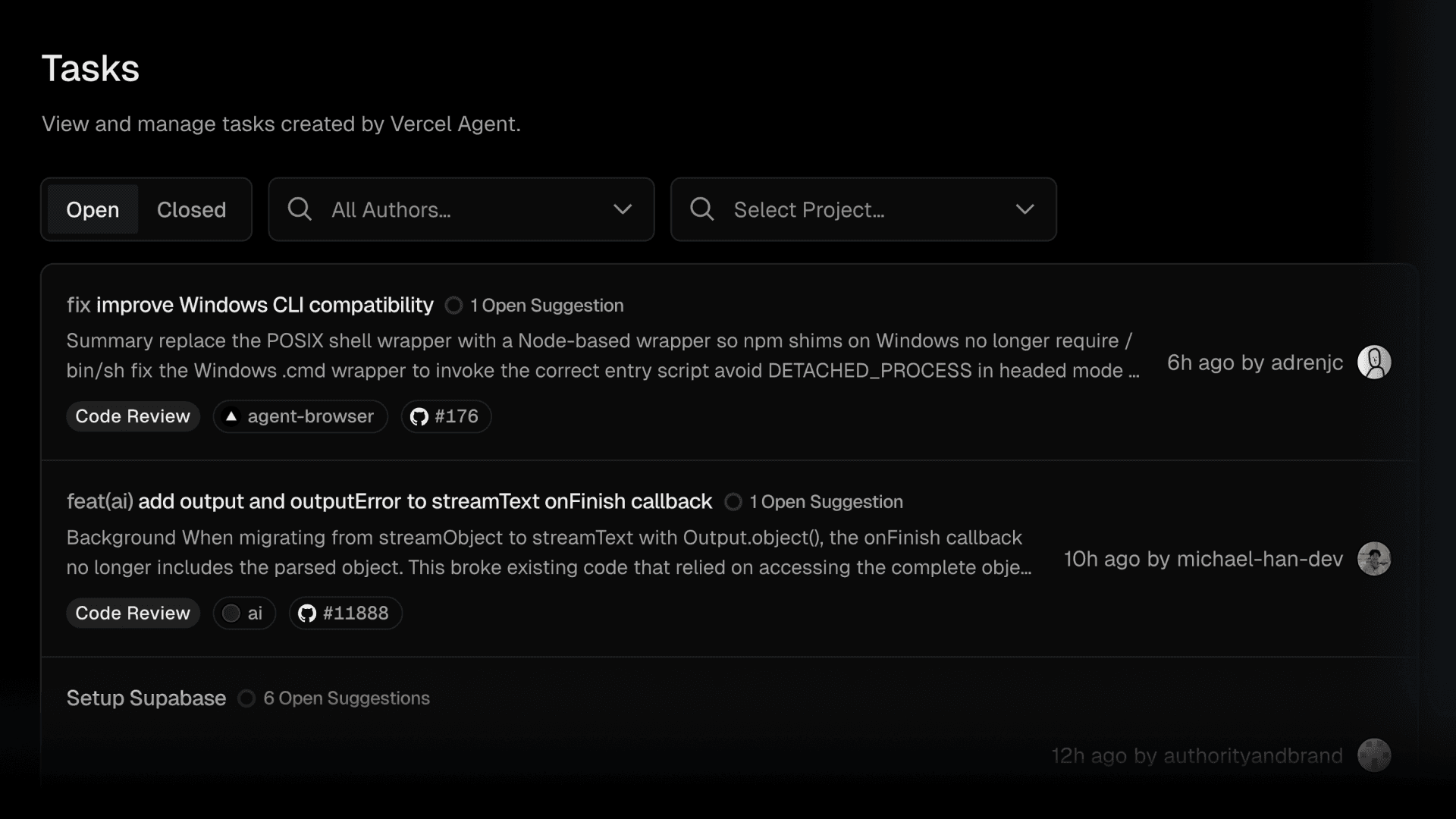
Vercel Agent - Tracking concurrent agent jobsGet started with Vercel Agent code review in the Agent dashboard, or learn more in the documentation.