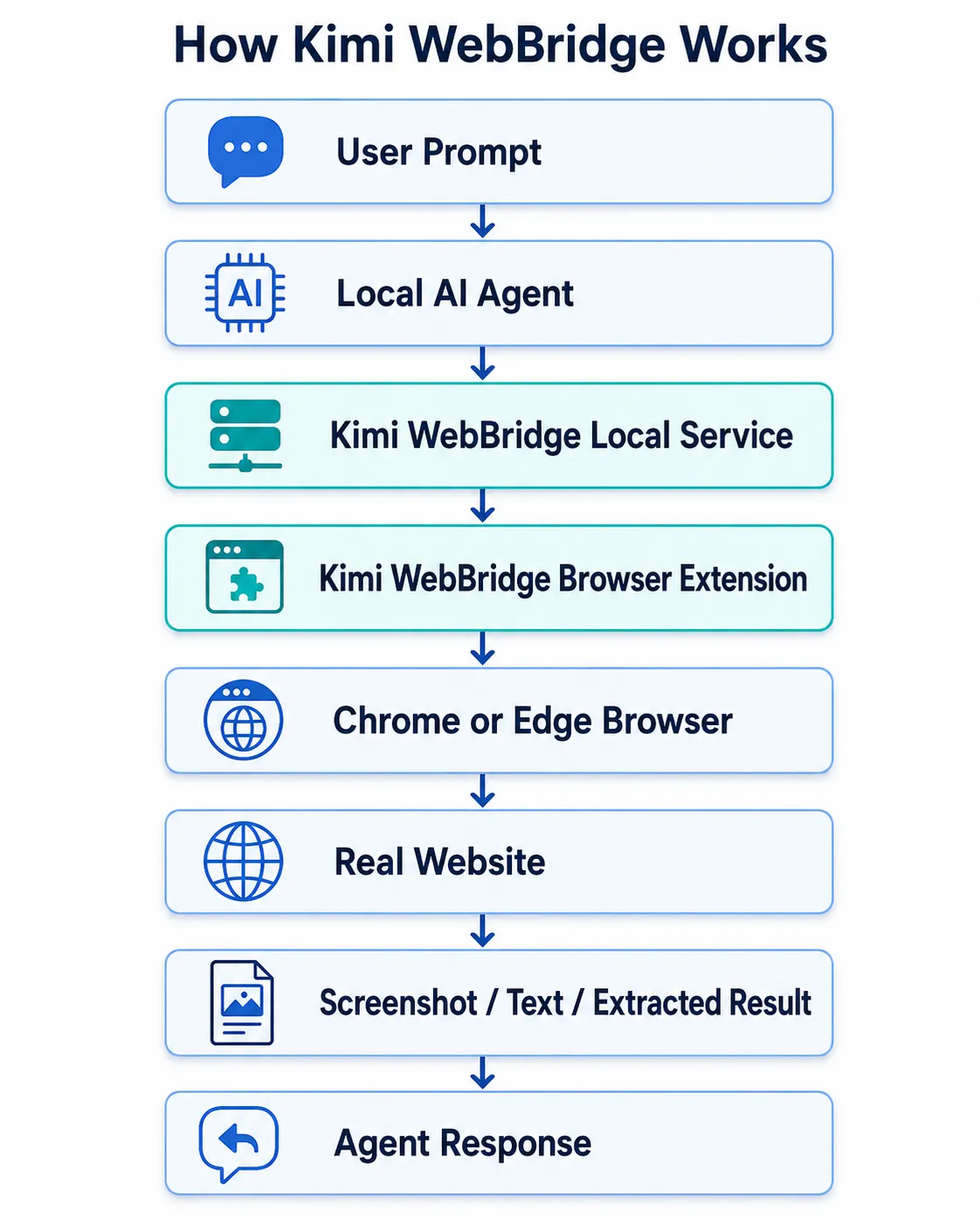
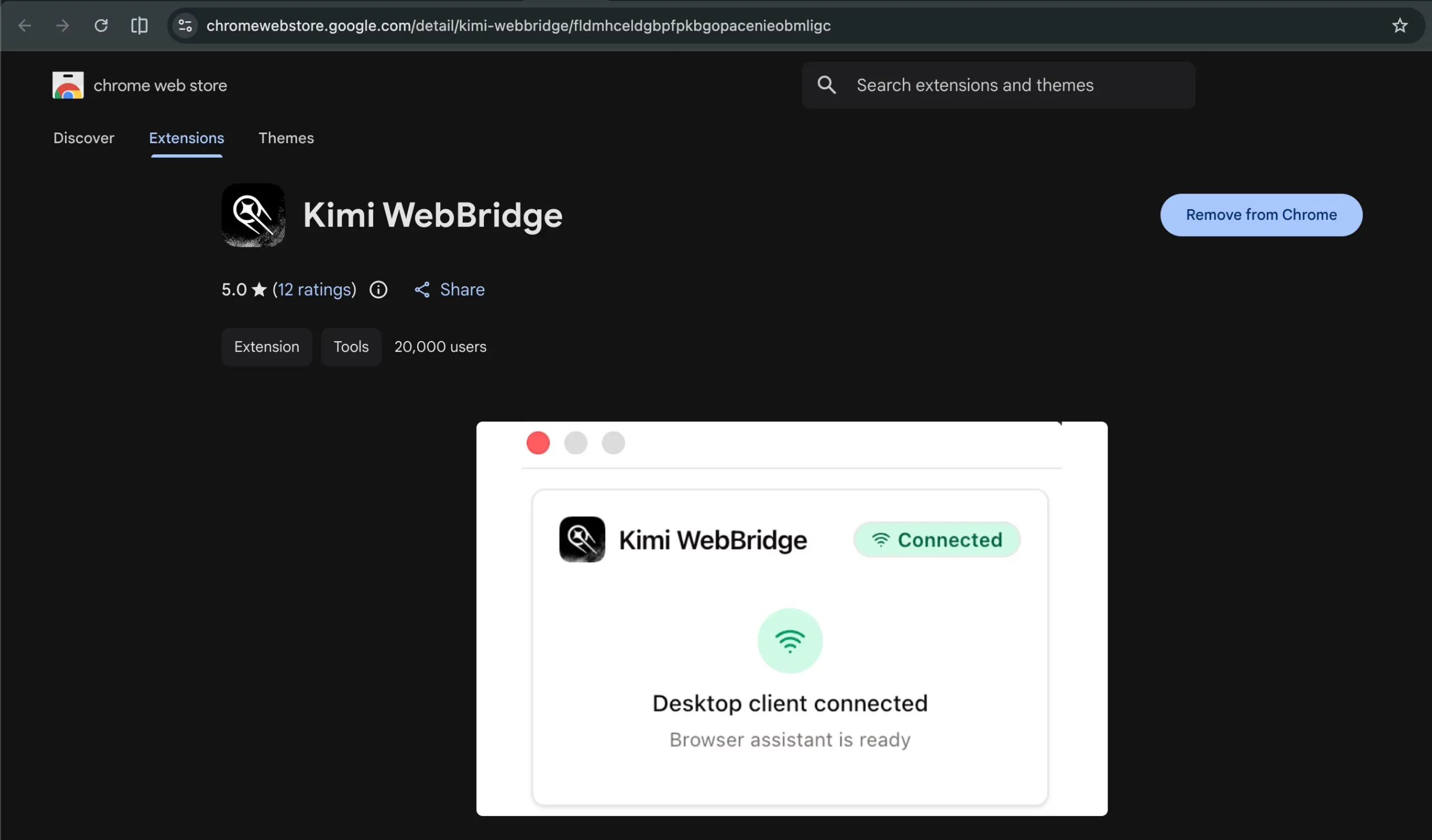
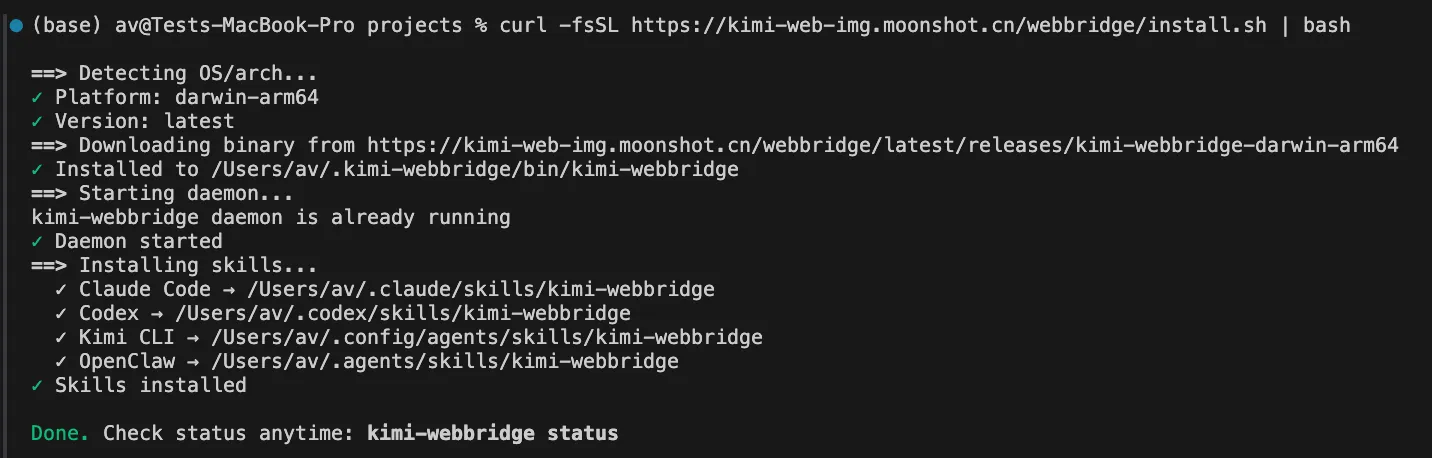
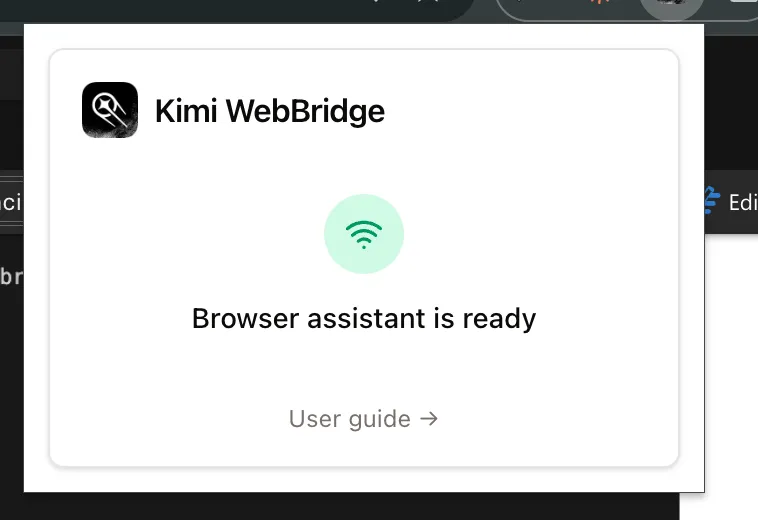
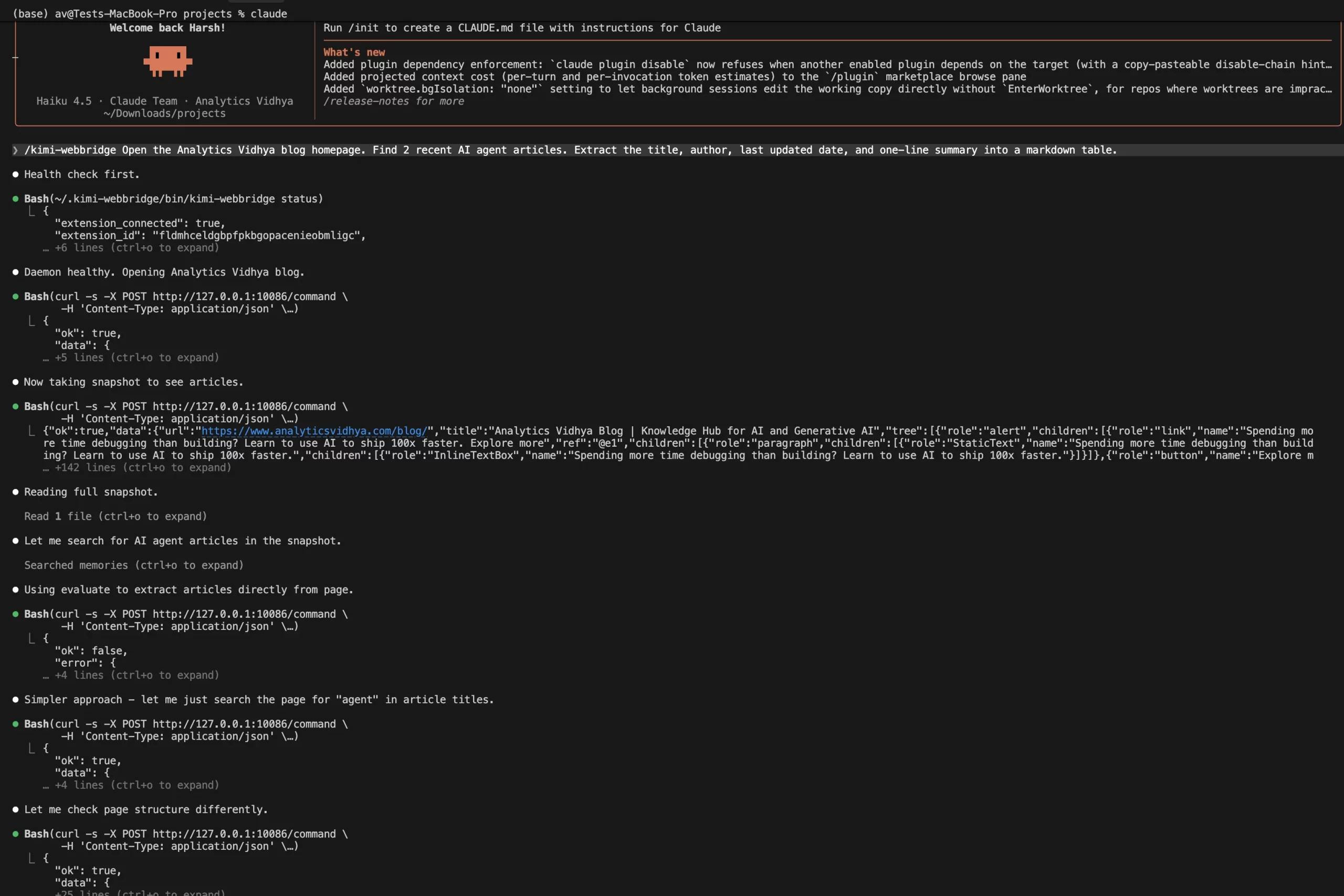
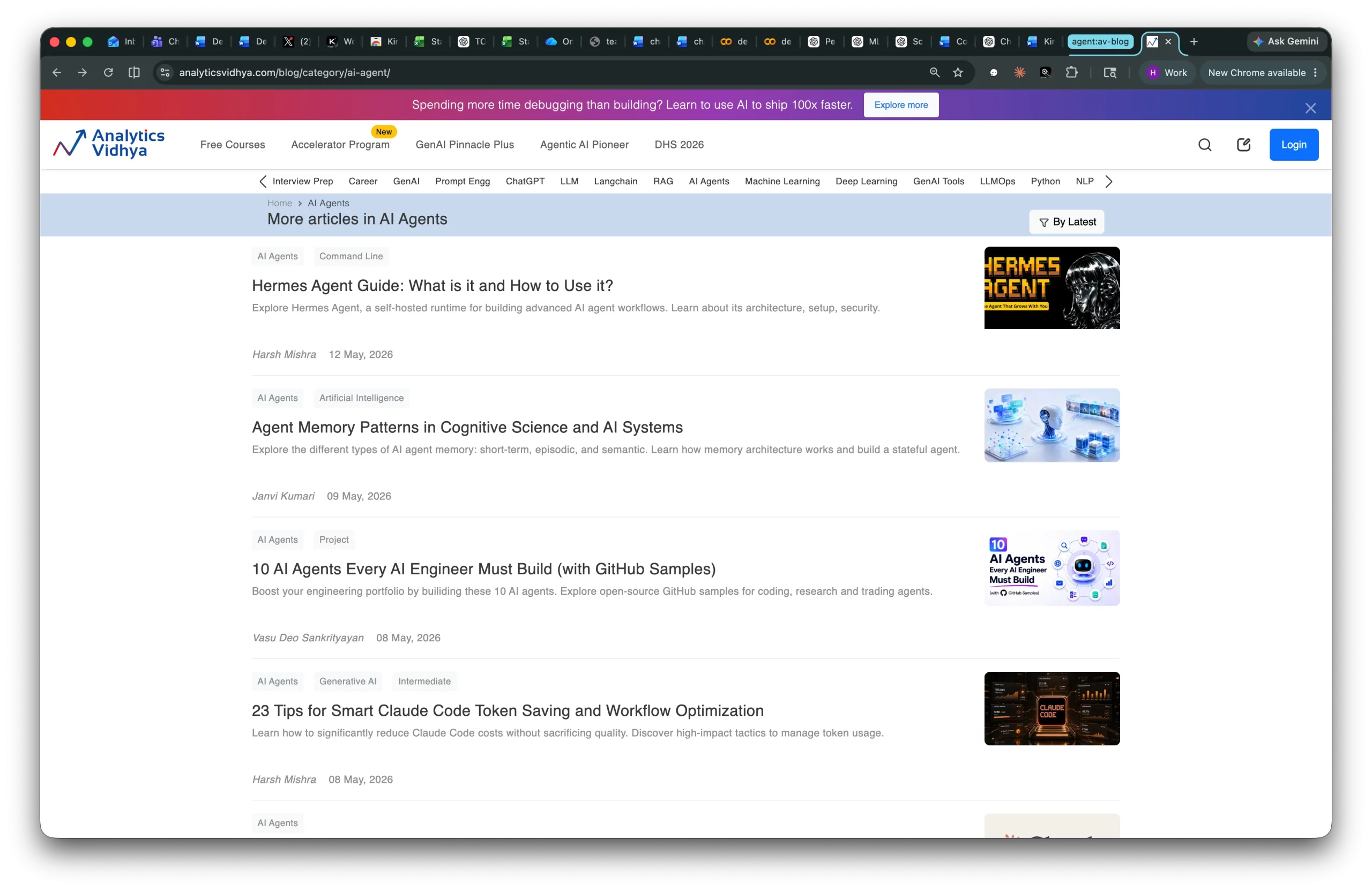
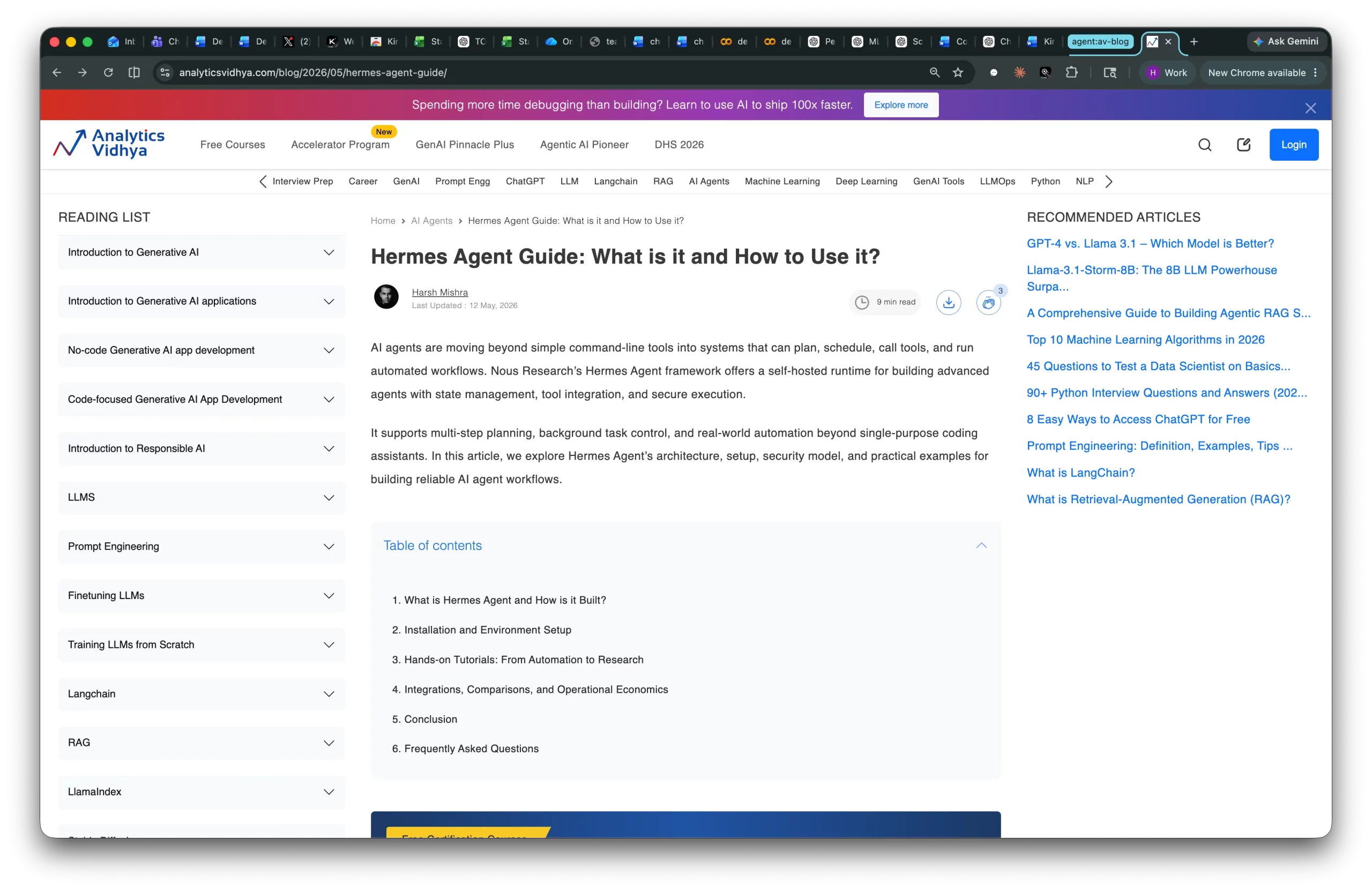
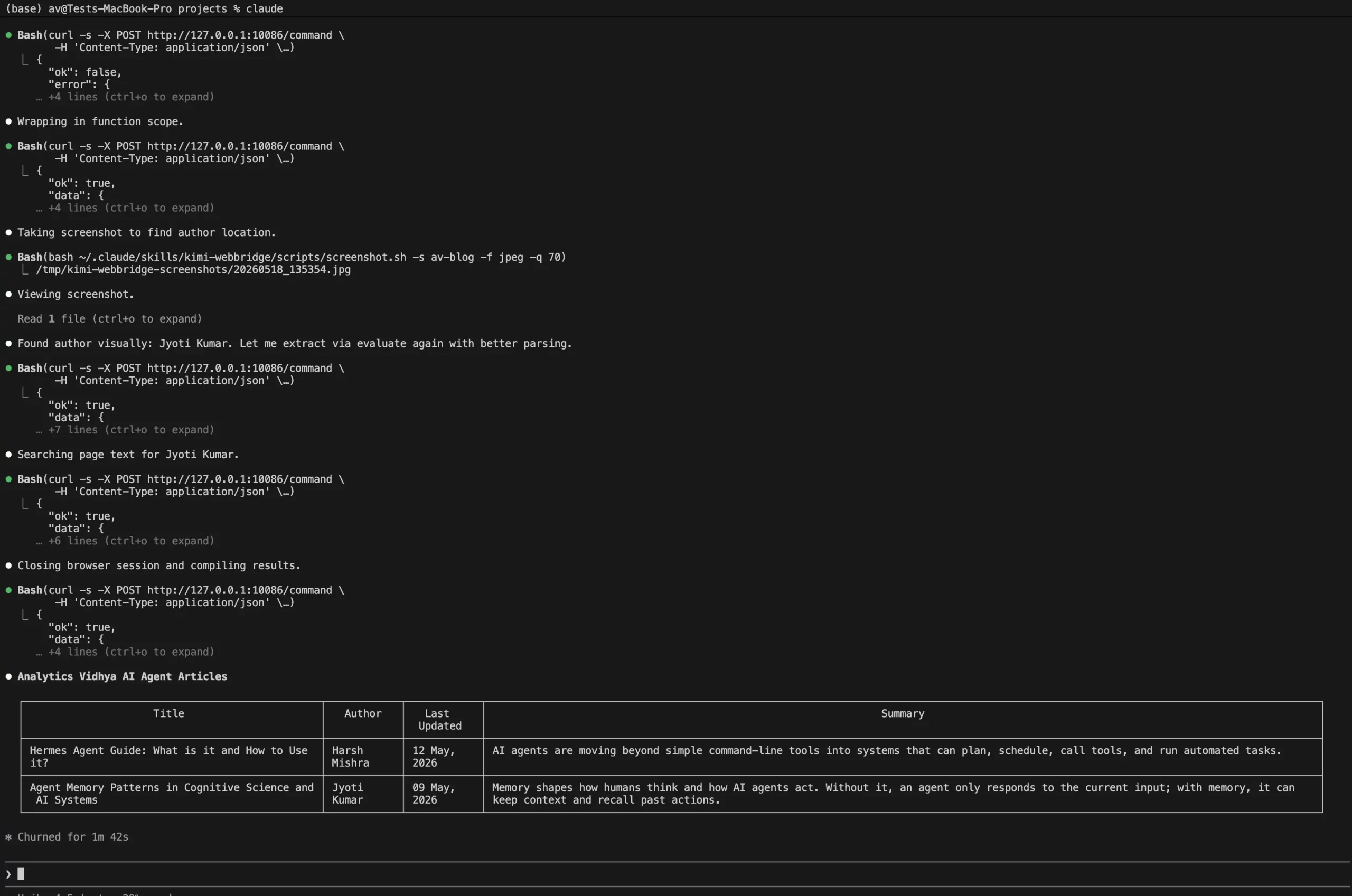
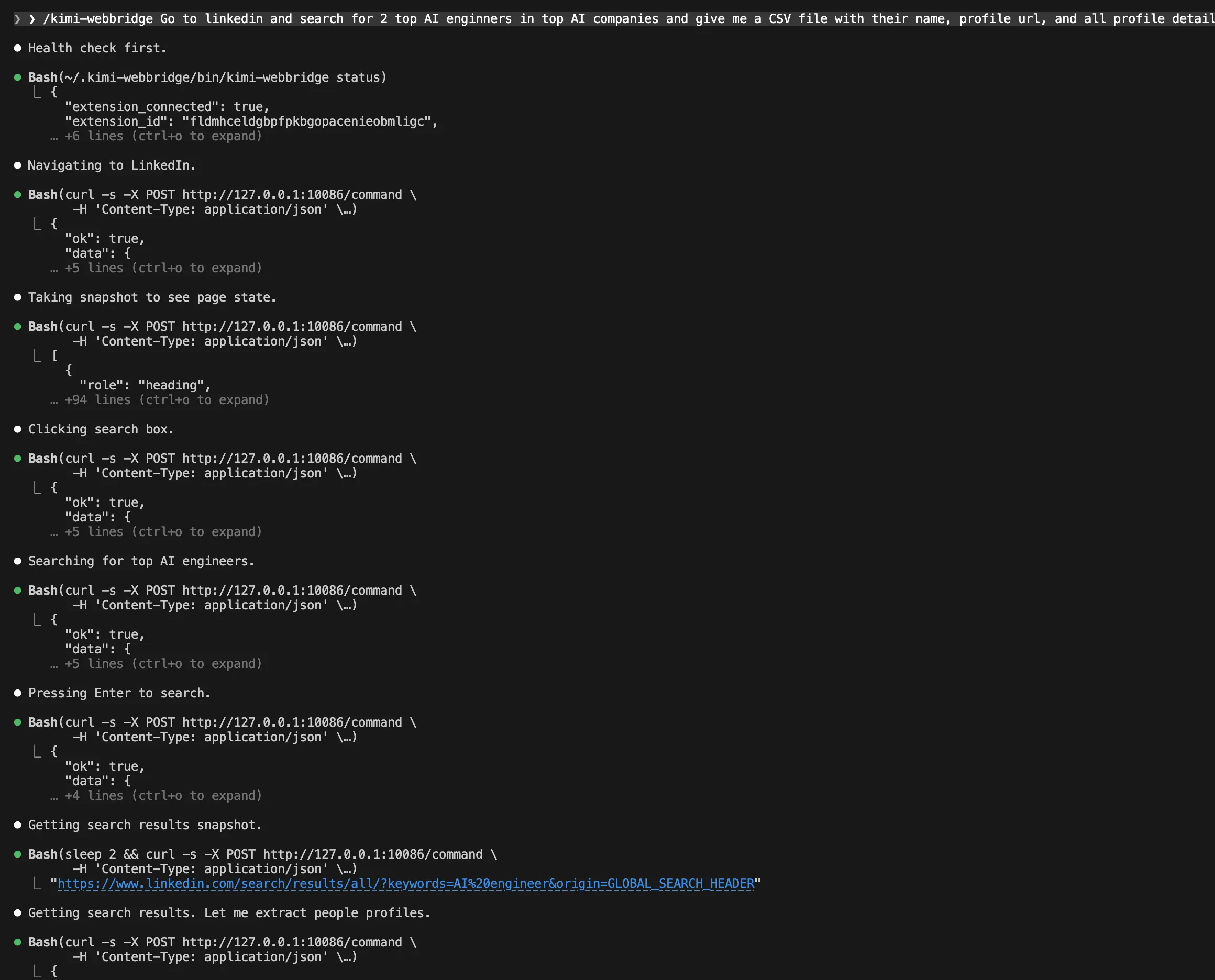
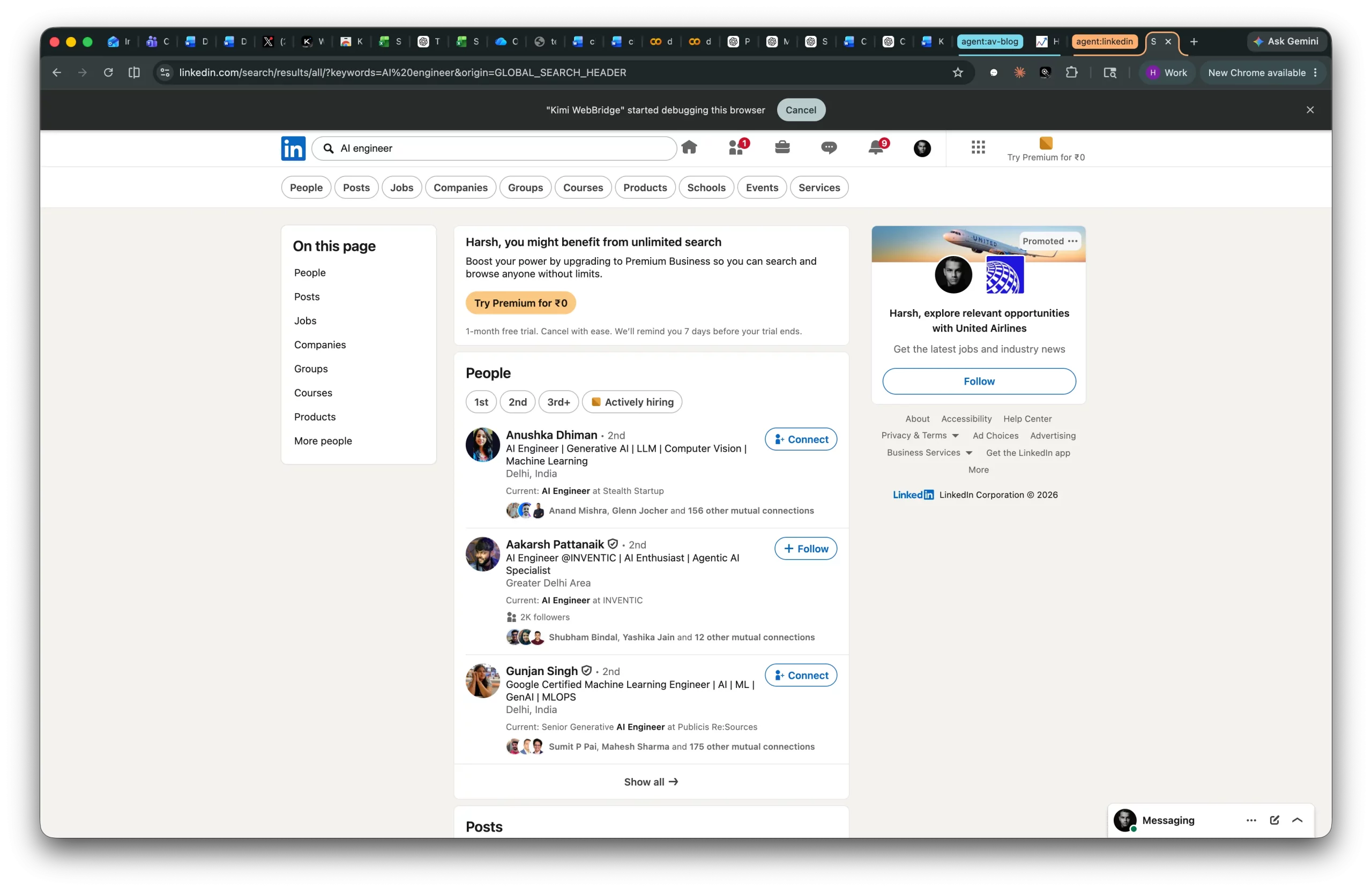
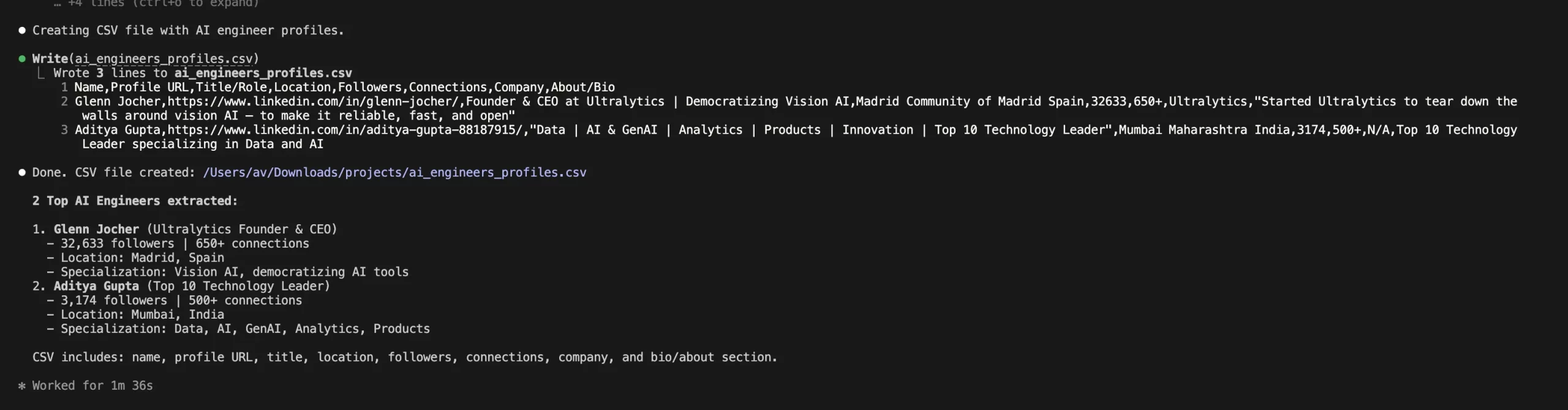
AI agents are evolving from answering questions to taking actions inside browsers. They can now open pages, click buttons, fill forms, extract data, and automate multi step workflows across websites. Moonshot AI’s Kimi WebBridge brings this capability to Chrome and Edge, allowing local AI agents to safely interact with real browser sessions. In this article, we explore how WebBridge works and why browser automation is becoming essential for agentic AI systems. Table of contents What is Kimi WebBridge? How Kimi WebBridge Works Kimi WebBridge Architecture Installation and Setup Hands-on Workflow: Research Automation Advantages and Disadvantages of Kimi WebBridge Security and Governance Considerations Kimi WebBridge vs Playwright MCP vs Browserbase Conclusion What is Kimi WebBridge? Kimi WebBridge is an AI agent browser extension. WebBridge is not a cloud-based browser automation solution that launches a browser remote, but rather it runs directly in your browser, using your existing login sessions.…