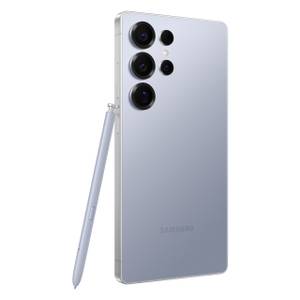
Published May 12, 2026, 10:01 AM EDT Cory Gunther is a senior author and Newsletter Editor at Valnet, covering cutting-edge tech, Android, and more for How-To Geek. He's covered Android, cars, and technology for over a decade. When he's not reviewing the latest gadget, you can find him off-roading in his Toyota truck, fixing said truck, or doing something outdoors with friends and family. He's covered CES, SEMA, and MWC and reviewed countless phones, TVs, speakers, EVs, e-bikes, and more. Before Valnet, Cory worked for GottaBeMobile . His writing has also appeared on SlashGear , InputMag , and AndroidCentral. He's written over 9,000 articles. Samsung Wallet is extremely convenient, but if you only use it when tapping a payment terminal or never change the default settings, you aren't getting the most out of the app. On every Samsung Galaxy phone or watch I buy, I change a few Samsung Wallet settings to improve usability, speed, privacy, and more, and add a shortcut for easier access.…