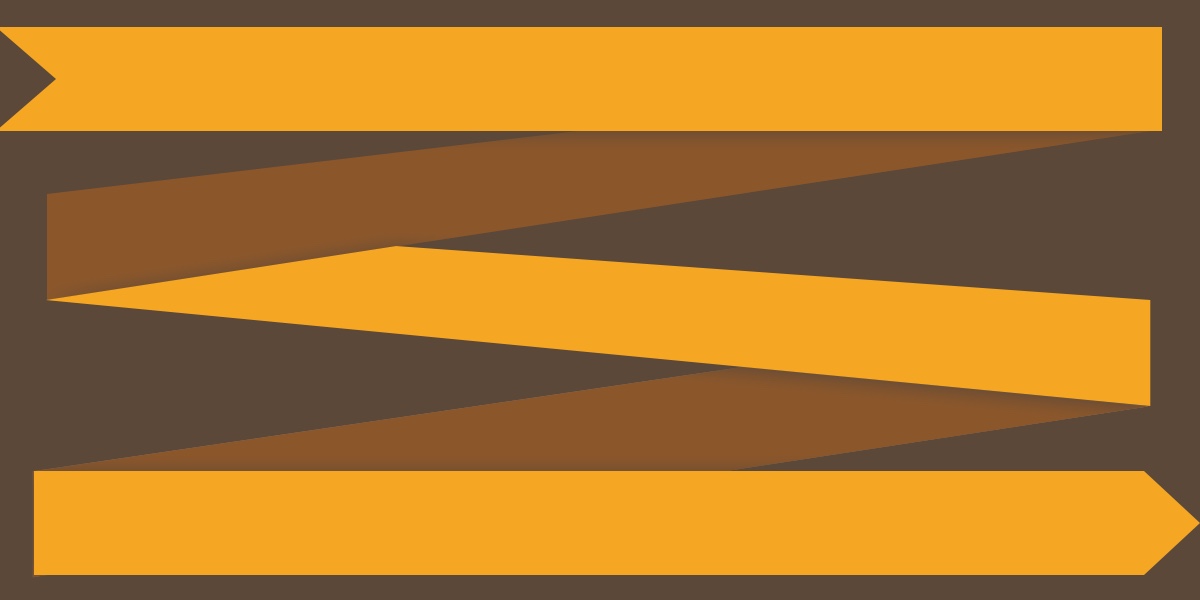
Most grid layouts sit in neat rows, perfectly aligned, like soldiers in formation. But sometimes you want something with more rhythm — a layout where items cascade diagonally, like water flowing down a waterfall. This is the zigzag layout. And building it requires a small trick that reveals something fascinating about how CSS transforms actually work. The Strategy Before writing a single line of CSS, let’s think about approach. The first idea that comes to mind: set up a flex container with flex-direction: column and flex-wrap: wrap , so items flow down and then wrap into a second column. Usually we think of the flex-wrap property in terms of rows, but the nice thing about flexbox is that it works in either orientation. Two problems make this approach awkward: You need a fixed height. You have to tell the container “you are 500px tall” for wrapping to kick in. That’s brittle. The tab order breaks. Items flow down the first column (i.e., 1, 2, 3), then jump to the second column (i.e., 4, 5, 6).…