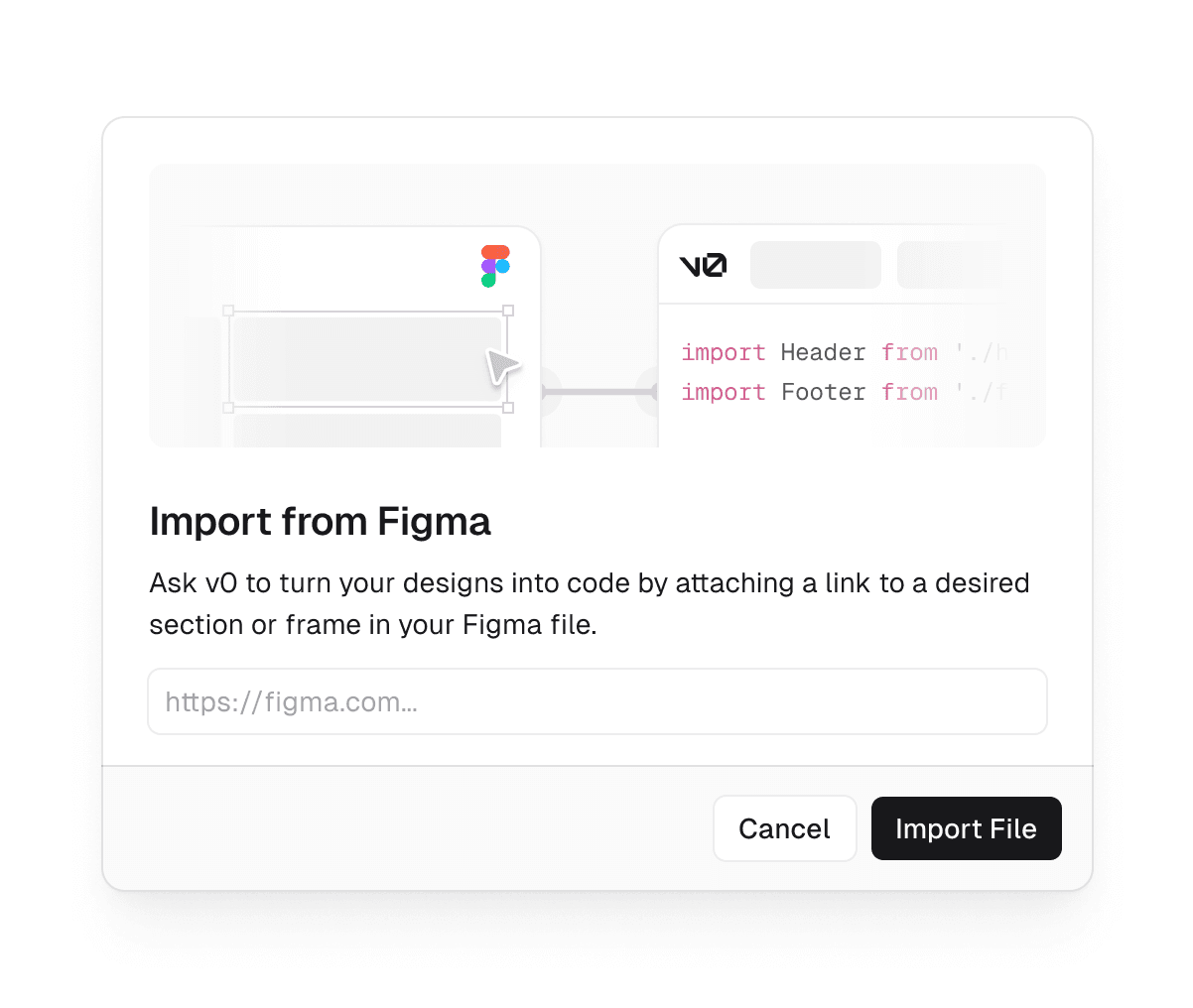
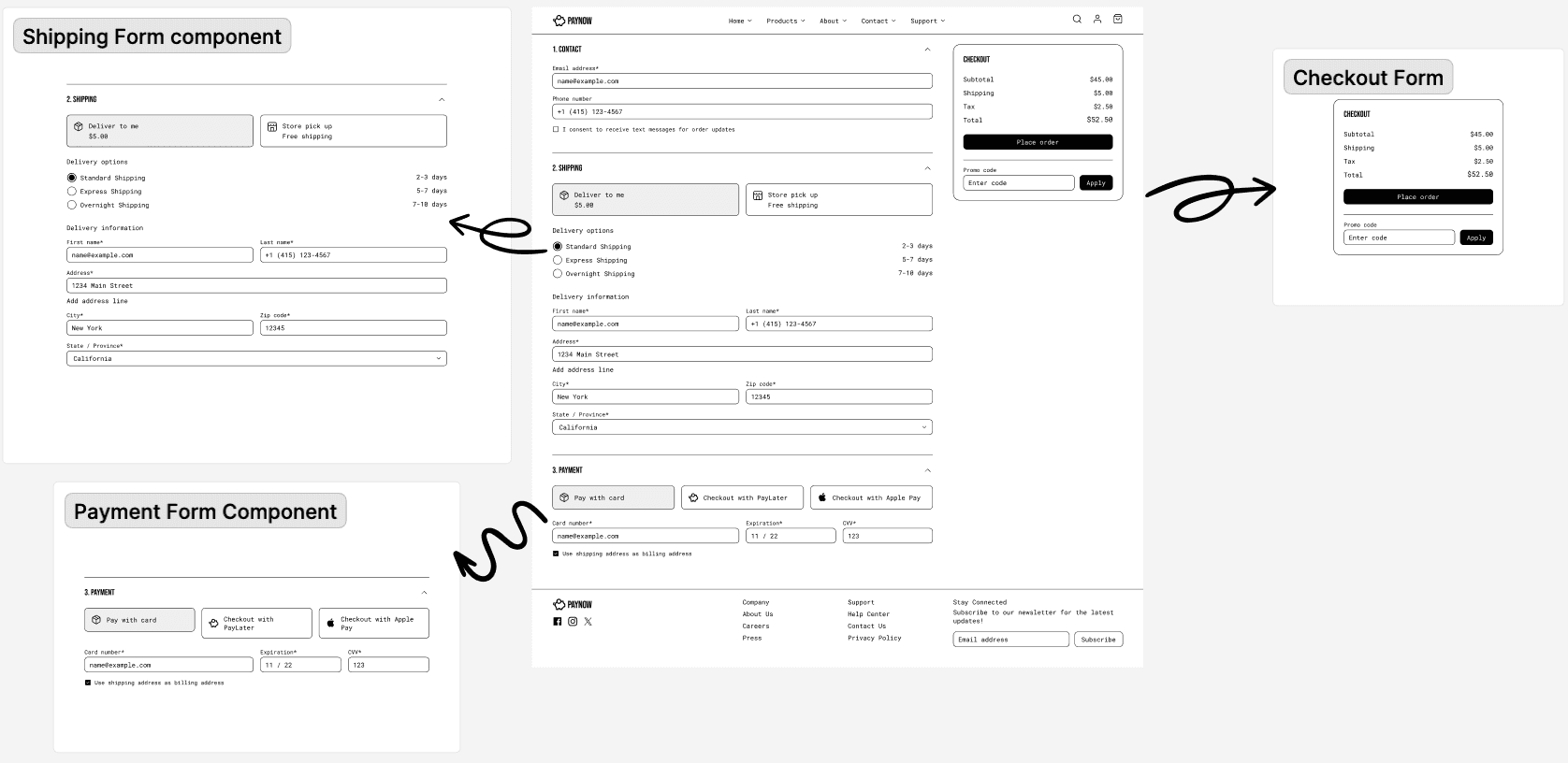
Learn best practices on importing your designs from Figma, working with shadcn/ui, and leveraging public npm packages. v0 ’s ability to import existing Figma files allows designers and developers to bridge the gap between design tools and AI-driven development. This feature extracts context from Figma files, along with any supplementary visuals, and passes them into v0 's generation process. When working with the Figma integration, it's best to break down designs into smaller, manageable components or sections, just as you would when handing them off to human developers. When each component is in its own frame, you avoid potential size and dimension errors but also ensure that AI can process each component more effectively. Key elements to separate include navigation bars, sidebars, forms, unique UI components like date pickers, and individual sections of landing pages. Diagram showing how to separate large designs into smaller components.…