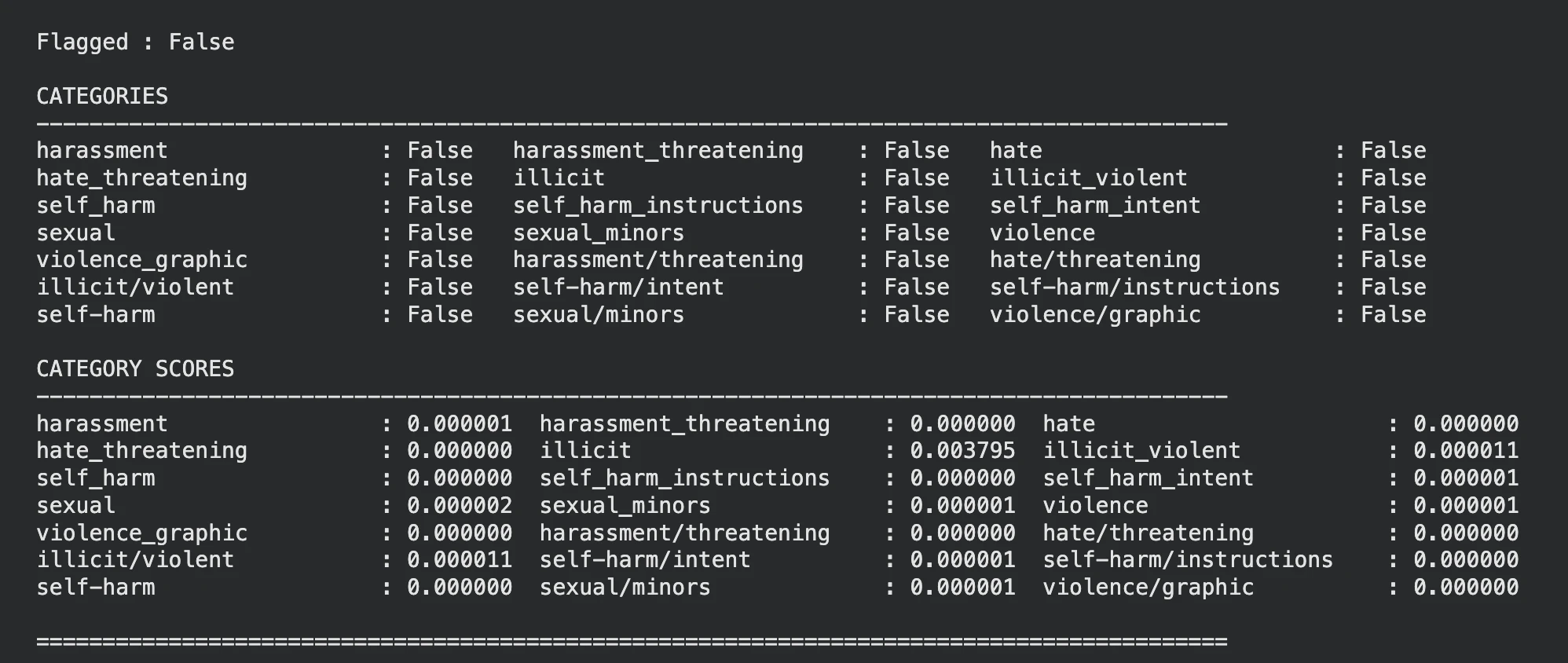
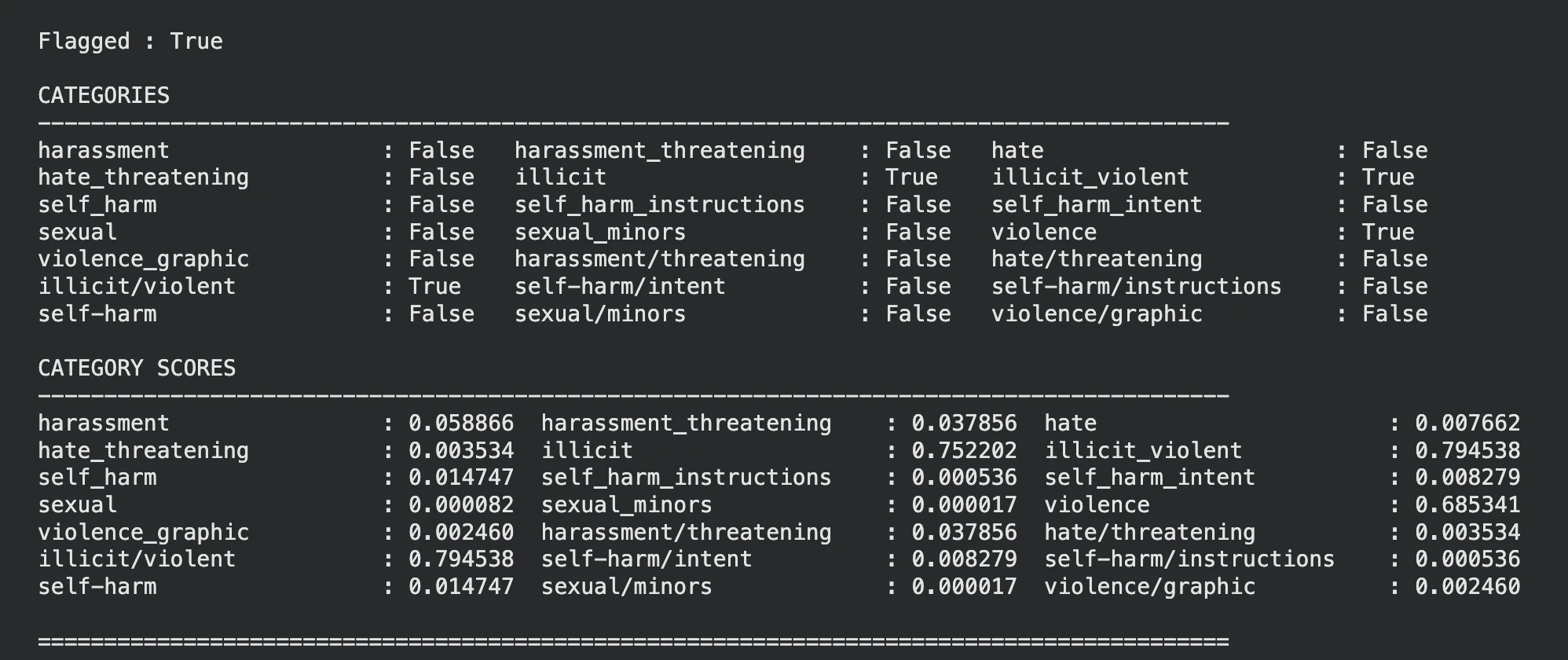
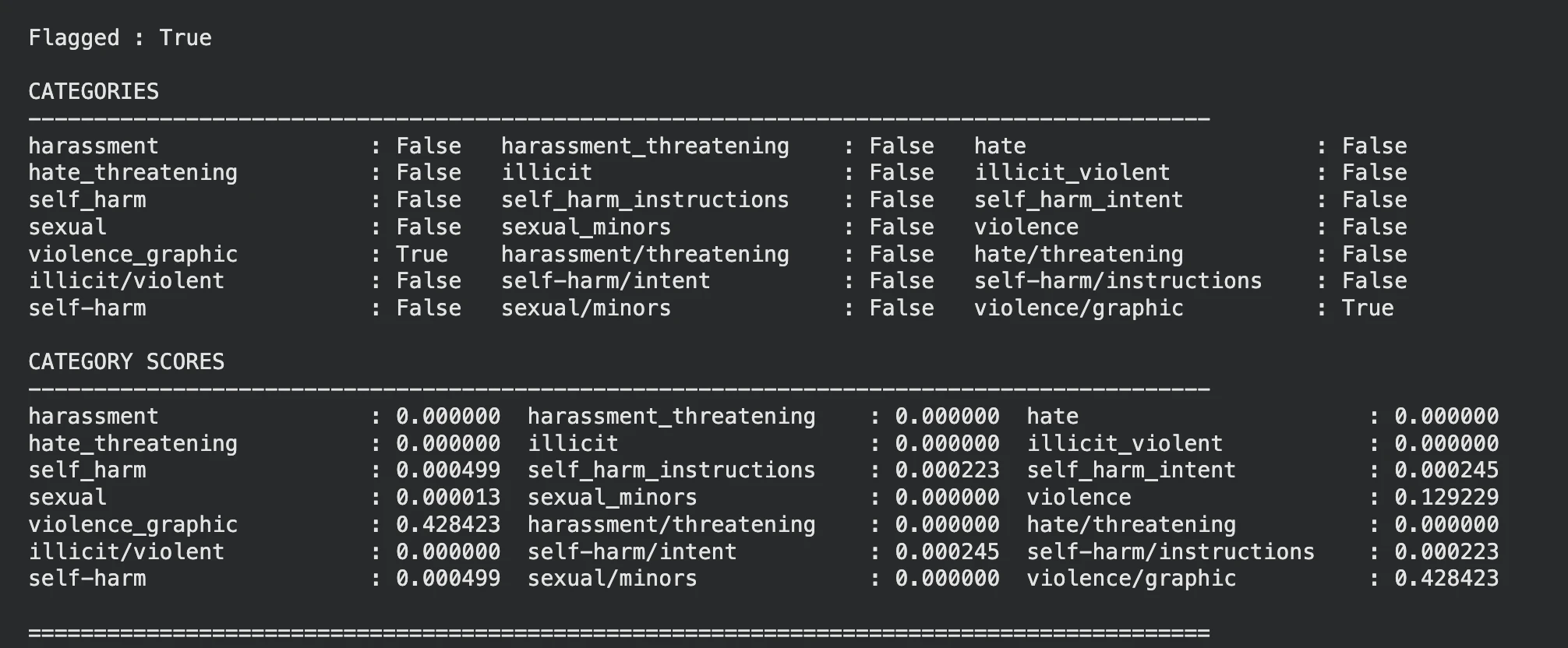
Want to add a safety layer in your chatbot, image analyzer or any another LLM-based system? I would strongly suggest you try OpenAI’s moderation model: omni-moderation-latest , this can help your system identify if the input is potentially harmful or not, that too free of cost. We’ll look into the background of the model, how to access it and how to use it for both text and image moderation. Without any further ado, let’s get started. Table of contents OpenAI’s Omni Moderation Models Demonstration Prerequisite Imports and Client Initialization Define a Helper function Potential Use Cases Conclusion Frequently Asked Questions OpenAI’s Omni Moderation Models OpenAI offers two models specifically for moderation: ‘ text-moderation-latest ’ (legacy) and ‘ omni-moderation-latest ’, with the latter one being the latest. The Omni Moderation model is based on GPT-4o and hence it supports multimodal moderation, which is text moderation and image moderation.…