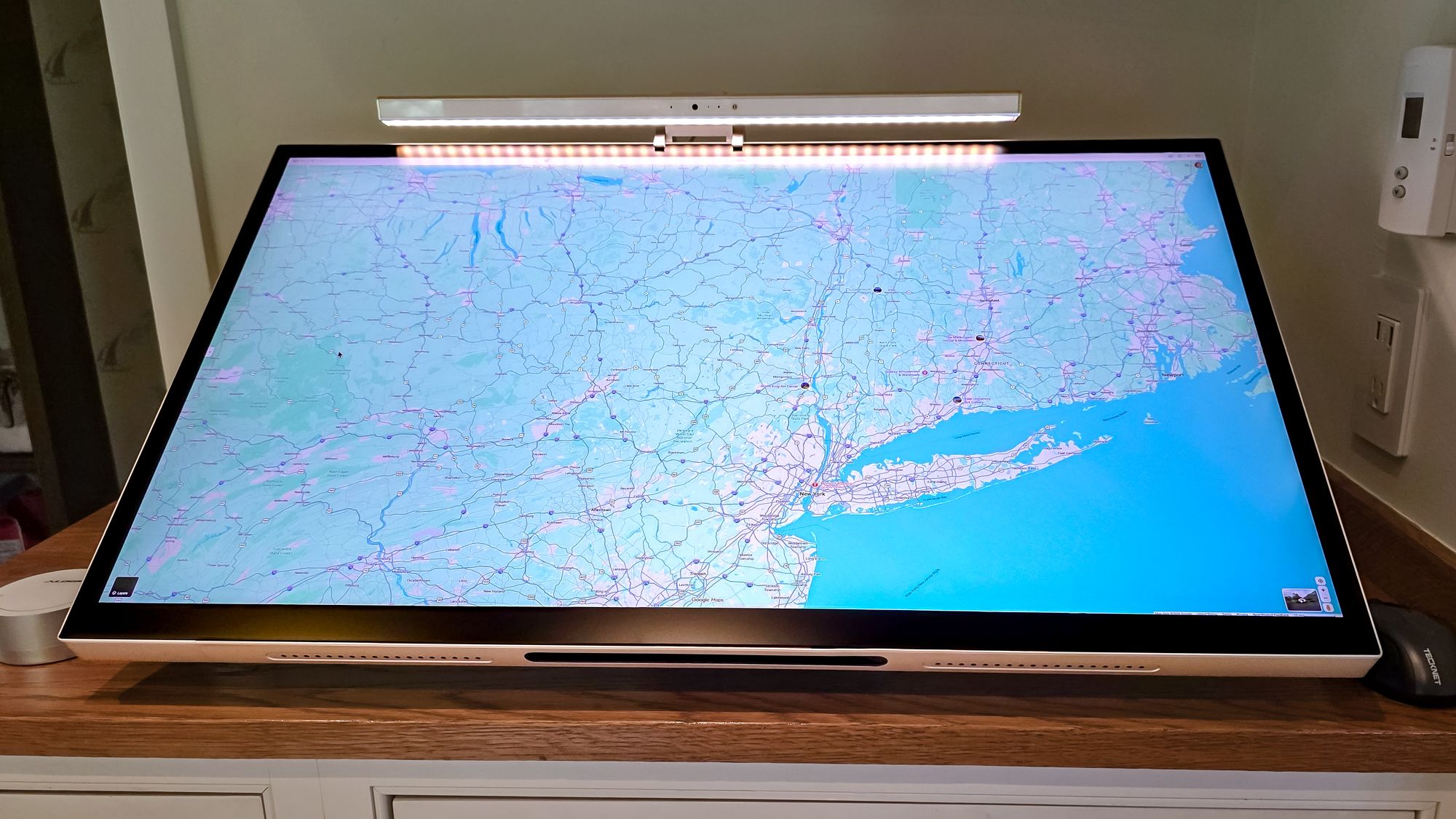
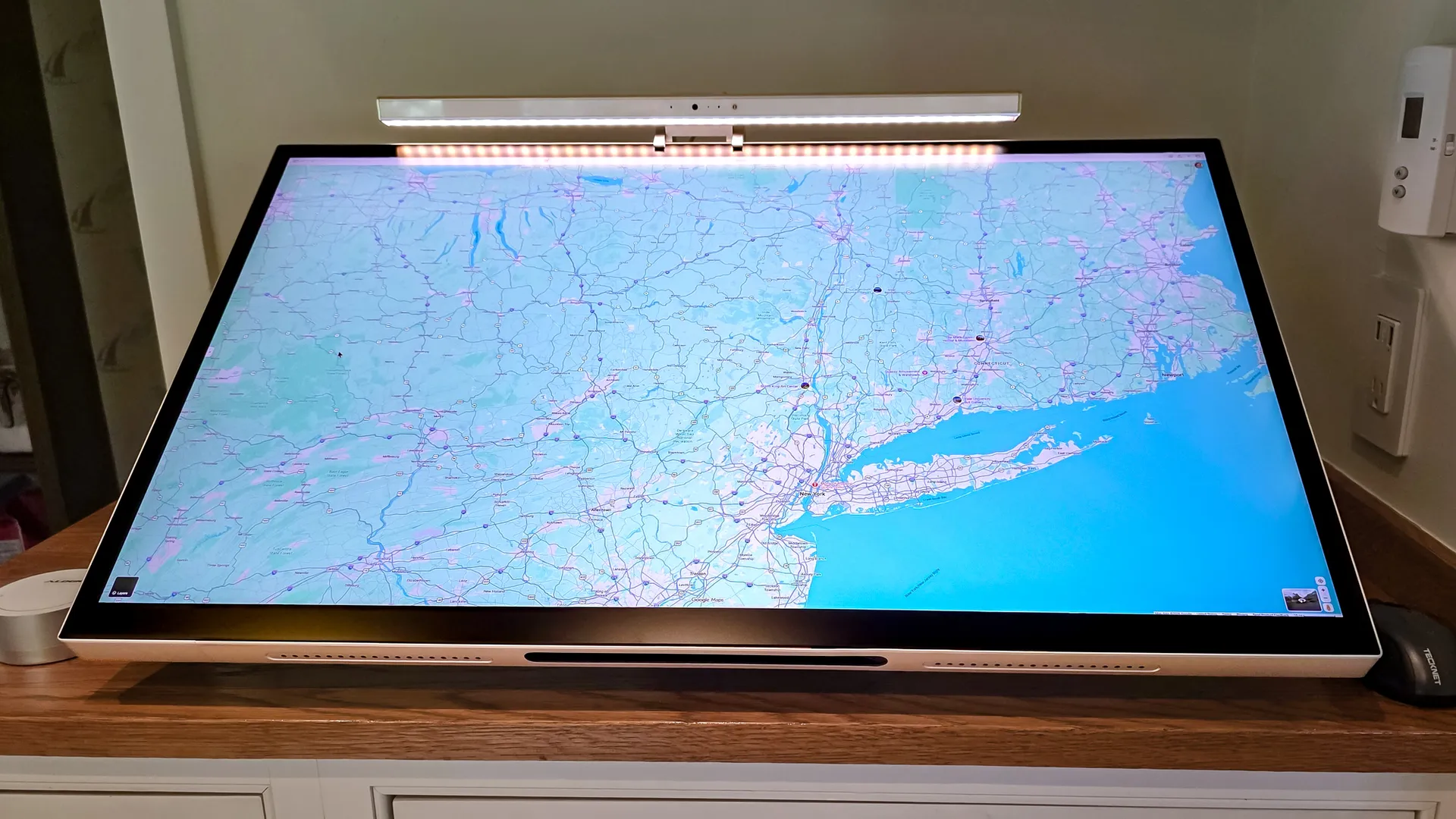
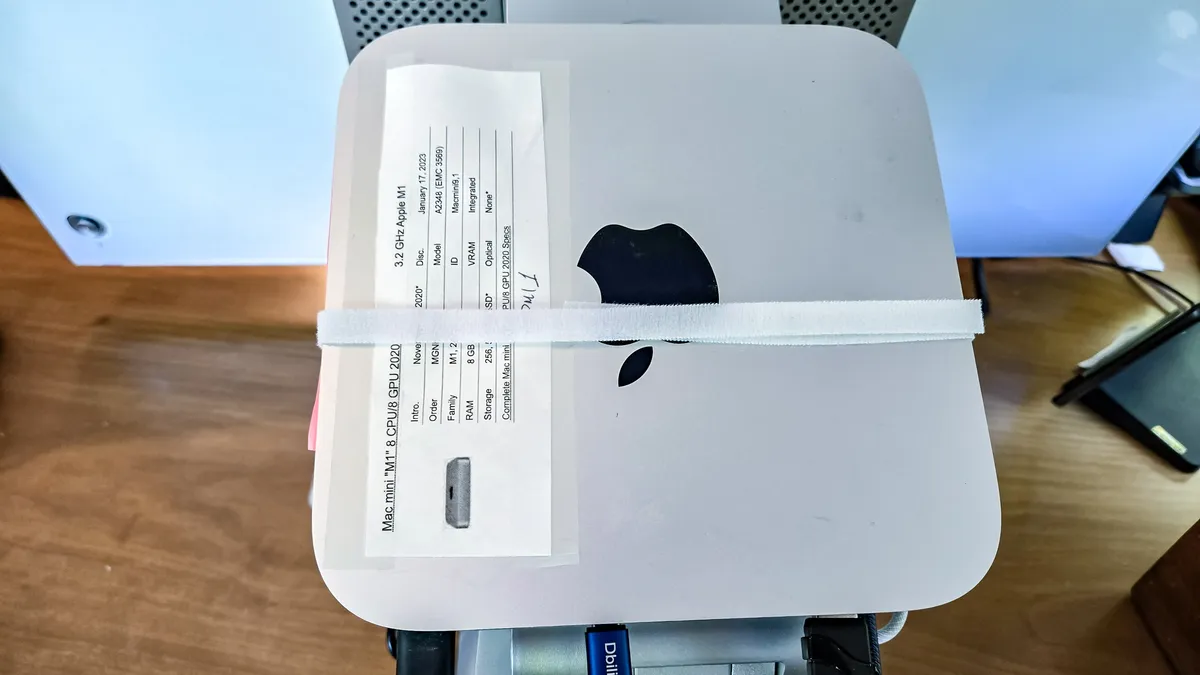
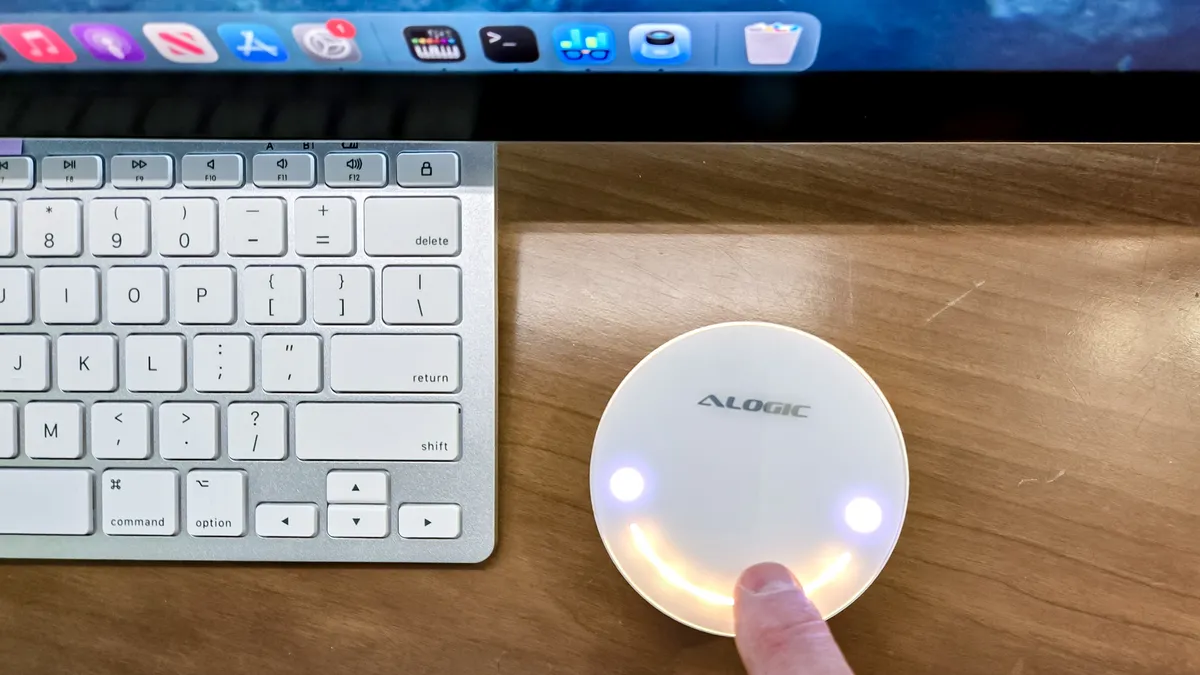
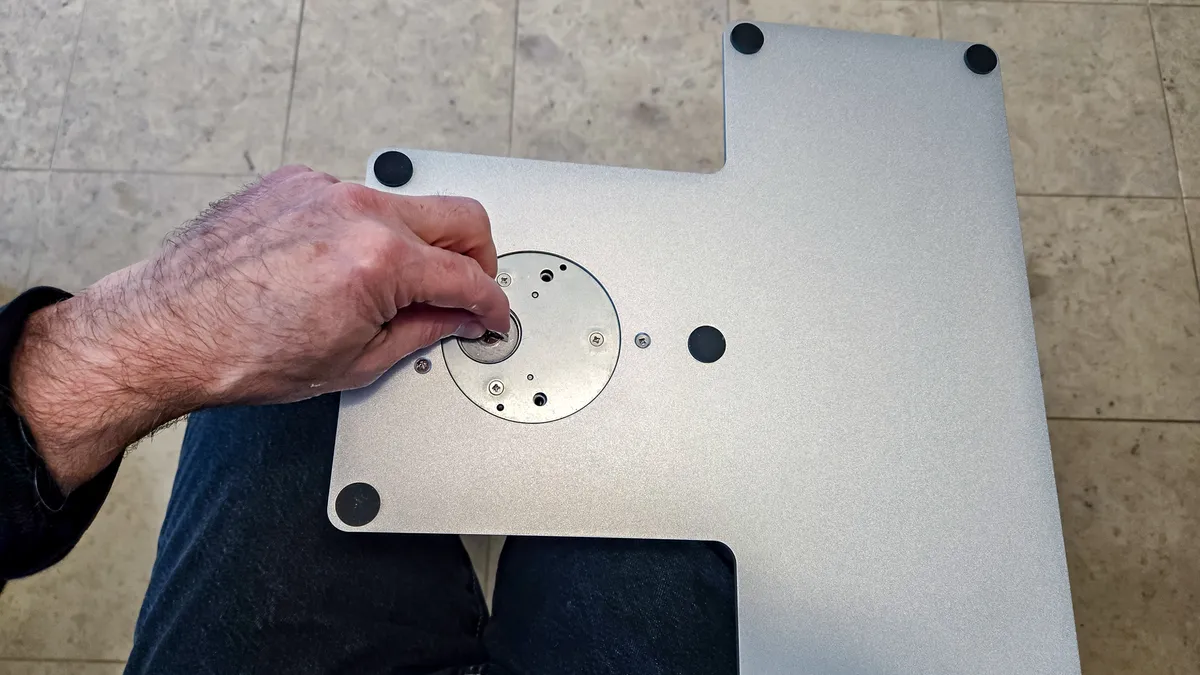
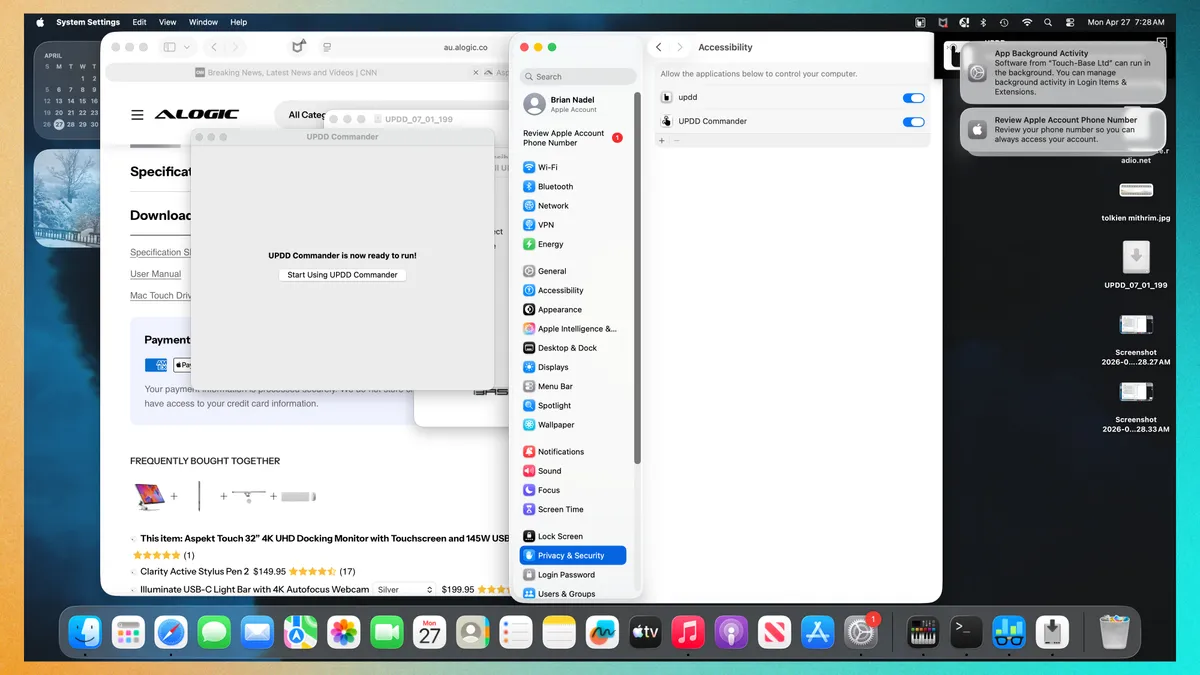
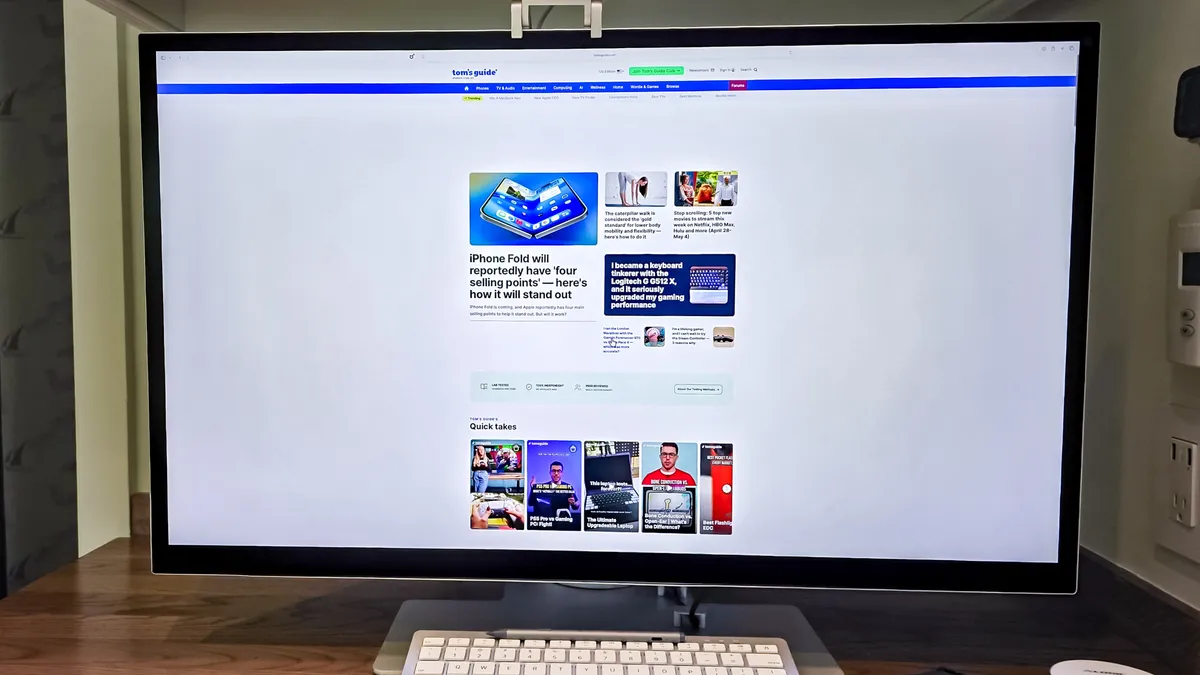
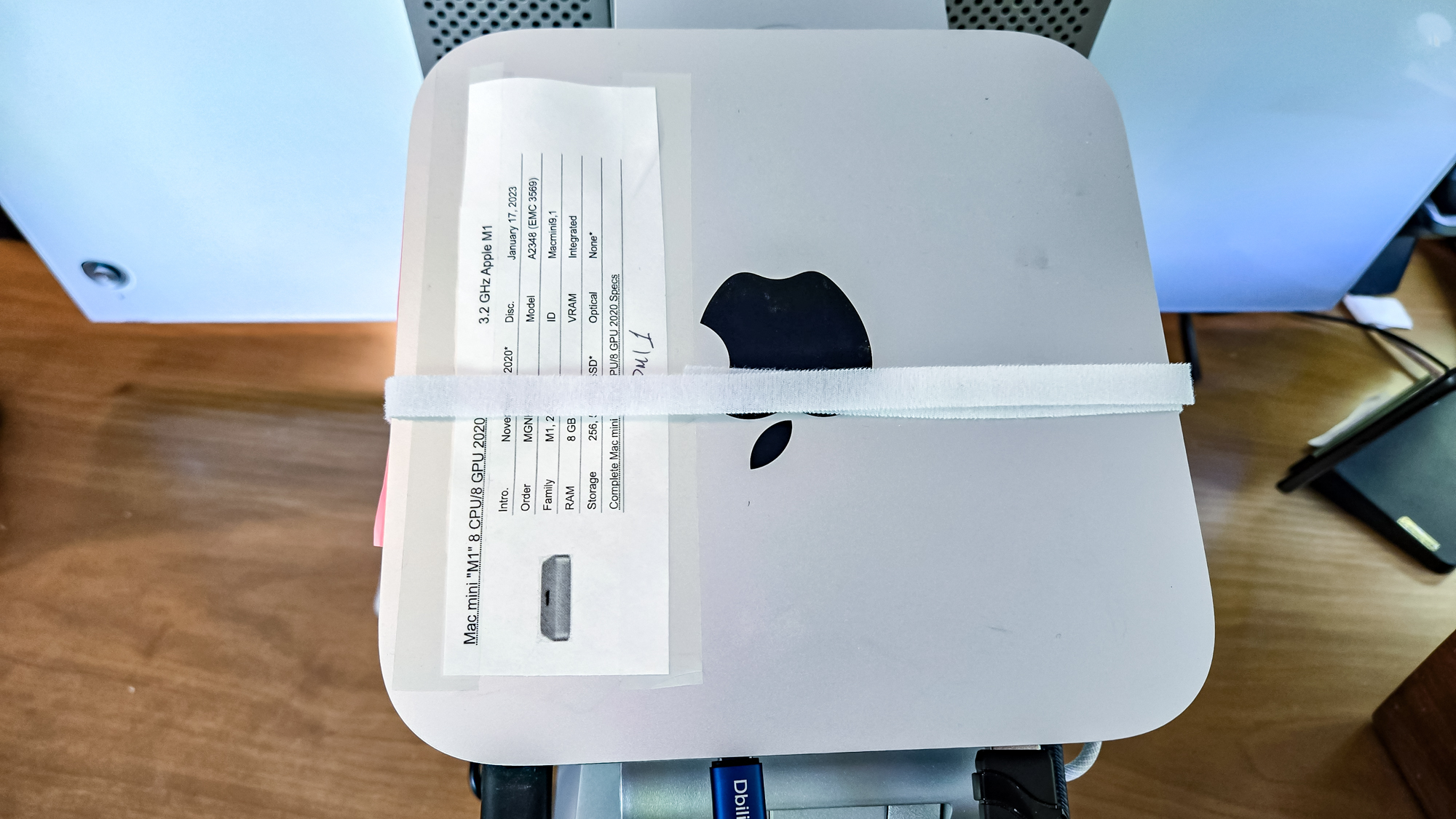
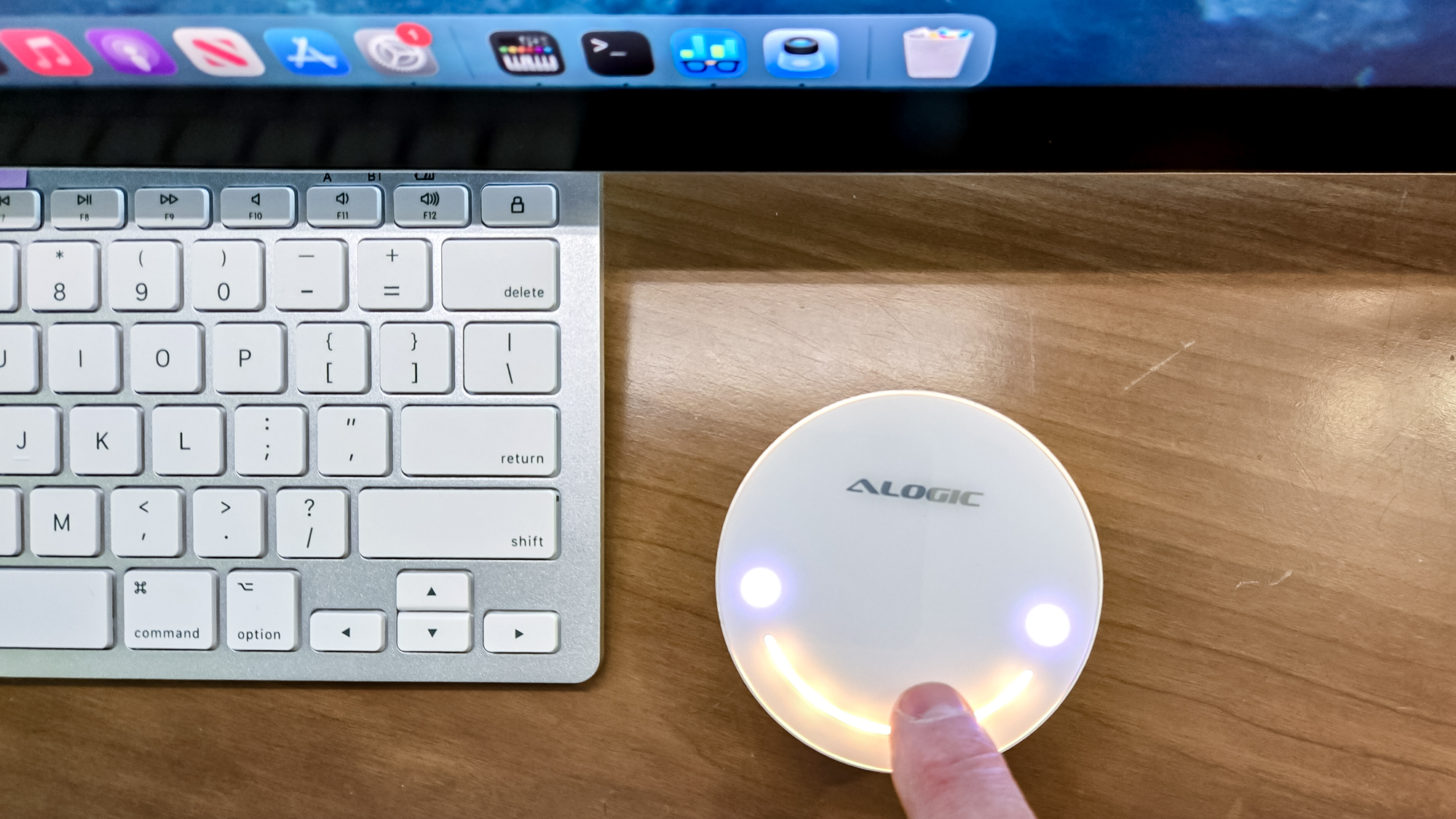
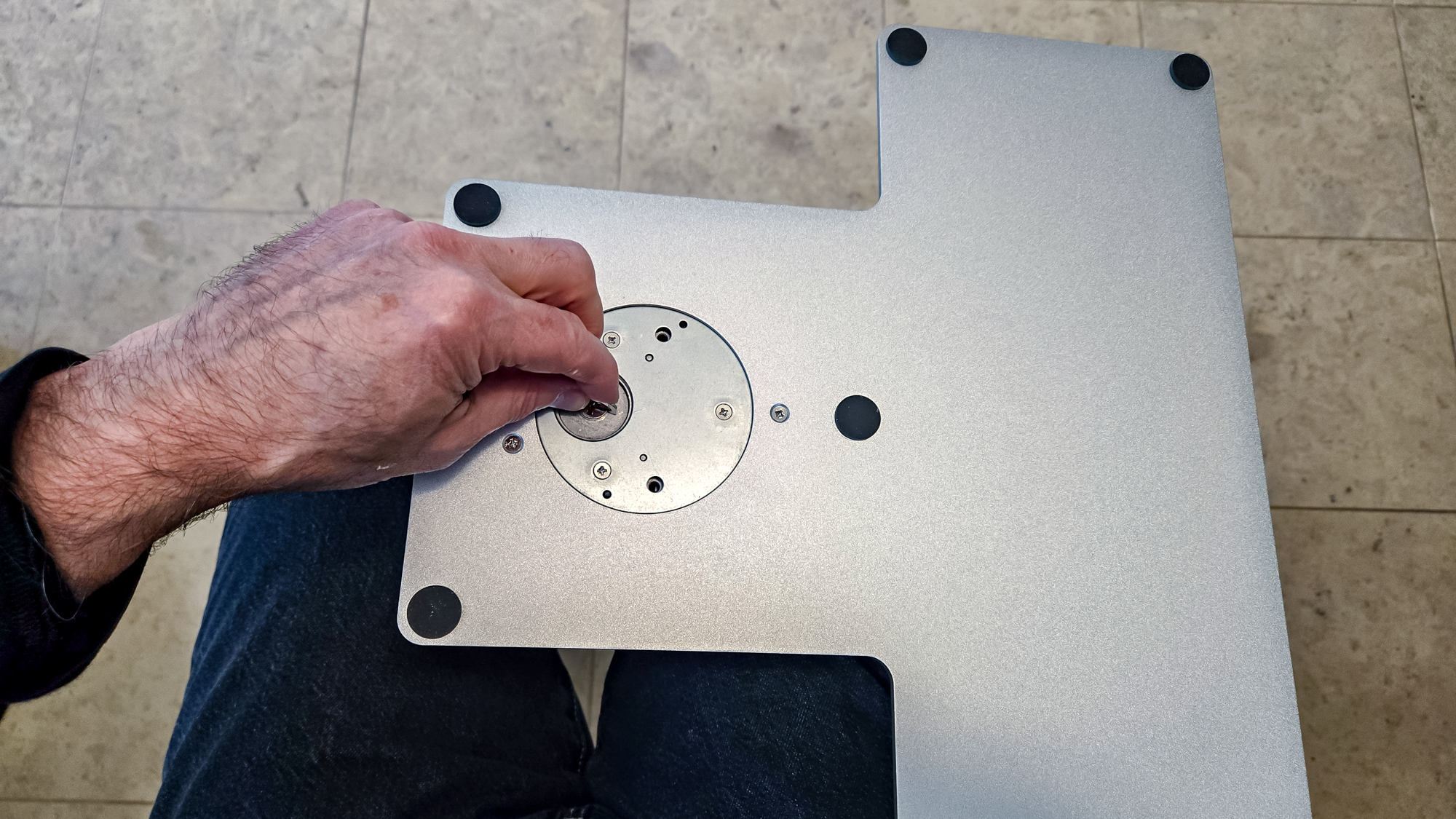
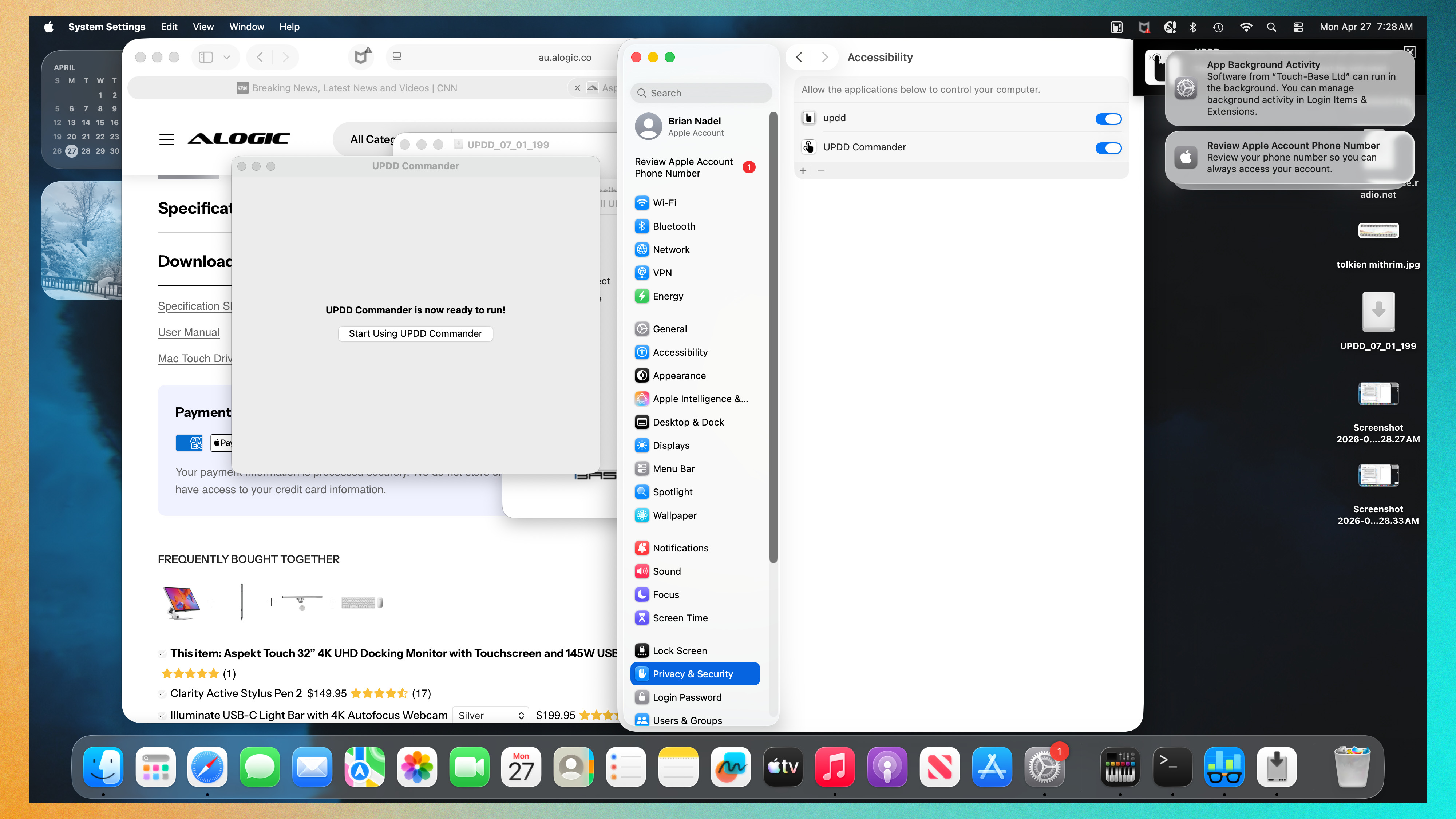
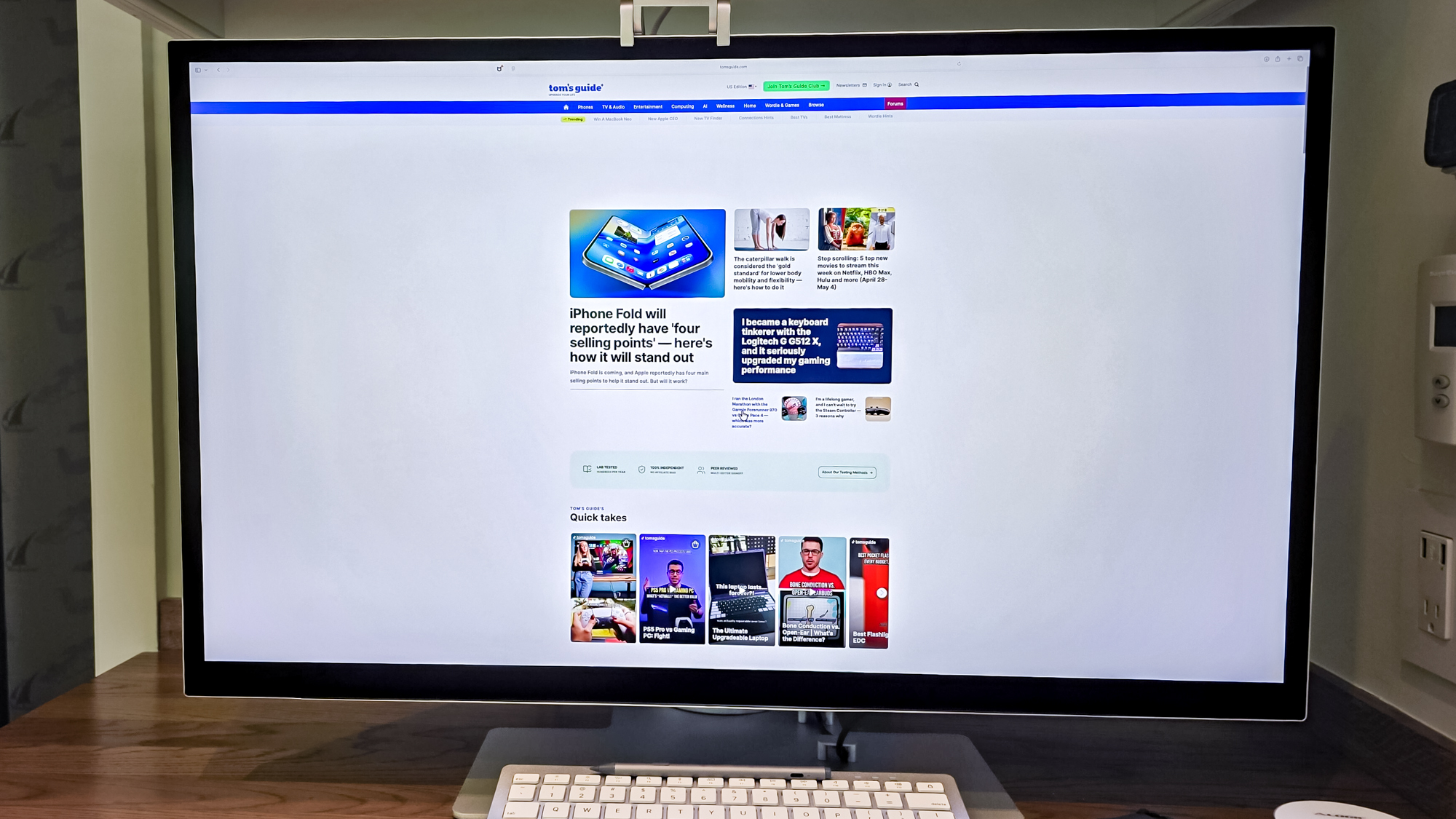
(Image credit: Tom's Guide) My Lenovo IdeaCentre all-in-one PC has been the center of attention in my kitchen for nearly a decade with a vivid 27-inch touch screen, Nvidia graphics and – thanks to a recent Wi-Fi upgrade – great download speeds. Unfortunately, it gave up the ghost last month, leaving me to squint at my phone to check social media action, browse headlines and empty my inbox. In need of a fast replacement, I wanted an iMac . Two things stopped me though: the iMac’s 24-inch display is too small for my eyes, and there’s no touch-screen available. Over the years, touch scrolling and tapping have become second nature for me, particularly while shopping online where my fingers do the buying. Apple limits finger friendly navigation to the iPad Pro , which at 13-inches would feel even more visually restrictive. With Apple ignoring my two must-haves, I decided to make my own Mac-based touch-screen computer. I call it Brian’s Touch Mac or BTM.…