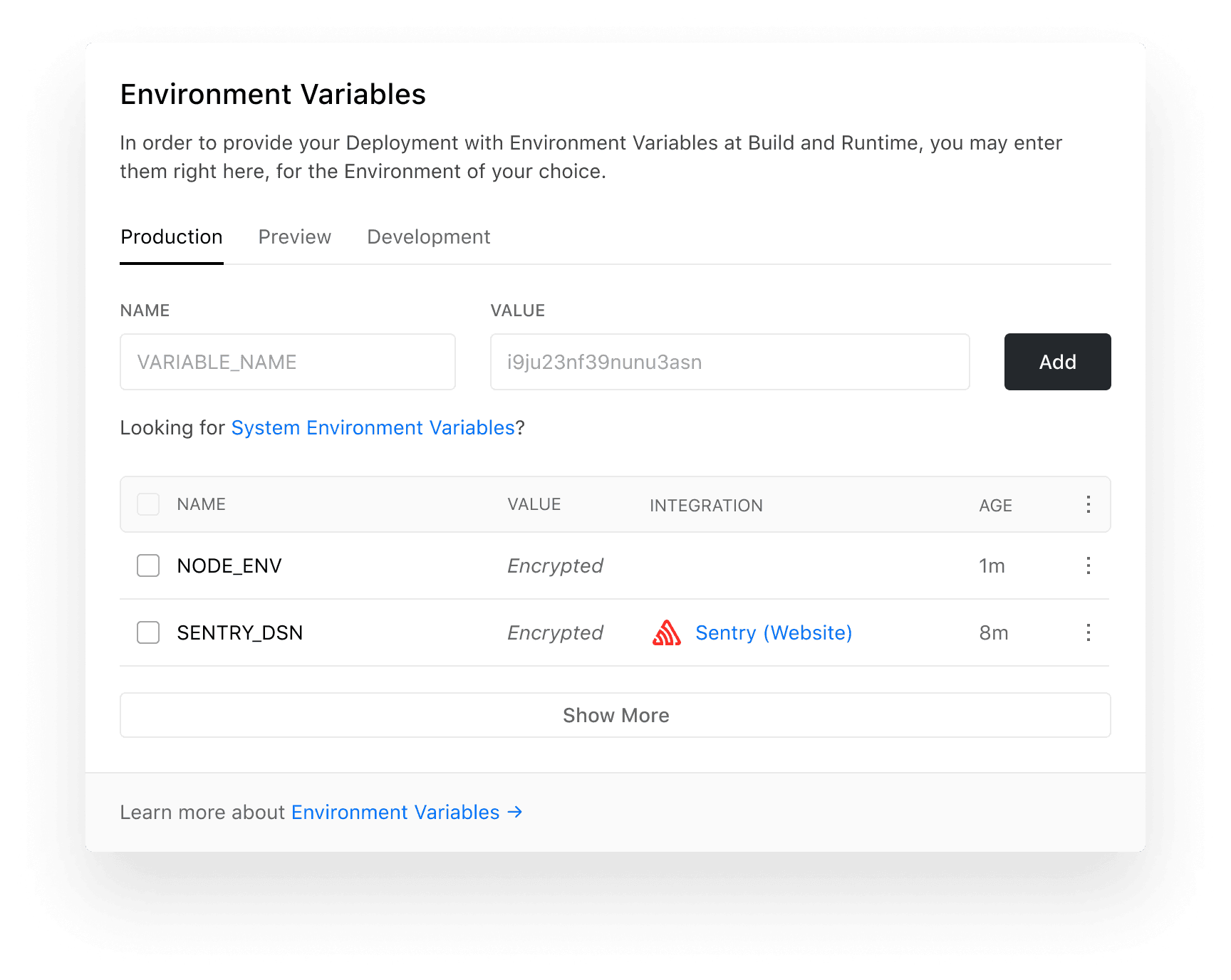
Customize Environment Variables for projects in your Dashboard If you are working on a sophisticated project, you might have found yourself wanting to configure different Environment Variables depending on the Environment your project is deployed to. With today's release, we're making it possible to configure different Environment Variables for Production , Preview , and Development – right in the Dashboard. Link to heading New project setting To configure an Environment Variable for your project, simply navigate to your Project Settings and look for the newly added Environment Variables section: The new "Environment Variables" field in the Project Settings. Within this section, you can assign an Environment Variable to the Production, Preview, or Development Environment, depending on where you want it to be available.…