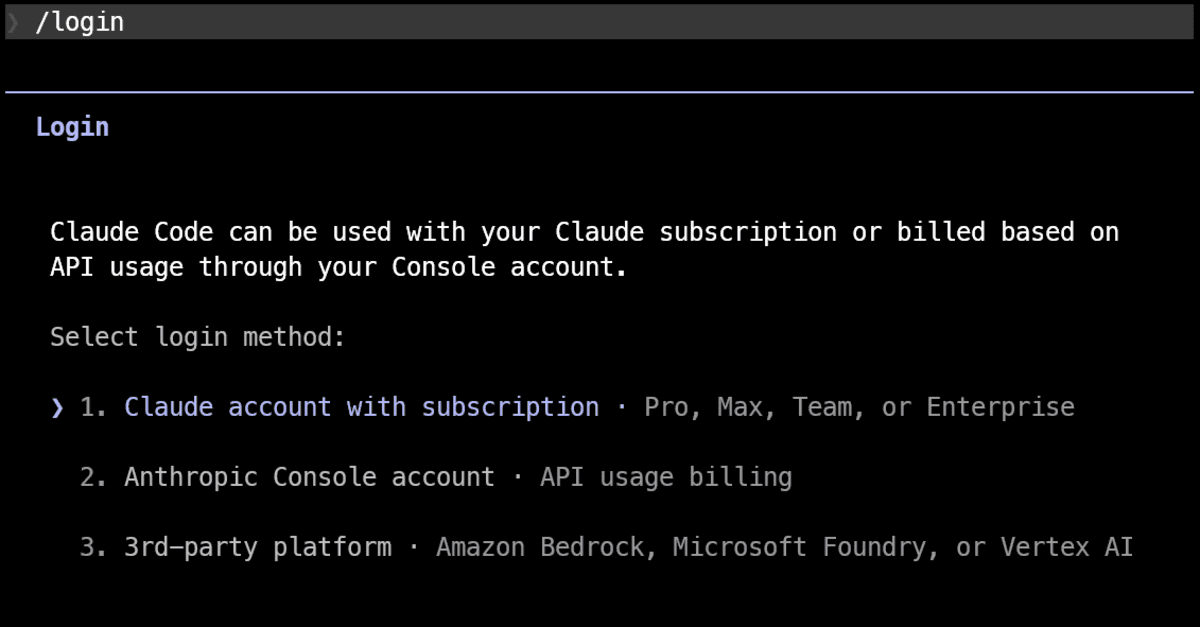
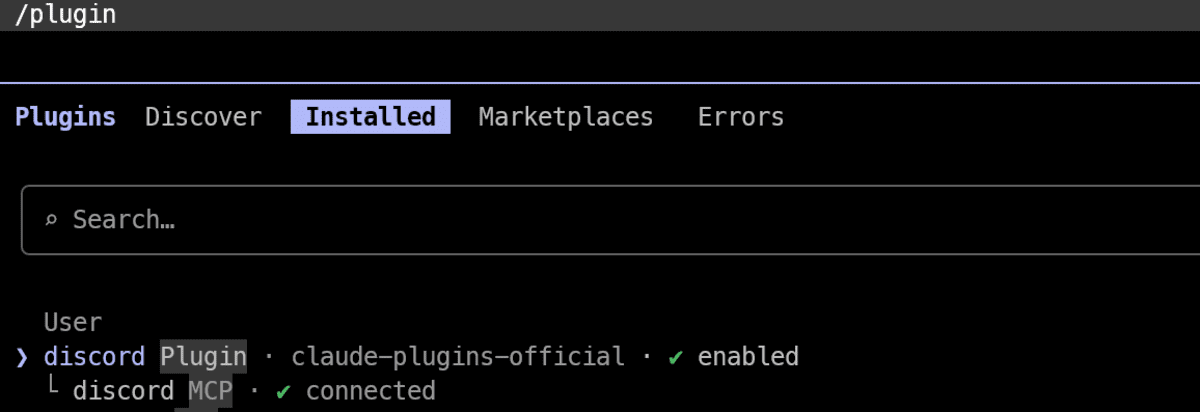
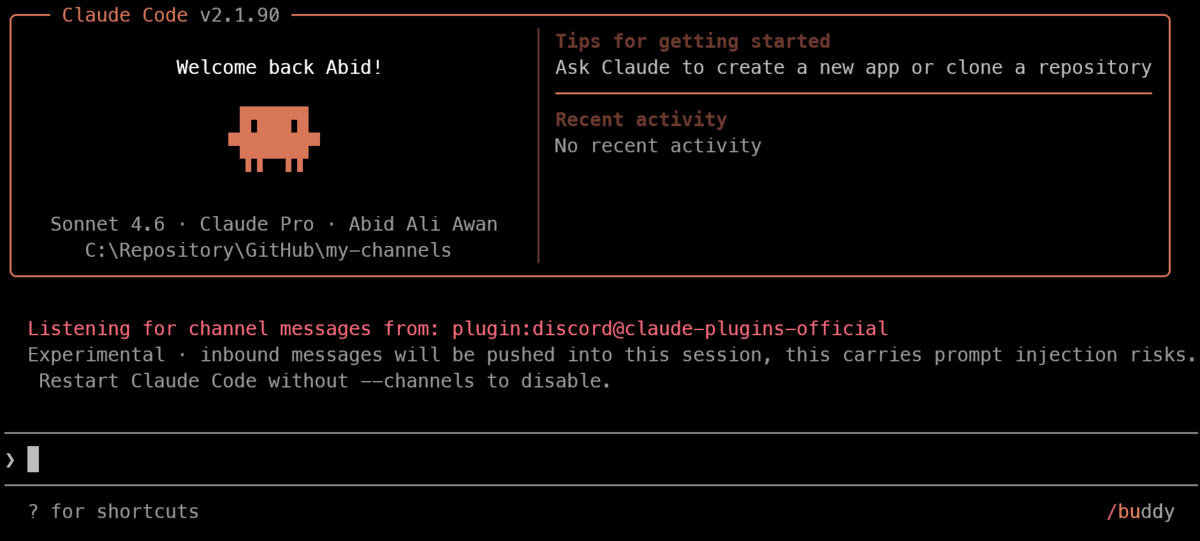
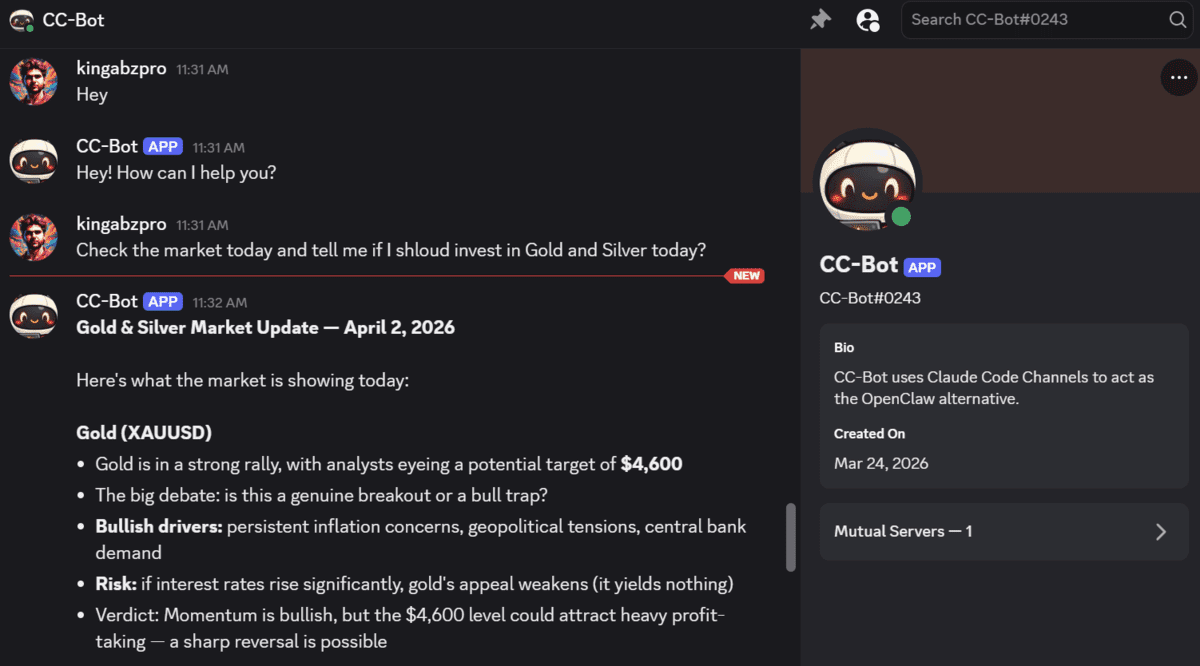
# Introduction Claude Code Channels is quickly becoming a practical alternative to OpenClaw for people who want to connect Claude to chat platforms without setting up a heavier agent framework. It is simpler to get running, works with a Claude subscription out of the box, and gives you a straightforward way to interact with a local Claude Code session through Discord. In this article, you will learn how to set up Claude Code Channels locally and connect it to your Discord server. The key thing to understand from the start is that this setup depends on a live local Claude Code session. The bot only works while that session is actively running on your machine. # What You Need Before You Start Before setting everything up, make sure you have: Claude Code installed A Claude.ai account with a Pro or Max subscription A Discord account and the desktop application You should also know that Channels requires a Claude.ai login and does not work with API-key-only authentication.…