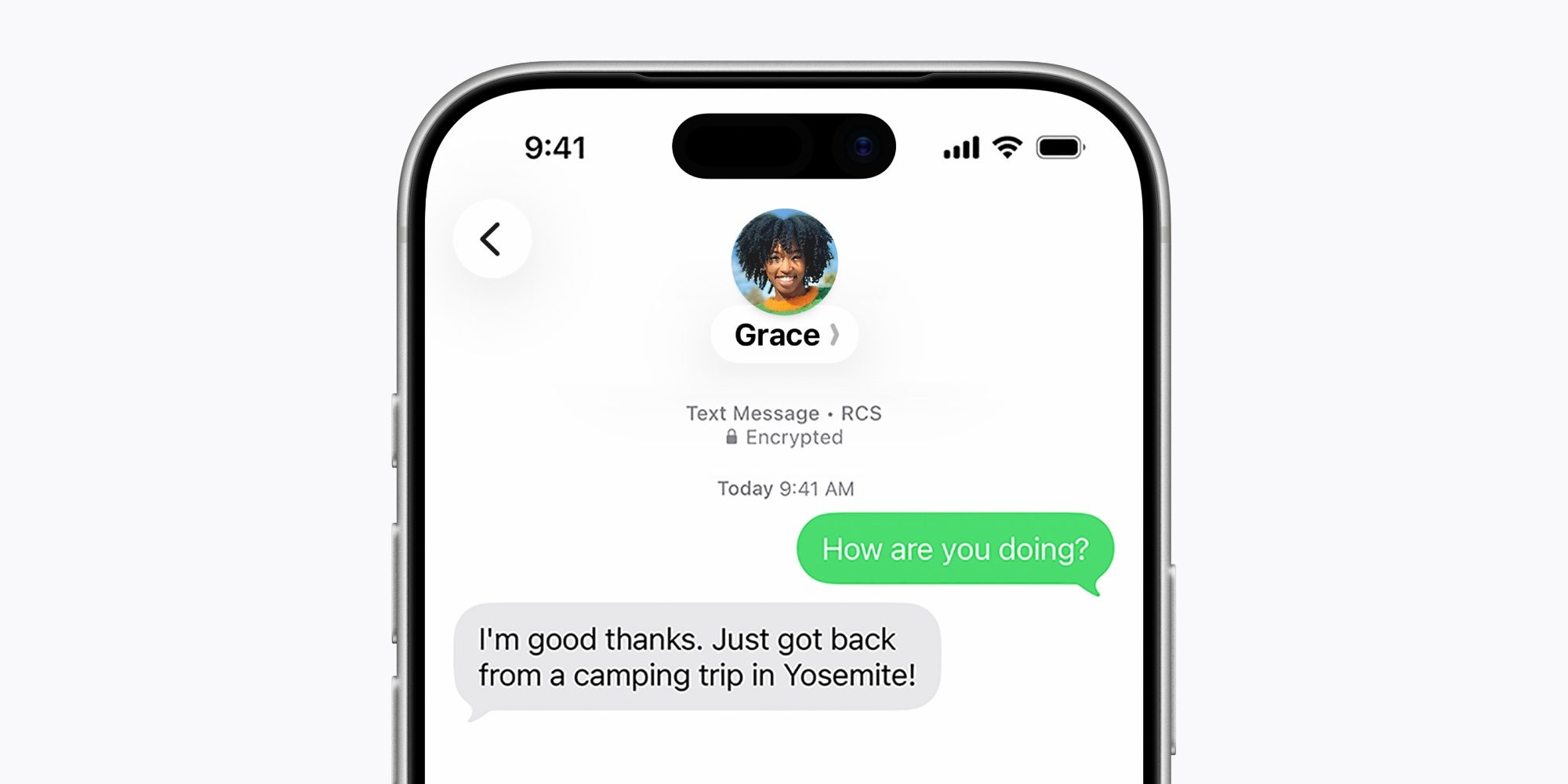
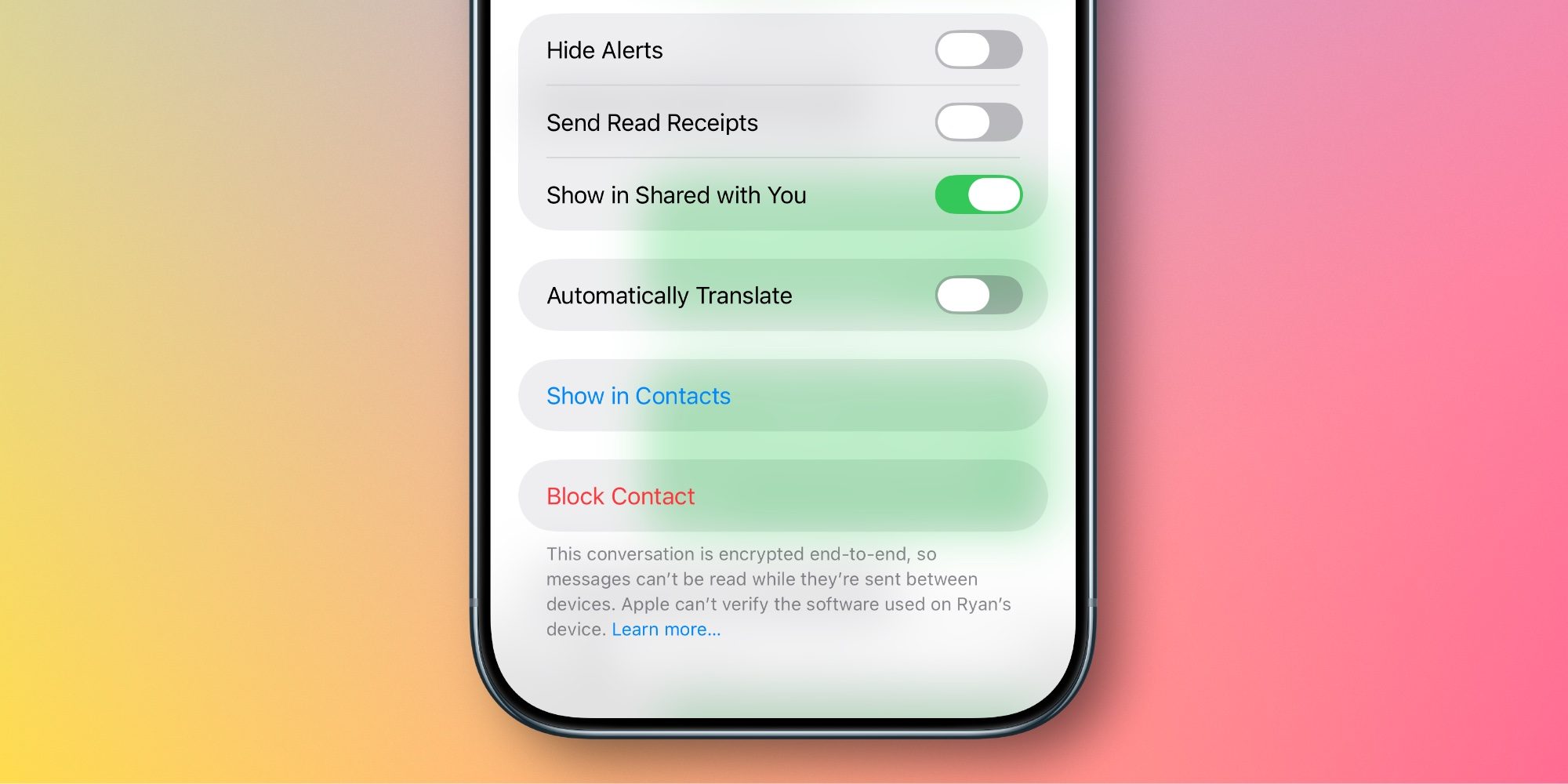
iOS 26.5 launched earlier this month , with one of the major new features the addition of RCS end-to-end encryption in the Messages app . Here’s how to check it’s enabled on your iPhone and active in a given conversation. iOS 26.5 adds end-to-end encrypted RCS messaging One of the many benefits of using iMessage is that you know your conversations are always end-to-end encrypted. That level of security has never previously extended to green bubble conversations. But in iOS 26.5, now it can. iOS 26.5 upgraded the Messages app with support for RCS end-to-end encryption. You can find supported carriers via the link below. iOS 26.5: These carriers offer RCS end-to-end encrypted messaging RCS end-to-end encryption is currently available in beta, and it’s on by default in iOS 26.5. To confirm it’s enabled on your iPhone, go to Settings ⇾ Apps ⇾ Messages ⇾ RCS Messaging and ensure the ‘End-to-End Encryption’ toggle is on. But the toggle being on isn’t a guarantee that all of your RCS conversations are encrypted.…