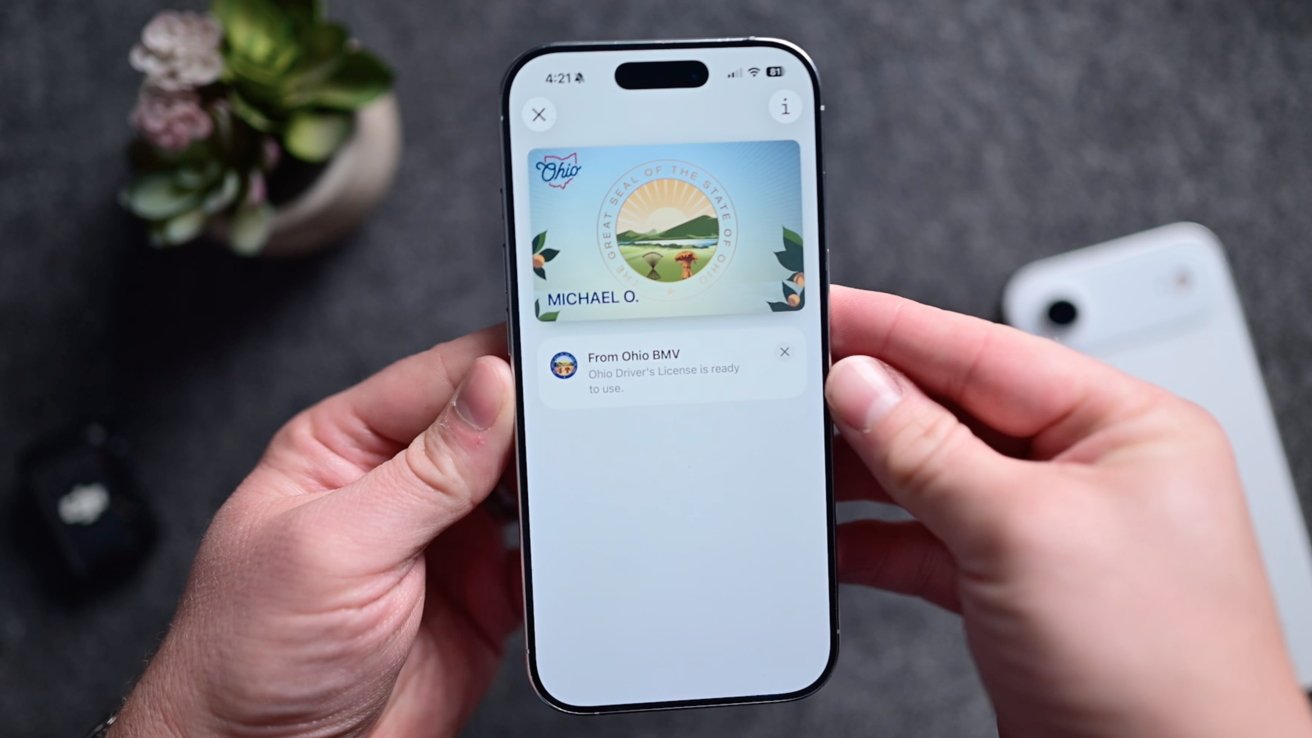
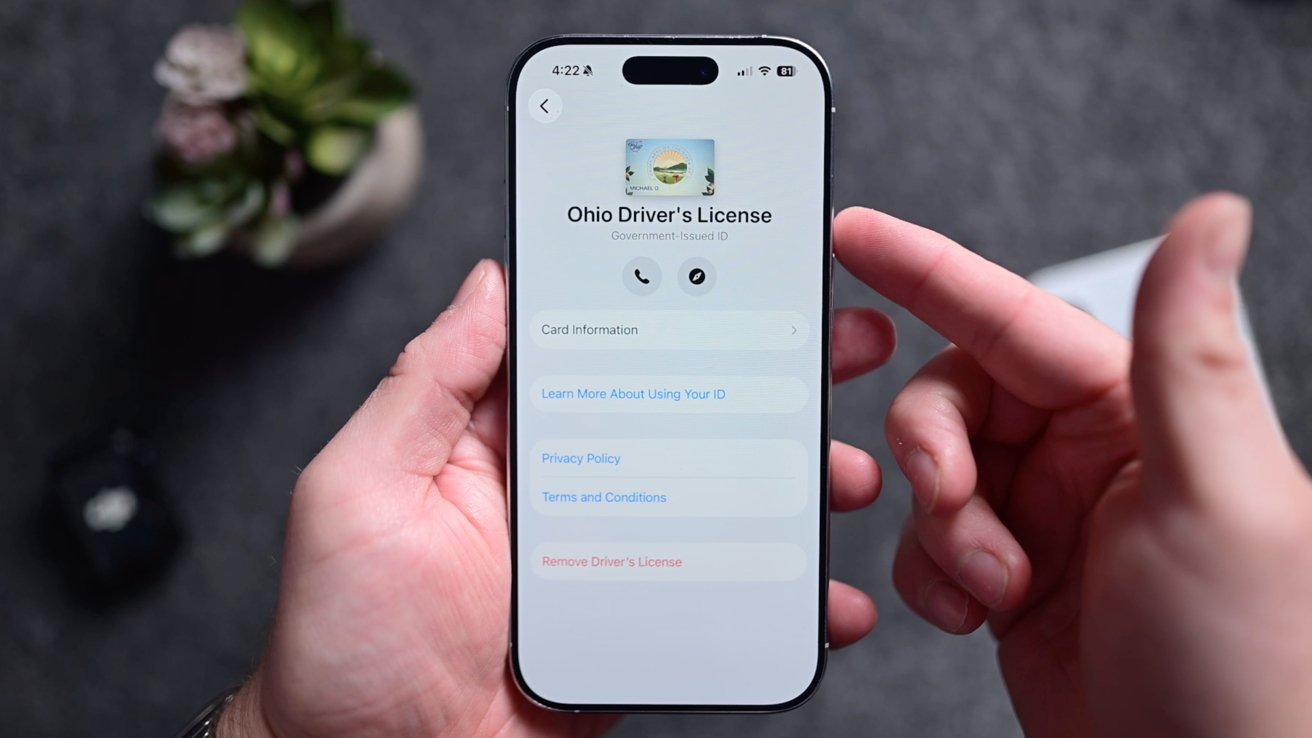
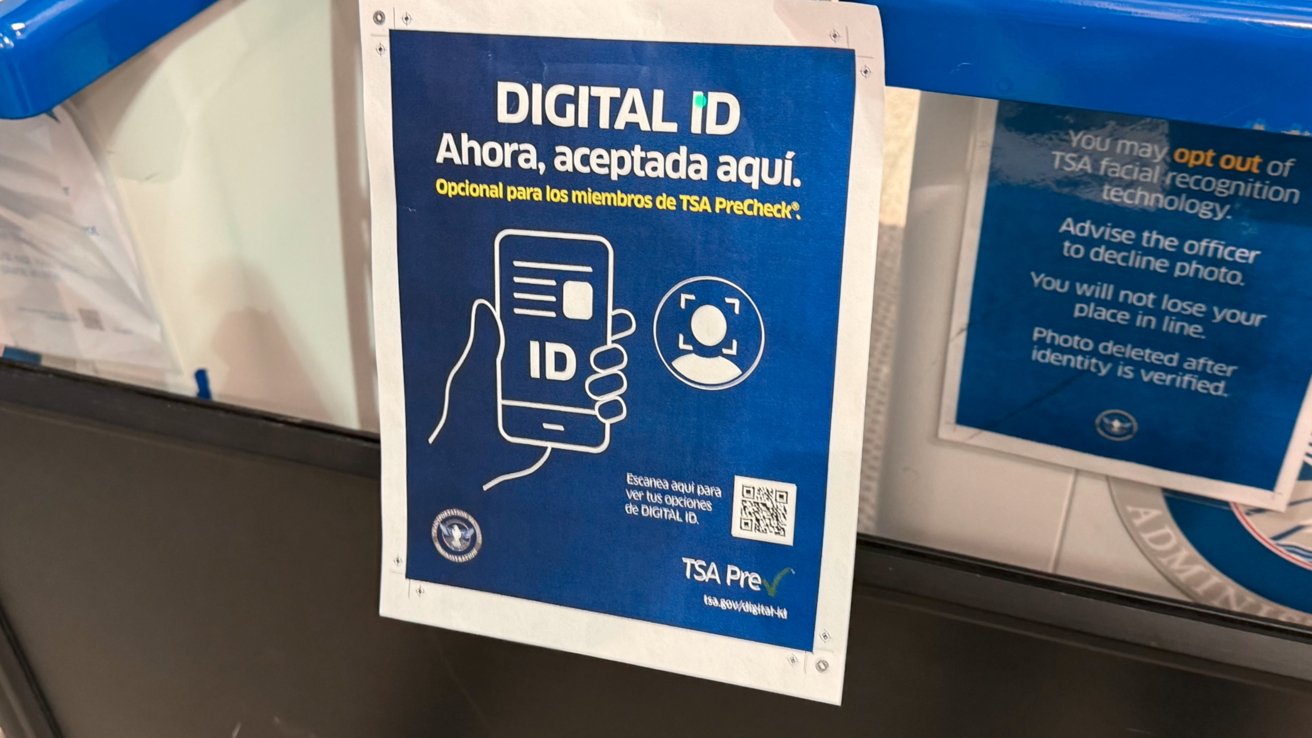
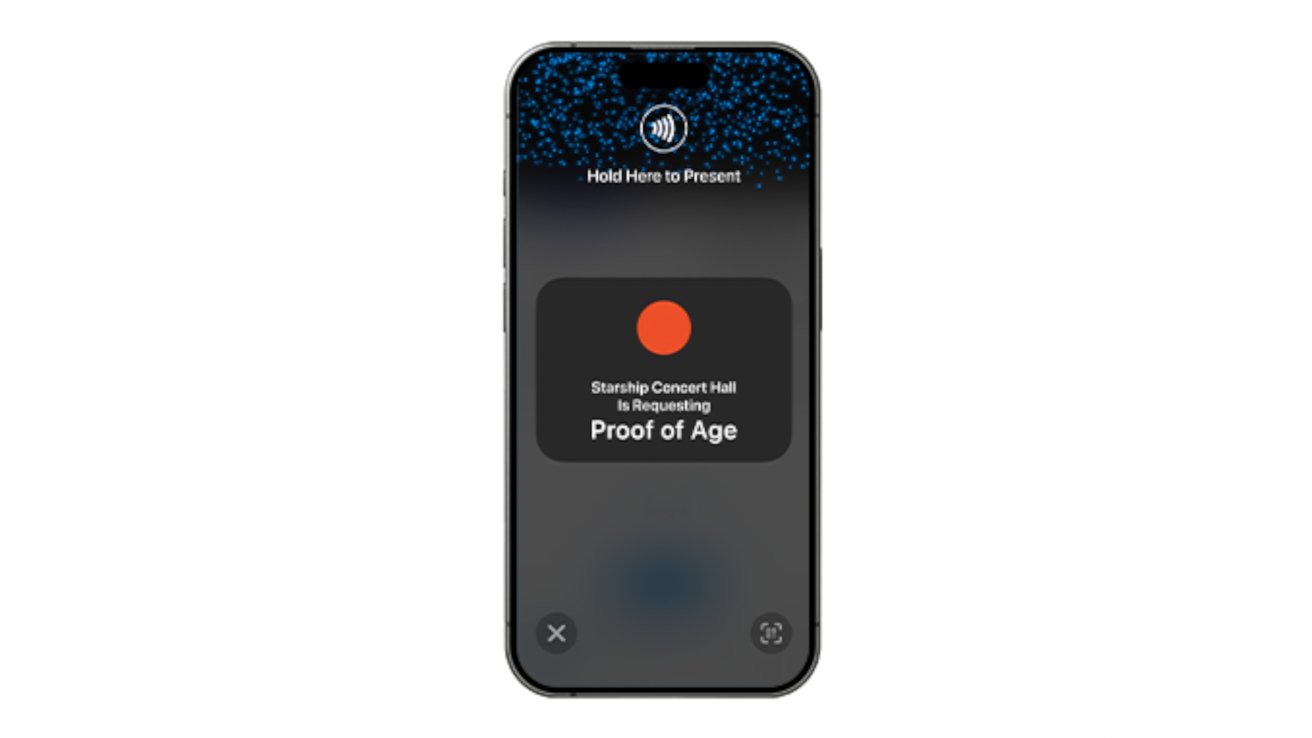
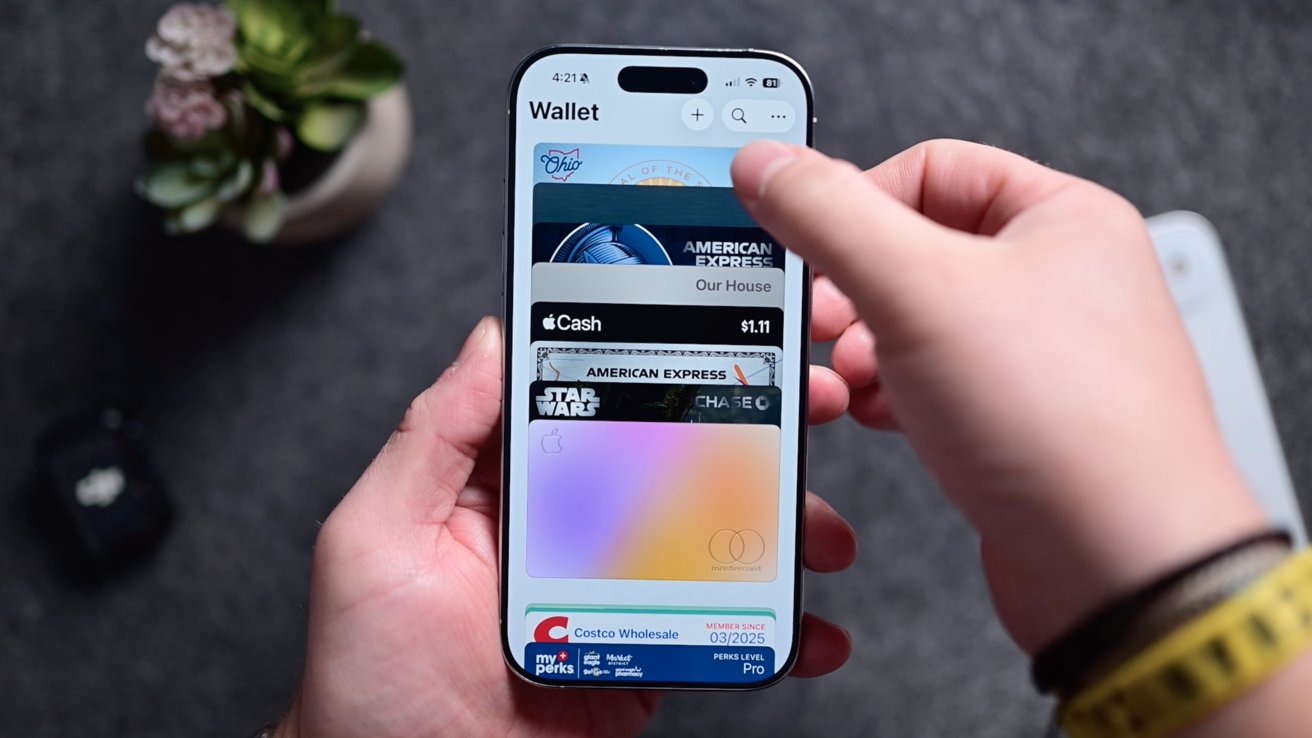
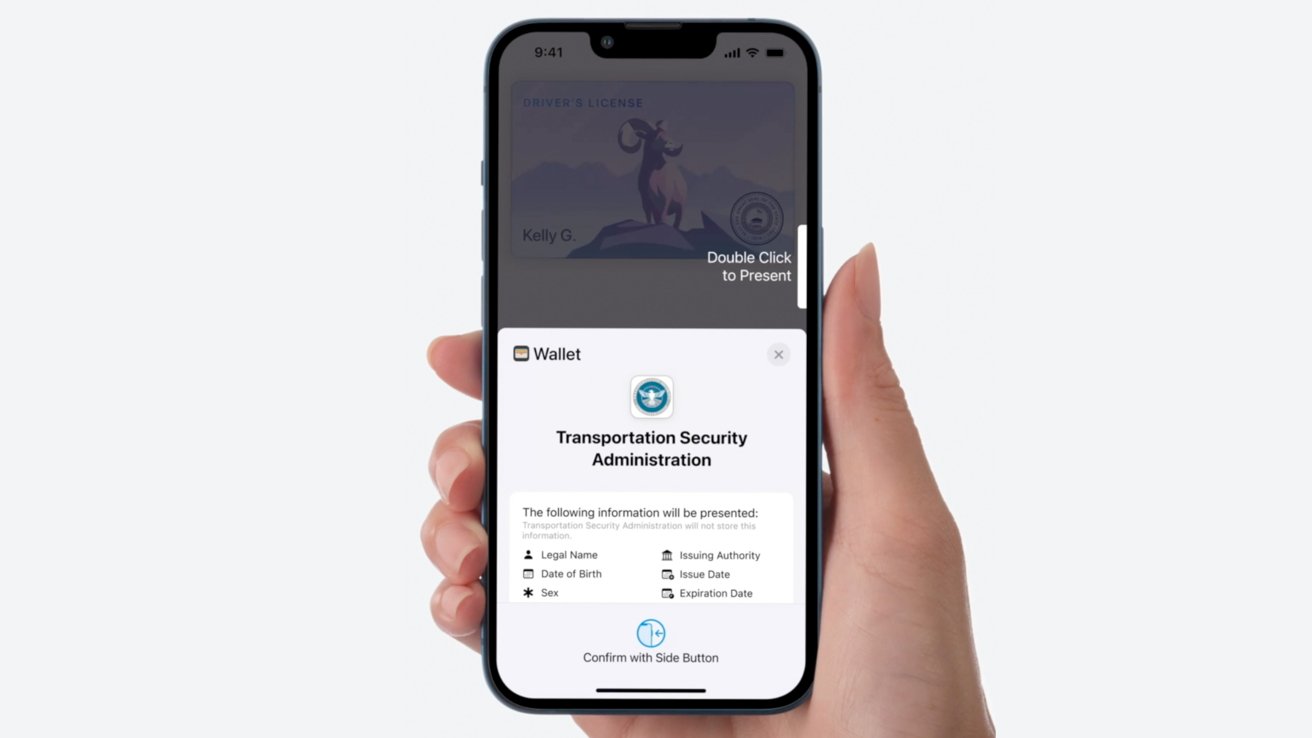
In a growing number of states, you can add your ID to Apple Wallet . Here's how to add them, how they work, where they are, what the limitations are, and what they can do. We're moving closer and closer to a world where you can ditch your physical wallet. You can already add your credit cards, debit cards, loyalty cards, tickets and boarding passes, and most recently — your driver's license to Apple Wallet. But the license rollout is not everywhere. This has increased the uncertainty on whether or not your ID can be added and if it can be, where it can be accepted. This article was last updated on May 27, 2026. How to add your ID to Apple Wallet Adding your driver's license to Apple Wallet is simple. Open the Wallet app on your iPhone Tap the + button in the top-right corner Tap Driver's License and ID Cards Walk through the verification process The verification process will include ways to ensure you are the same person who is adding the ID.…