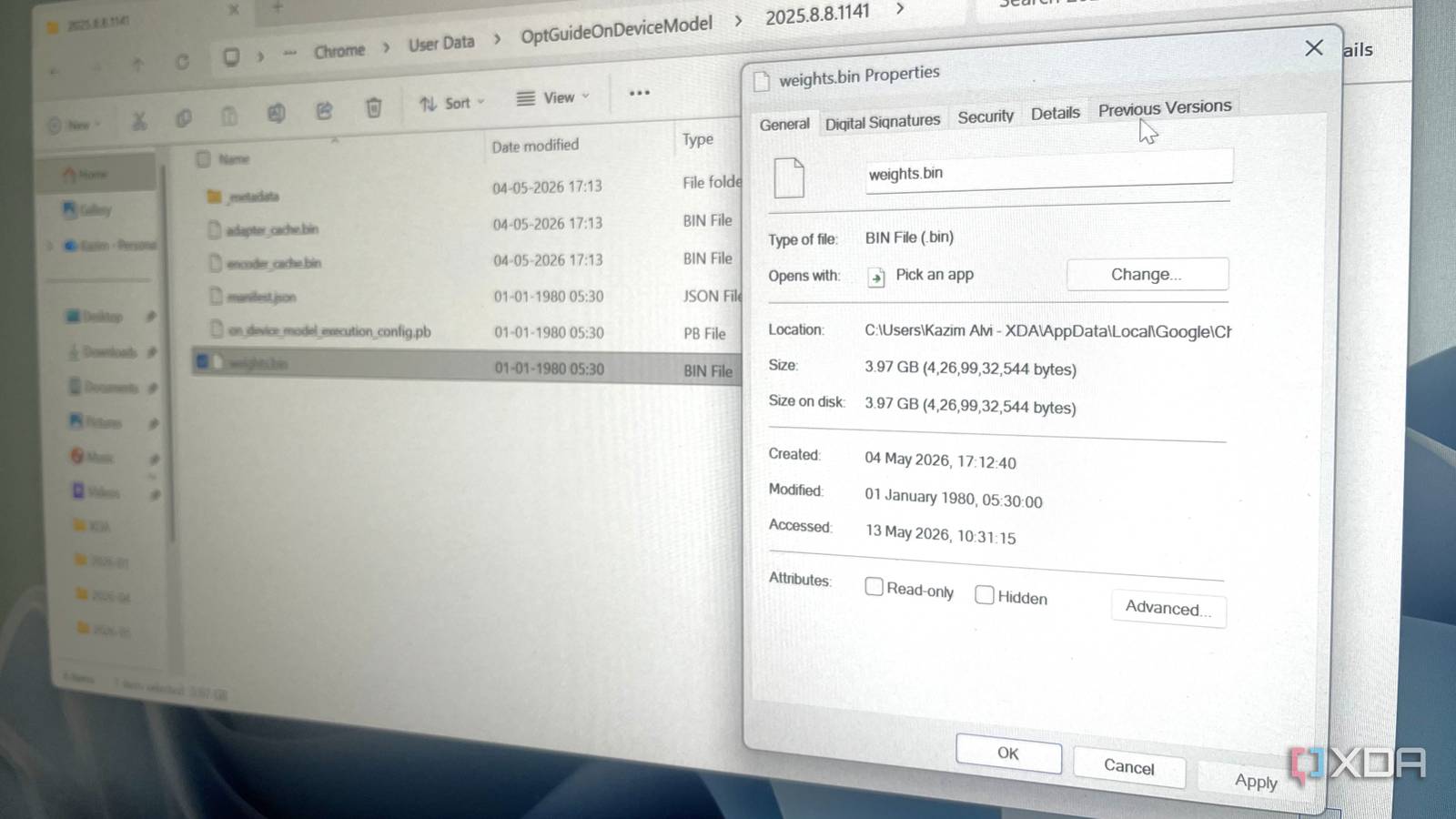
Published May 13, 2026, 6:00 PM EDT With over five years of experience in the tech industry, Kazim excels at simplifying complex topics, making them accessible to tech enthusiasts and general readers alike. He has extensively covered the Windows ecosystem, from Windows 7 to Windows 11. When he’s not writing, you’ll find Kazim planning weekend getaways or diving into tech verticals beyond his expertise. Just when you thought Google Chrome couldn't get more resource-intensive and invasive, it has quietly downloaded a massive AI-related file on systems running the browser. This includes both Windows and macOS, and the worst part, users were never asked for it, nor were they even notified. First highlighted by Alexander Hanff , aka ThePrivacyGuy , the 4GB file is eating into the storage on a large number of PCs. Given how deeply the file is buried, it's unlikely that an average user will ever find out. Besides, for a file this big, explicit user consent is a must.…