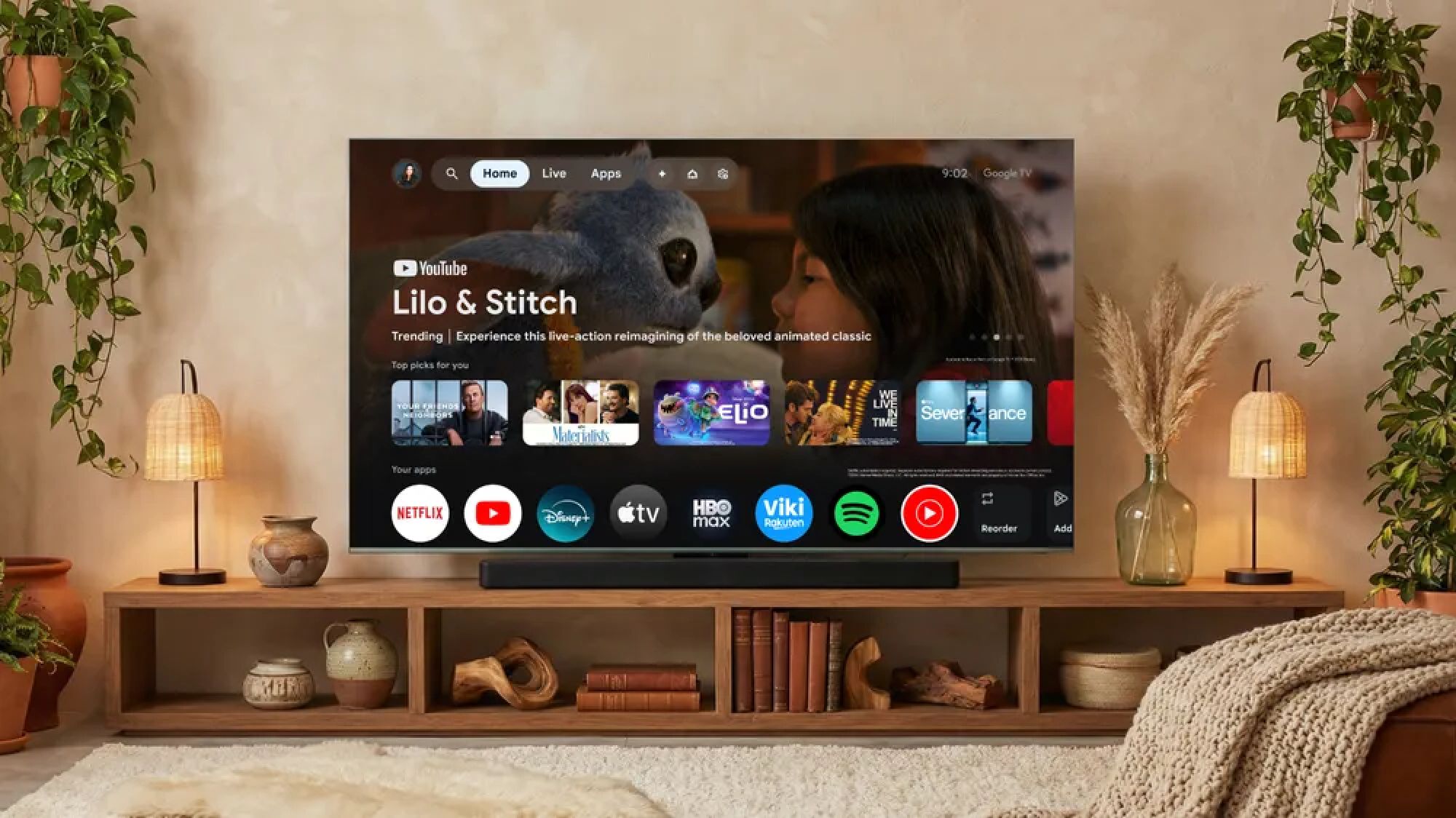
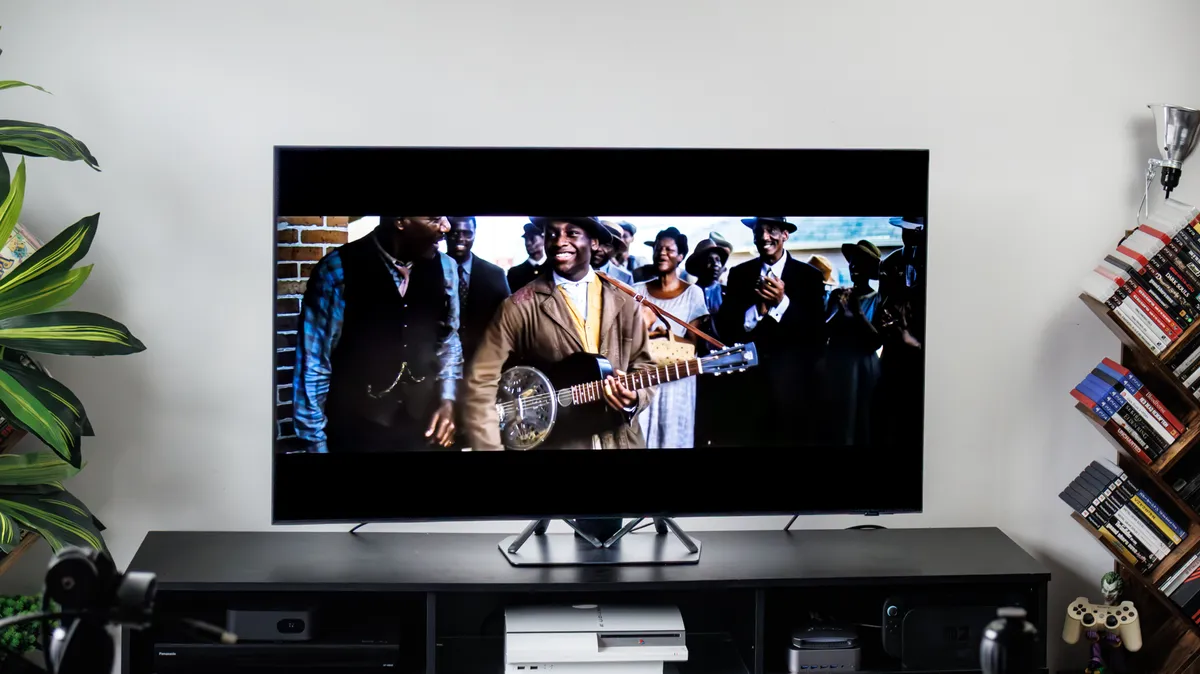
(Image credit: Google) "Can you turn it up? I can't hear what they're saying." If you've said this (or heard it) more than once this week, your TV is failing you. The culprit here is the race to go thinner. Every year screens get sleeker and flatter, and every year the speakers get more compromised — shoved into shallower cavities, firing in the wrong direction, unable to fill a room with anything but a thin, reedy imitation of sound. This isn't just budget sets, even the best OLED TVs can have issues with audio. 1. Enable dialogue enhancement mode Most TVs have a setting designed specifically to make voices cut through, it just tends to be buried where you'd never stumble across it. Look in your Audio or Sound settings for anything called Speech Boost, Clear Voice, Dialogue Enhancement, or Speech Clarity . If you find a toggle, switch it on and test it with a show that's heavy on dialogue. Some TVs separate this into a dedicated "Speech Mode" or "Clear Voice" sound profile instead of a toggle.…