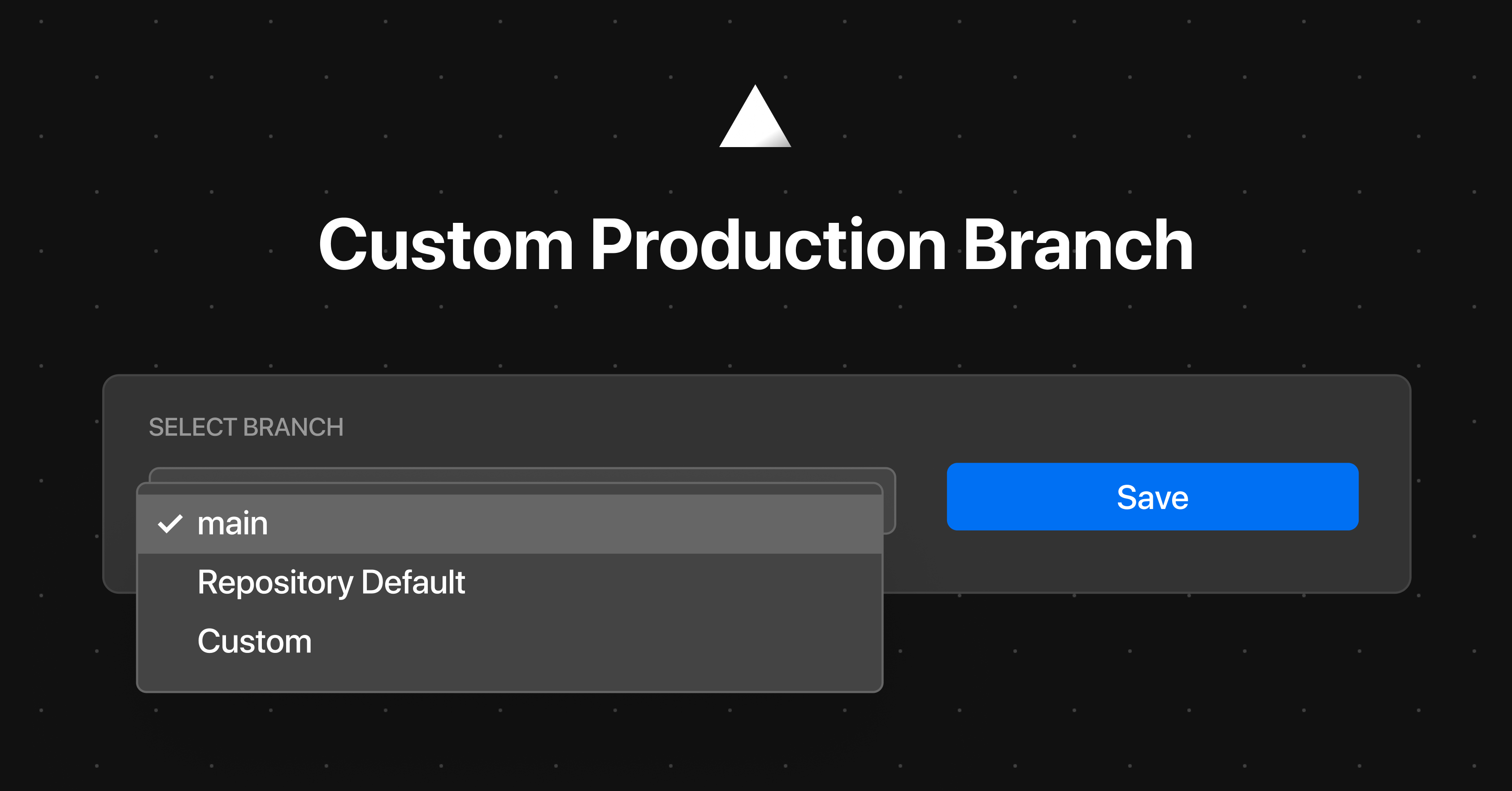
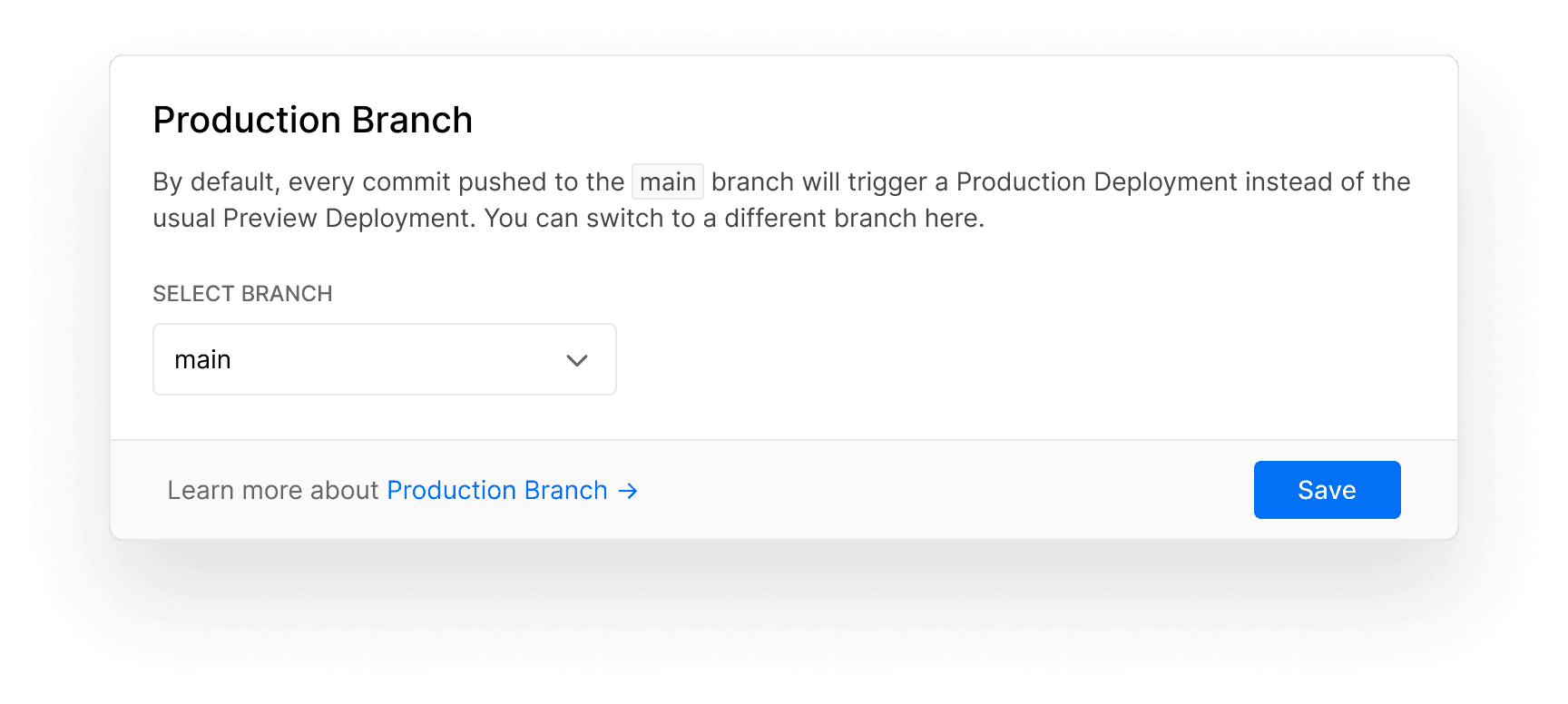
Up until now, after creating a new Project from a Git repository or one of our examples, all commits to its default branch were being deployed to Production. Today we are introducing a new default for newly created Projects, as well as an easy way to customize it from your Project Settings. Link to heading New production branch for new projects Instead of the Git repository's default branch , new Projects will now issue Production Deployments for the main branch. If it doesn't exist, the master branch will be used ( more details ). And if that doesn't exist either, the Git repository's default branch will be used. Existing Projects are unaffected by this change. Link to heading New project setting On the new Production Branch section under Git Integration in the Project Settings, you can now also select one of the following options: The main branch. The Git repository's default branch . Any other custom branch of your choice. The default Production Branch configuration in the Project Settings.…