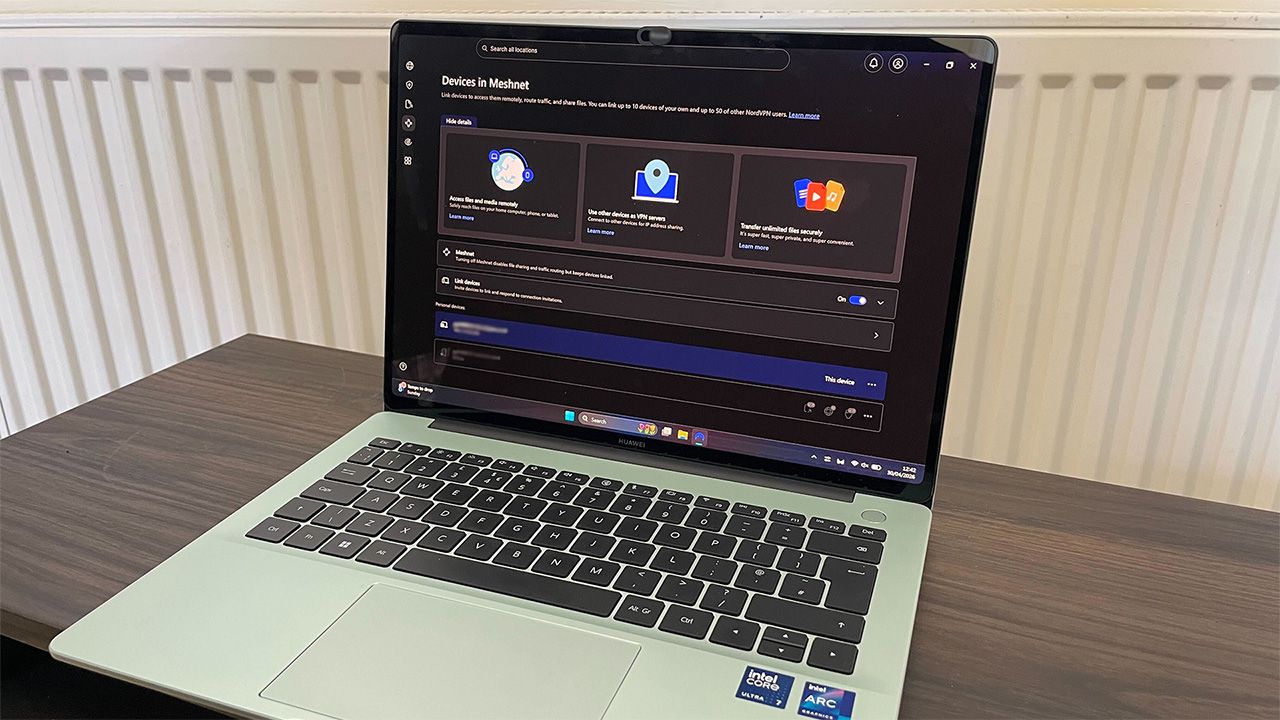
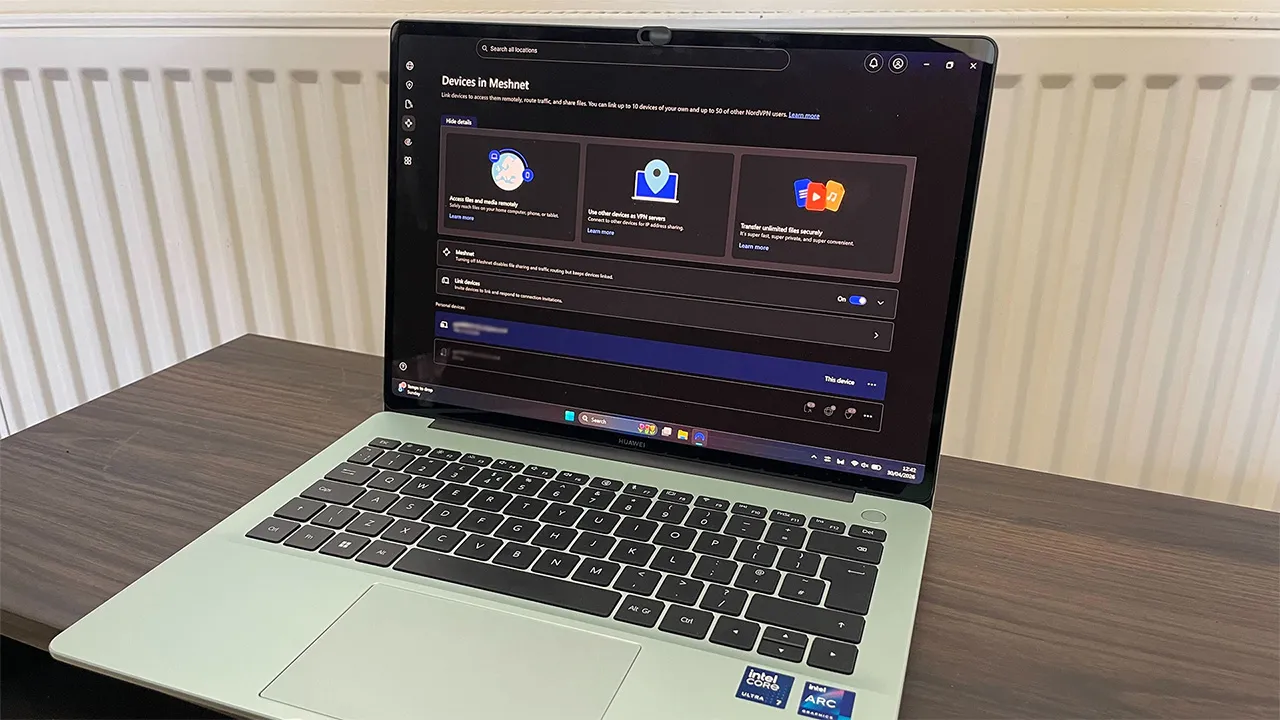
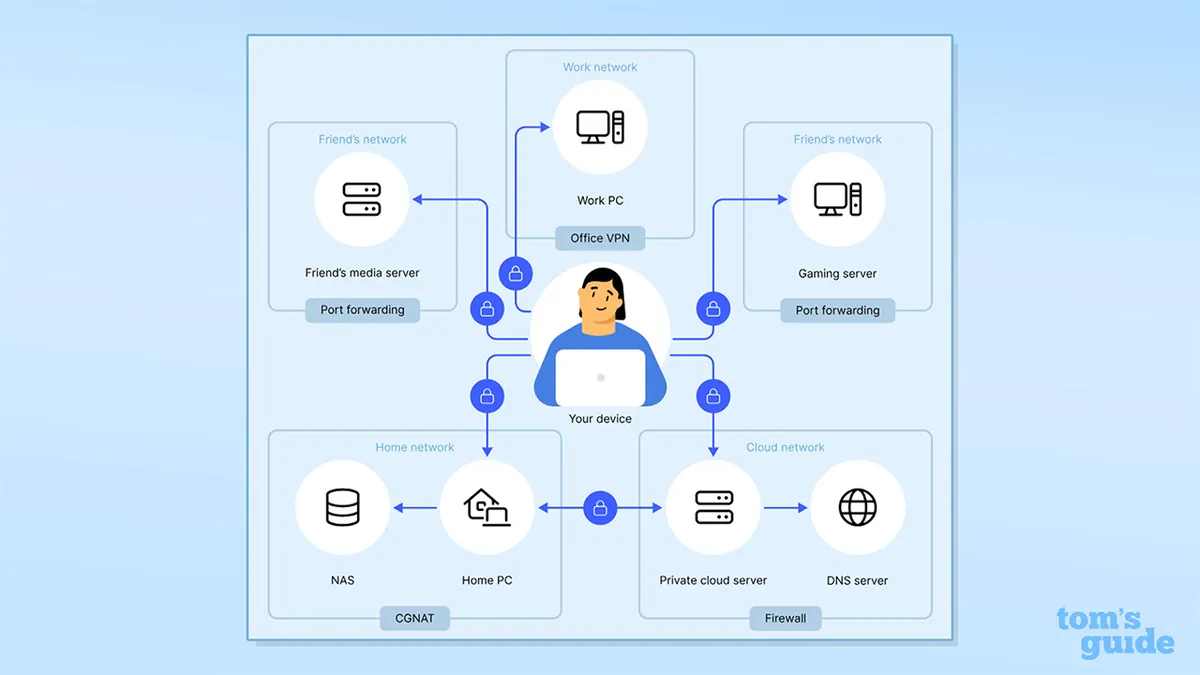
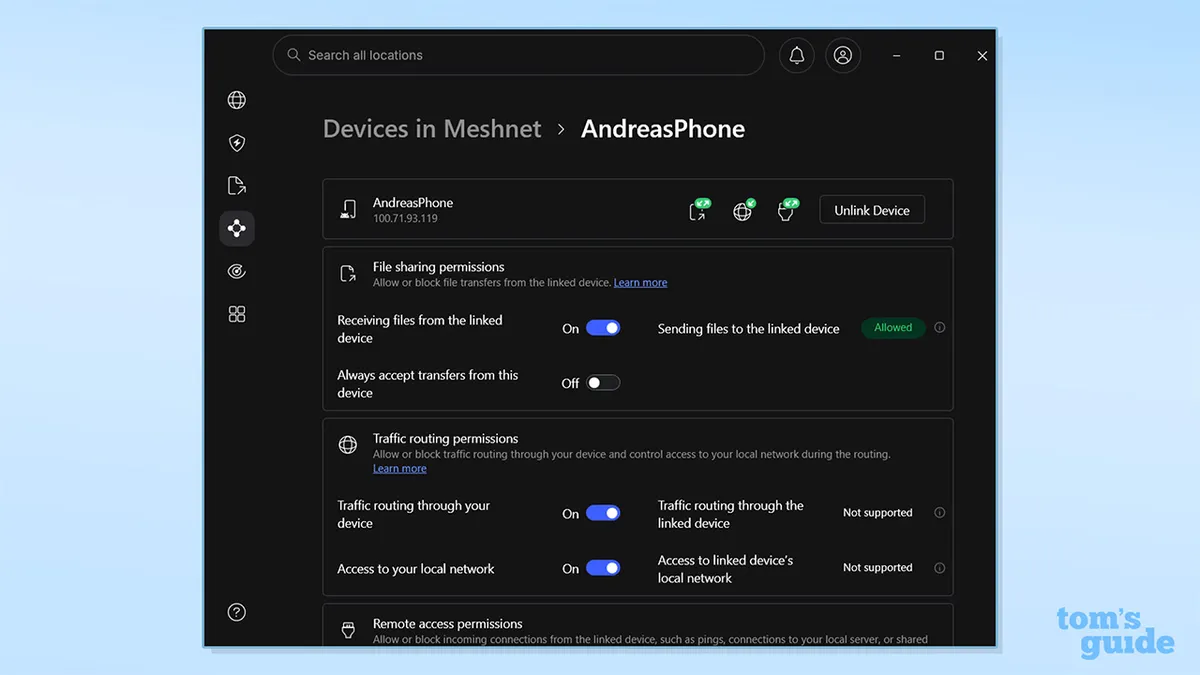
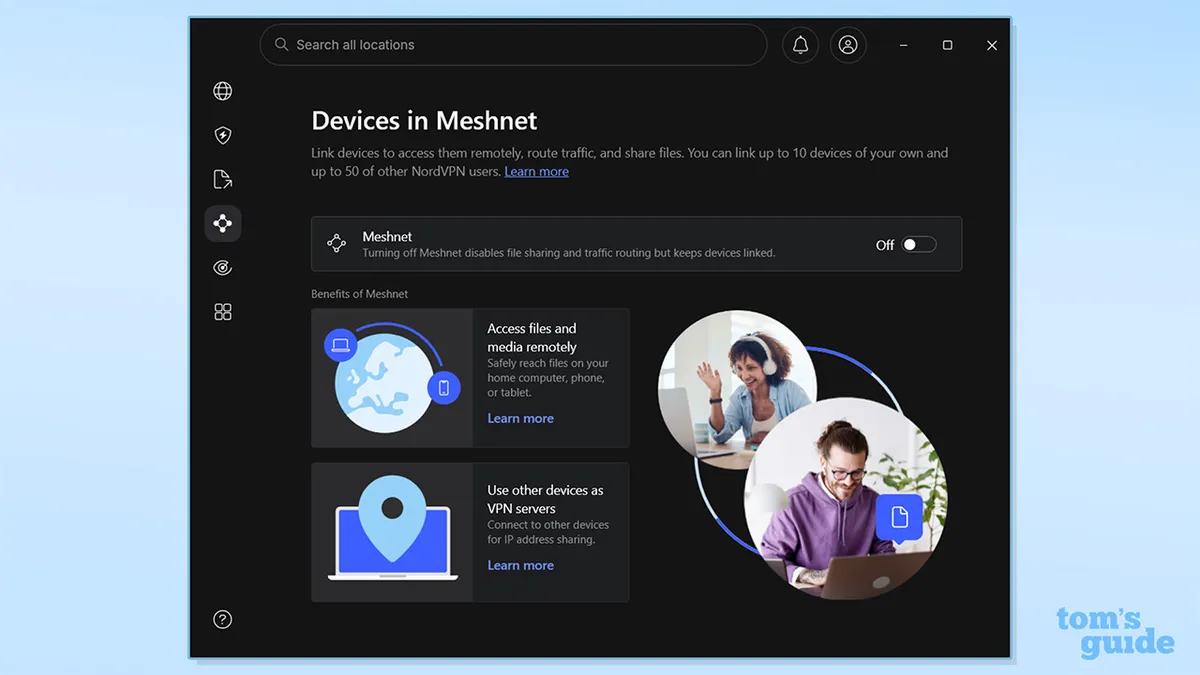
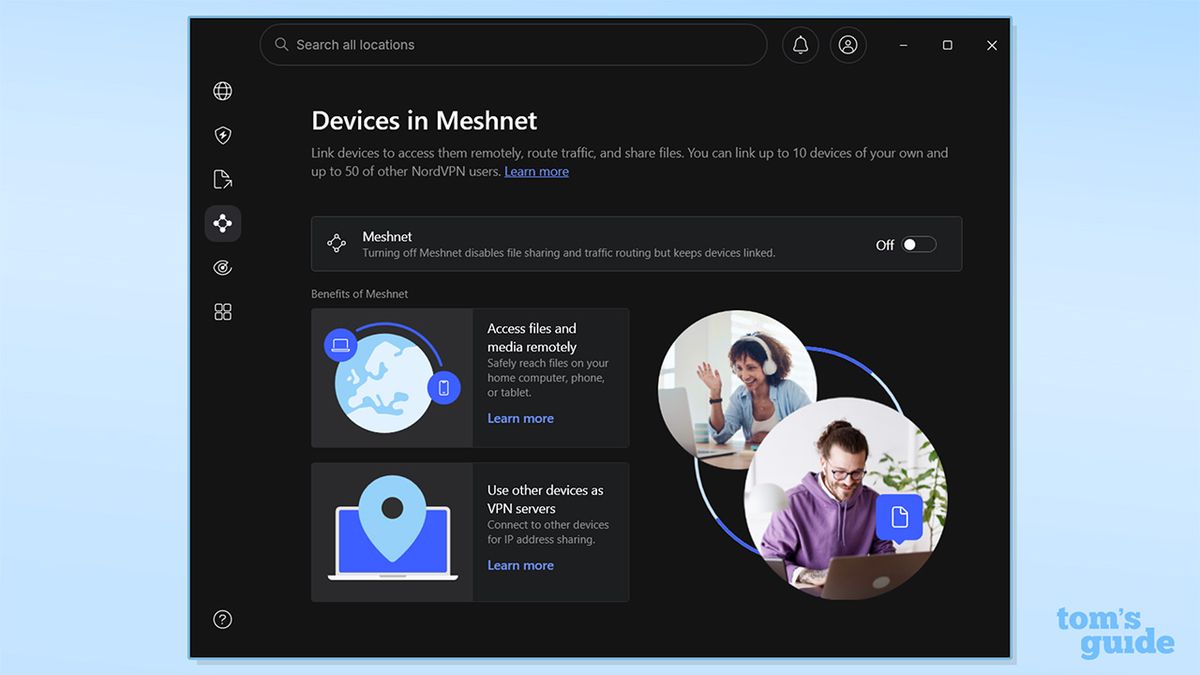
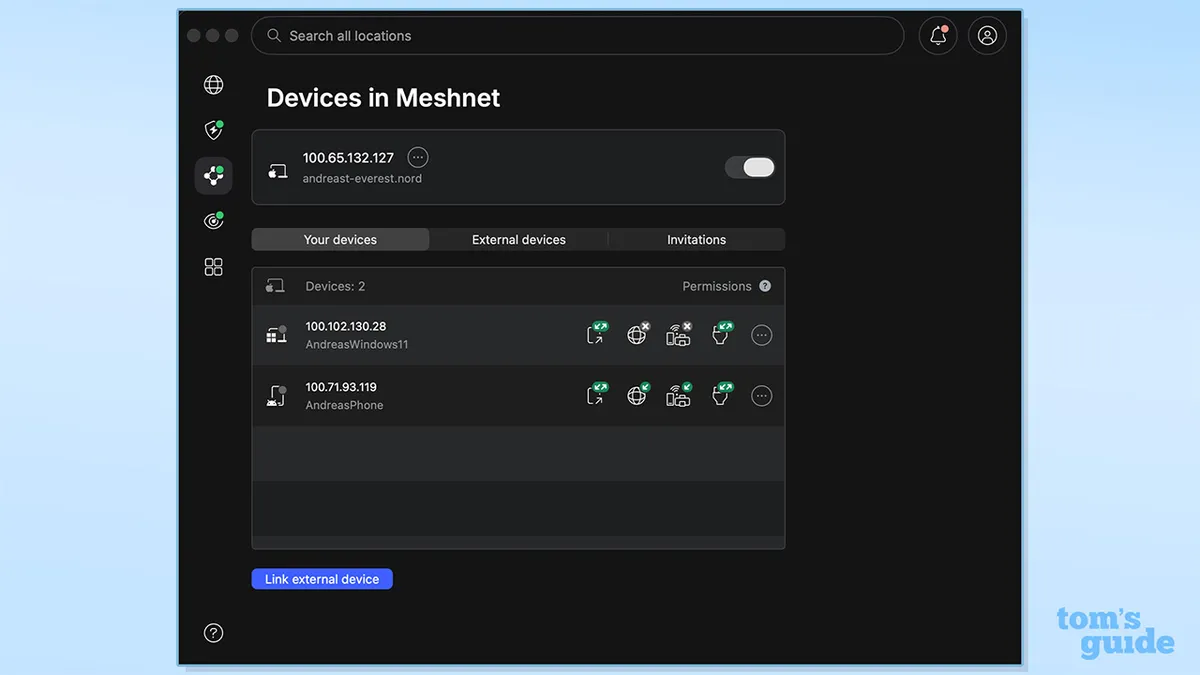
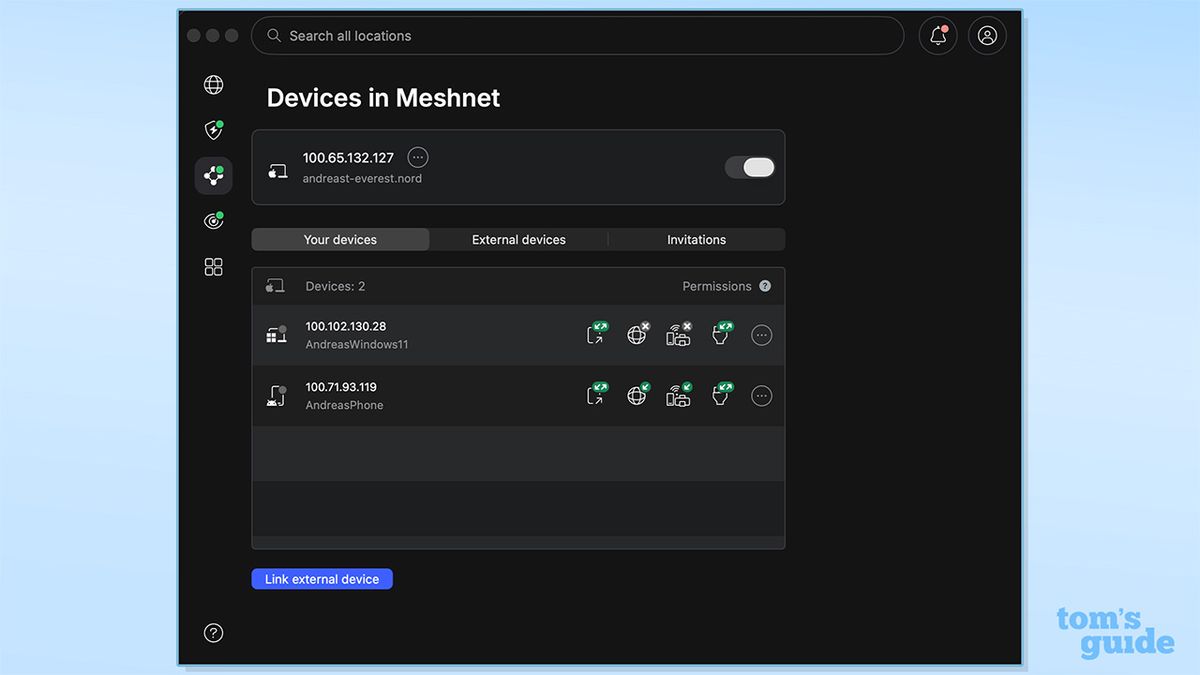
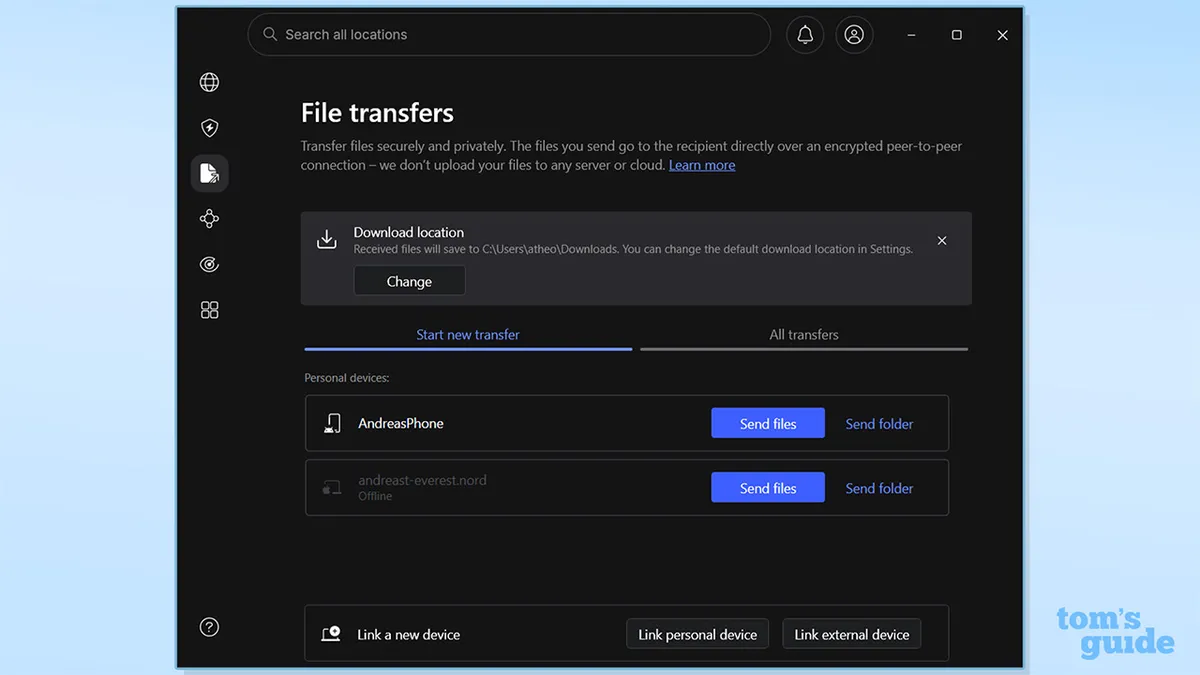
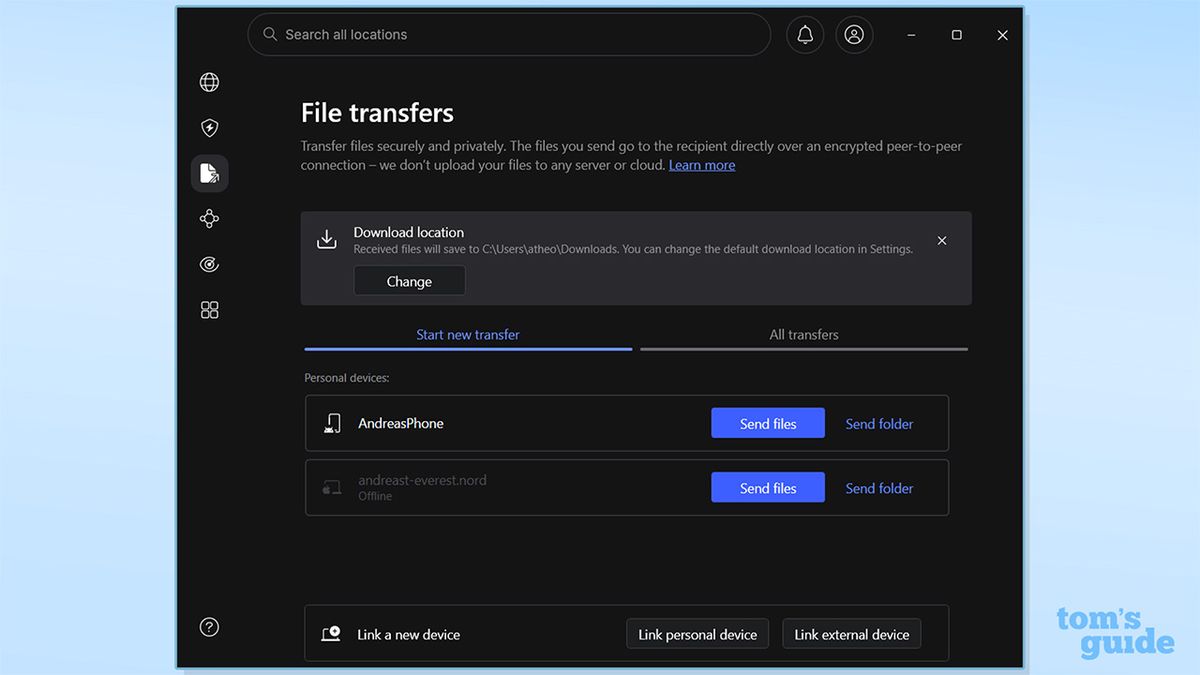
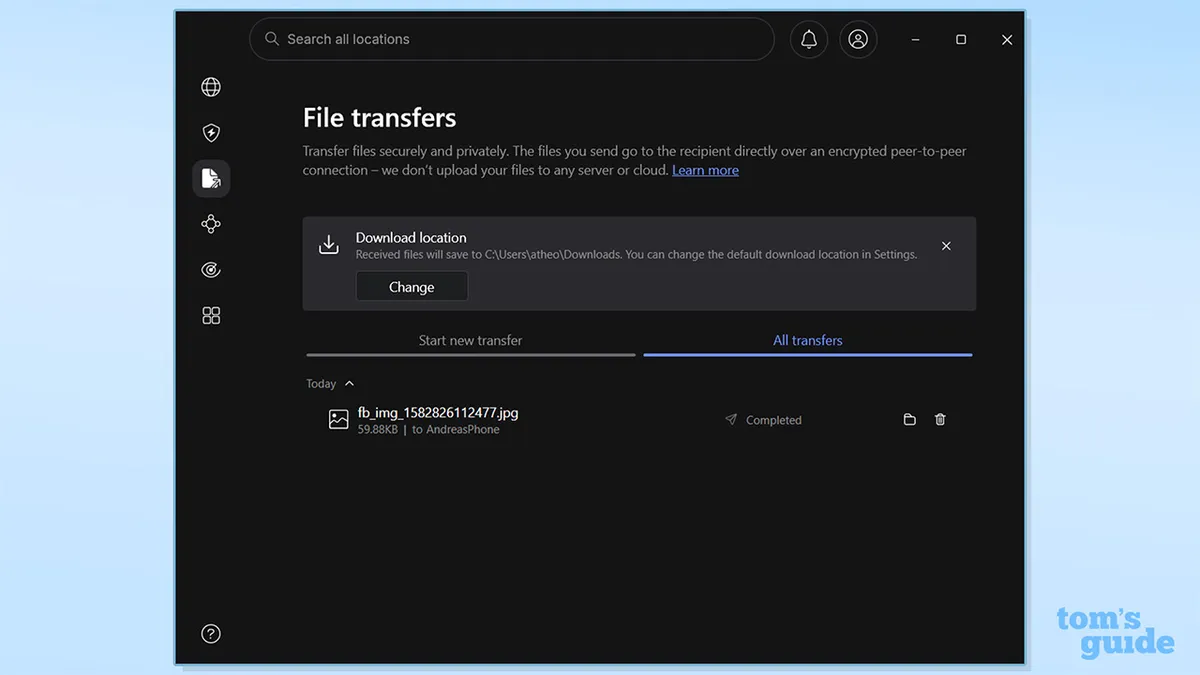
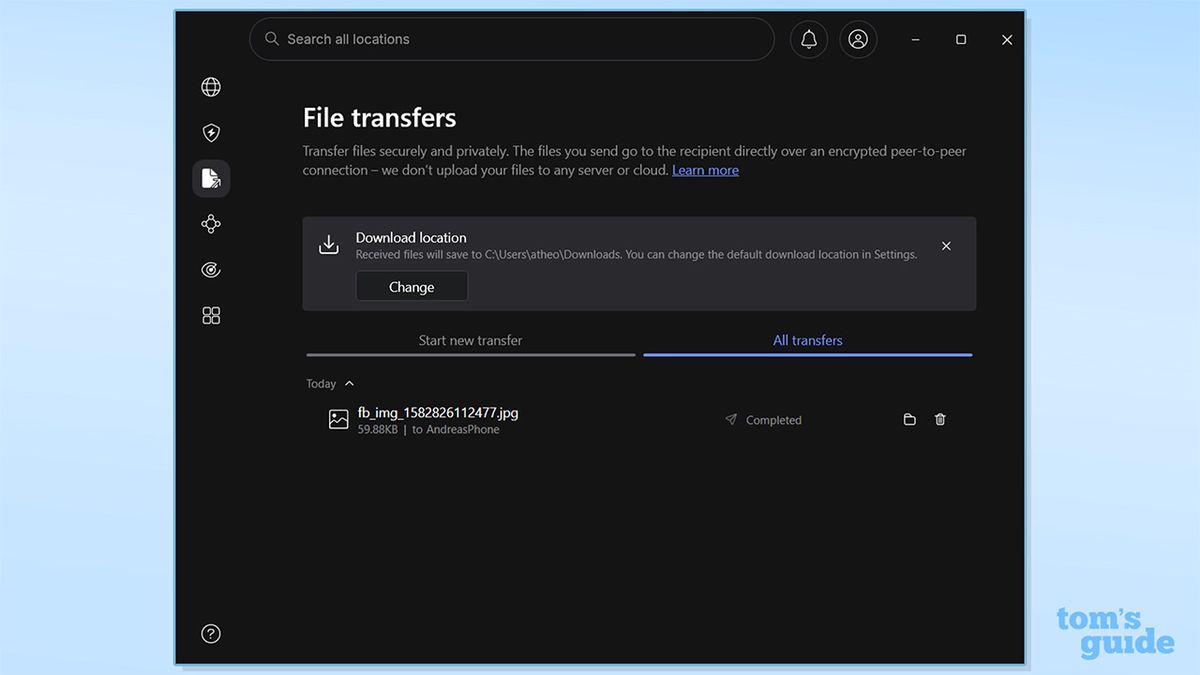
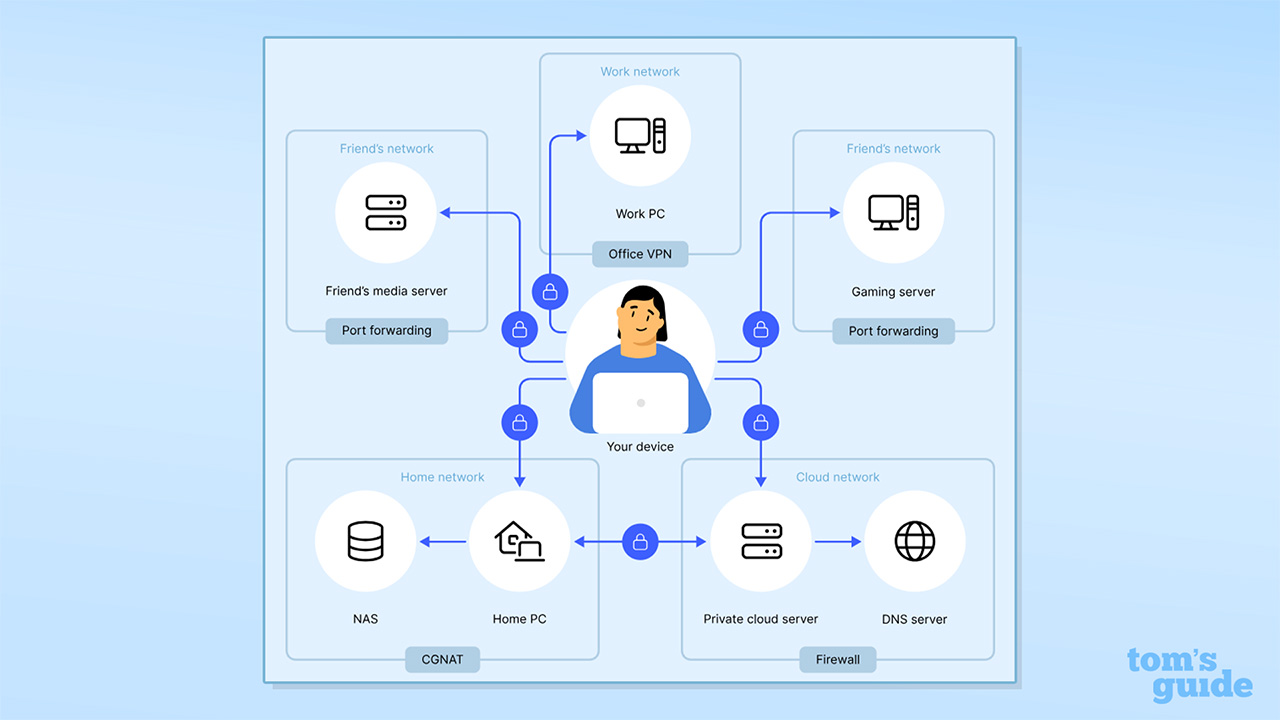
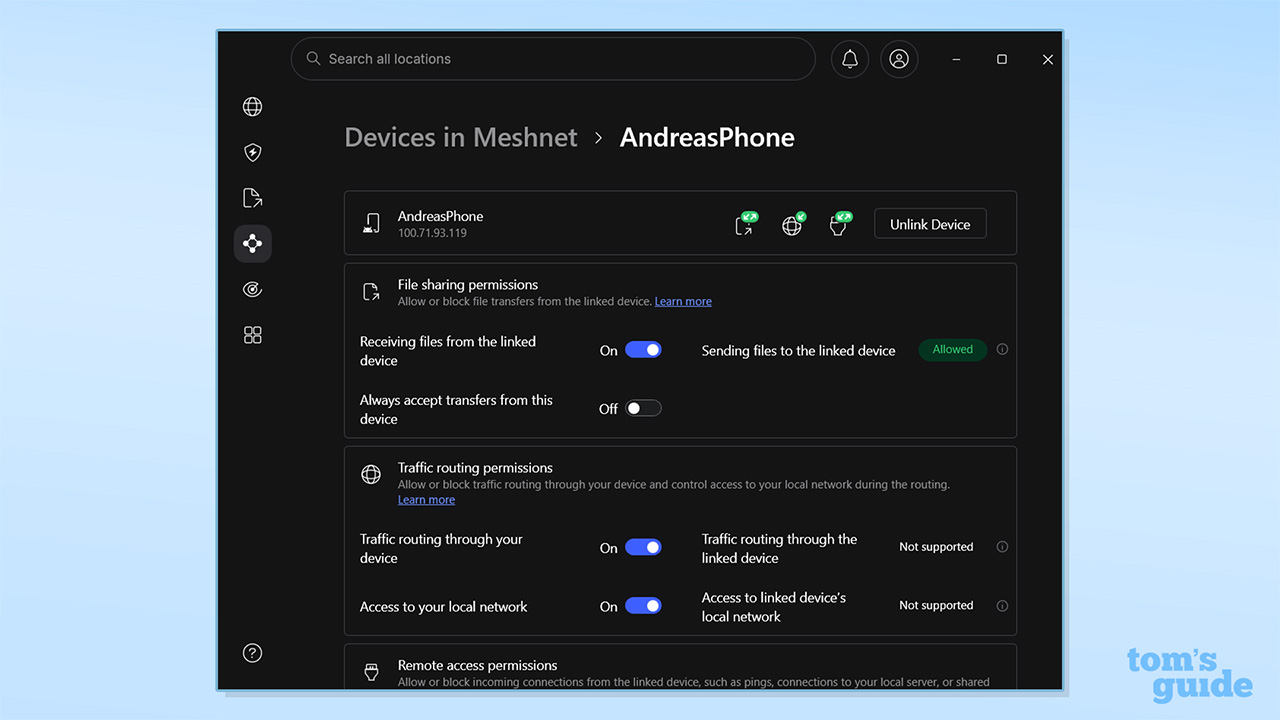
(Image credit: Future) NordVPN makes a lot of claims about what Meshnet can do – from LAN gaming and remote access, to NAS and traffic routing. It's a great tool to create a virtual network that enables you to access your own devices from anywhere – connecting to them directly. It's ideal for file sharing, collaborative work, and gaming. Meshnet brings fast speeds, low latency, and top-tier security. Setting up Meshnet (Image credit: NordVPN / Future) To get started with Meshnet, I first had to activate it on each of the devices that I wanted to be in my network. Open up the NordVPN app and hit the Meshnet tab in the toolbar – it's diamond shaped, with four bold points. For mobile apps, Meshnet is located within the Products tab. All major NordVPN platforms support Meshnet, including Windows, Mac, Android, iOS, and Linux. You can connect up to 10 devices on a single Meshnet account, with an additional 50 external devices able to be supported.…