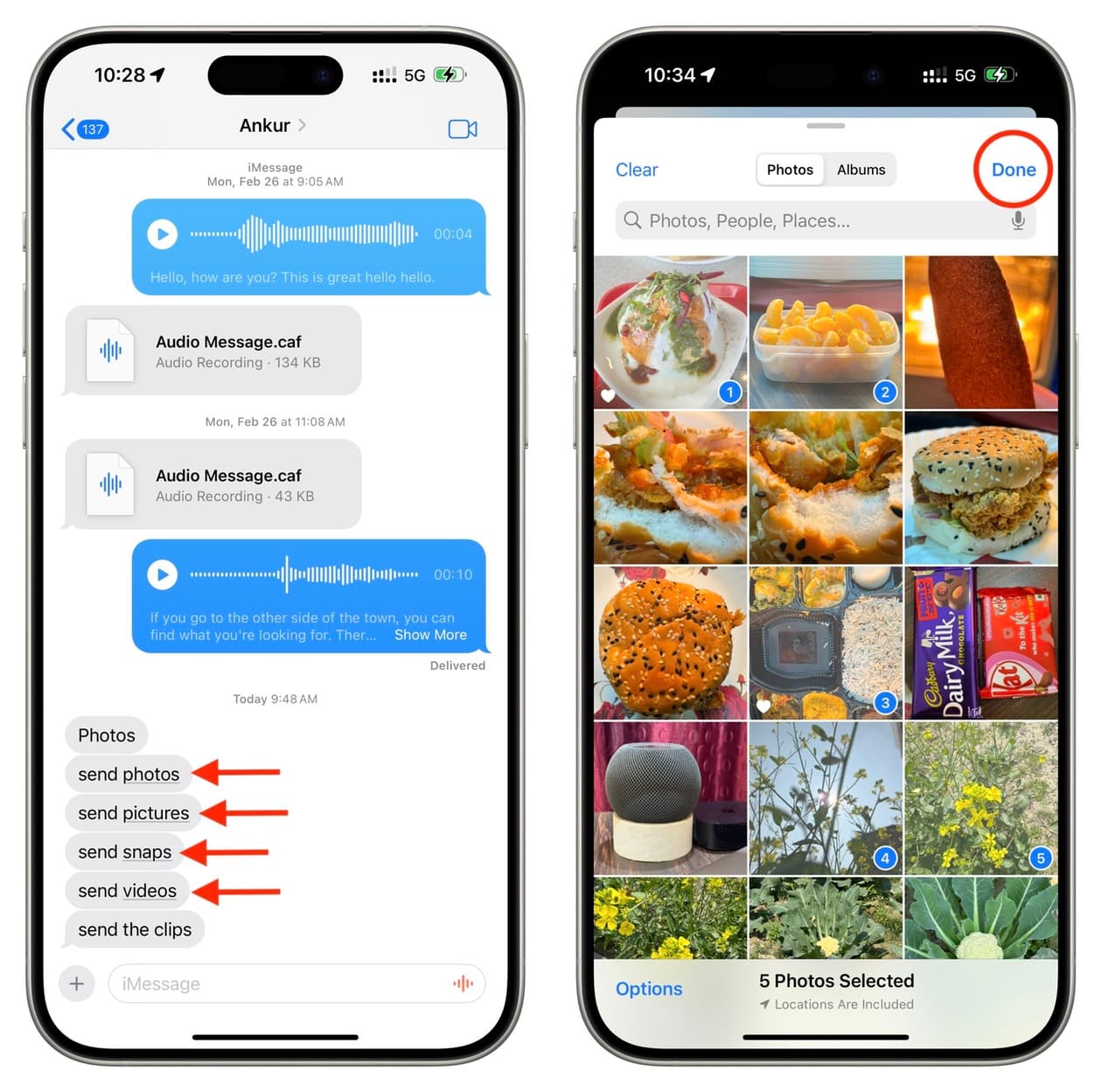
Follow these quick tips if you want to send photos and videos via Messages, but the photo picker doesn’t show up on your iPhone or iPad. For starters, you can send images and videos via iMessage, MMS, and RCS without leaving the Messages app. All you need to do is tap the plus button to see a list of iMessage apps and then select Photos . A small selector appears at the bottom of the screen, showing your most recent items from your photo library. You can then tap to select one or more items and send them. Alternatively, you can just touch and hold the plus button to bring up the photo picker directly. And if you receive a “Send photos” message, just tap the underlined ‘photos’ text to directly open the photo picker (see the screenshots below). However, if the above methods don’t work, you’ll have to leave the Messages app and use the iOS Share Sheet in the Photos app to send a picture or video. While doable, this is a lengthy process and requires navigating apps.…