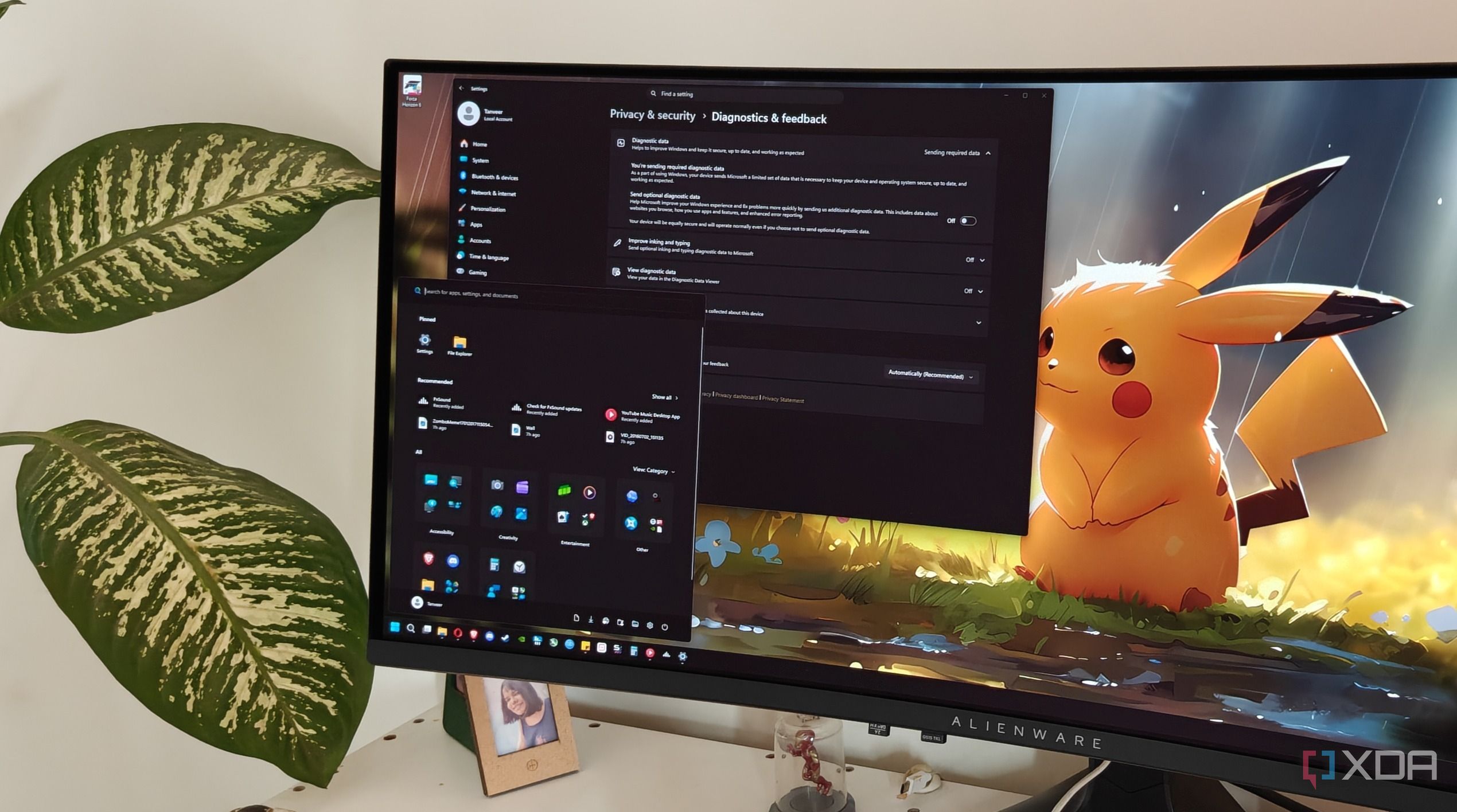
Published May 29, 2026, 5:30 PM EDT After a 7-year corporate stint, Tanveer found his love for writing and tech too much to resist. An MBA in Marketing and the owner of a PC building business, he writes on PC hardware, technology, and Windows. When not scouring the web for ideas, he can be found building PCs, watching anime, or playing Smash Karts on his RTX 3080 (sigh). After years of sticking to Windows 10, I finally switched to Windows 11 a while back. This was a forced upgrade since I wanted to use my new OLED display's HDR capabilities to the fullest, and also because Windows 10 entered EOL status back in October 2025. I assumed I would have to make peace with some amount of bloatware and the questionable design choices in Windows 11, but I was wrong. With debloating tools and Windows mods making it possible to remove almost everything annoying about the OS, I didn't have to suffer in silence.…