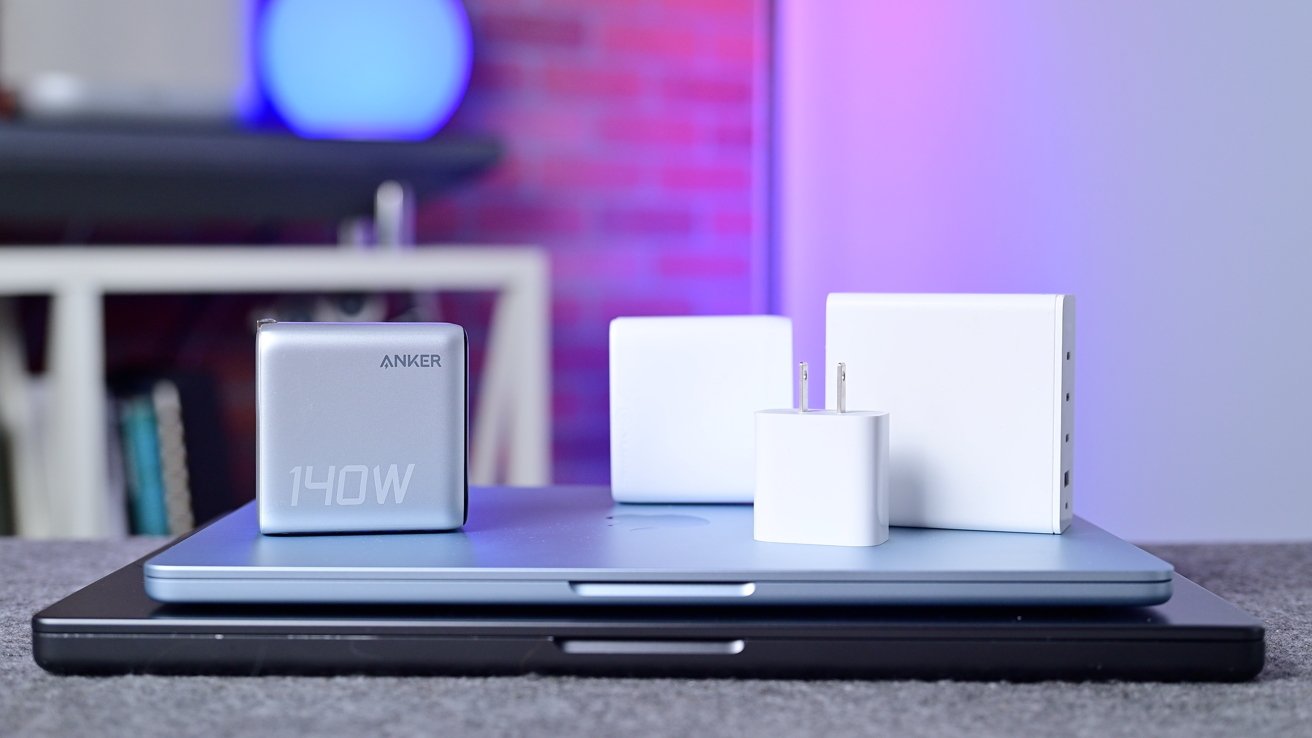
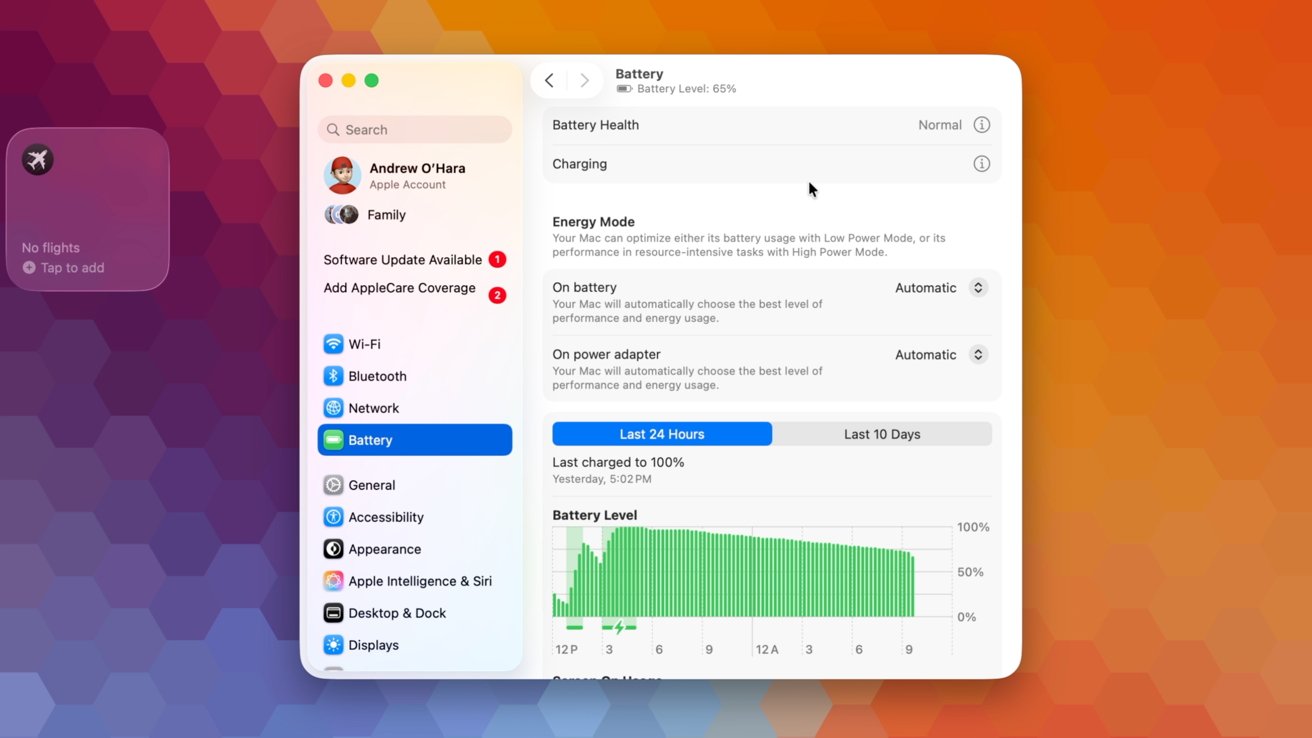
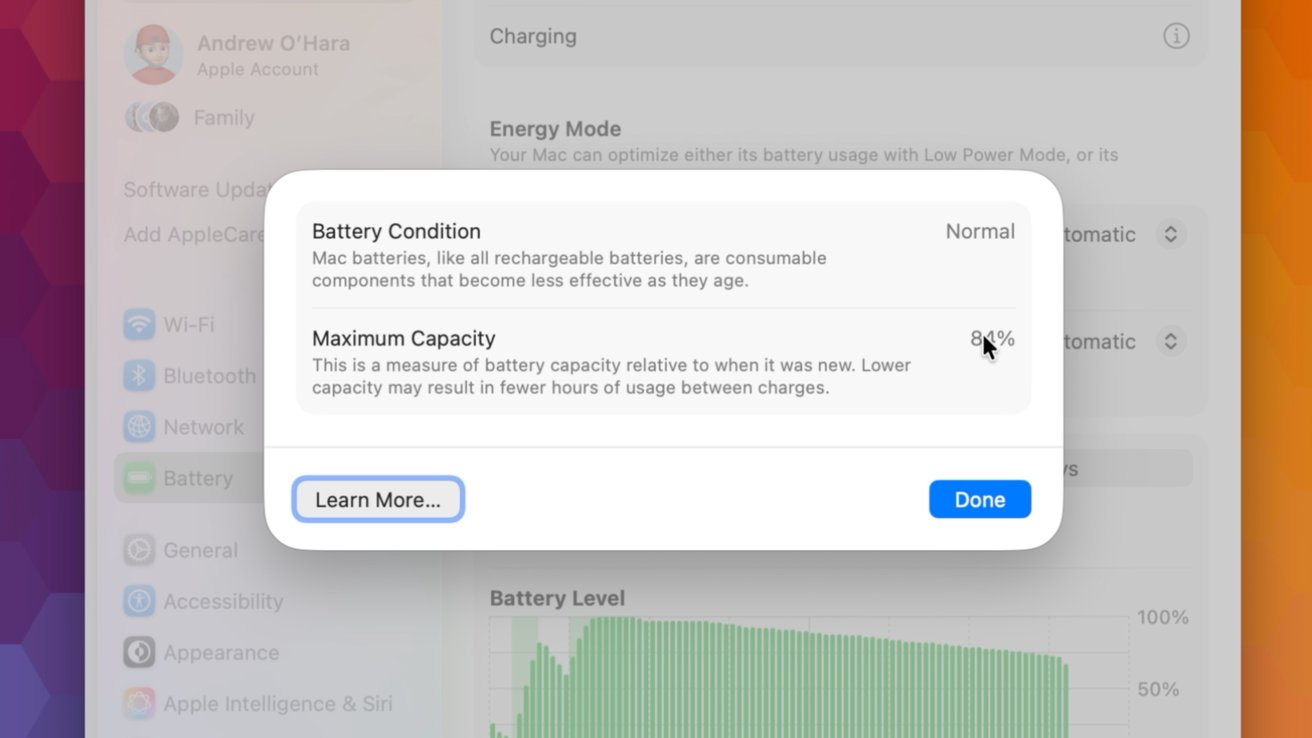
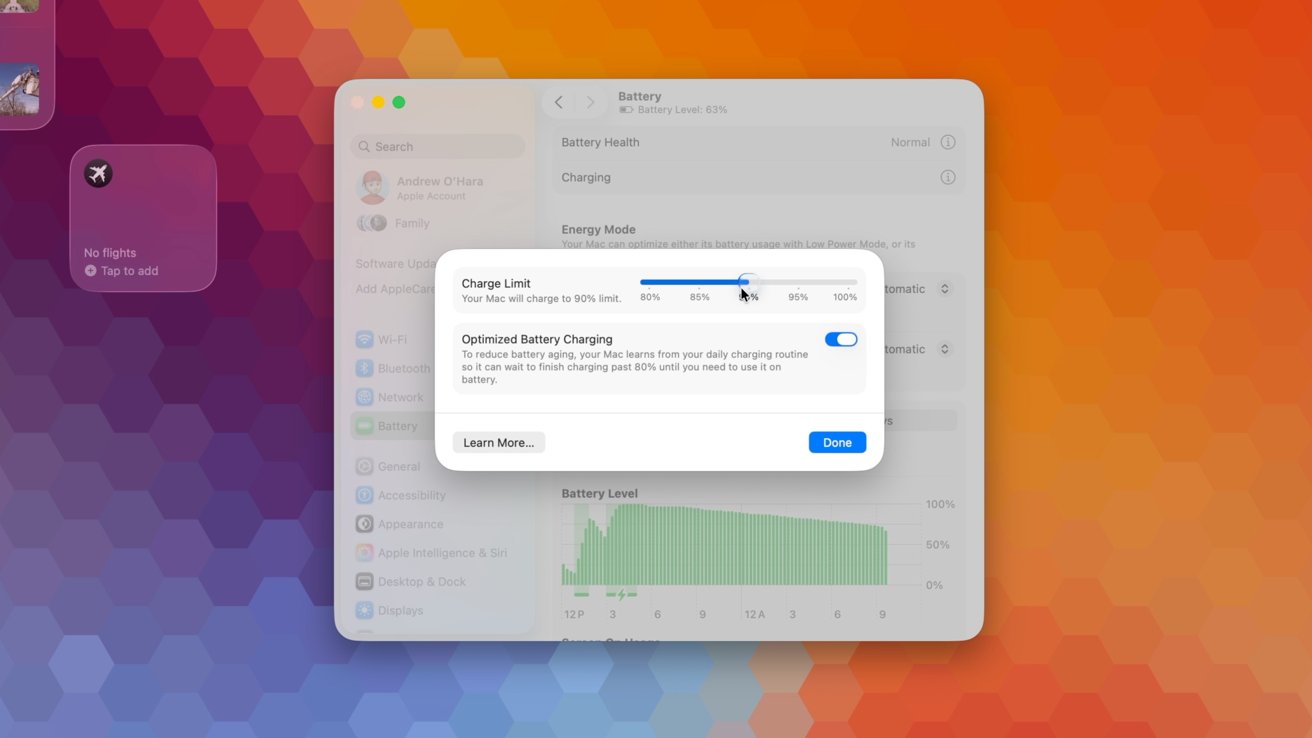
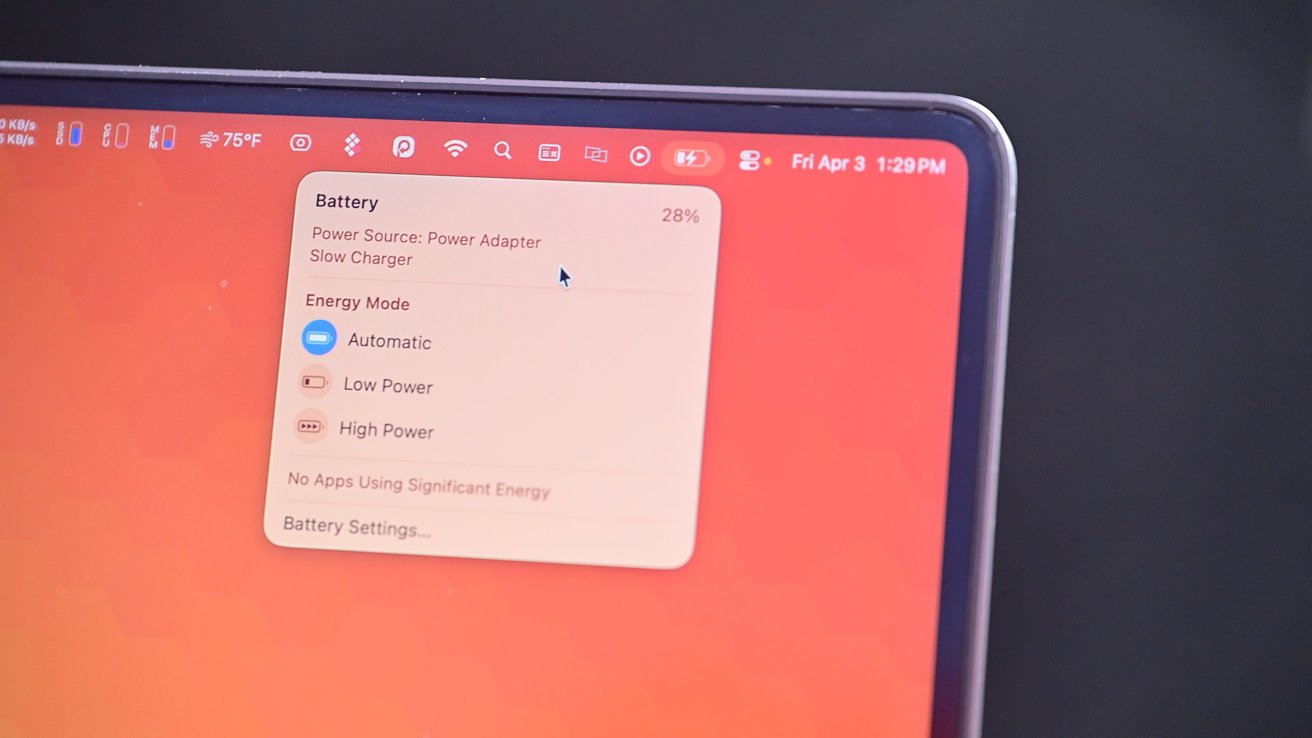
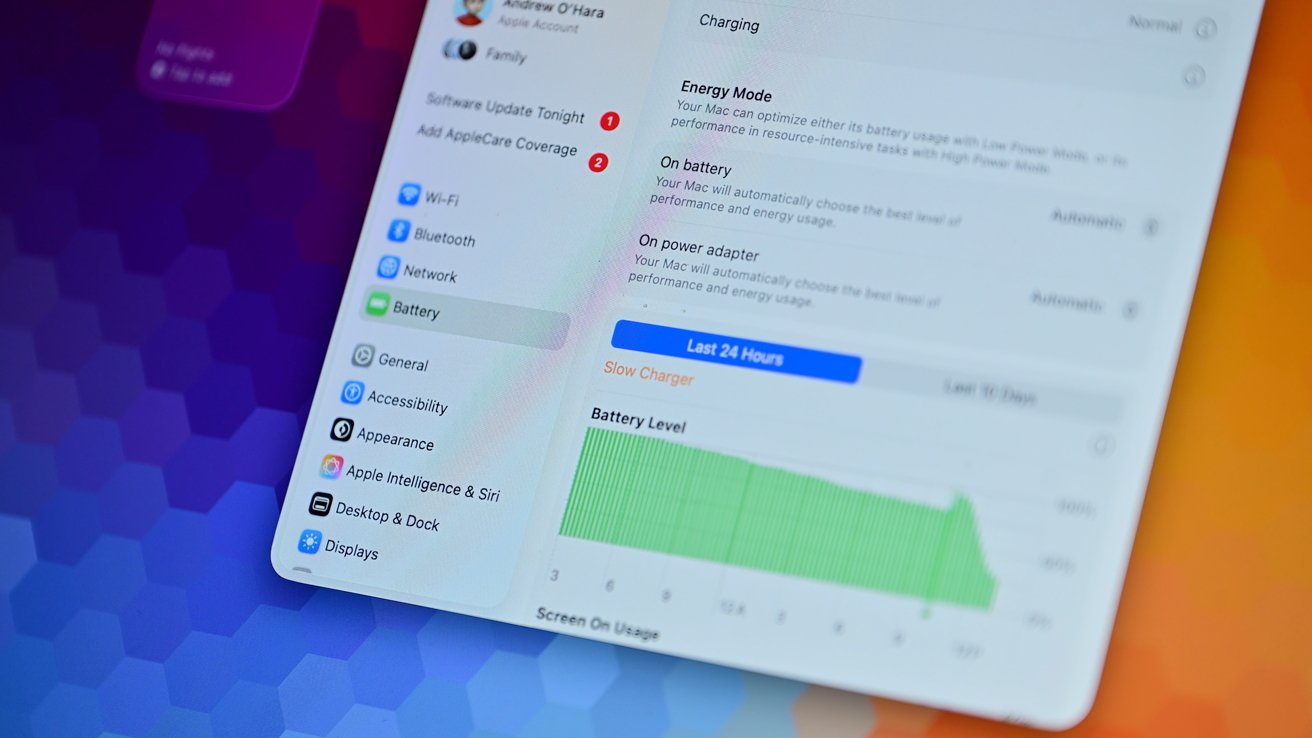
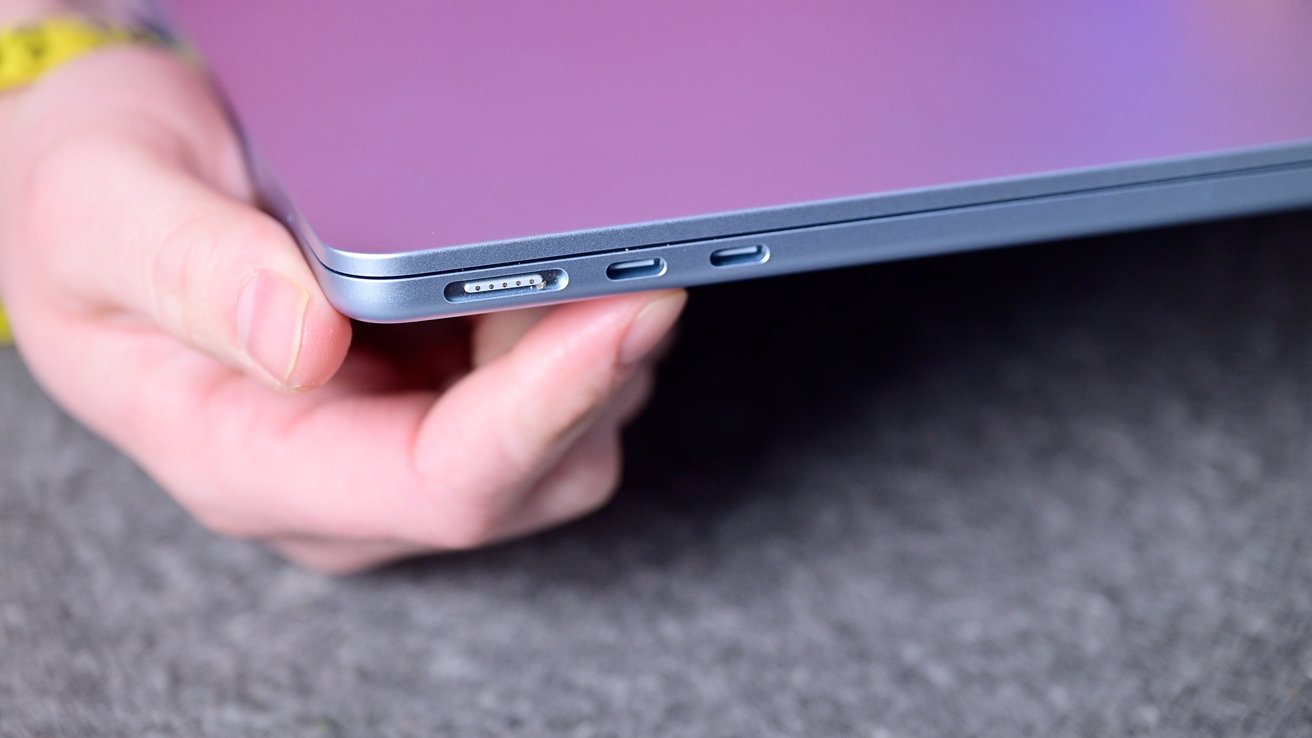
Even though most of a Mac's battery life is predestined by manufacturing variables out of your control, there are ways to prolong your Mac's battery life. In some cases, they may not be worth the hassle. With a smaller battery, most people talk about the best ways to extend both the battery life and overall battery health on iPhone . But your portable Mac is perhaps just as important. Slowly, Apple has been building out its battery health features with new ones being added as recently as macOS 26 .4. Here's which ones to pay attention to and how they work. Many of these options can be found in System Settings. The Battery category contains the relevant settings and graphs. Apple battery settings Right at the top of the Battery category, you'll see your battery health. It will tell you in plain text what your battery health is, such as "normal" or "service recommended." If you tap the encircled "i," it breaks it down further to show the battery condition and the maximum capacity.…